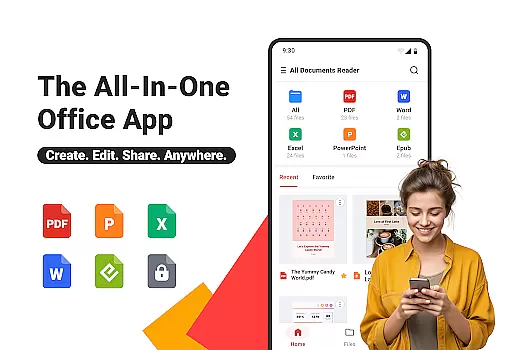
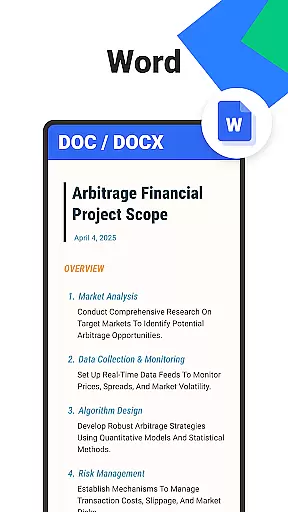
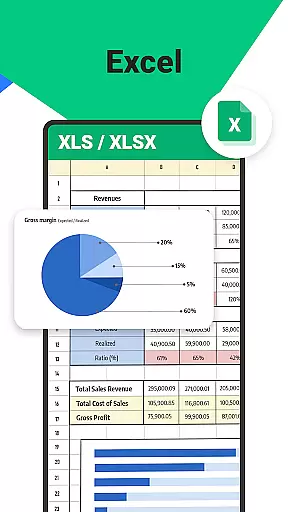
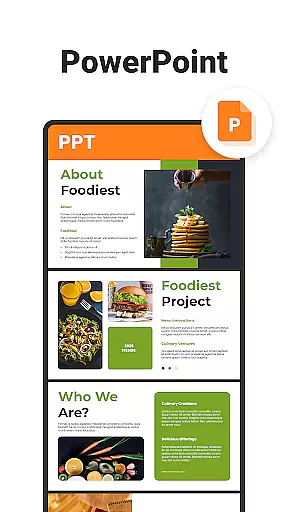
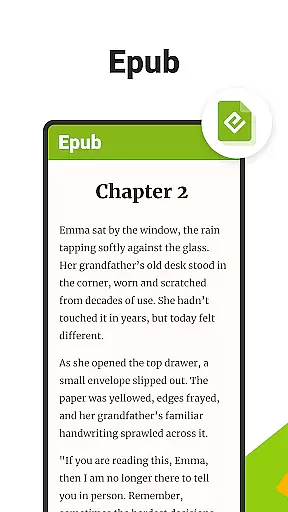
All Documents Reader is a versatile document management tool designed to streamline how you view, edit, and organize digital files. Supporting an extensive range of formats including PDF, Word, Excel, PowerPoint, and EPUB, this app serves as your all-in-one solution for document handling.
With its centralized access feature, users can gather all their files in one place for quick browsing and instant previews. The app also offers smart search functionality, allowing you to locate any document effortlessly. Whether you're managing business documents or enjoying leisure reading, All Documents Reader provides a seamless experience tailored for work, study, and everyday life.
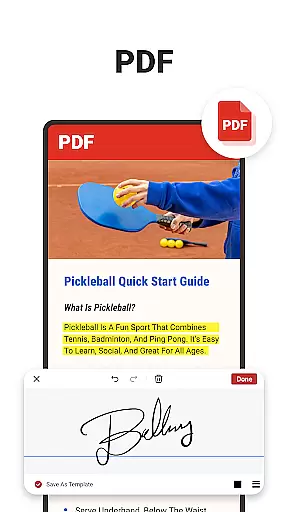
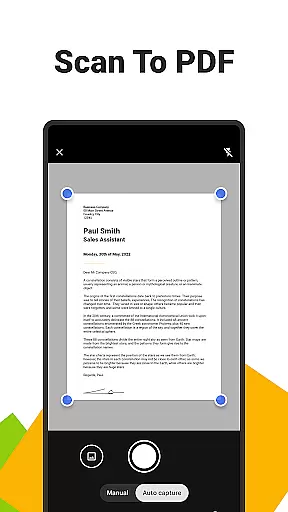
All Documents Reader stands out with its comprehensive PDF tools. This includes an all-in-one PDF reader that allows you to read, highlight, annotate, merge, split, fill forms, and sign documents easily. The built-in PDF scanner converts photos into high-quality PDFs with a single tap, while AI summarization extracts key points from complex documents instantly.
The app's efficient document organization ensures intuitive navigation and automatic categorization by format. Users can quickly search by document name or type and return to recently viewed files within seconds. Additionally, the optimized reading experience offers customizable viewing options such as horizontal and vertical modes, making it suitable for both detailed reports and casual reading.
In the realm of document management, the precision and efficiency of an application's core functions are paramount. Ora All Documents Reader excels in this area by offering a versatile file organizer that supports multiple formats including PDF, Word, Excel, PowerPoint, and EPUB. This ensures that users can instantly open and work on any document type they encounter, making it an indispensable tool for both professional and personal use.
The app doesn't stop at just viewing; it provides comprehensive PDF tools that allow you to read, highlight, annotate, merge, split, fill forms, and even sign documents. With features like scan to PDF, AI summarization, and seamless format conversion, Ora enhances productivity by streamlining workflows and simplifying complex tasks. These capabilities ensure that whether you're dealing with detailed reports or creative projects, the app delivers accurate and effective results every time.
Moreover, Ora All Documents Reader is designed for optimized reading experiences. It offers customizable viewing options such as horizontal and vertical modes, catering to different preferences and needs. This flexibility not only improves user satisfaction but also makes document interaction more intuitive and enjoyable. By focusing on these core functionalities, Ora guarantees a high level of performance that meets the demands of today's digital environment.
A user-friendly interface is crucial for ensuring that users can navigate and utilize an application's features without frustration. Ora All Documents Reader achieves this through its intuitive navigation system, which allows quick searches by document name or type and easy access to recently viewed files. This smart search functionality saves time and boosts productivity, enabling users to focus on their tasks rather than struggling with complicated menus.
The app further simplifies document organization with automatic categorization. Files are organized by format, providing an effortless management experience that keeps everything tidy and accessible. This feature is particularly beneficial for individuals who handle large volumes of documents, as it reduces clutter and enhances overall efficiency.
Additionally, Ora All Documents Reader is designed for work, study, and everyday life, making it a reliable partner for various scenarios. Its straightforward design ensures that all users, regardless of technical expertise, can manage everything from business documents to leisure reading with ease. By prioritizing interface simplicity and intuitiveness, Ora creates a seamless and enjoyable user experience that stands out in the crowded field of document management tools.
User-friendly interface
Multi-format support
Offline functionality
AI-powered summarization
Secure data management
Limited cloud integration
No real-time collaboration
Premium features locked
Occasional bugs reported
Heavy on storage

 4.50
4.50
Just one-tap to easy translate in any language after calls within seconds.
4.20
Forza Tuning Calculator App for Forza Horizon 5, Motorsport and Earlier Titles
4.40
Navigate with Ease and Style
4.90
Signal Strength, Mobile, Wifi, Speed Test, Bad Signals, Cellular, 5G, LTE, 4G
4.20
Making emulation easy for everyone!
4.30
Screen Mirroring for Roku Sticks, Roku TCL TV and Roku Hisense TV
4.50
Play your X-Box games remotely in 1080p with any controller and zero latency
4.60
Create your own custom widget with endless possibilities
3.90
Support Fossify apps with a warm thank you!
5.00
Powerful collection of electronics tools and reference.A must for any enthusiast
4.90
Small and simple app to Verify Root Access and BusyBox Install!
4.70
Quickly switch to an encrypted DNS server on Android TV
4.50
Pro Emulator is an easy to use game console emulator for a range of consoles.
4.40
Complete kernel toolbox with features to manage and tweak your rooted device
4.30
VESC Tool can monitor and configure VESC-compatible devices over BLE and Wifi
4.20
An open-source APK explorer for Android!
4.10
Amateur Radio app for APRS: Track friends, exchange messages, get tactical info.
3.90
PDF Reader - Document Viewer: Read, Manage & Organize Your Documents
3.10


User Reviews