







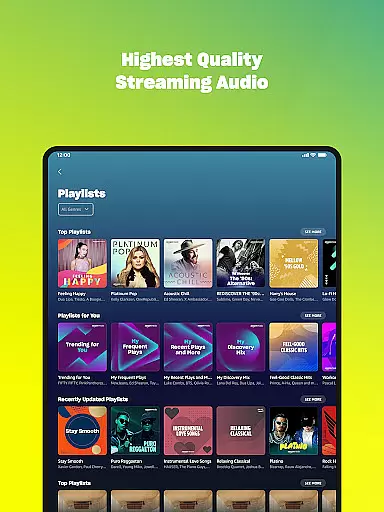
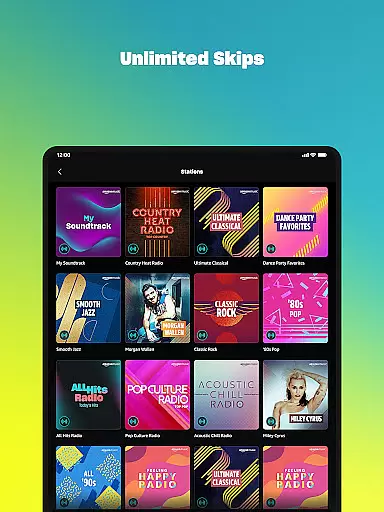

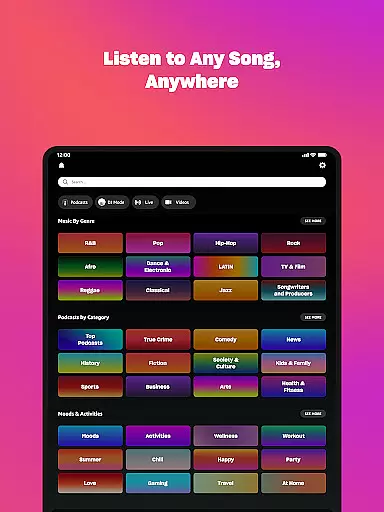



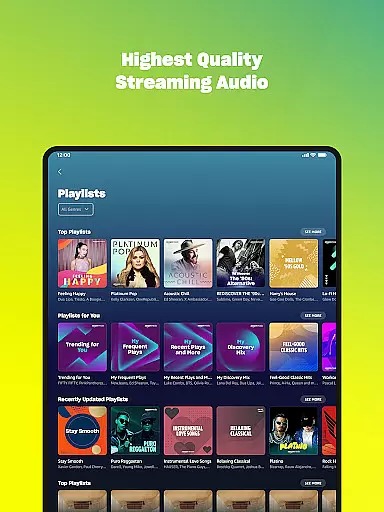
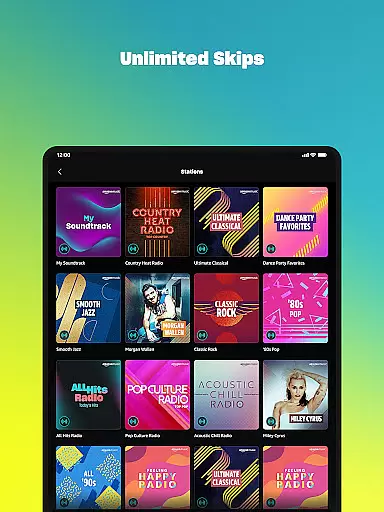

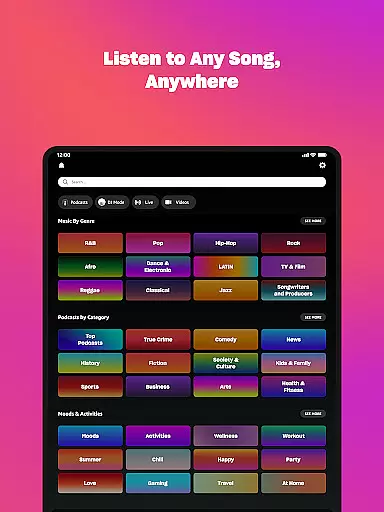



Amazon Music is a comprehensive music streaming service that offers users multiple ways to enjoy their favorite tunes and discover new ones. With options ranging from free ad-supported listening to premium subscription tiers, the app caters to diverse user needs. Prime members enjoy added benefits like ad-free music and an extensive podcast library.
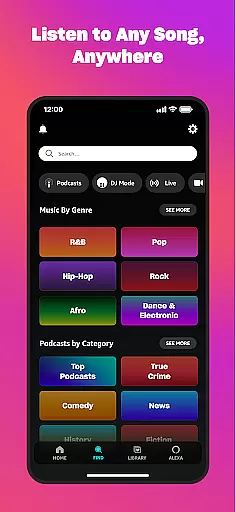
The app's Amazon Music Unlimited tier provides access to 100 million songs, audiobooks, and top podcasts without ads. Users can also import playlists from other platforms and access their purchased music library. The Wear OS integration enables smartwatch users to control playback and access music on the go, making it a versatile solution for modern music enthusiasts.
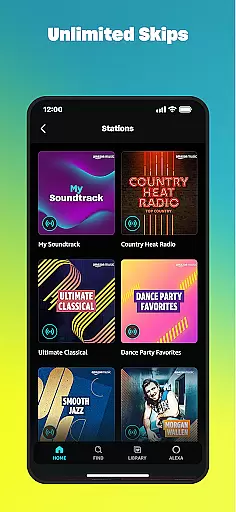
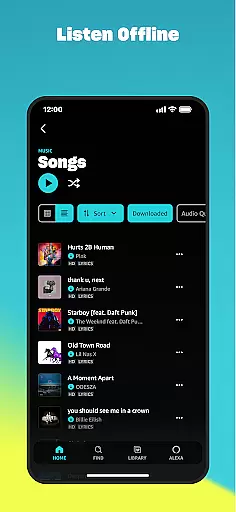
Amazon Music stands out with its multi-tiered service structure. The free version offers thousands of stations and top playlists with ads, while Prime members get ad-free access to all music and the largest catalog of ad-free podcasts. The Amazon Music Unlimited subscription takes it further by providing unlimited skips, offline listening, and spatial audio experiences.
Unique features include playlist importing from other platforms, cloud storage for purchased music, and robust Wear OS support. Users can cast music from their watch to compatible Android devices, download content for offline use, and access personalized recommendations based on their preferences. These features create a seamless music experience across different devices and platforms.
Companion app integration is essential for users who want a seamless experience between their mobile devices and wearable technology. Amazon Music ensures that your listening experience is consistent across all devices, allowing you to transition smoothly from phone to smartwatch without missing a beat.
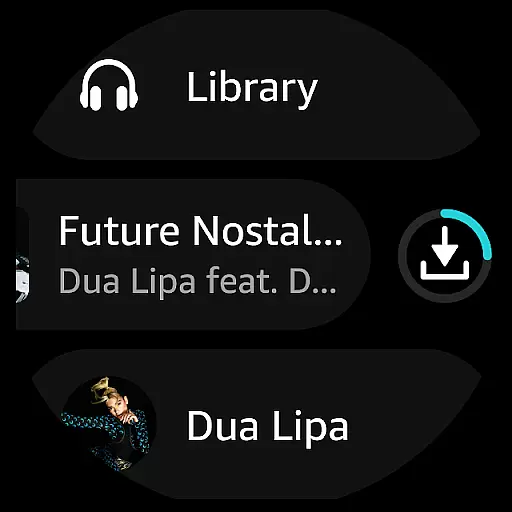
The Amazon Music app offers robust companion app features by enabling users to access their favorite playlists, albums, and personalized recommendations directly from their Wear OS devices. This means you can leave your phone at home and still enjoy your music while jogging or commuting.
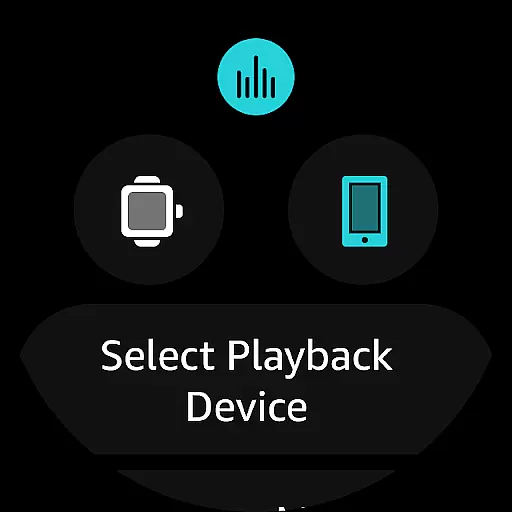
With the ability to cast and control playback on compatible Android devices right from your wrist, Amazon Music enhances user convenience. This feature not only simplifies music control but also enriches the overall user experience by providing quick access to top recommendations and library content.
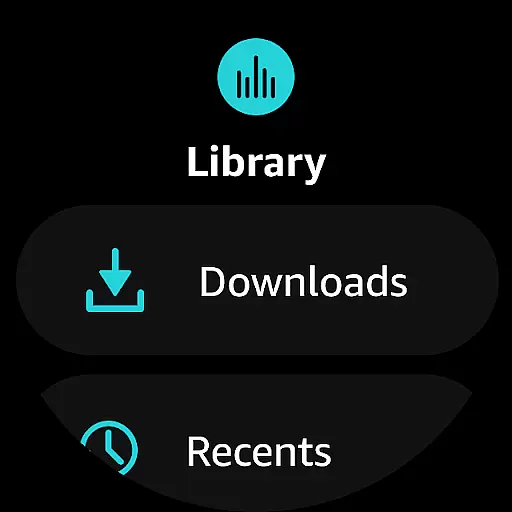
By downloading playlists and albums onto your smartwatch, Amazon Music allows offline listening. This functionality is particularly beneficial for users who find themselves in situations where carrying a phone is impractical, ensuring that music is always within reach.
Device compatibility is crucial for ensuring that applications like Amazon Music function optimally across various platforms. For Wear OS users, Amazon Music provides extensive support, making it easy to enjoy music and podcasts directly from your smartwatch.
Amazon Music's compatibility with Wear OS ensures that users can access a wide array of features tailored specifically for wearable devices. Whether you're looking to play songs from your library or discover new music, the app delivers an intuitive interface designed for small screens and touch controls.
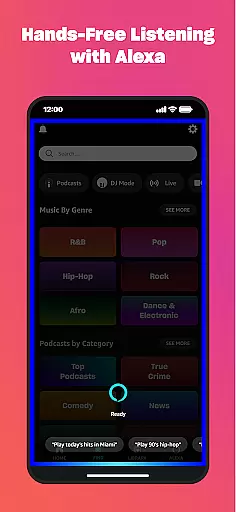
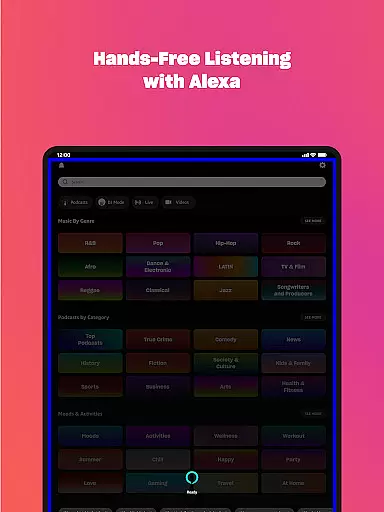
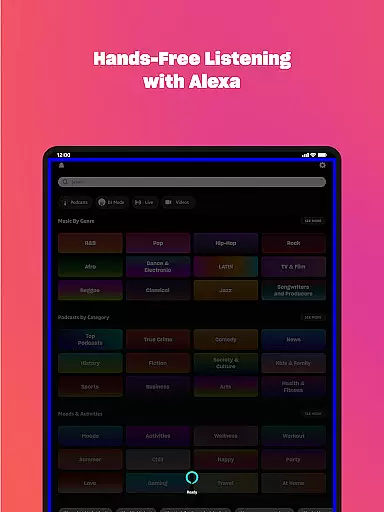
In addition to basic playback functions, Amazon Music supports advanced features such as voice commands and gesture controls. These capabilities make navigating the app effortless, even when you're on the move, thus enhancing the overall usability of your wearable device.
Furthermore, the app's optimization for Wear OS guarantees that battery consumption is kept to a minimum, preserving the longevity of your device while still delivering high-quality audio performance. This balance between functionality and efficiency underscores Amazon Music's commitment to providing a superior listening experience on wearable technology.
User-friendly interface
Extensive music library
Prime member benefits
Offline listening option
Cross-device compatibility
Limited free features
Ads in free version
Subscription costs
Regional restrictions
Feature limitations

Watch the sharpness of the sky on your wrist..
 3.70
3.70
Christmas - Festive - Christmas Village - Winter - Christmas lights
5.00
A heartwarming Christmas scene featuring a cute image of Santa and Rudolf
4.5
Wear Os Watch Face - Animated Snow Effect & Magic Spark - 6 Scenes
4.10
Fitness interactive virtual pet super fighter boy watch face
4.3
sleep, alarm, snoring, stress, healing, focus, sound therapy, circadian rhythm
4.10
A modern hybrid informative watch face for Wear OS designed by BALLOZI
4.80
Premium hybrid watch face with many customizations for Wear OS devices.
4.40
Simple, helpful messaging by Google
4.60
Gym Log & Workout Tracker | Fitness Journal, Training & Weight Lifting Planner
4.90
Walking app for weight loss: walk & step tracker, pedometer, indoor treadmill
4.60
Rose gold watch face with festive lights & customizable features.
4.60
Kia Access makes getting your vehicle information easier than ever
4.60
Embrace the festive spirit with our Christmas Countdown watchface for Wear OS
4.10
Connect, create, and collaborate with Gmail, part of Google Workspace.
4.10
Wear Os Watch Face - Animated Snow - Sesonal for Christmas & Winter
4.4
Precision analog watch face with 7 complications and style options
4.3
Analog watch face with 8 complications and expedition styling
4.2
Stunning modern digital watch face with 7 complications and strong contrast
4.1


User Reviews