
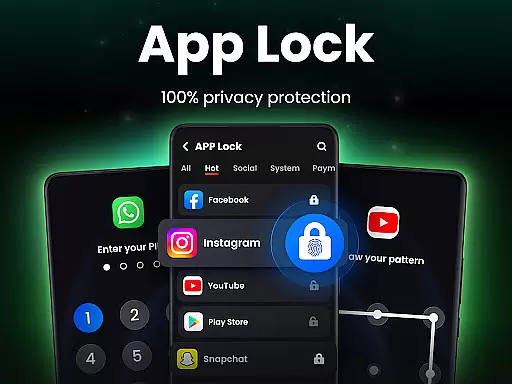
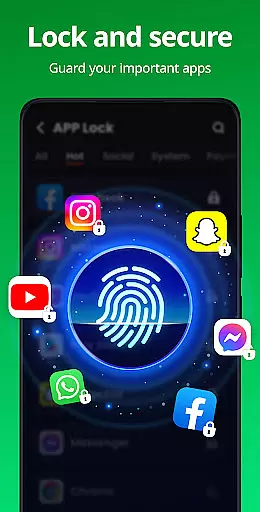
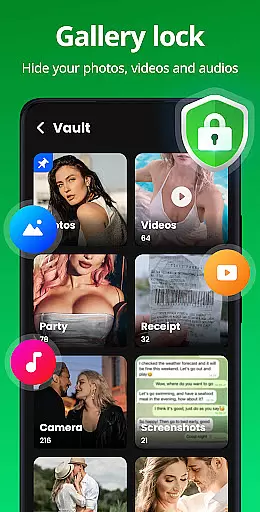
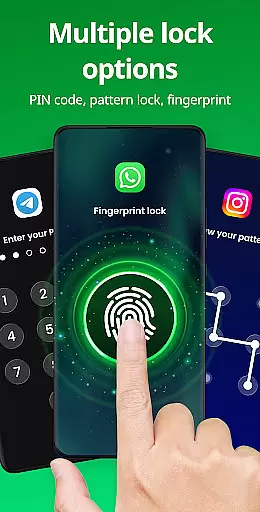
App Lock is a powerful productivity tool designed to protect your private data with advanced security features. This app allows users to lock specific applications using PIN, pattern, or fingerprint authentication, ensuring complete privacy and control over sensitive information. With its user-friendly interface, App Lock is suitable for anyone looking to secure their personal photos, messages, social media accounts, and financial apps from unauthorized access.
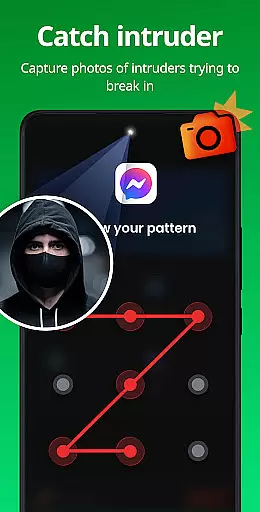
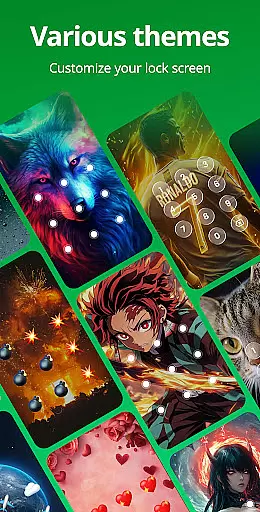
Beyond basic locking functionality, the app offers additional features like Safe Vault for hiding private files, Intruder Selfie to capture unauthorized access attempts, and customizable lock screen themes. These features make it an ideal solution for safeguarding your digital life across both personal and professional environments.
App Lock stands out with its comprehensive feature set tailored for maximum security and customization. The core functionality allows users to lock individual apps using multiple authentication methods including PIN, pattern, and fingerprint recognition. This versatility ensures that users can choose the most convenient security method for their needs.
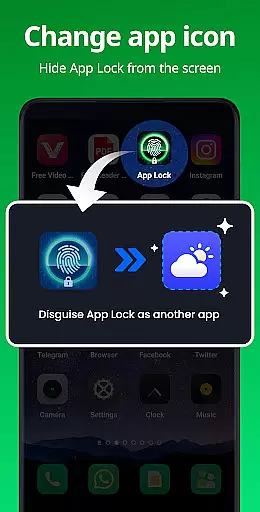
Additional notable features include Safe Vault for discreetly storing private media files, Intruder Selfie which automatically takes photos of failed unlock attempts, and Disguise App functionality that masks the app's presence on your device. Users can also customize their experience through various themes, randomize keyboard layouts, and configure automatic relock settings. These robust features collectively provide a complete privacy protection solution.
At the heart of App Lock's functionality is its ability to manage and secure core tasks on your mobile device. This app lock utility ensures that essential applications containing sensitive information can be instantly secured with a simple click.
The app employs multiple layers of security, including PIN, pattern, or fingerprint authentication, to protect user privacy. By locking apps such as WhatsApp, Instagram, and Facebook, it prevents unauthorized access to personal chats and social media interactions.
Users benefit from enhanced control over their digital environment, safeguarding not only social apps but also critical components like Gallery, Contacts, and Messages. This comprehensive protection means peace of mind against both physical intrusion and cyber threats.
Ultimately, App Lock's task management feature provides an indispensable service for those looking to maintain strict confidentiality over their private data, making it an essential tool for productivity and personal security.
While App Lock focuses primarily on securing applications on a single device, its potential for cross-device synchronization represents a significant advancement in maintaining consistent security protocols across multiple platforms.
Although current descriptions do not explicitly detail cloud backup features, the promise of upcoming functionalities hints at reliable synchronization mechanisms. These would allow users to maintain uniform protection levels whether they're accessing their data on a smartphone, tablet, or other connected devices.
The anticipated cloud backup feature will enable automatic data replication across devices, ensuring that security settings and protected files remain consistently updated. This real-time synchronization guarantees that changes made on one device are immediately reflected on all others.
By implementing robust cross-device capabilities, App Lock would significantly enhance its value proposition, offering users not just single-device security but a comprehensive, integrated protection network spanning their entire digital ecosystem.
Easy-to-use interface
Multiple authentication methods
Comprehensive privacy protection
Customizable security settings
Regular feature updates
Requires multiple permissions
May impact device performance
Limited free features
Occasional bugs reported
Fingerprint sensor dependency

Secure, fast, open-source, VNC and SSH Remote Desktop for Windows, Linux and Mac
 4.70
4.70
Take control of your clipboard with Clipper!
3.90
The Pro Version of Android's tiniest Notepad app. Just 0.3MB but feature-packed!
4.60
A lightweight JSON & XML files creator, editor and viewer (Premium Version)
4.40
Functional QR scanner and barcode reader that requires little storage space.
4.60
ID.me Authenticator is a simple and free Two Factor Authentication solution
3.50
Code on-the-go with VScode for Android. Edit,debug and collaborate from mobile!!
3.10
Best Tool for the professionals Electrician, Electrical contractors, etc.
4.90
Browse and view your photos and videos from the phone with photo & video hide.
4.10
Simple notepad & memo. Take notes, to-do list, shopping list with reminders.
4.80
Okta MFA
4.70
Stay on top of your to-dos with Google Tasks, part of Google Workspace.
4.60
Translate text/voice/photos in 150+ languages. Offline & fast translator app.
4.50
Secure your apps with lock screens, use custom themes and different features.
4.40
Total remote control for your Android device, PC and cloud services (IFTTT)!
4.20
All in One PDF Reader: Manage, Read and Edit your Documents
4.20
Unlock AutoNotification
4.00
Customizable calendar widget for seamless event sync, planning & scheduling.
4.00
* block pre-roll ads, pop-up and forced redirect ads * Samsung certification app
4.00


User Reviews