
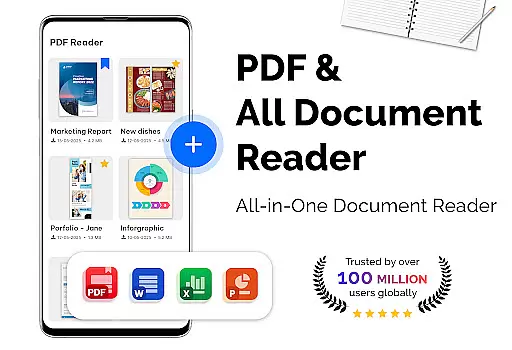
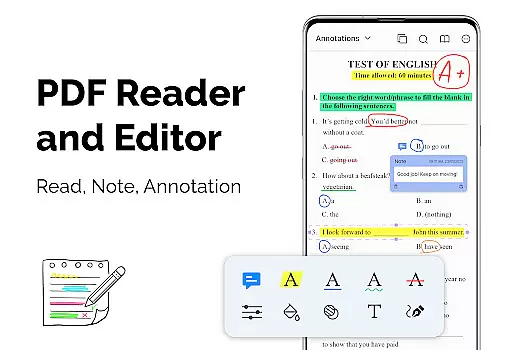
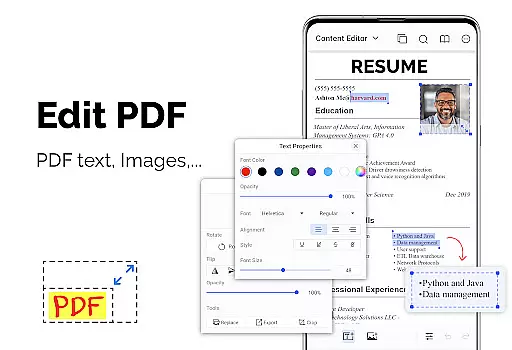
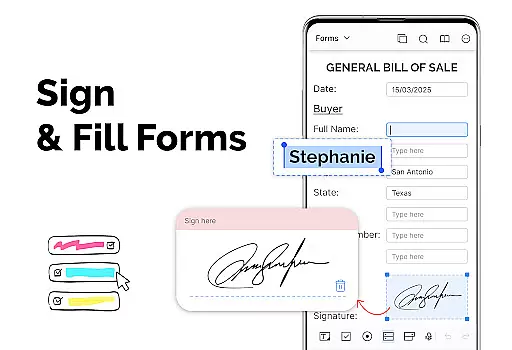
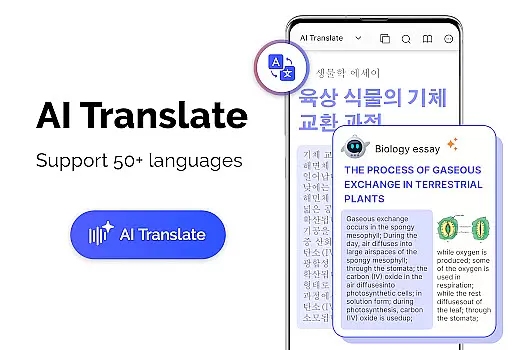
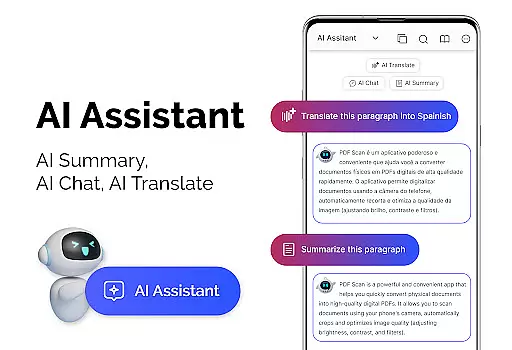
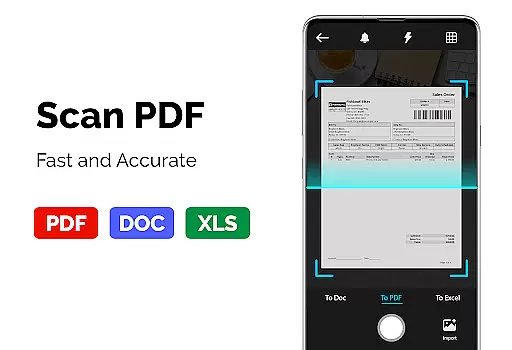
PDF Reader - PDF Viewer is a versatile productivity app designed to streamline document management on mobile devices. The core functionality revolves around viewing, managing, and converting PDF files with exceptional speed and precision. Whether you're dealing with large documents or password-protected files, this application ensures seamless access and navigation.
The app distinguishes itself through advanced display technologies and multiple viewing modes including single page, two-page spread, and full-screen options. Users can customize their reading experience with adjustable themes and intuitive bookmarking features. Additionally, the built-in PDF converter and scanner enable effortless transformation between different file formats, making it an essential tool for both personal and professional use.
Ideal for students, professionals, and anyone who regularly handles digital documents, PDF Reader - PDF Viewer particularly shines when working with large files up to 300MB. Its comprehensive feature set and user-friendly interface make it an indispensable companion for efficient document management on the go.
PDF Reader - PDF Viewer stands out in the productivity category through its comprehensive feature set that addresses various document handling needs. The app's quick display technology ensures even large PDF files load rapidly, while offering users multiple display modes including single page, two-page spread, and full-screen viewing options.
Advanced navigation features include precise page movement controls, customizable orientation settings, and intuitive bookmark management. The application supports secure document handling through password-protected PDF support and offers customization through dark and light theme options. Its conversion capabilities extend beyond basic viewing, allowing users to transform images into PDFs and vice versa.
What sets this app apart is its ability to maintain performance while handling massive files up to 300MB without compromising speed or functionality. Each feature is designed to enhance productivity, from creating new PDFs from multiple image formats to extracting images from existing documents, making it a complete solution for document management needs.
PDF Reader - PDF Viewer excels in core task management by offering a comprehensive suite of tools tailored for efficient document handling. The app supports all PDF files, including those with password protection, ensuring that users can access their secured documents without hassle.
The app provides multiple display modes such as single page, two-page, book mode, or full-screen reading, catering to different user preferences and environments. With features like quick page moving and bookmarks, navigation through lengthy PDFs becomes intuitive and seamless, enhancing productivity.
Additionally, the app's ability to handle large files quickly is a significant advantage. Its advanced technology ensures that even PDFs over 300MB load swiftly, allowing users to manage extensive documents efficiently. This makes it an ideal choice for professionals who require reliable and fast access to substantial data.
Cross-device synchronization is crucial for users who operate on multiple platforms, and PDF Reader - PDF Viewer addresses this need effectively. While the app itself focuses primarily on local storage, its robust feature set ensures that users can easily transition between devices with minimal disruption.
One standout feature is the appu2019s customization options, such as theme color selection, which allows users to maintain a consistent experience across different devices. Whether opting for dark or light themes, users can synchronize their visual preferences, creating a uniform look and feel regardless of the device in use.
Moreover, the app's support for various file formats, including conversion capabilities from PDF to images and vice versa, enhances its versatility. Users can create and convert documents on one device and continue editing or viewing them on another, streamlining workflows and ensuring reliable performance across all their devices.
User-friendly interface
Fast loading speed
Multiple viewing modes
Advanced security features
Versatile file conversion
Limited collaboration tools
No cloud integration
Premium feature lock
Occasional bugs
Ads in free version

Experience Reading - Night Mode for Documents
 4.40
4.40
Auto-shutoff Alarm with Sunrise, Sunset & Fixed Options.
3.50
Direct Chat without saving contacts & Dual WA Account on Single Device
4.70
Automates browsing any website and notifies you of important changes or events
4.30
Protect and view your important info on your phone and tablet with eWallet®
4.80
Device's storage information in a simple and clear graphical form (infographics)
4.10
Customizable calendar widget for seamless event sync, planning & scheduling.
4.00
Multilingual translator for text, voice, and image translation!
4.90
Code on-the-go with VScode for Android. Edit,debug and collaborate from mobile!!
3.10
Android Wallet Password Manager
4.80
QuickBooks Workforce lets teams view pay info and track time in one place.
4.70
Okta MFA
4.70
Functional QR scanner and barcode reader that requires little storage space.
4.60
The AI assistant that thinks with you - write, code, and solve complex tasks
4.60
This small app MUST BE INSTALLED after purchase, else license won't work
4.40
Share files & memories safely. Keep your photos and videos secure.
4.40
Create and edit presentations with Google Slides, part of Google Workspace.
4.00
The ultimate file manager for rooted devices. The original and still the best.
4.00
Find and delete junk files & block unwanted notifications & manage files
3.70


User Reviews