
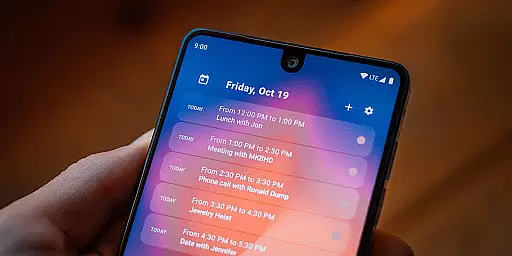
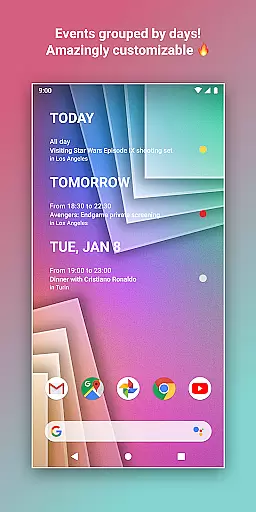
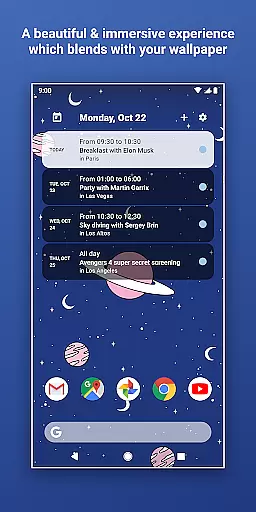
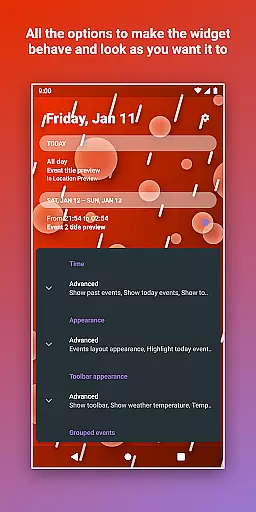
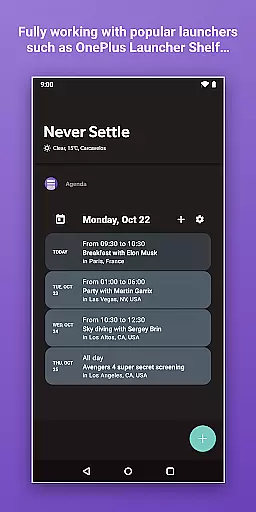
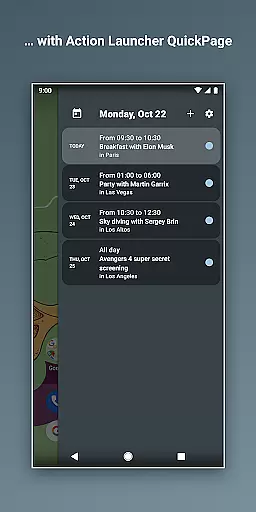
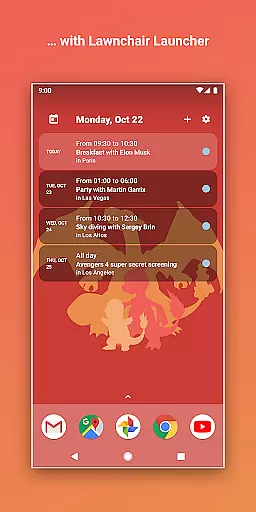
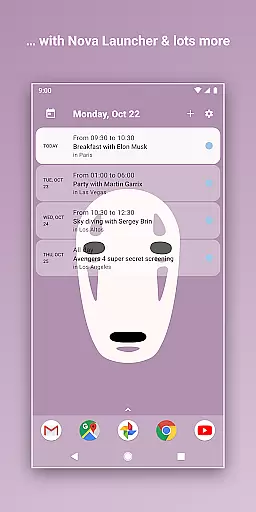
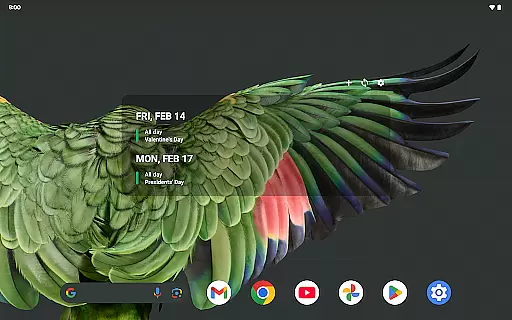
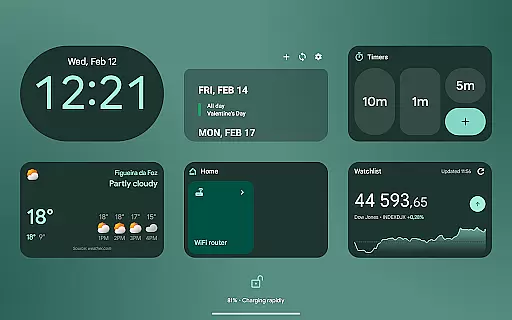
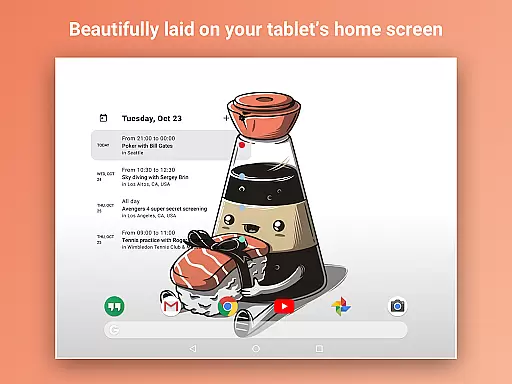
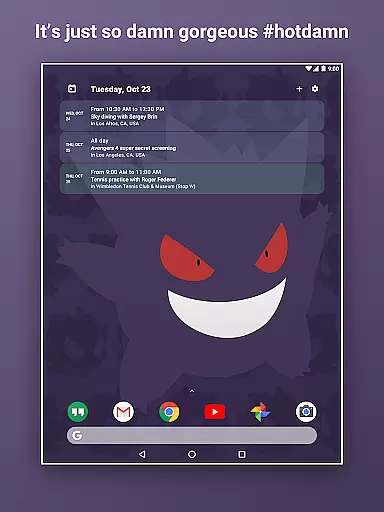
Home Agenda is a powerful productivity tool designed to streamline your daily planning and organization. This customizable calendar widget, agenda, and planner for Android offers seamless integration with popular calendar services like Google Calendar and Outlook, ensuring all your events are synced instantly. With its sleek, modern interface, the app transforms your home screen into a dynamic planning hub, allowing you to effortlessly view, add, and edit events.
One of the standout features of Home Agenda is its customizability. Users can personalize their widgets with unique themes and sizes, making it easy to match their personal style. The app also boasts optimized performance, minimizing battery impact while maximizing utility. Whether you need real-time notifications or an ad-free experience that respects your privacy, Home Agenda delivers a comprehensive solution for managing your schedule efficiently.
Home Agenda stands out with its rich feature set tailored for productivity enthusiasts. The app allows users to create custom-designed widgets, offering unparalleled flexibility in how information is displayed on the home screen. You can choose from various themes and adjust widget sizes to suit your preferences, ensuring your calendar not only functions well but also looks great.
In addition to its aesthetic appeal, Home Agenda provides practical functionalities such as instant sync capabilities with multiple calendar services including Google Calendar and Outlook. This ensures that all your events are up-to-date across devices. The app also supports quick event management, enabling users to view, add, and edit events with ease. Furthermore, Home Agenda is optimized for performance, consuming minimal battery while delivering real-time notifications to keep you informed and on track throughout the day.
Home Agenda excels in core task management by offering users a seamless way to organize their daily schedules. The app syncs with major calendar services like Google Calendar and Outlook, ensuring that all events are up-to-date and easily accessible from the home screen widget.
With instant event synchronization, users can quickly view, add, and edit tasks without navigating through multiple screens. This feature is crucial for maintaining productivity, as it allows users to manage their time effectively and stay on top of their commitments.
The customizable nature of the widget means that users can tailor the display to show only the most relevant information, reducing clutter and focusing on what matters most. Whether it's work meetings, personal appointments, or reminders, Home Agenda ensures that nothing falls through the cracks.
By providing real-time notifications and updates, the app keeps users informed about upcoming events and changes to their schedule. This proactive approach to task management helps individuals prioritize their day and make the most of their time, ultimately leading to increased efficiency and peace of mind.
Cross-device synchronization is a standout feature of Home Agenda, allowing users to maintain consistency across all their devices. Whether switching between a smartphone, tablet, or any other Android device, the app ensures that your calendar remains synchronized and up-to-date wherever you go.
This reliable synchronization is powered by robust backend technology that supports real-time data exchange. As a result, any changes made on one device are immediately reflected on others, providing a seamless experience for users who rely on multiple gadgets throughout their day.
Moreover, Home Agenda optimizes performance to minimize battery impact while maintaining high-speed updates. This balance between functionality and efficiency ensures that users can depend on the app without worrying about excessive power consumption or slow refresh rates.
For professionals and individuals managing busy lifestyles, this level of synchronization reliability translates into enhanced mobility and flexibility. No matter where they are or which device they use, users have constant access to their schedule, enabling them to plan and adapt on the fly while keeping their personal data secure and private.
User-friendly interface
Highly customizable widgets
Instant sync with calendars
Low battery consumption
Strong privacy protection
Limited reminder functionality
No public API access
Premium features may require payment
Occasional sync delays
Design complexity for new users

Secure, fast, open-source, VNC and SSH Remote Desktop for Windows, Linux and Mac
 4.70
4.70
QuickBooks Workforce lets teams view pay info and track time in one place.
4.70
Seamlessly integrate data and reports to build your presentation to impress
4.80
Smart PDF reader & editor to view, organize and manage PDF documents easily.
3.70
To do list widget with a notebook organizer, checklist, simple shopping list
4.60
A Pixel Art watchface inspired by other iconic 90s designs for Wear OS devices!
4.40
Share files & memories safely. Keep your photos and videos secure.
4.40
Seamlessly read, manage, and organize all your PDF files solution in one place
4.40
Browse and view your photos and videos from the phone with photo & video hide.
4.10
Native client for Forgejo and Gitea
5.00
Mind Map and brainstorm, note taking and idea collection
4.80
Absolutely the best CNC machinist speed and feed calculator around. fswizard.com
4.60
The AI assistant that thinks with you - write, code, and solve complex tasks
4.60
Calendar 2023 widget for Android. Appointment scheduler, planner, and reminder
4.60
Docker, Kubernetes management over Portainer Mobile
4.40
Access, manage and transfer files on Android, PC, Mac, NAS and cloud storages.
4.30
Secure, open-source, SPICE and SSH Remote Desktop for QEMU KVM virtual machines
4.00
Access your phone's notifications, calls, apps, photos & texts on your PC
3.90
AI Video AI Image Private LLM AI Browser Llama Gemma Ollama Connect LLM Studio
4.5


User Reviews