
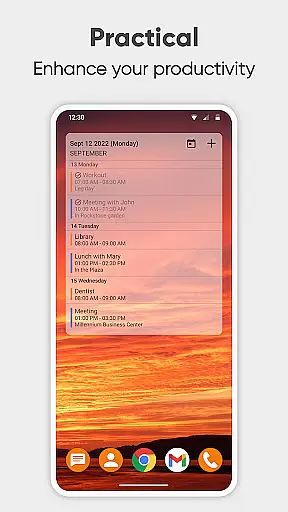
Simple Calendar Pro is a productivity-focused application designed to help users efficiently manage their schedules and stay organized. This offline calendar app offers extensive customization options, allowing users to tailor the interface and functionality to their specific needs. With support for syncing events through Google Calendar or other CalDAV-compatible services, it ensures seamless integration with existing digital agendas.
The app's core strength lies in its simplicity and user-centric design. It eliminates unnecessary features and permissions, providing a streamlined experience that focuses on essential scheduling tasks. Whether planning business meetings, tracking personal appointments, or managing family events, Simple Calendar Pro delivers a reliable solution for time management without compromising privacy or performance.
Its practical value extends to professionals and individuals seeking an intuitive tool for organizing their daily activities. The app's widget system and event reminder notifications ensure users never miss important deadlines or appointments, making it an indispensable companion for maintaining productivity in both work and personal life.
Simple Calendar Pro distinguishes itself through its comprehensive feature set tailored for maximum productivity. The app supports importing and exporting events via .ics files, enabling effortless data transfer between devices. Its flexible event creation system allows precise control over timing, duration, and repetition rules, accommodating both single and recurring appointments with ease.
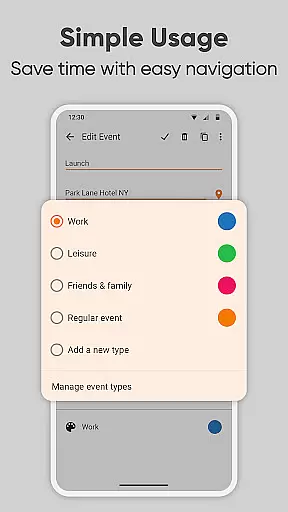
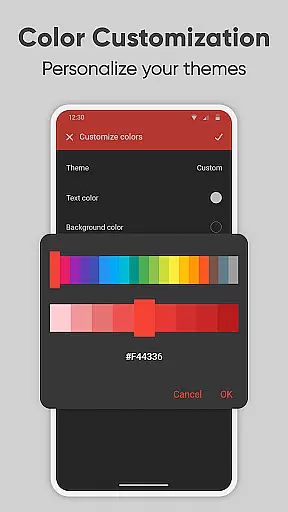
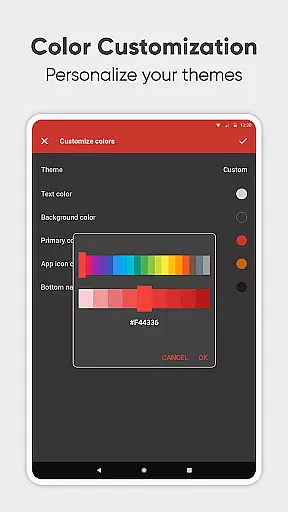
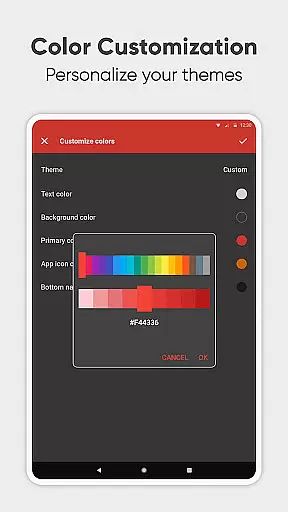
Customization is at the heart of this application's design philosophy. Users can personalize nearly every aspect of the calendar experience, from notification sounds and vibration patterns to color schemes and widget appearances. The app's open-source nature has fostered translations into over 45 languages, making it accessible to a global audience while maintaining its commitment to privacy and security.
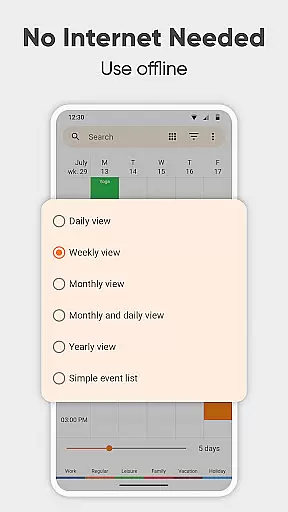
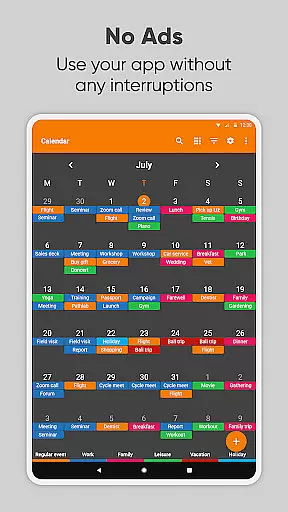
Advanced organizational capabilities include multiple viewing modes (daily, weekly, monthly, yearly), location-based event mapping, and efficient filtering options. The inclusion of holiday and birthday imports, along with quick-switch view options, demonstrates the app's dedication to providing a complete scheduling solution. These features collectively contribute to a superior user experience that prioritizes both functionality and personal preference.
At the heart of Simple Calendar Pro lies its robust core task management system, designed to streamline your daily planning. This feature allows users to effortlessly create, organize, and track events with precision. Whether it's a single appointment or recurring meetings, the app provides powerful repetition rules that ensure no event is missed.
The beauty of this productivity tool is in its flexibility. Users can export and import events via .ics files, making data transfer between devices seamless. Additionally, settings can be saved to .txt files for easy migration. With support for CalDAV, syncing across platforms like Google Calendar and Microsoft Outlook becomes a breeze, ensuring your schedule is always up-to-date.
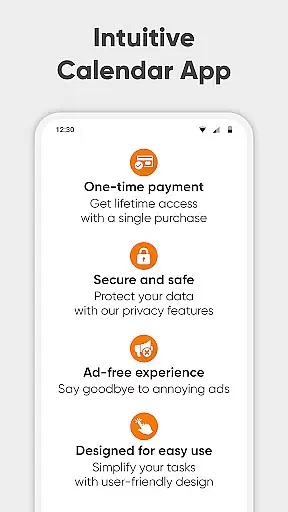
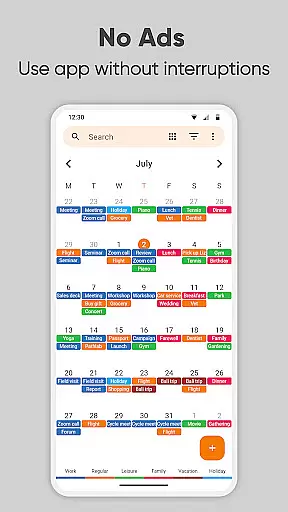
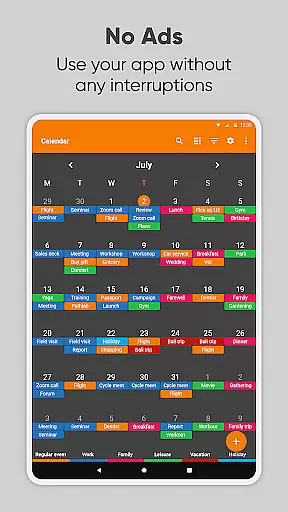
Simple Calendar Pro stands out by offering an ad-free experience, focusing solely on user needs without interruptions. The offline functionality not only guarantees privacy and security but also ensures stable access to your agenda at all times. This makes it an ideal choice for individuals who prioritize efficiency and reliability in their day planners.
Cross-device synchronization is a pivotal feature of Simple Calendar Pro, providing unmatched reliability for users who need consistent access to their schedules. By supporting the CalDAV protocol, the app enables seamless sync with services such as Google Calendar, ensuring that every update is reflected across all linked devices instantaneously.
This level of synchronization means you can plan your day on one device and trust that those plans will be immediately available on another. For professionals juggling multiple gadgets, this ensures continuity and coherence in managing work calendars, appointments, and personal events alike.
Moreover, Simple Calendar Pro enhances this process with customizable reminders and notifications tailored to individual preferences. Users have control over sound settings, vibration patterns, and visual alerts, which are crucial when transitioning between different environments throughout the day. Such personalization options guarantee timely updates without disrupting workflow.
User-friendly interface
Offline functionality
Highly customizable
No ads or popups
Open-source platform
Limited advanced features
No built-in email
Basic widget options
Manual data backup
Learning curve

Native client for Forgejo and Gitea
 5.00
5.00
The upgraded version of Name Wheel with AI and the power to add your own wheels.
4.4
IP Camera Viewer - Android TV : RTSP Surveillance camera viewer for Android TV
4.0
Pwnagotchi companion app
4.20
App Lock with fingerprint, password: Lock apps & hide photos with lock screens
4.60
PDF scanner & converter for files, photos, lottery, QR codes. One swipe away!
4.50
Simple and reliable communication between inmates, friends and family
3.20
Subscribe to Webcal & .ics calendars and keep them up-to-date!
4.50
Okta MFA
4.70
Scientific calculator for Android - looks and operates like the real thing!
4.90
Android Wallet Password Manager
4.80
Use powerful, industry-leading AI tools to generate visual charts from any data
4.80
The Pro Version of Android's tiniest Notepad app. Just 0.3MB but feature-packed!
4.60
Lightweight PDF, Word, Excel reader.
4.60
Tally and goal counter for Wear OS & mobile
4.50
Share files & memories safely. Keep your photos and videos secure.
4.40
Cloud storage, automatic phone backup, and more.
4.10
Customizable calendar widget for seamless event sync, planning & scheduling.
4.00
Remotely view listen control and record cameras.
3.70


User Reviews