
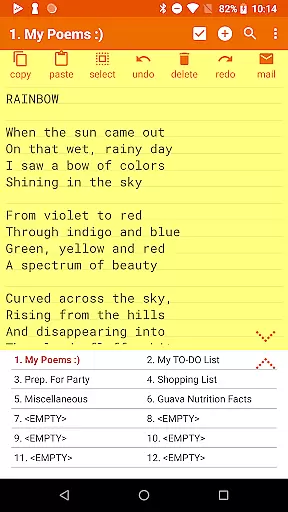

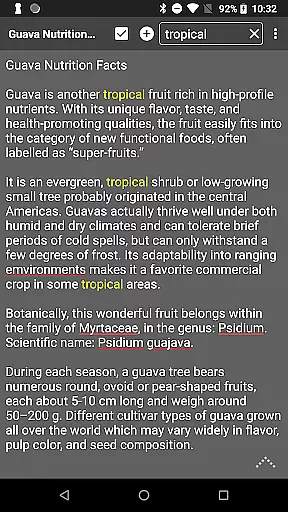
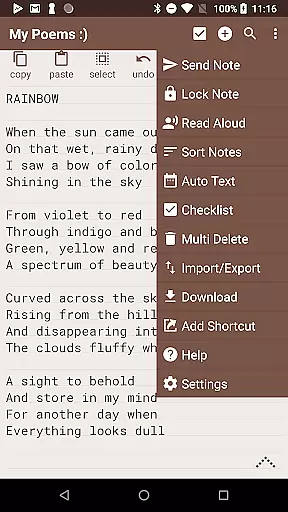
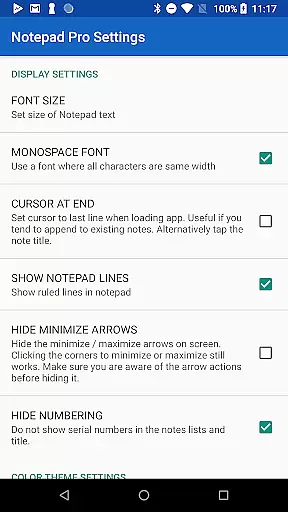


Notepad Pro is a versatile productivity app designed to enhance note-taking and organization on Android devices. As the premium version of the smallest notepad app, it offers advanced features such as unlimited notepad slots, in-line checklist capability, and search functionality within and across notes. Its compact size of just 0.3 MB ensures minimal storage usage while providing essential tools for efficient note management.
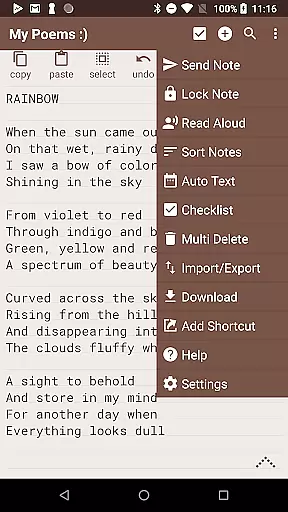
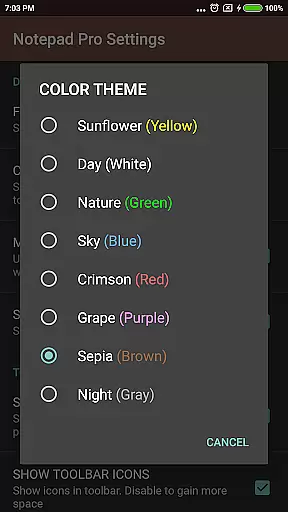
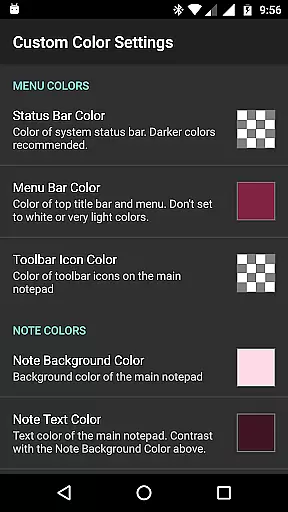
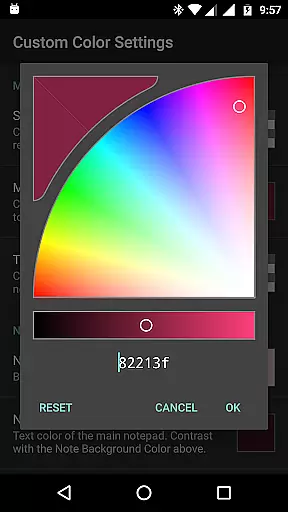
The app stands out with its customization options including custom themes, sorting capabilities, and bookmarking features. It also provides robust safeguard mechanisms like backup restoration, local downloads, and selective import/export functions. With additional accessibility features such as read-aloud functionality and desktop shortcuts, Notepad Pro delivers a comprehensive solution for users seeking an all-in-one note-taking tool.
Whether you need to organize work-related tasks or manage personal reminders, Notepad Pro's combination of powerful features and user-friendly interface makes it an ideal choice for enhancing productivity on the go.
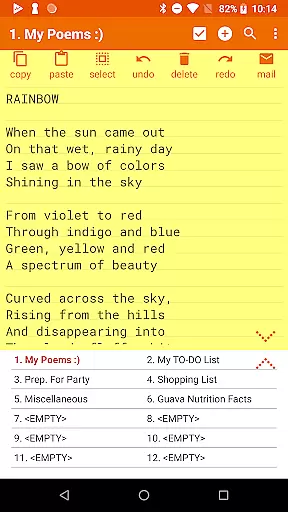
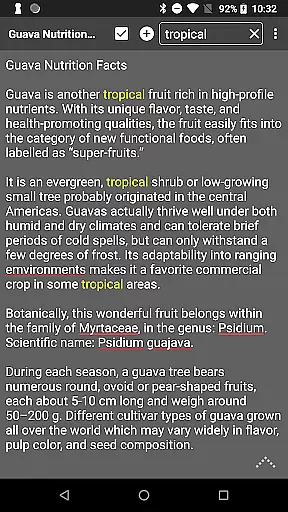
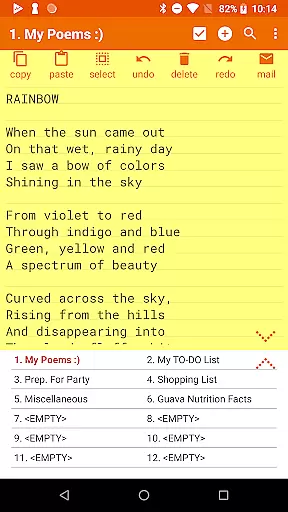
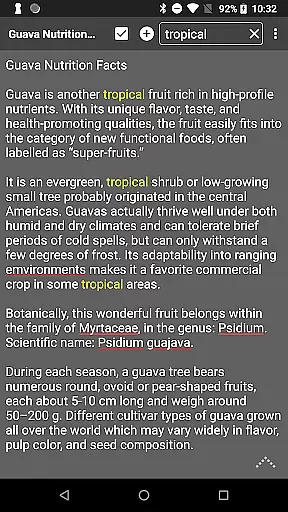
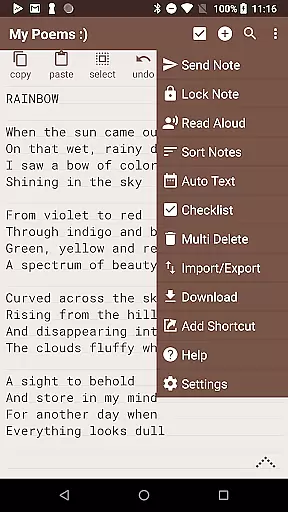
Notepad Pro boasts an array of features that cater to diverse note-taking needs. The app supports unlimited notepad slots, allowing users to create and manage multiple notes without constraints. Its in-line checklist capability enables task tracking directly within notes, while the search function helps locate specific content quickly across all saved entries.
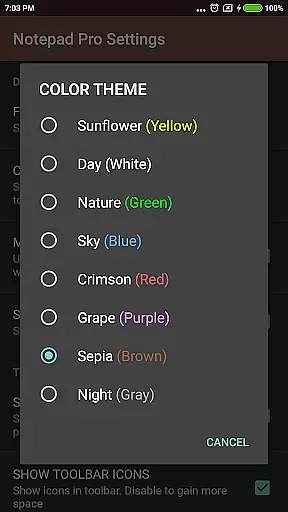
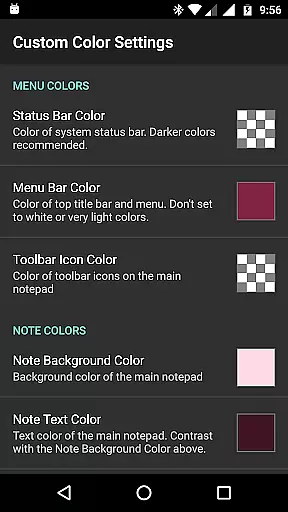
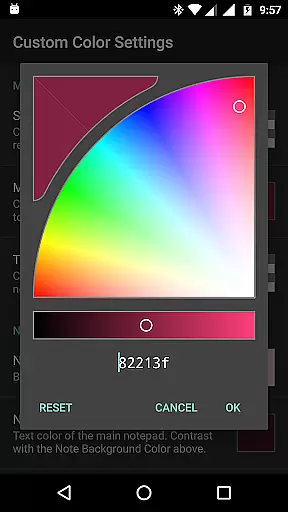
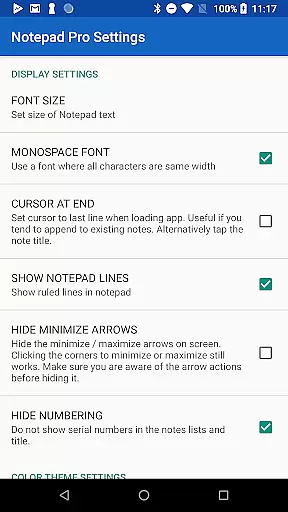
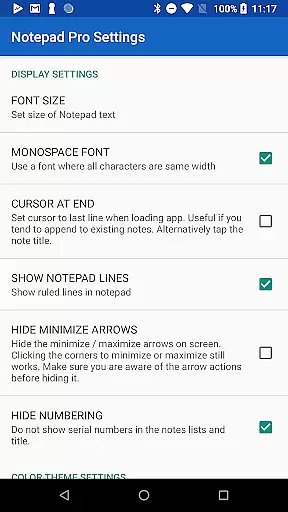
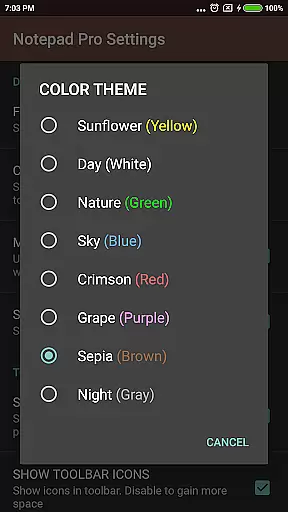
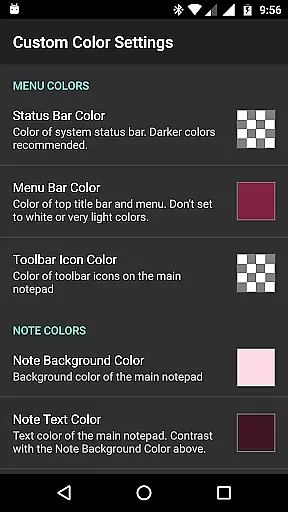
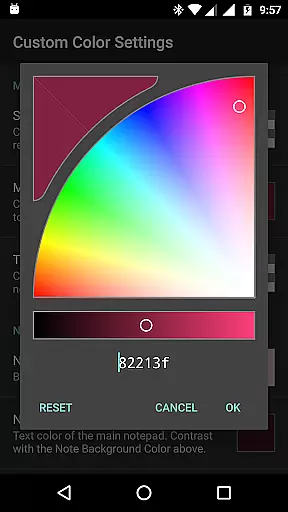
In terms of display customization, users can rearrange notes according to their preference, categorize them using bookmarks, and choose from various custom themes. The always-visible note title and full-screen view options enhance readability and navigation. For data protection, the app offers restore functionality through backup files, local download options for notes and backups, and settings to make notes read-only or specify backup frequency.
Accessibility is further improved with features like read-aloud functionality, desktop shortcuts to individual notes, and additional configuration options. Sharing capabilities are also robust, supporting text sending from external apps, attaching notes as files in emails, and specifying preferred email applications for seamless communication.
Notepad Pro excels in core task management by offering users a versatile Auto Save Notepad with unlimited notepad slots, ensuring that no idea or task is ever lost. This feature allows for seamless organization of thoughts and responsibilities without the limitation of space.
In addition to unlimited slots, the app provides an in-line checklist capability, enabling users to create actionable lists within their notes. This functionality supports productivity by allowing users to break down larger tasks into manageable steps, checking them off as they progress.
The search functionality within and across notes further enhances task management by providing quick access to information. Users can easily locate specific notes or details within their collection, streamlining their workflow and boosting efficiency.
While Notepad Pro focuses on device-local features, its ability to download notes and backups locally ensures cross-device synchronization reliability. Users can transfer their data between devices manually, maintaining control over their information.
The app's safeguard features include making notes read-only and specifying backup frequencies, which contribute to reliable data integrity. These options protect important information from accidental changes and ensure regular backups are available when needed.
Selective import/export capabilities add another layer of synchronization flexibility. Users can choose which notes to move between devices, allowing for customized workflows and focused project management across different environments.
User-friendly interface
Customizable themes
Efficient task management
Robust data protection
Seamless sharing options
Paid version only
No cloud sync
Limited design flexibility
Basic collaboration tools
Small user community

AI Video AI Image Private LLM AI Browser Llama Gemma Ollama Connect LLM Studio
 4.1
4.1
Wake up & get tasks done! Add alarms & reminders on the Clock Launcher.
4.00
Secure, fast, open-source, Remote Desktop Client for Windows and Linux with SSH
4.60
Functional QR scanner and barcode reader that requires little storage space.
4.60
Subscribe to Webcal & .ics calendars and keep them up-to-date!
4.50
Access, manage and transfer files on Android, PC, Mac, NAS and cloud storages.
4.30
Great calculator for Android named one of USA TODAY's "25 Essential Apps".
4.90
This small app MUST BE INSTALLED after purchase, else license won't work
4.40
QuickEdit is a fast, stable and full featured text and code editor.
4.20
8 custom complications. Custom Time Fonts. Beautiful color schemes. A++ Design.
5.00
Secure, fast, open-source, VNC and SSH Remote Desktop for Windows, Linux and Mac
4.70
Scan paperwork into PDF/JPG, generate your own e-signature and send fax or email
4.70
Make apps & sites with natural language prompts
4.10
Intelligent AI Assistant
4.10
Customizable calendar widget for seamless event sync, planning & scheduling.
4.00
Ultimate Virtual AI Character for immersive Roleplay Chat. Perfect Companion
3.90
All in one sketching tool. Technical and General drawing. Online Maps support.
3.70
Simple and reliable communication between inmates, friends and family
3.20
A comprehensive suite of tools designed specifically for Lactation Consultants
4.1


User Reviews