
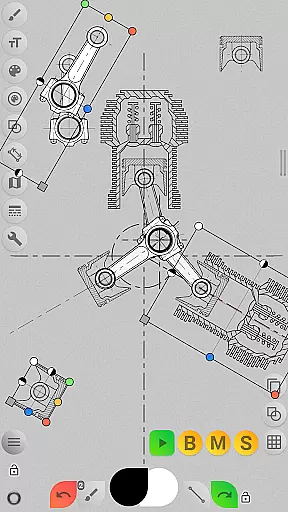
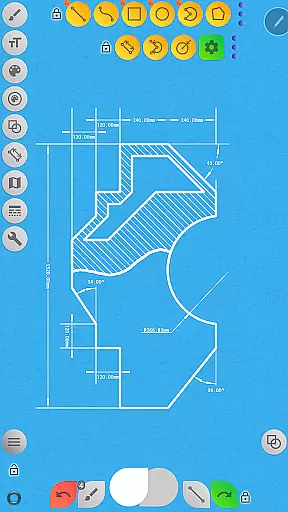
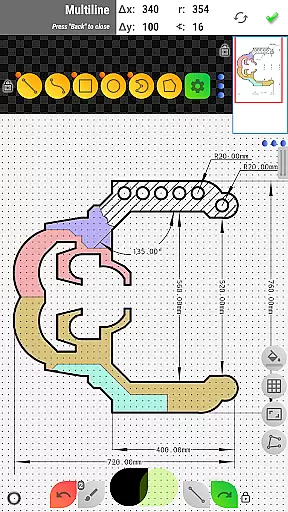

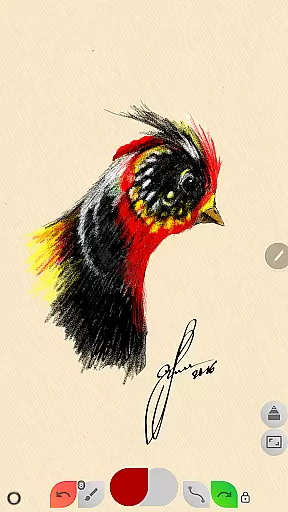
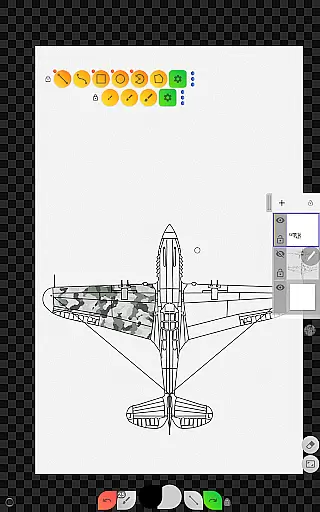
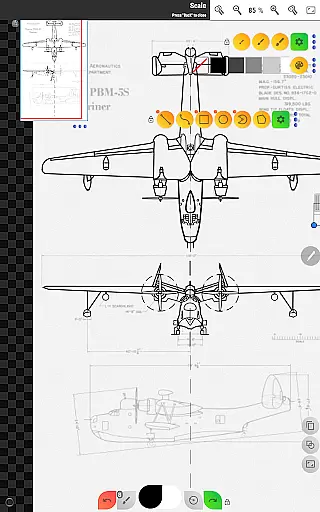
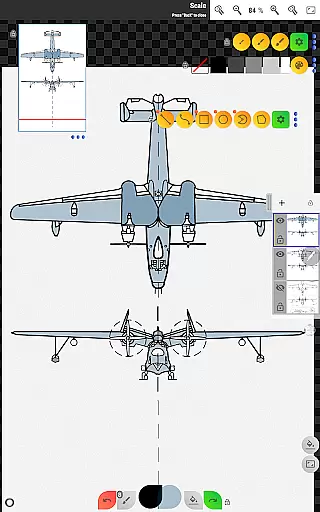
Sketch Box Pro is a versatile sketching and drawing tool designed for both technical drawings and general sketching needs. This application serves as an alternative to vector CAD systems while maintaining the simplicity of traditional drawing tools. With features like online maps support and interactive map tools, it caters to engineers and creatives alike who need a reliable tool on the go.
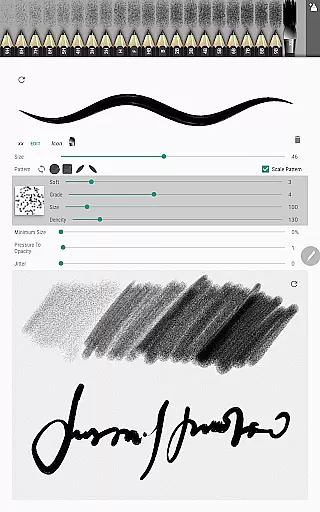
The app introduces innovative features such as Pencils Set, a powerful Pencil Redactor, and optimized drawing tools that allow users to create precise technical sketches or freehand drawings. Sketch Box Pro supports project-based workflows, enabling users to start projects from scratch, import maps, or use images from their gallery. Its comprehensive layer management system and wide array of drawing tools make it suitable for various tasks, from basic shapes to complex designs.
Whether you're drafting engineering plans or capturing spontaneous ideas, Sketch Box Pro offers a smooth combination of traditional drawing applications and CAD system functionalities, all in one lightweight package.
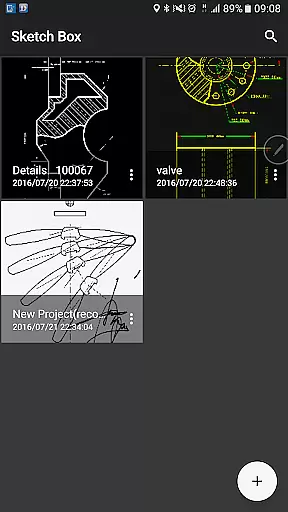
Sketch Box Pro stands out with its unique blend of features tailored for both creative and technical drawing. The app includes a Projects feature that allows users to create new projects from scratch, snapshots of online maps, or images from the device gallery. Each project can be customized with predefined themes and reused or shared at any time.
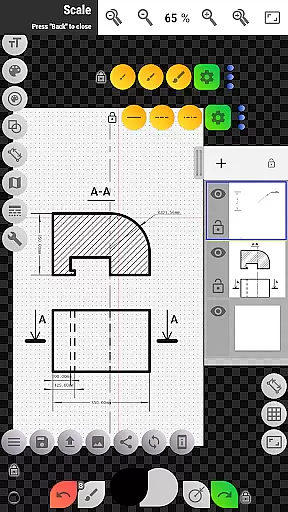
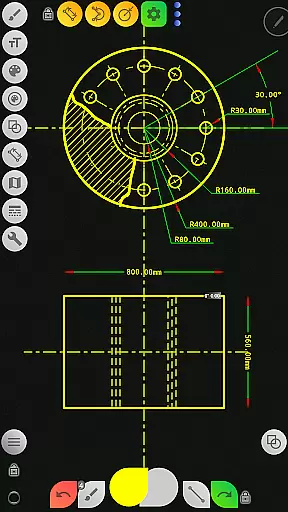
One of the key highlights is the extensive layer support, which includes up to 6 layers in the Pro version, each with lock, opacity control, duplication, clearing, deletion, and merging capabilities. The app also provides a wide range of basic shapes, predefined brushes, grid tools, dimension tools, and scale tools, ensuring precision and flexibility in every drawing task.
Additionally, Sketch Box Pro offers advanced features like the Copy tool for duplicating parts of a drawing, Drawing Rotation tool, and the ability to insert and manipulate images from the gallery. Users can customize their workspace with flexible button panels and utilize online map support for location sharing and measurements, making it a robust solution for productivity-driven sketching.
Sketch Box Pro excels in core task management by offering a versatile and organized workspace for all your sketching and drawing needs. The app allows users to create projects from scratch, import snapshots from online maps, or even use images from the device gallery as starting points.
With support for up to six layers in the Pro version, Sketch Box Pro enables detailed task organization. Users can lock layers, control opacity, duplicate, clear, delete, and merge layers downwards or across the entire project. This layer functionality ensures that complex sketches can be managed with ease, providing a CAD-like experience without compromising on the intuitiveness of traditional drawing tools.
The application also includes project management features such as the ability to save, reuse, duplicate, and share projects. This means that whether you're drafting technical drawings or casual sketches, your work is always organized and accessible for future edits or sharing with collaborators.
Additionally, Sketch Box Pro offers a wide range of drawing tools including basic shapes, predefined brushes, grid tools, dimension tools, and more. These features ensure that users have everything they need to manage their drawing tasks efficiently, making it an ideal choice for both professional and casual artists seeking productivity in their creative workflows.
Cross-device synchronization is crucial for users who work on multiple devices, and Sketch Box Pro addresses this need with reliable and flexible options. While Sketch Box Pro does not provide automatic cloud syncing, it offers several powerful alternatives to ensure your work is accessible wherever you are.
Users can export their current drawings directly to the device gallery or share them via different platforms. This allows for easy transfer between devices, ensuring that your projects are never confined to a single device and can be accessed and edited on any platform where the app is installed.
Moreover, the app's 'Copy tool' provides additional flexibility by allowing parts of drawings to be copied and pasted multiple times within the project or saved to the device disk for later reuse. This feature effectively supports a form of manual synchronization, empowering users to build libraries of reusable components that can be utilized across different devices.
While Sketch Box Pro may not offer real-time cross-device updates, its robust export and sharing capabilities, along with its flexible project management system, ensure that users can reliably move their work across devices. This makes it a dependable tool for anyone needing consistent access to their projects regardless of the device they are using.
User-friendly interface
Extensive drawing tools
Project-based workflow
Advanced layer management
Online map integration
Limited free version
Steep learning curve
Occasional bugs
High system requirements
Subscription cost

Client for Nextcloud Deck
 4.60
4.60
Native client for Forgejo and Gitea
5.00
Android Wallet Password Manager
4.80
Smart PDF reader & editor to view, organize and manage PDF documents easily.
3.70
We're working to become the best machining app on the market! www.cncdirt.com
4.80
Functional QR scanner and barcode reader that requires little storage space.
4.60
Translate text/voice/photos in 150+ languages. Offline & fast translator app.
4.50
Put a lock on your cloud: Take the security of your data into your own hands
3.70
QuickEdit is a fast, stable and full featured text and code editor.
4.20
Scientific calculator for Android - looks and operates like the real thing!
4.90
Secure, fast, open-source, Remote Desktop Client for Windows and Linux with SSH
4.60
Stay on top of your to-dos with Google Tasks, part of Google Workspace.
4.60
Calendar 2023 widget for Android. Appointment scheduler, planner, and reminder
4.60
Tally and goal counter for Wear OS & mobile
4.50
Access, manage and transfer files on Android, PC, Mac, NAS and cloud storages.
4.30
A customizable calendar for your Wear OS watch
4.20
Unlock AutoNotification
4.00
A Revolutionary All-in-One Artificial Intelligence Tools
3.80
Make your handwriting beautiful, even more than pen on paper.
3.60


User Reviews