
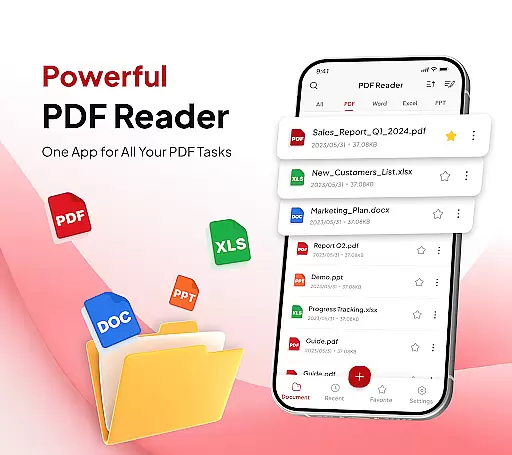
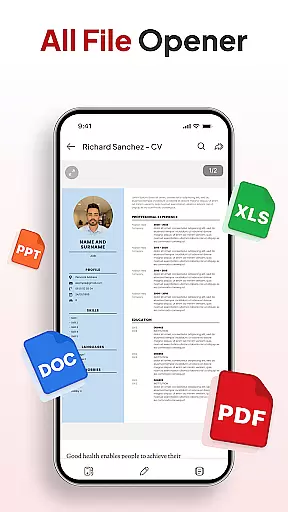
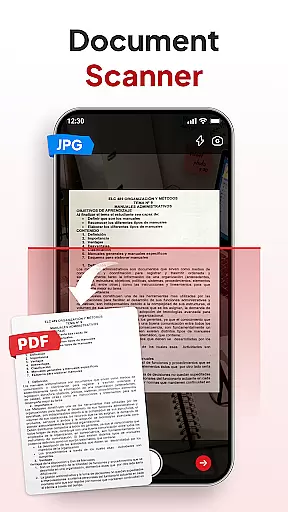
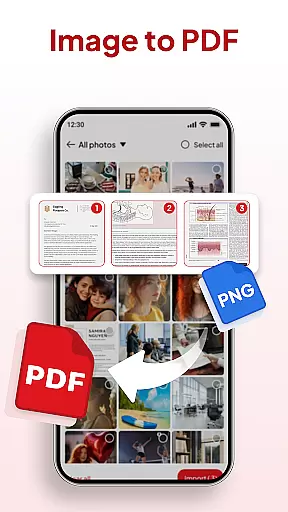
PDF Reader - Document Editor is a comprehensive productivity tool designed to simplify how you manage digital documents. This app allows users to read, edit, organize, and convert PDF files with ease, making it an essential utility for students, professionals, and anyone handling PDFs regularly.
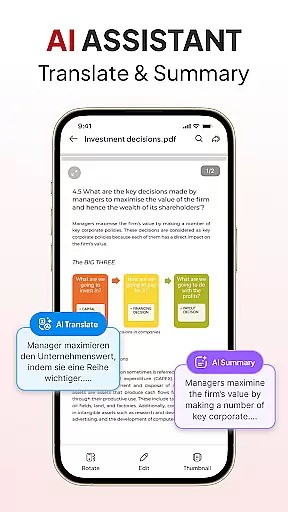
Key features include smooth PDF reading with zoom functionality, smart document scanning, and conversion tools that support multiple file formats such as XLS, DOCX, and PPT. The app also offers advanced options like AI-powered summarization and translation, signature management, and instant sharing capabilities.
Ideal for both work and personal use, this app transforms the often tedious task of document management into a seamless experience. Whether you need to quickly locate files, declutter your storage, or collaborate on documents, PDF Reader - Document Editor provides all the necessary tools in one sleek interface.
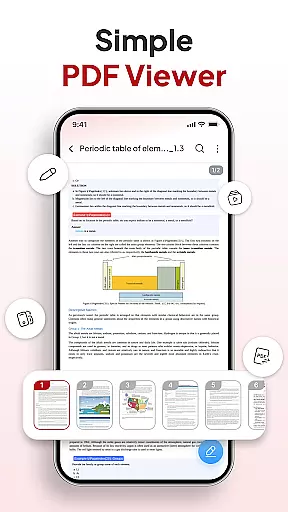
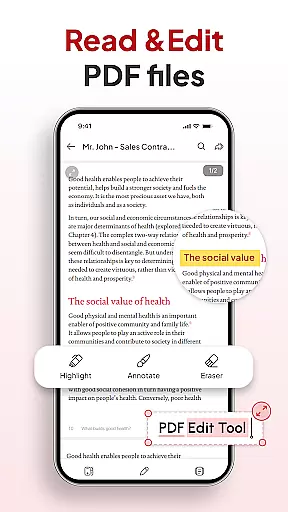
PDF Reader - Document Editor stands out with its robust set of features tailored for efficient document handling. One of its core strengths is the ability to open and view PDFs of any size without lag, while offering smooth navigation through zooming and text highlighting.
The app includes a smart document scanner that instantly transforms physical notes, receipts, or contracts into clear PDFs. Additionally, its image-to-PDF converter turns photos and screenshots into professional-quality documents within seconds. These features are complemented by advanced file management options, including folder organization, sorting by name or date, and quick search functionalities.
For enhanced productivity, users can add signatures, utilize AI tools for document summarization or translation, and share files effortlessly via integrated apps. With its intuitive design and powerful capabilities, this app ensures that managing documents is both efficient and user-friendly.
Efficient task management is essential for productivity applications, and PDF Reader - Document Editor excels in this area. The app provides a comprehensive suite of tools designed to handle PDFs and other document formats with ease.
Users can open, view, and scroll through PDFs of any size without lag, zoom in for details, and highlight important text. This ensures a seamless reading and working experience that is both intuitive and efficient.
Beyond just viewing, the app allows for smart organization and decluttering of storage with folders and favorites. Sorting and searching capabilities enable users to quickly locate any document by name, date, or size, streamlining their workflow significantly.
In today's interconnected world, reliable cross-device synchronization is crucial. PDF Reader - Document Editor offers robust features that ensure your documents are accessible and consistent across all your devices.
The app supports multiple file types including XLS, DOCX, and PPT, allowing for versatile document handling. Instant sharing via favorite apps in just one tap makes collaboration effortless and efficient.
Moreover, the inclusion of an AI Assistant that can summarize or translate documents enhances the user experience by providing smart tools that work harmoniously across devices. This feature ensures that no matter where you are or what device you're using, your productivity remains uninterrupted.
User-friendly interface
Advanced PDF editing
AI-powered tools
Multi-format support
Effortless file sharing
Limited free features
Occasional bugs
Ads in free version
Premium subscription cost
Large file slowdown

A Revolutionary All-in-One Artificial Intelligence Tools
 3.80
3.80
A customizable calendar for your Wear OS watch
4.20
QuickBooks Workforce lets teams view pay info and track time in one place.
4.70
Ads Free App! Editor, Hide File, Copy, Move, Delete and Rename.. all facility av
1.70
A simple, portable logger for POTA, SOTA, Field Day, and more
4.1
Secure, open-source, SPICE and SSH Remote Desktop for QEMU KVM virtual machines
4.00
Code on-the-go with VScode for Android. Edit,debug and collaborate from mobile!!
3.10
A Pixel Art watchface inspired by other iconic 90s designs for Wear OS devices!
4.40
Put a lock on your cloud: Take the security of your data into your own hands
3.70
Native client for Forgejo and Gitea
5.00
Protect and view your important info on your phone and tablet with eWallet®
4.80
Simple notepad & memo. Take notes, to-do list, shopping list with reminders.
4.80
aCalendar+ makes your day, week and month
4.70
Okta MFA
4.70
AI Chatbot and AI writing assistant powered by ChatGPT.
4.60
Total remote control for your Android device, PC and cloud services (IFTTT)!
4.20
Font maker keyboard with your own handwriting
4.10
Intelligent AI Assistant
4.10
Access your phone's notifications, calls, apps, photos & texts on your PC
3.90


User Reviews