
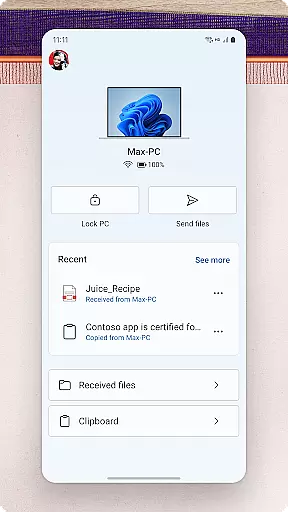
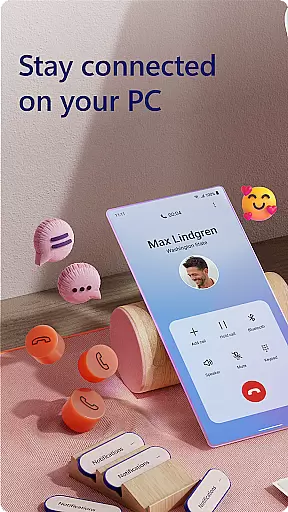
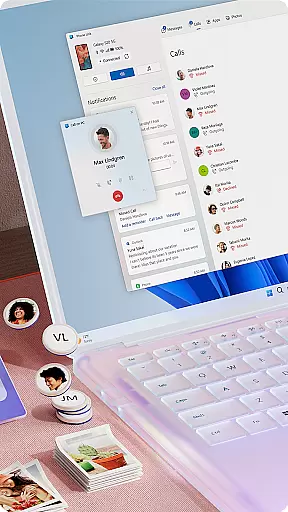
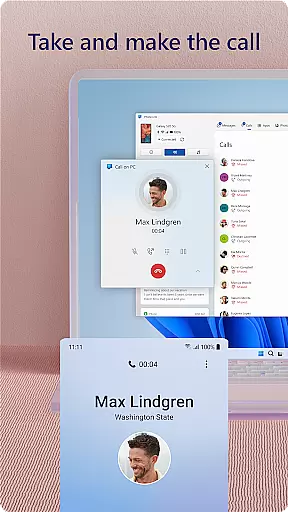
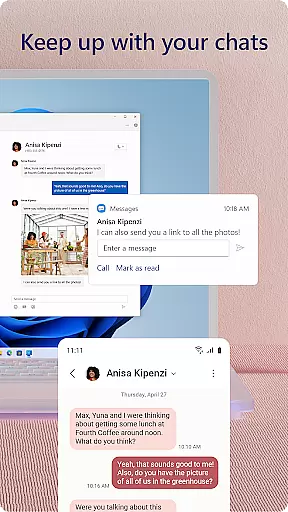
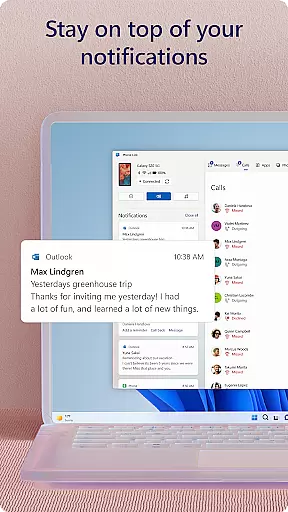
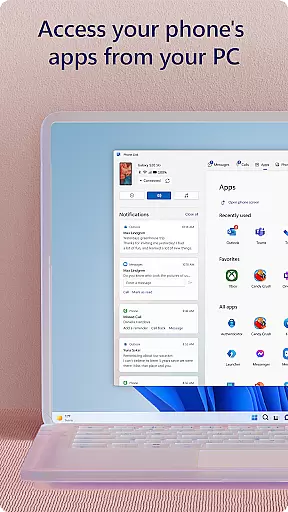
Link to Windows is a productivity-focused application that bridges the gap between your Android phone and Windows PC. This app allows users to seamlessly interact with their mobile devices directly from their computers, enhancing workflow efficiency. Key functionalities include making and receiving calls, managing notifications, and accessing mobile apps on the PC.
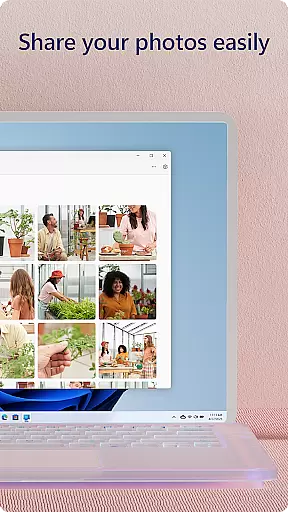
The app also supports advanced features like drag-and-drop file sharing, cross-device copy-paste, and instant photo access. These capabilities are further optimized when used with select Microsoft Duo, Samsung, and HONOR phones, offering an integrated experience without needing additional downloads. Link to Windows transforms the way you handle multitasking across devices, providing a unified digital workspace.
Link to Windows offers a comprehensive suite of features designed to streamline device management. Users can make and receive calls directly from their PCs, provided the computer has Bluetooth capability. The app enables full notification management, allowing users to stay updated without constantly checking their phones.
One standout feature is the ability to run favorite mobile apps on the PC screen. This functionality, along with text message management and content sharing capabilities, creates a powerful cross-platform tool. Advanced options like Phone Screen and multiple app experiences require specific hardware configurations but deliver exceptional value for compatible devices.
Link to Windows excels in core task management by seamlessly integrating your Android phone with your Windows PC. This allows users to handle calls, text messages, and notifications directly from their computer.
The app enables multitasking without the need to switch between devices. You can manage notifications, reply to messages, and even make calls right from your desktop. This ensures that you never miss an important update while working on your PC.
Additionally, Link to Windows offers access to mobile apps on your PC, enhancing productivity by centralizing tasks. With features like drag-and-drop file sharing and cross-device copy-paste, managing daily tasks becomes more efficient and streamlined.
Cross-device synchronization is a standout feature of Link to Windows, ensuring reliable real-time updates between your phone and PC. This synchronization allows for instant access to your phone's content, such as photos and messages, directly from your computer.
The app supports high-speed data transfer and seamless integration, which means your files, images, and texts are always up-to-date across devices. This reliability is crucial for users who depend on timely information to stay productive.
Moreover, Link to Windows is optimized for specific devices like Microsoft Duo, Samsung, and HONOR phones, offering exclusive features like Phone screen and app functionality. These enhancements provide a smoother and more dependable synchronization experience, making it easier than ever to stay connected.
Seamless cross-device integration
Enhanced productivity features
User-friendly interface
Advanced functionality for compatible devices
Integrated accessibility service
Limited call functionality
Hardware compatibility required
Advanced features need specific OS versions
Some functions demand high-end specs
Privacy concerns for some users

AI Video AI Image Private LLM AI Browser Llama Gemma Ollama Connect LLM Studio
 4.0
4.0
Smart PDF reader & editor to view, organize and manage PDF documents easily.
3.70
⏰ Finally a timer app which can run multiple timers simultaneously on your watch
3.90
Customizable calendar widget for seamless event sync, planning & scheduling.
4.00
Functional QR scanner and barcode reader that requires little storage space.
4.60
Calendar 2023 widget for Android. Appointment scheduler, planner, and reminder
4.60
Share files & memories safely. Keep your photos and videos secure.
4.40
AT&T Internet customers can use this app to personalize their Wi-Fi network.
4.40
Browse and view your photos and videos from the phone with photo & video hide.
4.10
Multilingual translator for text, voice, and image translation!
4.90
Mind Map and brainstorm, note taking and idea collection
4.80
Okta MFA
4.70
All document reader, all in one file viewer read PDF, DOCX, XLS, PPT, TXT files.
4.60
Device's storage information in a simple and clear graphical form (infographics)
4.10
Secure, open-source, SPICE and SSH Remote Desktop for QEMU KVM virtual machines
4.00
Ultimate Virtual AI Character for immersive Roleplay Chat. Perfect Companion
3.90
Auto-shutoff Alarm with Sunrise, Sunset & Fixed Options.
3.50
ID.me Authenticator is a simple and free Two Factor Authentication solution
3.50
Simple and reliable communication between inmates, friends and family
3.20


User Reviews