
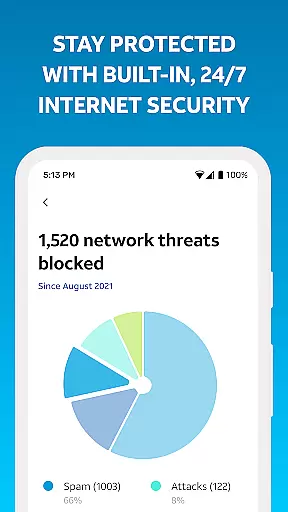
Smart Home Manager is a productivity-focused application designed to simplify the management of your AT&T Internet service. The app provides an intuitive interface for seamless self-setup, enabling users to manage their home network without technical assistance. With clear troubleshooting tools and comprehensive network controls, it ensures smooth operation of your Wi-Fi gateway.
Key features include the ability to customize Wi-Fi settings, monitor connected devices, and personalize device names. Additionally, the app offers advanced options such as parental controls, downtime scheduling, and real-time network health monitoring. These capabilities make it an essential tool for AT&T customers seeking efficient home network management.
Ideal for families and individuals alike, Smart Home Manager helps optimize screen time and improve connectivity. Whether you need to pause Wi-Fi access, test Internet speed, or locate weak signal areas, this app provides the necessary tools to maintain a robust home network environment.
Smart Home Manager stands out with its extensive feature set tailored for effective home network management. One of its core strengths is the technician-free troubleshooting capability, which empowers users to resolve common network issues independently. This feature not only saves time but also reduces reliance on external support.
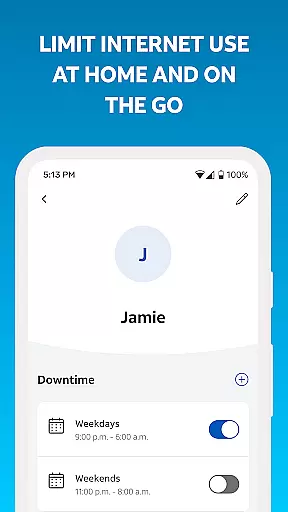
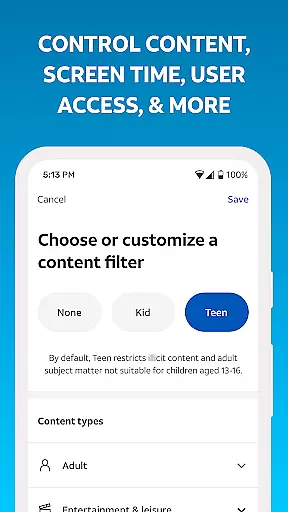
The app allows users to easily modify Wi-Fi settings such as network name and password directly from their mobile device. It also supports advanced functionalities like creating personalized profiles for family members, setting parental controls, and managing screen time through customizable schedules. These features provide granular control over how and when devices access the Internet.
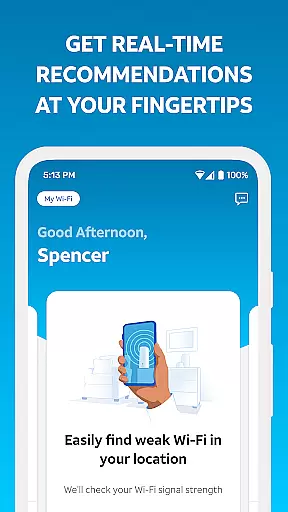
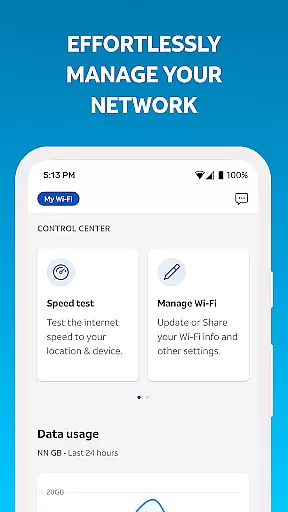
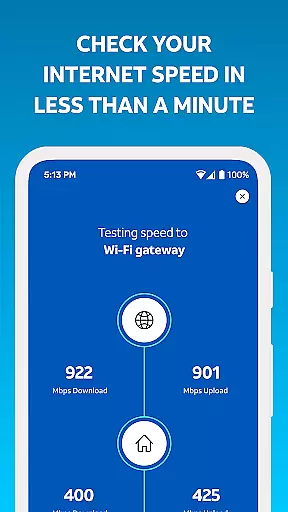
Additional highlights include speed testing to your Wi-Fi gateway, identifying weak signal areas within your home, and receiving proactive notifications about network health and outages. These innovative tools ensure that users can maintain optimal network performance while staying informed about potential issues.
Task management is a cornerstone of productivity applications, and Smart Home Manager excels in this area by offering users the ability to oversee and control their home network efficiently.
The app provides clear, technician-free troubleshooting, allowing users to resolve issues without external help. It also enables easy viewing and updating of Wi-Fi network settings, personalization of device names, and creation of profiles for managing family screen time.
With features like pausing Wi-Fi access for devices and testing Internet speed, users can maintain optimal network performance. These capabilities ensure that even those who are not tech-savvy can manage their home networks with ease.
By consolidating these essential tools into one intuitive interface, Smart Home Manager empowers users to take full control of their home's digital environment, enhancing both productivity and convenience.
Cross-device synchronization is vital for users managing multiple devices within a smart home ecosystem. Smart Home Manager ensures reliable synchronization across all connected devices, providing a seamless experience.
Users can see whatu2019s connected to their network and receive notifications of issues or service outages. This real-time information allows for immediate action, such as restarting the Wi-Fi gateway directly from the app.
The ability to pinpoint weak signal spots throughout the home further enhances connectivity. By addressing these areas, users can optimize their network's reach and performance.
Overall, Smart Home Manager offers robust cross-device synchronization, ensuring that every device on the network remains interconnected and operates smoothly, thus supporting a truly integrated smart home experience.
User-friendly interface
Comprehensive network control
Technician-free troubleshooting
Advanced parental controls
Real-time network monitoring
Limited to AT&T customers
Gateway model dependent
No offline functionality
Requires account login
Home Wi-Fi only

Auto-shutoff Alarm with Sunrise, Sunset & Fixed Options.
 3.50
3.50
Mega cloud explorer plugin for Solid Explorer
3.80
Device's storage information in a simple and clear graphical form (infographics)
4.10
We're working to become the best machining app on the market! www.cncdirt.com
4.80
Todo reminder
4.10
Quickly and easily keep track of your work shifts
4.70
Secure your apps with lock screens, use custom themes and different features.
4.40
Share files & memories safely. Keep your photos and videos secure.
4.40
Browse and view your photos and videos from the phone with photo & video hide.
4.10
Native client for Forgejo and Gitea
5.00
8 custom complications. Custom Time Fonts. Beautiful color schemes. A++ Design.
5.00
Multilingual translator for text, voice, and image translation!
4.90
Use powerful, industry-leading AI tools to generate visual charts from any data
4.80
App lock - lock apps with fingerprint, password, pin or pattern, protect privacy
4.70
To do list widget with a notebook organizer, checklist, simple shopping list
4.60
Make apps & sites with natural language prompts
4.10
Create and edit presentations with Google Slides, part of Google Workspace.
4.00
Find and delete junk files & block unwanted notifications & manage files
3.70
ID.me Authenticator is a simple and free Two Factor Authentication solution
3.50


User Reviews