
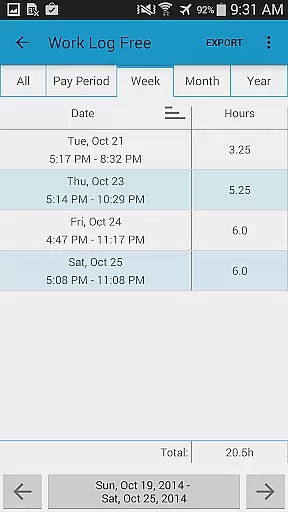
Work Log Pro is a comprehensive productivity tool designed for efficient work hour tracking and payroll management. This application allows users to log shifts, calculate worked hours, and estimate wages across customizable pay periods. With advanced features like exporting data as spreadsheets or PDFs, importing and exporting backups, and supporting multiple jobs, it caters to both standard and complex work scenarios.
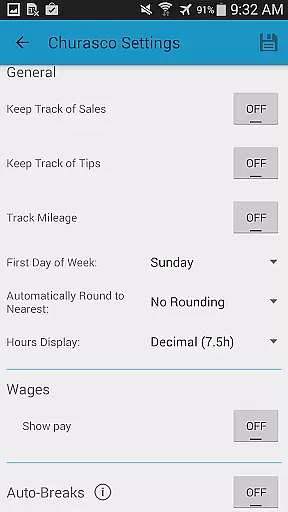
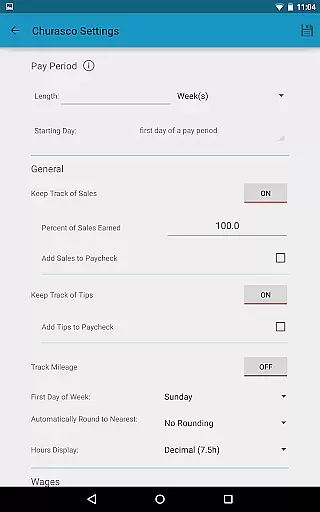
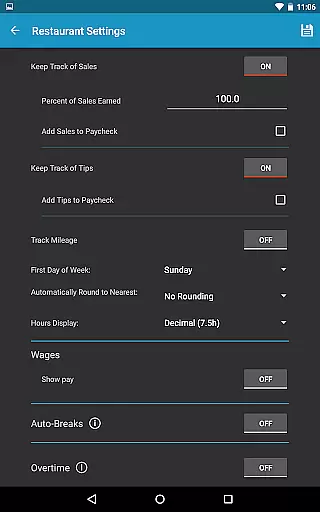
The app stands out with its user-friendly interface that supports automatic break deductions, overtime calculations, and optional tracking of sales or tips. It offers extensive customization options including 24-hour time formatting, start-of-week settings, and various viewing modes for past shifts. Work Log Pro ensures accurate wage calculations by incorporating deductions, bonuses, and overtime rates, making it an indispensable tool for professionals such as servers, salespeople, and anyone needing detailed work log tracking.
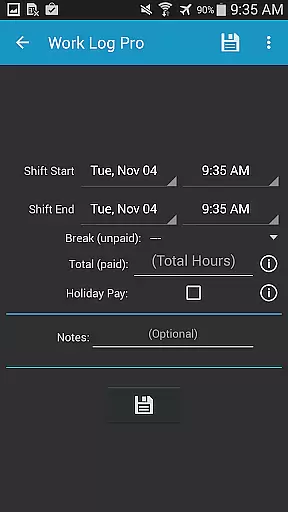
Work Log Pro boasts an array of productivity-enhancing features. The app provides multiple methods for shift entry, including punching in and out or manual input, alongside easy modification of past shifts. Its powerful customization capabilities allow users to tailor the app to their specific needs, offering options like 24-hour time display, currency symbols from over 100 countries, and flexible pay period configurations.
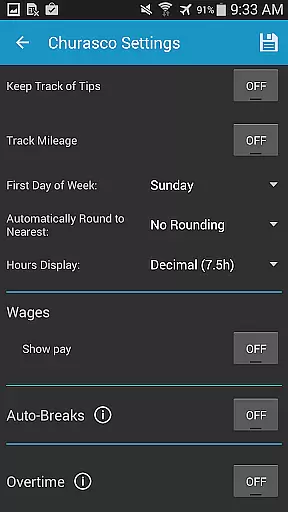
Advanced functionalities include automated break deductions based on shift length, tracking up to two overtime rates, and paycheck calculations that incorporate taxes, bonuses, and commissions. Users can also leverage widgets for quick access, backup and restore data effortlessly, and export recorded shifts in CSV format. These robust features ensure that Work Log Pro delivers both convenience and precision in work hour and payroll management.
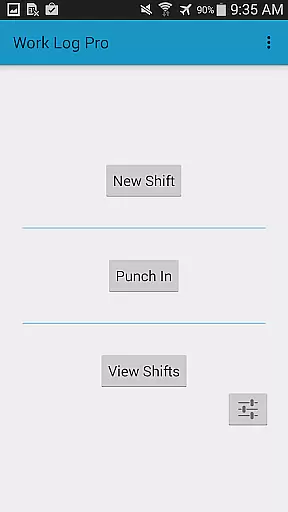
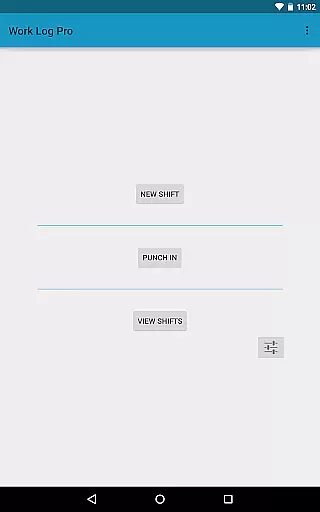
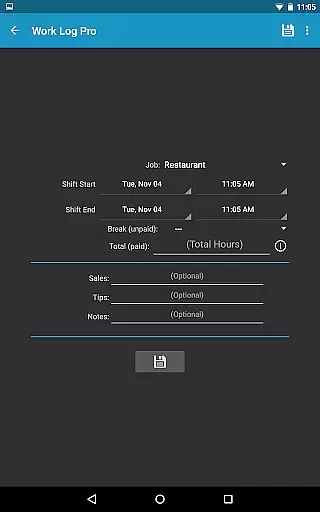
Work Log Pro excels in core task management by offering a comprehensive suite of tools designed to track work hours efficiently. The app allows users to punch in and out or manually enter shift hours, ensuring accurate time tracking for various jobs.
One of the standout features is its ability to automatically calculate break deductions and pay period settings, saving users valuable time. This functionality ensures that users can easily update, delete, or add past shifts without hassle, maintaining precise records of their work history.
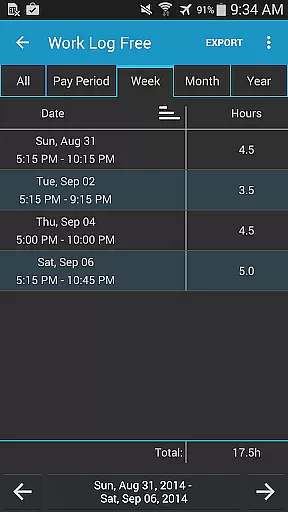
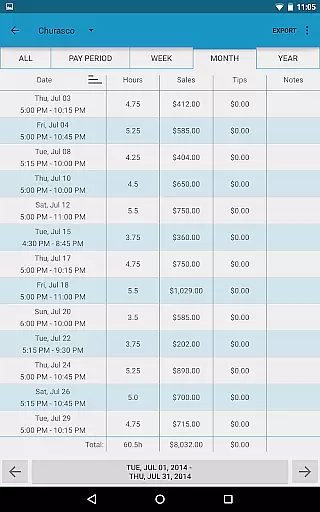
The app supports multiple jobs, each with customizable settings such as 24-hour formatting and different views for past shifts. This flexibility enables users to tailor the app to their specific needs, enhancing productivity and organization.
Overall, Work Log Pro's robust task management capabilities provide users with a reliable way to monitor their work hours and earnings, making it an essential tool for anyone looking to streamline their work tracking process.
Cross-device synchronization is a critical feature of Work Log Pro, ensuring that users can seamlessly transition between devices without losing data. By utilizing backup and restore functionalities, the app guarantees that all shift information remains secure and accessible.
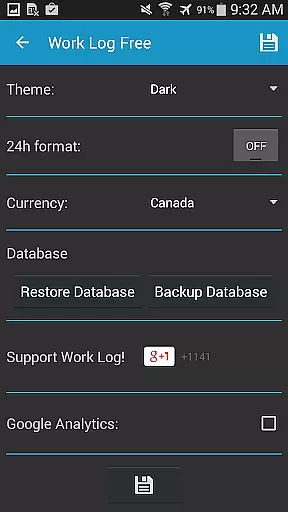
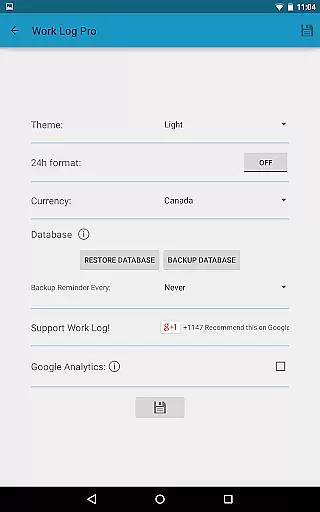
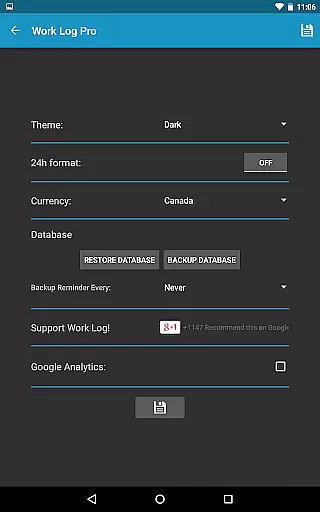
Users can create backups of their shifts and transfer them via email through the General Settings using the Backup Database option. This process allows for easy restoration on new devices, providing peace of mind and continuity in work tracking.
In addition to manual backups, the app offers automated reminders to back up the database at regular intervalsu2014weekly, bi-weekly, monthly, or bi-monthly. This feature ensures that users never miss an opportunity to safeguard their data, reinforcing the app's reliability.
By combining thorough backup solutions with user-friendly interfaces, Work Log Pro delivers dependable cross-device synchronization, empowering users to manage their work logs effectively across multiple platforms.
Accurate time tracking
Customizable settings
Multiple job support
Export functionality
Ad-free experience
Separate free version
Complex setup
Requires backup
No cloud sync
Paid upgrades

Create study competitions, track your hours, and stay consistent with friends
 4.1
4.1
Total remote control for your Android device, PC and cloud services (IFTTT)!
4.20
Easiest event planning, volunteer signups & parent teacher conference scheduling
2.20
Functional QR scanner and barcode reader that requires little storage space.
4.60
All document reader, all in one file viewer read PDF, DOCX, XLS, PPT, TXT files.
4.60
Code on-the-go with VScode for Android. Edit,debug and collaborate from mobile!!
3.10
Scientific calculator for Android - looks and operates like the real thing!
4.90
Intelligent AI Assistant
4.10
Simple notepad & memo. Take notes, to-do list, shopping list with reminders.
4.80
Direct Chat without saving contacts & Dual WA Account on Single Device
4.70
Absolutely the best CNC machinist speed and feed calculator around. fswizard.com
4.60
Secure, fast, open-source, Remote Desktop Client for Windows and Linux with SSH
4.60
Subscribe to Webcal & .ics calendars and keep them up-to-date!
4.50
The ultimate file manager for rooted devices. The original and still the best.
4.00
⏰ Finally a timer app which can run multiple timers simultaneously on your watch
3.90
Auto-shutoff Alarm with Sunrise, Sunset & Fixed Options.
3.50
ID.me Authenticator is a simple and free Two Factor Authentication solution
3.50
Simple and reliable communication between inmates, friends and family
3.20
A simple, portable logger for POTA, SOTA, Field Day, and more
4.5


User Reviews