
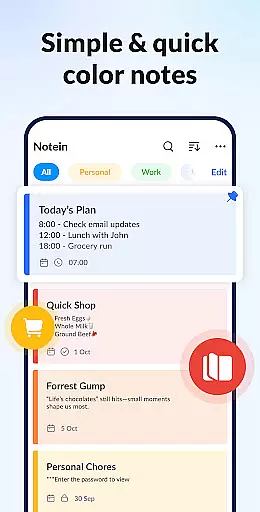




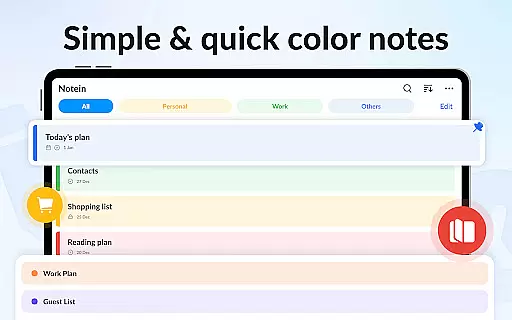
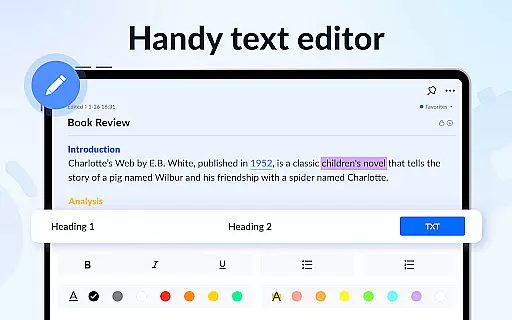


Notein - Notepad, Notes, Lists is a versatile productivity app designed for effortless note-taking and task management. This free notepad app offers multiple note-taking modes including text and checklist formats, automatic saving, and an intuitive interface that mimics the simplicity of pen and paper.
With features like calendar integration, reminders, sticky notes widgets, color-coded organization, password protection, and cloud backup, Notein ensures your notes are organized, secure, and accessible across devices. Whether you need to jot down quick memos, create detailed to-do lists, or manage complex schedules, this app provides all the necessary tools in one convenient package.
Ideal for students, professionals, and anyone seeking better organization, Notein transforms how you capture and manage information, helping you stay on top of your tasks and responsibilities with ease.
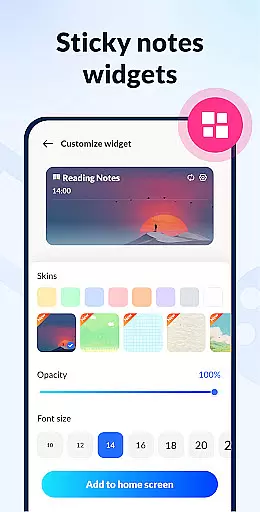
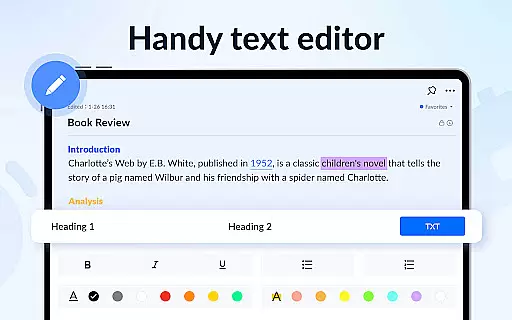
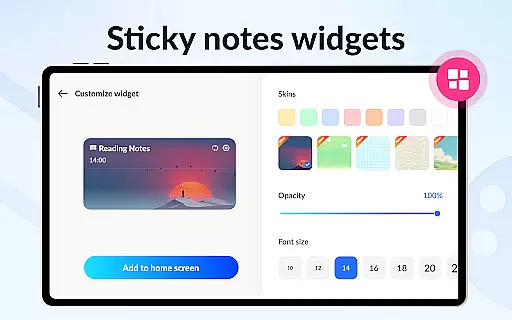
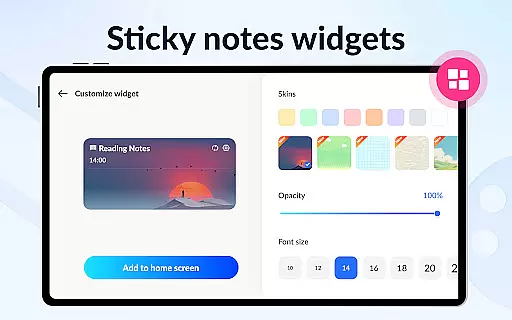
Notein stands out with its comprehensive feature set tailored for efficient note management. The app provides two primary note-taking modes: text mode for traditional note-taking and checklist mode for task-oriented entries. Its automatic saving function ensures you never lose important information while the widget functionality allows for quick access and editing directly from your home screen.
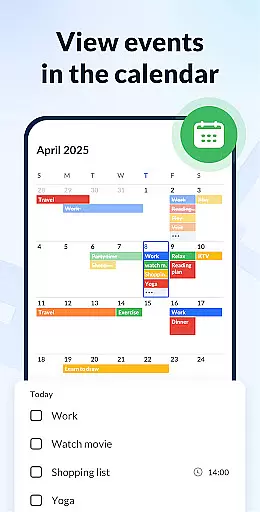
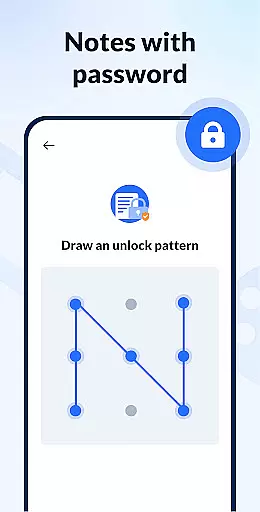
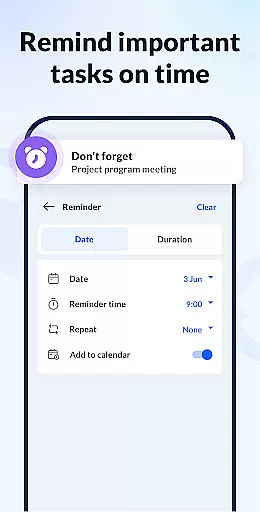
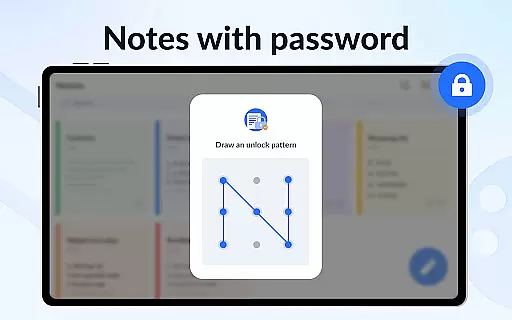
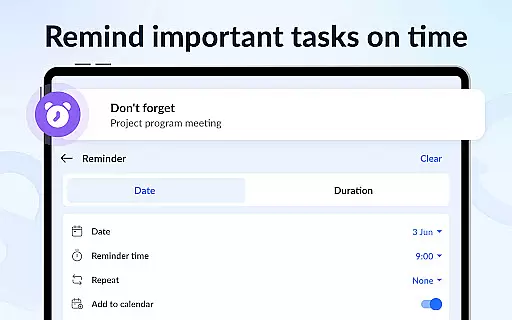
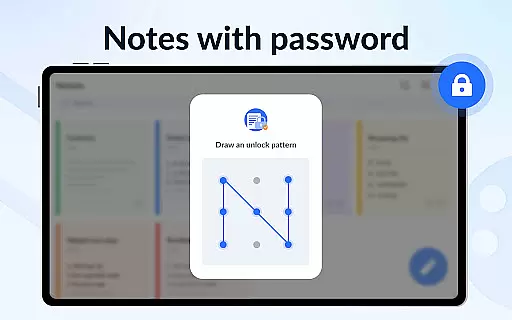
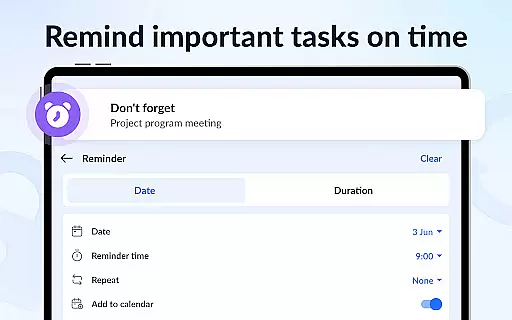
The app's calendar integration enables users to associate notes with specific dates, creating a visual timeline of tasks and events. Reminders ensure timely notifications for crucial deadlines, while color-coding helps categorize and prioritize notes effectively. The ability to set passwords adds an extra layer of security, protecting sensitive information from unauthorized access.
Additional features include cloud backup for data safety, multiple viewing modes (list, grid, details), sorting options by time and color, and sharing capabilities through various platforms. These robust functionalities make Notein a complete solution for anyone seeking an organized and secure way to manage their digital notes.
Effective task management is essential for productivity apps, serving as the backbone for organizing and tracking tasks. Notein - Notepad, Notes, Lists excels in this area by offering versatile features that cater to various note-taking needs.
The app provides multiple modes for task management, including text mode for standard note-taking and checklist mode for more structured task lists. This dual approach allows users to choose the format that best suits their organizational style, whether it's jotting down quick reminders or creating detailed to-do lists.
One of the standout features is the automatic saving function, which ensures that no information is lost while typing. Users can also benefit from calendar integration, enabling them to schedule tasks and view them in a temporal context, thus enhancing time management skills.
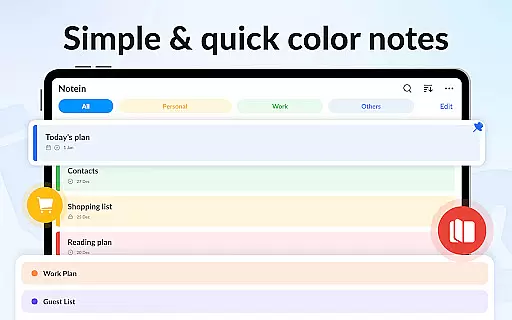
Additionally, the ability to pin important notes and access them through widgets on the home screen streamlines the process of prioritizing tasks. With sorting options by time and color, users can quickly locate specific notes, making daily task management more efficient and less time-consuming.
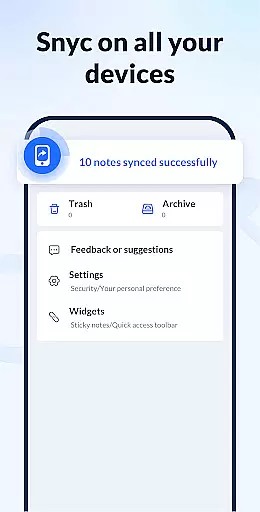
In today's interconnected world, reliable cross-device synchronization is crucial for maintaining workflow continuity. Notein addresses this need by providing seamless integration across different platforms, ensuring that users can access their notes from any device at any time.
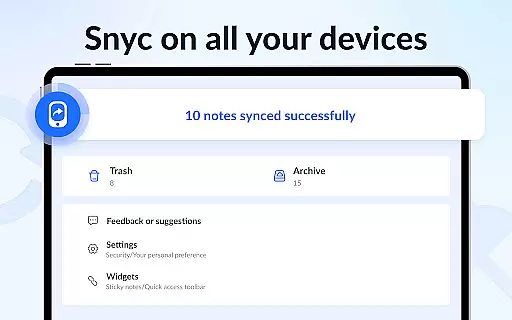
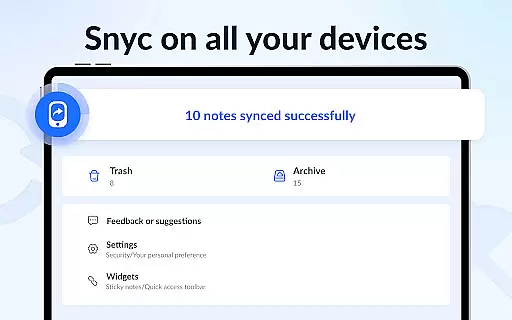
The app supports cloud backup functionality, allowing users to store all their notes securely in the cloud. This feature not only prevents data loss but also facilitates real-time updates across devices. Whether you're switching from a phone to a tablet or sharing notes with colleagues, the transition is smooth and hassle-free.
Furthermore, Notein offers various display modesu2014list, grid, and detailsu2014that remain consistent across devices. This uniformity ensures that users have a familiar experience regardless of the device they are using, promoting efficiency and reducing the learning curve when transitioning between devices.
Sharing capabilities are another highlight, enabling users to distribute notes via multiple channels such as Twitter, SMS, WeChat, and email. This versatility in communication enhances collaboration and ensures that important information reaches its intended recipients promptly, further solidifying Notein's position as a reliable productivity tool.
User-friendly interface
Automatic note saving
Secure password protection
Versatile widget access
Comprehensive feature set
Limited collaboration tools
No real-time syncing
Occasional bugs reported
Basic free version
Ads in some sections

Secure, fast, open-source, Remote Desktop Client for Windows and Linux with SSH
 4.60
4.60
Font maker keyboard with your own handwriting
4.10
All document reader, all in one file viewer read PDF, DOCX, XLS, PPT, TXT files.
4.60
Code on-the-go with VScode for Android. Edit,debug and collaborate from mobile!!
3.10
Docker, Kubernetes management over Portainer Mobile
4.40
Great calculator for Android named one of USA TODAY's "25 Essential Apps".
4.90
A simple Whisper AI keyboard for reliable speech transcription and rewording
4.60
Quickly and easily keep track of your work shifts
4.70
Share files & memories safely. Keep your photos and videos secure.
4.40
Native client for Forgejo and Gitea
5.00
Planet Free VPN - The best Fast Unlimited and Secure VPN Without Logs
4.50
Translate text/voice/photos in 150+ languages. Offline & fast translator app.
4.50
A lightweight JSON & XML files creator, editor and viewer (Premium Version)
4.40
When you Focus, so will your Bean in this cozy focus timer
4.30
Access, manage and transfer files on Android, PC, Mac, NAS and cloud storages.
4.30
Total remote control for your Android device, PC and cloud services (IFTTT)!
4.20
Unlock AutoNotification
4.00
Customizable calendar widget for seamless event sync, planning & scheduling.
4.00
Ultimate Virtual AI Character for immersive Roleplay Chat. Perfect Companion
3.90


User Reviews