
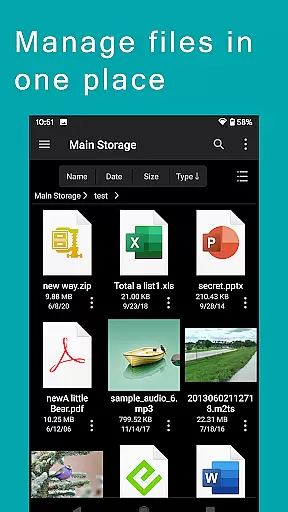



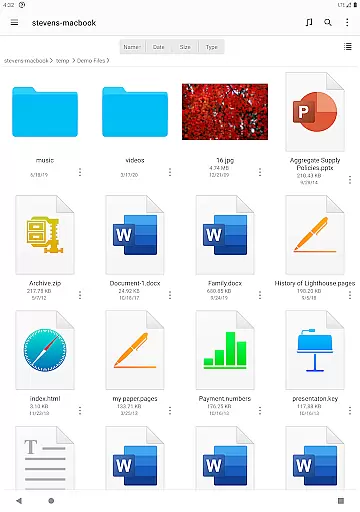

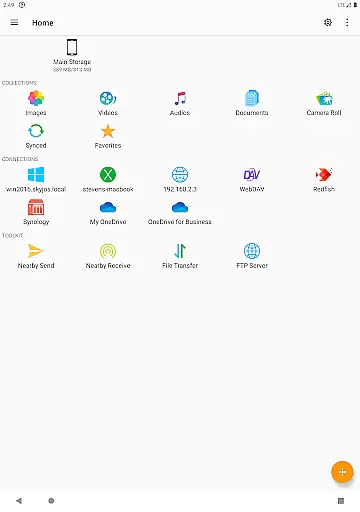
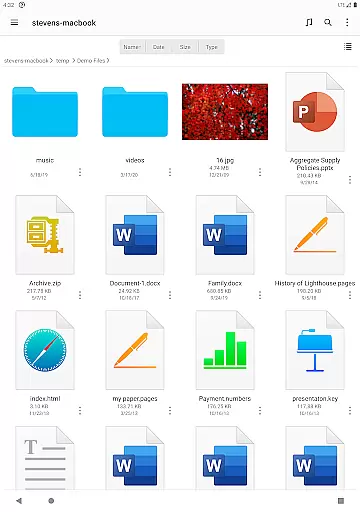
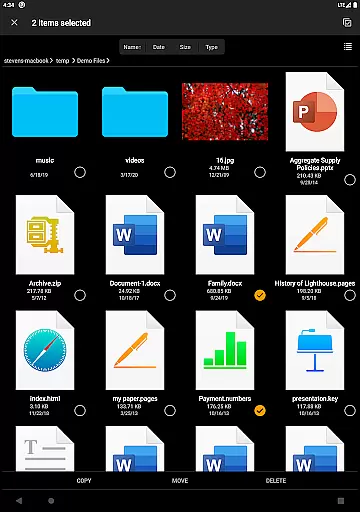
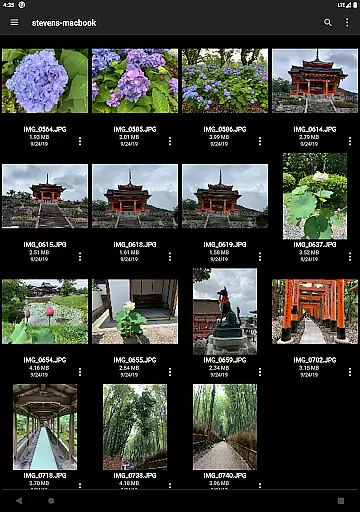

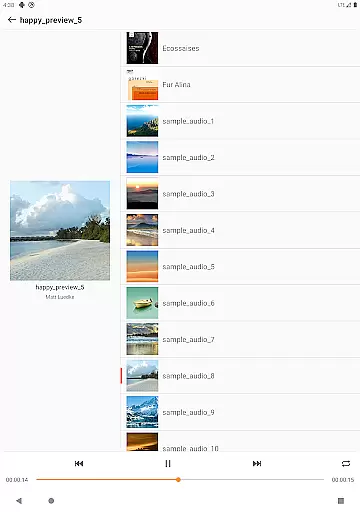
FE File Explorer Pro is a versatile productivity app designed for Android and iOS users who need comprehensive file management capabilities. This powerful tool allows users to access files not only on their mobile devices but also across computers, NAS systems, and various cloud storage platforms.
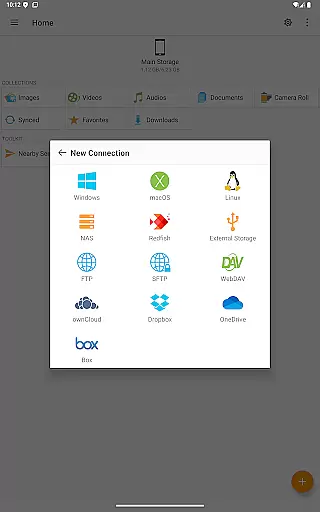
The app supports multiple protocols including SMB/CIFS, WebDAV, FTP, and SFTP, enabling seamless connectivity with macOS, Windows, Linux, and NAS environments. With direct streaming and viewing capabilities, users can enjoy multimedia content and manage documents without the need for downloading. Whether you're transferring files between locations or syncing data with cloud services like Dropbox and OneDrive, FE File Explorer Pro provides an all-in-one solution for efficient file handling.
Ideal for professionals and tech-savvy users, this app streamlines workflows by offering advanced features such as remote editing, automatic backups, and cross-platform file transfers. The ability to connect to Windows Domain and Active Directory makes it particularly valuable for enterprise users.
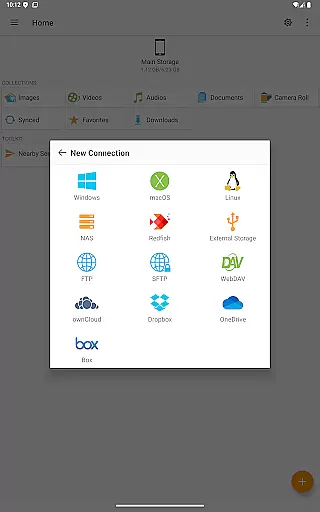
FE File Explorer Pro stands out with its extensive feature set tailored for power users. The app's network connectivity options are impressive, supporting SMB/CIFS protocol for accessing network shares on various operating systems and NAS devices. It also maintains compatibility with WebDAV, FTP, and SFTP servers, ensuring universal access to remote storage resources.
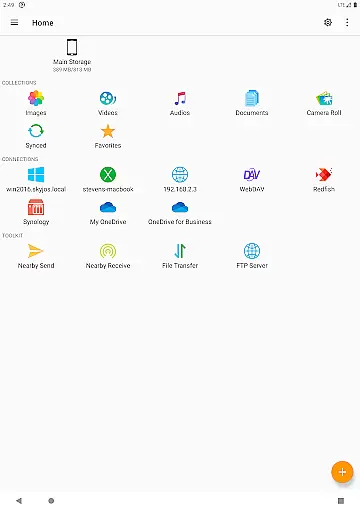
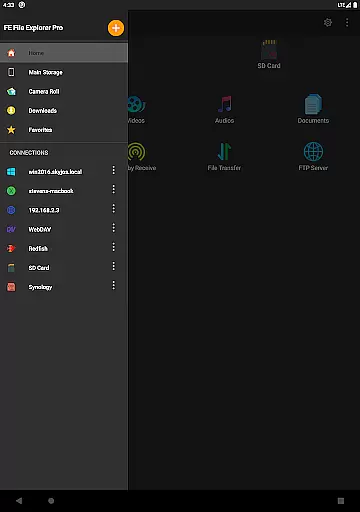
Cloud integration is another key strength, with native support for popular services including OwnCloud, Dropbox, OneDrive, and OneDrive for Business. The app enables direct management of files across different storage locations, from Android internal storage to SD cards and USB OTG devices. Advanced functionality includes automatic discovery of networked computers and NAS systems, making initial setup intuitive and straightforward.
Productivity-focused features include robust file management tools, multimedia streaming capabilities, and archive handling for ZIP, RAR, and 7zip files. The innovative Edit-in-Place function allows users to modify remote documents directly, while synchronization and backup features ensure data consistency across devices. These comprehensive capabilities make FE File Explorer Pro an indispensable tool for managing complex file ecosystems efficiently.
FE File Explorer Pro excels in core task management by offering a comprehensive suite of tools for file handling across various platforms. This powerful app allows users to access and manage files not only on their local Android device but also on remote computers, NAS systems, and cloud storages.
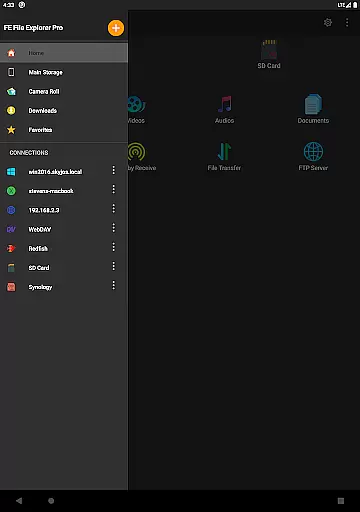
The app supports multiple protocols including SMB/CIFS, WebDAV, FTP, and SFTP, enabling seamless connectivity with macOS, Windows, Linux, and NAS devices. With features like automatic discovery of networked computers and NAS, support for Windows Domain and Active Directory, users can effortlessly navigate through their digital ecosystems.
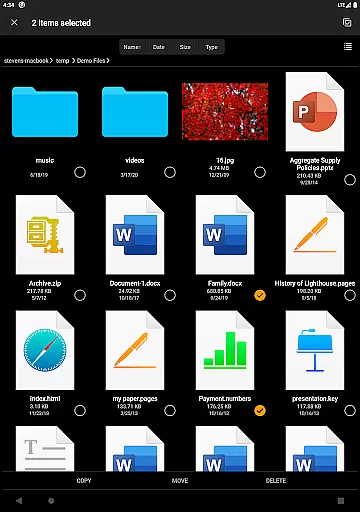
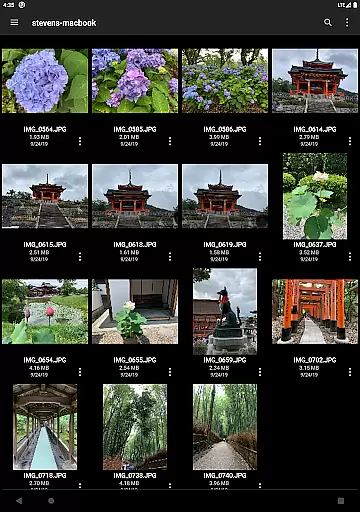
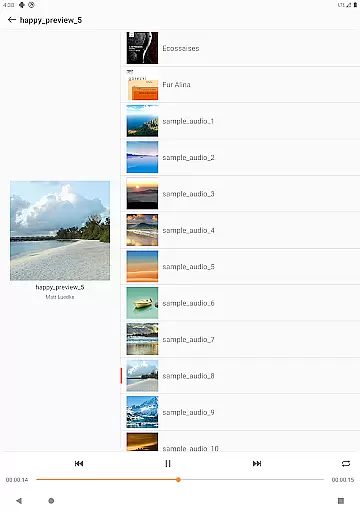
Task execution is made simple with capabilities to copy, move, rename, and delete files directly from the app interface. The ability to stream media, view documents, and manage photos without the need for downloading enhances productivity by saving time and storage space.
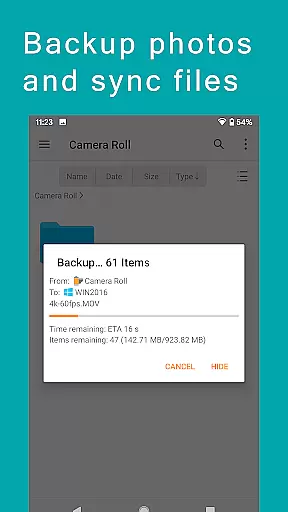
Cross-device synchronization is a standout feature of FE File Explorer Pro, ensuring reliable and efficient data management across different devices. Users can synchronize files between remote storages and their Android devices, maintaining consistency and up-to-date information regardless of the location.
This app facilitates transferring files between various storage locations, whether it's from cloud services like OwnCloud, Dropbox, OneDrive or physical storages such as SD Cards and USB OTG drives. Such versatility ensures that your data is always accessible where you need it most.
Additional functionalities include backing up camera photos to remote storage and using nearby file transfer to share files between Android and iOS devices. These features collectively enhance the synchronization experience, making sure that all your important files are securely updated and available across your digital devices.
Wide protocol support
Robust cloud integration
Advanced file management
Cross-platform compatibility
Enterprise-ready features
Complex for beginners
Requires stable connection
Premium price point
Resource-intensive
Steep learning curve

A Revolutionary All-in-One Artificial Intelligence Tools
 3.80
3.80
QuickBooks Workforce lets teams view pay info and track time in one place.
4.70
App lock - lock apps with fingerprint, password, pin or pattern, protect privacy
4.70
Functional QR scanner and barcode reader that requires little storage space.
4.60
This small app MUST BE INSTALLED after purchase, else license won't work
4.40
Scientific calculator for Android - looks and operates like the real thing!
4.90
Secure your apps with lock screens, use custom themes and different features.
4.40
Simple notepad & memo. Take notes, to-do list, shopping list with reminders.
4.80
Note taking, handwriting, record audio, PDF annotation, planner & journal
4.20
AI Chatbot and AI writing assistant powered by ChatGPT.
4.60
Share files & memories safely. Keep your photos and videos secure.
4.40
A lightweight JSON & XML files creator, editor and viewer (Premium Version)
4.40
Todo reminder
4.10
Experience real multitasking on your Android!
4.00
Access your phone's notifications, calls, apps, photos & texts on your PC
3.90
Mega cloud explorer plugin for Solid Explorer
3.80
Make your handwriting beautiful, even more than pen on paper.
3.60
ID.me Authenticator is a simple and free Two Factor Authentication solution
3.50
The upgraded version of Name Wheel with AI and the power to add your own wheels.
4.0


User Reviews