
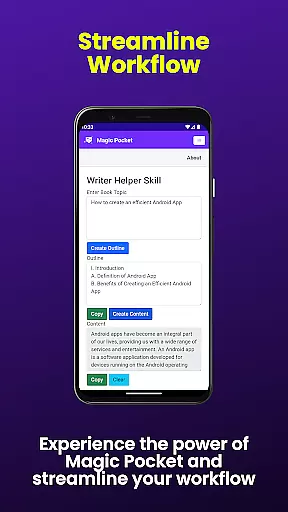
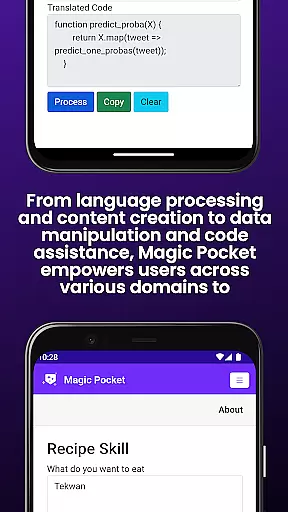
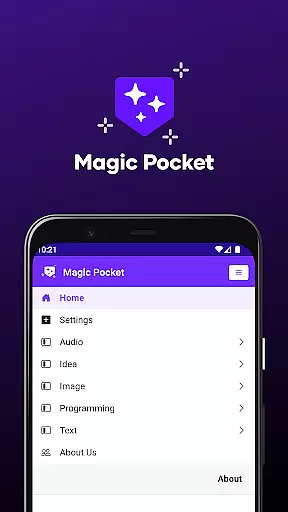
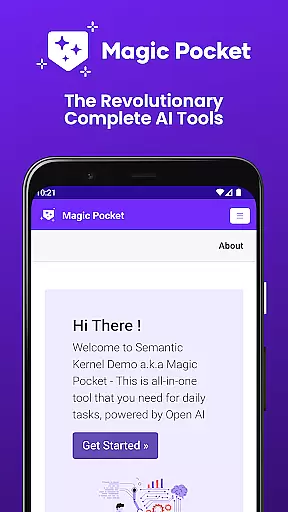
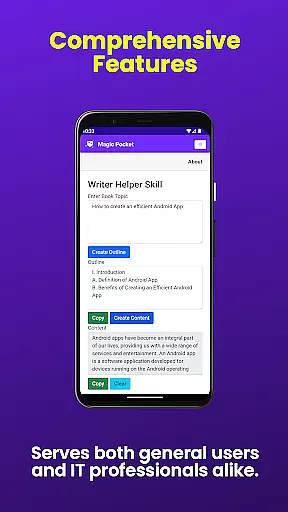
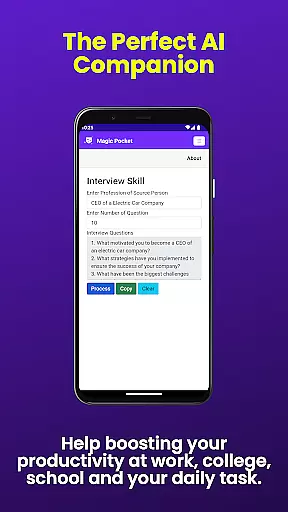
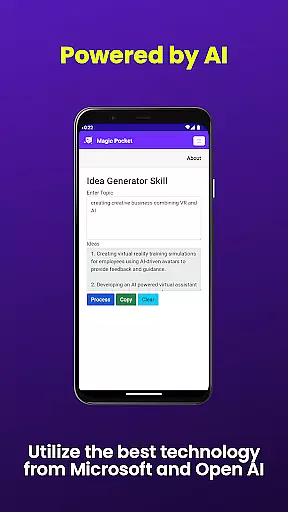
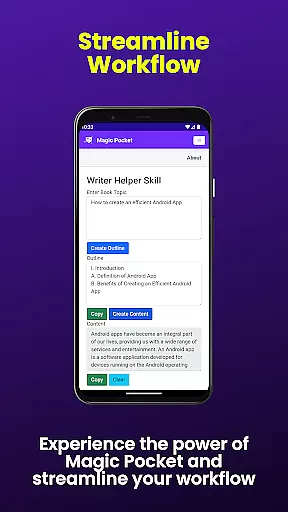
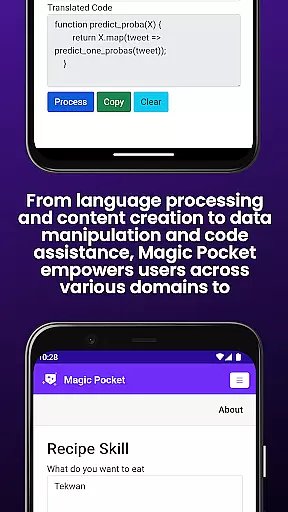
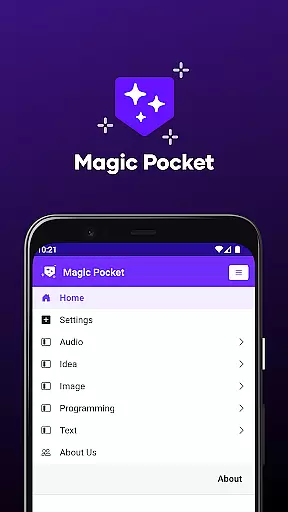
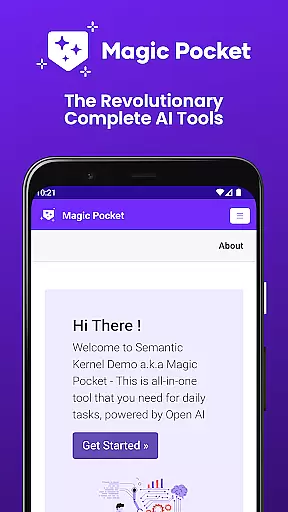
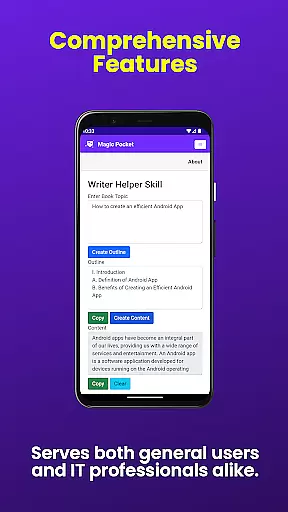
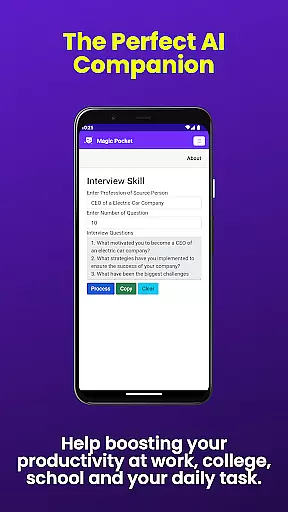
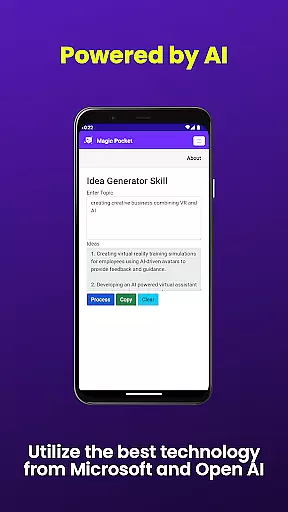
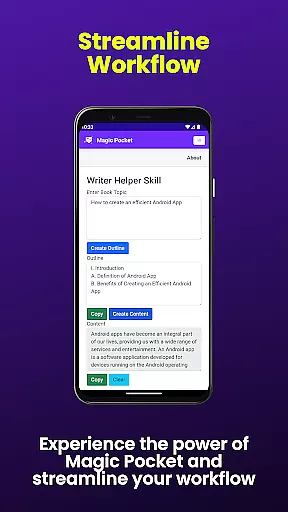
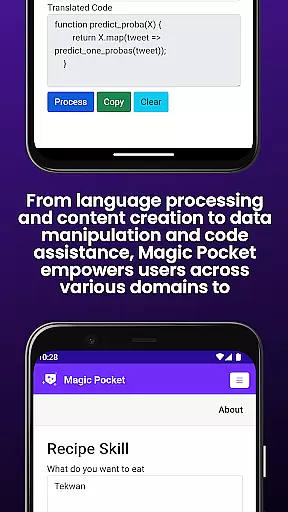
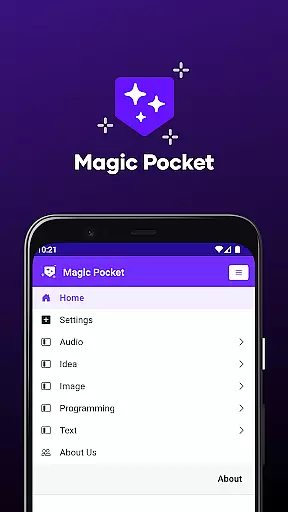
Magic Pocket is a productivity powerhouse that brings together 100 cutting-edge features designed to enhance creativity and efficiency. Available on Android and Windows, this app offers tools for video conversations, image data extraction, voice-activated animations, and more.
With innovative capabilities like HTML to Markdown conversion, speech-to-speech translation, and high-quality video generation using the Luma model, Magic Pocket caters to diverse user needs. Whether you're managing media projects or transforming text content, this app provides comprehensive solutions.
The application's strength lies in its ability to handle complex tasks while maintaining user-friendly interfaces. From generating detailed images with Sana Model from Nvidia to creating captivating 2D animations, Magic Pocket empowers users to achieve professional results across various creative domains.
Magic Pocket stands out with its extensive feature set that includes Talk with Video for seamless video conversations and Extract Image Data for effortless information retrieval from images. The app also offers Animate Image With Voice, allowing users to create dynamic presentations.
Advanced functionalities such as Html to Markdown simplify content formatting, while Speech to Speech enables real-time language translation. Users can generate stunning visuals with tools like Headshot Image and Luma Video Generator, which produce high-resolution outputs suitable for professional use.
Additional features include Image to Emoji transformation, Sana Image Generator for detailed artwork creation, and Recraft Image Generator for unique visual effects. These capabilities make Magic Pocket an indispensable tool for anyone seeking to elevate their digital content creation process.
Task management is a cornerstone of productivity applications, and Magic Pocket excels in this domain by offering an extensive suite of features designed to streamline your workflow. With the introduction of 20 new tools, users can now manage tasks more effectively than ever before.
Magic Pocket's task management capabilities are highlighted by functionalities such as Talk with Video for seamless communication, Extract Image Data for quick information retrieval, and Animate Image With Voice to add dynamic elements to static images. These features collectively ensure that users can handle various types of tasks within a single platform.
The app also provides innovative solutions like Html to Markdown conversion and Speech to Speech translation, which cater to diverse user needs. Such tools not only simplify complex processes but also save time, allowing users to focus on more critical aspects of their projects.
Ultimately, Magic Pocket empowers users to take control of their work environment with precision and ease. By integrating advanced AI-driven features, it ensures that every task, from simple to complex, is executed efficiently, enhancing overall productivity and project outcomes.
Cross-device synchronization is vital for maintaining consistency and accessibility across multiple platforms, and Magic Pocket has been engineered to deliver reliable performance in this area. As a productivity tool available on both Android and Windows, it ensures that your data remains up-to-date regardless of the device you use.
The application supports real-time updates, meaning any changes made on one device are immediately reflected on all others linked to your account. This feature is particularly beneficial when using tools like Headshot Image or Luma Video Generator, where project continuity is essential for achieving desired results without delays.
Moreover, Magic Pocket's robust cloud infrastructure guarantees minimal latency and maximum uptime, providing peace of mind that your work will always be accessible when needed. Whether you're switching between devices at home or collaborating remotely with team members, Magic Pocket keeps everything synchronized effortlessly.
In summary, Magic Pocket stands out by offering dependable cross-device synchronization, ensuring that users experience uninterrupted productivity flow while leveraging its comprehensive set of creative and productive tools.
Extensive feature set
Cross-platform support
Innovative AI tools
User-friendly interface
Professional-grade outputs
Steep learning curve
Resource-intensive
Limited offline functionality
Subscription fees apply
Occasional bugs reported

Easily read and manage all your PDF files
 4.10
4.10
Make your handwriting beautiful, even more than pen on paper.
3.60
Customizable calendar widget for seamless event sync, planning & scheduling.
4.00
All in One PDF Reader: Manage, Read and Edit your Documents
4.20
Create and edit presentations with Google Slides, part of Google Workspace.
4.00
Use powerful, industry-leading AI tools to generate visual charts from any data
4.80
Daily processing of PDF documents.
4.40
Note taking, handwriting, record audio, PDF annotation, planner & journal
4.20
Discover Acode - a sleek, powerful IDE and code editor for Android.
4.30
Understand anything with a personalized AI research assistant
4.80
App lock - lock apps with fingerprint, password, pin or pattern, protect privacy
4.70
App Lock with fingerprint, password: Lock apps & hide photos with lock screens
4.60
Tally and goal counter for Wear OS & mobile
4.50
A lightweight JSON & XML files creator, editor and viewer (Premium Version)
4.40
CalenGoo is a very flexible and feature-rich calendar app
4.40
When you Focus, so will your Bean in this cozy focus timer
4.30
Pwnagotchi companion app
4.20
Code on-the-go with VScode for Android. Edit,debug and collaborate from mobile!!
3.10
Ads Free App! Editor, Hide File, Copy, Move, Delete and Rename.. all facility av
1.70


User Reviews