
PDF Reader - Smart PDF Viewer is a comprehensive productivity app designed for managing and reading various document formats on Android devices. This free app allows users to effortlessly read, manage, and edit PDF files while supporting additional functionalities such as e-signatures, file conversion, merging, splitting, and sharing.
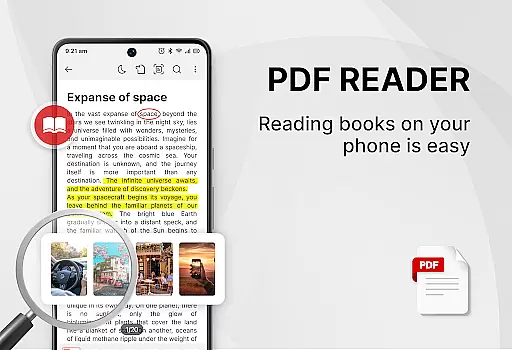
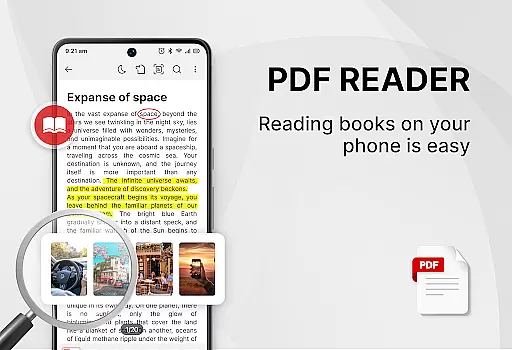
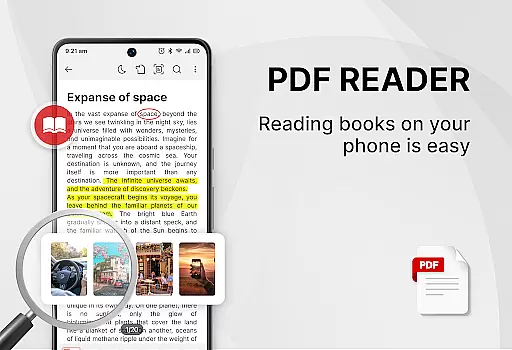
The app stands out with its all-in-one approach, combining a PDF reader, ebook viewer, and editor in one package. It offers essential features like switching between light and dark modes, recently opened files list, and powerful PDF tools including adding e-signatures, converting images or scans to PDF, and setting passwords for document protection.
Whether you're a student or a professional, this app can significantly improve your work or study efficiency by providing an easy-to-use interface and powerful document management capabilities.
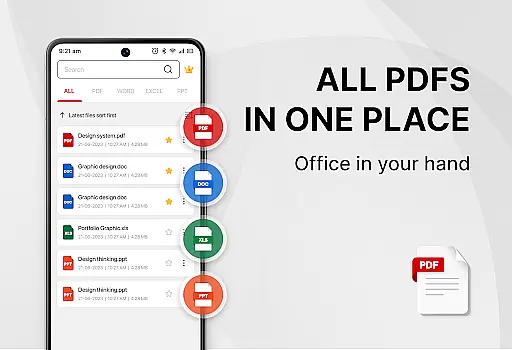
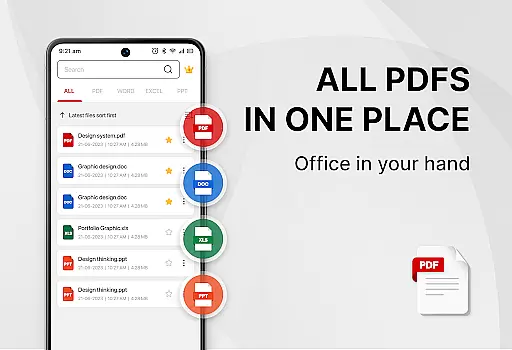
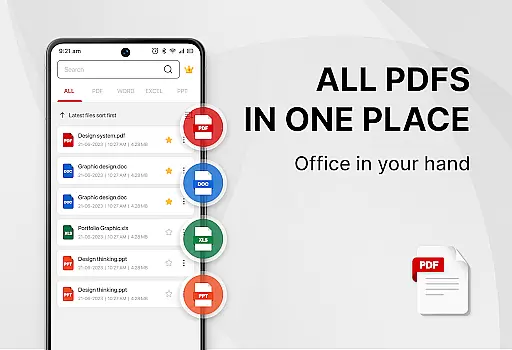
One of the standout features of PDF Reader - Smart PDF Viewer is its ability to handle multiple document formats including PDFs, Word, Excel, and PPT files. The app provides smart search functionality that makes it easy to locate and manage your documents efficiently.
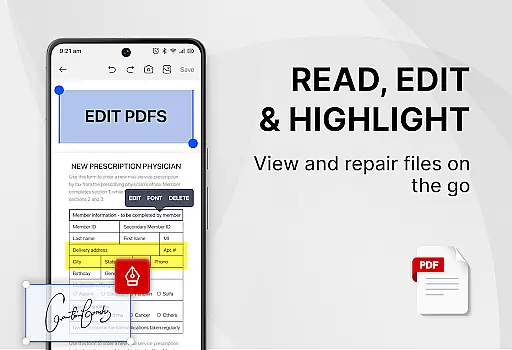
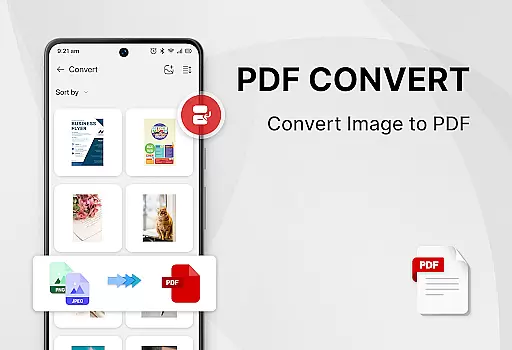
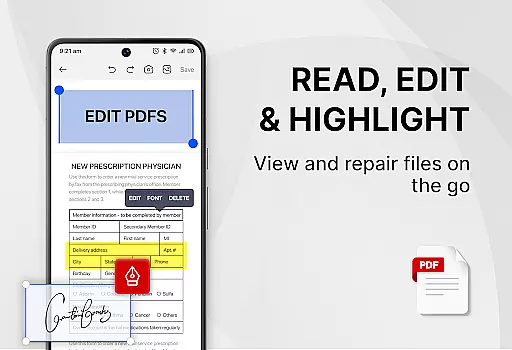
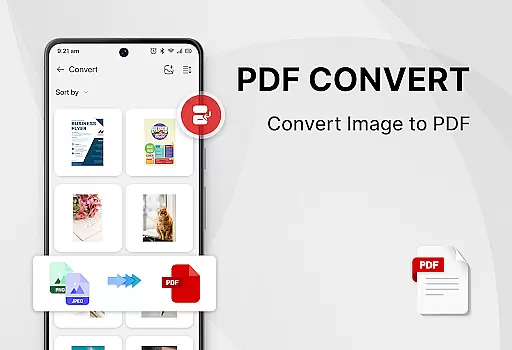
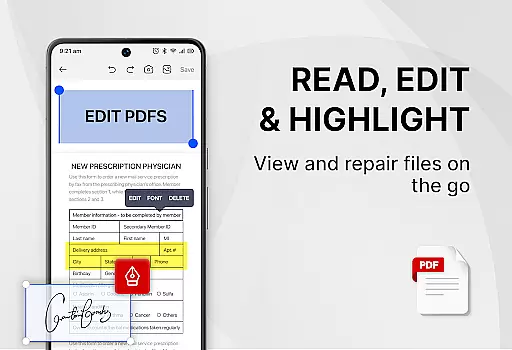
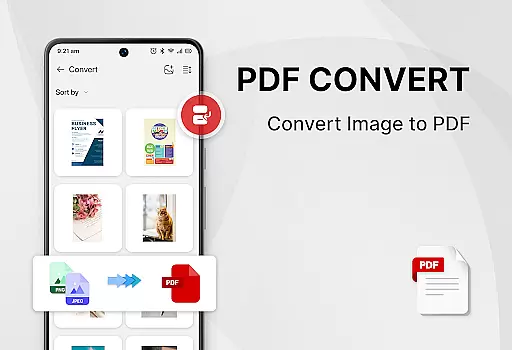
In addition to viewing, the app includes powerful PDF tools such as adding e-signatures, converting images to PDF, scanning paper documents, and converting Word files to PDF. Users can also search and copy text within PDFs, merge and split PDF files, and set passwords to protect their documents.
With its user-friendly design, the app supports one-click switching between light and dark modes and displays recently opened files in a simple list for quick access. These features ensure a seamless and efficient user experience.
Task management is a crucial aspect of productivity applications, especially for users who need to organize and handle multiple documents efficiently. PDF Reader - Smart PDF Viewer excels in this area by offering an all-in-one solution for managing various document types.
The app provides smart search functionality that displays all document files including PDFs, Word, Excel, and PPT formats. This feature allows users to quickly locate the specific file they need without wasting time navigating through complex folder structures.
Additionally, the recently opened files list offers a convenient way to access frequently used documents. With one-click switching between light and dark modes, users can customize their reading experience according to their preferences or environmental lighting conditions.
By integrating these comprehensive task management features, PDF Reader - Smart PDF Viewer significantly enhances work or study efficiency, making document handling more streamlined and user-friendly.
Cross-device synchronization is essential for users who work across multiple devices and need consistent access to their documents. PDF Reader - Smart PDF Viewer ensures reliable synchronization, allowing seamless transitions between different platforms.
While the app itself focuses on local document management, its request for MANAGE_EXTERNAL_STORAGE permission highlights the importance of accessing and editing document files stored on external devices. This ensures that users can manage their documents effectively regardless of storage location.
Although direct cloud synchronization features are not explicitly mentioned, the app's powerful PDF tools such as e-signature addition, format conversion, and document protection contribute to maintaining document consistency across devices.
These features collectively ensure that users can maintain a uniform workflow whether they're working on their mobile device or switching to a desktop environment, enhancing overall productivity and document accessibility.
User-friendly interface
Comprehensive format support
Powerful editing tools
Free to use
Efficient file management
Requires storage permission
Limited advanced features
No cloud integration
Basic UI design
Occasional bugs

Secure, fast, open-source, VNC and SSH Remote Desktop for Windows, Linux and Mac
 4.70
4.70
A customizable calendar for your Wear OS watch
4.20
QuickBooks Workforce lets teams view pay info and track time in one place.
4.70
Experience Reading - Night Mode for Documents
4.40
IP Camera Viewer - Android TV : RTSP Surveillance camera viewer for Android TV
4.1
CalenGoo is a very flexible and feature-rich calendar app
4.40
Easiest event planning, volunteer signups & parent teacher conference scheduling
2.20
Best Tool for the professionals Electrician, Electrical contractors, etc.
4.90
Browse and view your photos and videos from the phone with photo & video hide.
4.10
Seamlessly integrate data and reports to build your presentation to impress
4.80
Android Wallet Password Manager
4.80
Protect and view your important info on your phone and tablet with eWallet®
4.80
Direct Chat without saving contacts & Dual WA Account on Single Device
4.70
App lock - lock apps with fingerprint, password, pin or pattern, protect privacy
4.70
Scan paperwork into PDF/JPG, generate your own e-signature and send fax or email
4.70
Planet Free VPN - The best Fast Unlimited and Secure VPN Without Logs
4.50
PDF scanner & converter for files, photos, lottery, QR codes. One swipe away!
4.50
Enjoy classic gameplay with customizable features and retro-style graphics.
4.30
Professional calendar app for Google Calendar, MS Outlook & Exchange
4.20


User Reviews