
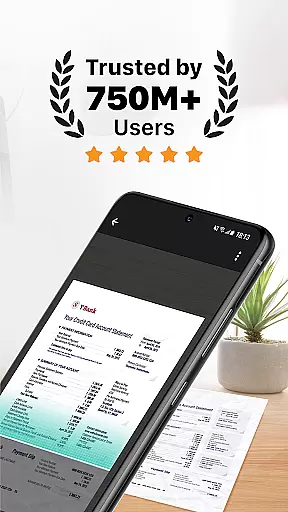
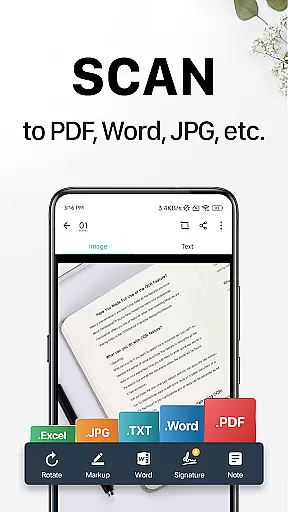
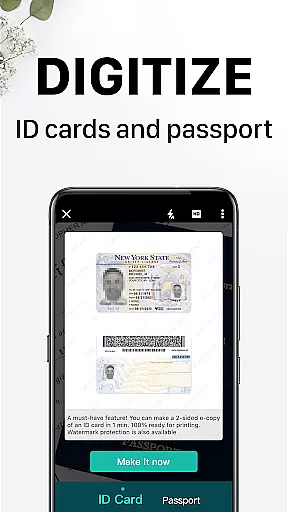
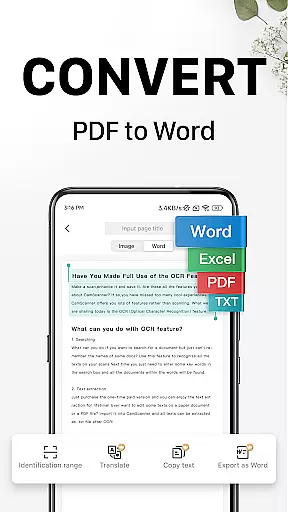
CamScanner is a versatile productivity app that transforms your mobile device into a portable scanner. With advanced OCR technology, it allows users to scan, save, and share documents in various formats including PDF, JPG, Word, and TXT. The app optimizes scan quality through smart cropping and auto-enhancement features, ensuring clear and sharp outputs.
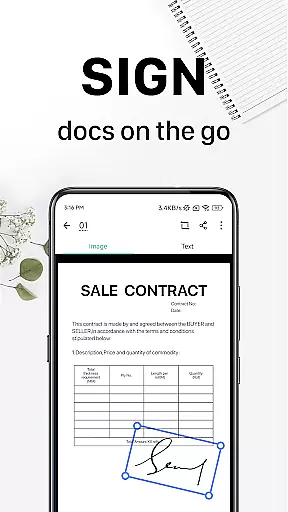
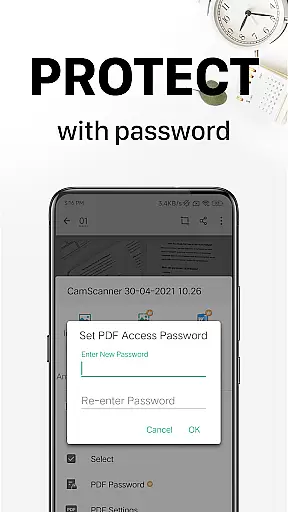
Beyond basic scanning, CamScanner offers text extraction capabilities, wireless printing, remote fax services, and advanced document editing tools. Users can annotate documents, add watermarks, and secure important files with password protection. Its cross-platform syncing ensures seamless access across multiple devices, making it an ideal solution for both personal and professional document management needs.
CamScanner stands out with its comprehensive feature set tailored for productivity enthusiasts. The app's quick digitization capability allows users to scan receipts, notes, invoices, and more using their device's camera. Its optimization tools ensure premium scan quality with smart cropping and auto-enhancement functions that produce sharp images with accurate colors.
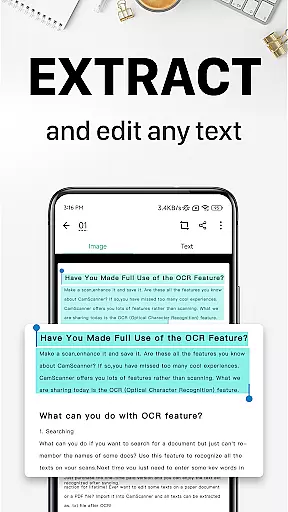
The OCR functionality enables users to extract text from images or PDFs for easy searching and editing. Sharing options are diverse, supporting PDF/JPEG formats across social media platforms and email. Additional standout features include wireless printing, remote fax services to over 30 countries, and advanced document editing tools. These capabilities, combined with quick search functions and robust security measures, make CamScanner an indispensable tool for efficient document management.
CamScanner excels in core task management by offering a comprehensive suite of productivity tools that streamline document handling. This scanner app allows users to quickly digitize receipts, notes, invoices, and more, transforming them into high-quality PDF or JPEG files.
The app's intelligent cropping and auto-enhancement features ensure that scanned documents maintain premium color accuracy and sharp resolutions. With optical character recognition (OCR), CamScanner enables text extraction from images or PDFs, making the content easily searchable, editable, and shareable.
Users benefit from advanced document editing options, including annotation tools and customizable watermarks, which enhance document personalization and security. These robust features collectively save time and boost productivity, allowing users to focus on their essential tasks without being bogged down by paperwork.
Cross-device synchronization is a standout feature of CamScanner, ensuring reliable access to documents across multiple platforms. By signing up for an account, users can sync their scanned documents on various devices, including smartphones, tablets, and computers, via the CamScanner website.
This seamless synchronization empowers users to view, edit, and share documents on the go, providing unparalleled flexibility and convenience. Whether at home, in the office, or traveling, users can access their important files anytime, anywhere, enhancing their overall productivity.
Additionally, CamScanner offers secure document protection through password settings for viewing and downloading, safeguarding sensitive information. The ability to manage and protect documents across devices makes CamScanner an indispensable tool for individuals and businesses seeking efficient and secure document management solutions.
Advanced OCR Technology
Multi-format Document Support
Cross-platform Syncing
Wireless Printing Capability
Remote Fax Services
Premium Features Locked
Subscription Model Required
Limited Free Trial Usage
Ads in Free Version
Complex Interface for Beginners

AI Video AI Image Private LLM AI Browser Llama Gemma Ollama Connect LLM Studio
 4.4
4.4
Ads Free App! Editor, Hide File, Copy, Move, Delete and Rename.. all facility av
1.70
8 custom complications. Custom Time Fonts. Beautiful color schemes. A++ Design.
5.00
Activate Two Factor Authentication (2FA or Multi OTP), Password manager and more
4.10
Functional QR scanner and barcode reader that requires little storage space.
4.60
All document reader, all in one file viewer read PDF, DOCX, XLS, PPT, TXT files.
4.60
A comprehensive suite of tools designed specifically for Lactation Consultants
4.4
This small app MUST BE INSTALLED after purchase, else license won't work
4.40
Seamlessly read, manage, and organize all your PDF files solution in one place
4.40
Client for Nextcloud Deck
4.60
The Pro Version of Android's tiniest Notepad app. Just 0.3MB but feature-packed!
4.60
Calendar 2023 widget for Android. Appointment scheduler, planner, and reminder
4.60
A customizable calendar for your Wear OS watch
4.20
Professional calendar app for Google Calendar, MS Outlook & Exchange
4.20
Pwnagotchi companion app
4.20
Easily read and manage all your PDF files
4.10
Unlock AutoNotification
4.00
* block pre-roll ads, pop-up and forced redirect ads * Samsung certification app
4.00
Ultimate Virtual AI Character for immersive Roleplay Chat. Perfect Companion
3.90


User Reviews