
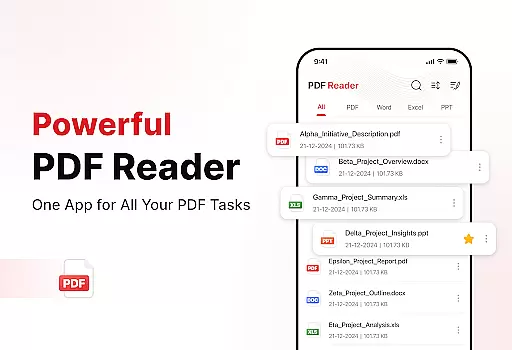
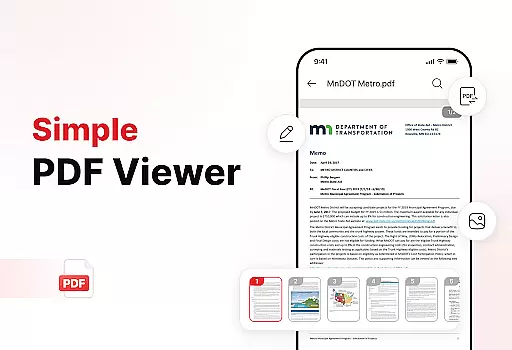
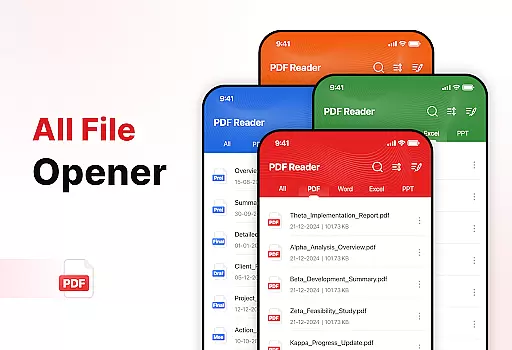
PDF Reader - Edit & View is a comprehensive document management solution designed to simplify how you handle, organize, and convert files. This productivity app offers versatile PDF reading capabilities, allowing users to open, read, and navigate through PDFs of any size without lag. The intuitive interface supports multiple file formats including XLS, DOCX, and PPT, making it an essential tool for students, professionals, and anyone who frequently works with documents.
In addition to its core reading functionality, the app provides powerful document conversion features. Users can scan physical documents and convert them into high-quality PDFs, or transform images and screenshots into professional PDF files. With advanced productivity tools like file sorting, bookmarking, and effortless sharing options, this app ensures your documents are always organized and accessible. Whether you need to sign PDFs, search for specific files, or manage storage space, PDF Reader - Edit & View streamlines these tasks to boost overall productivity.
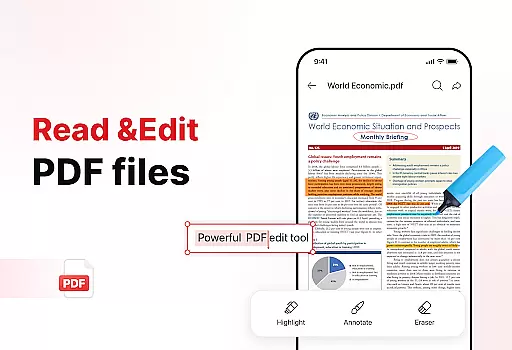
PDF Reader - Edit & View stands out with its extensive feature set tailored for efficient document management. The app's versatile PDF reader allows seamless navigation through documents, with zoom functionality for detailed viewing and highlighting tools for important information. Its multi-format support extends beyond PDFs to include common document types like XLS, DOCX, and PPT, providing users with a unified solution for all their document needs.
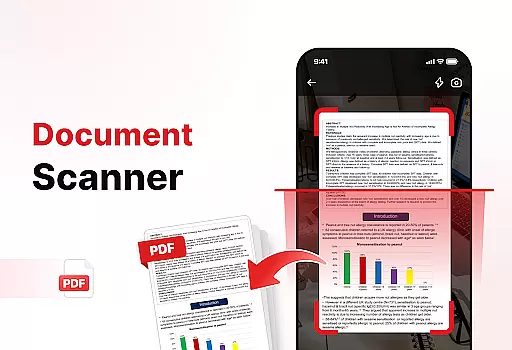
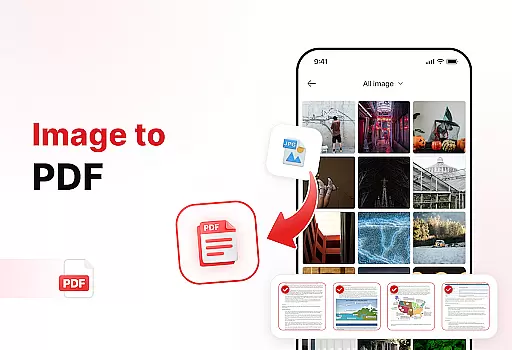
One of the app's key strengths lies in its powerful document converter. The built-in document scanner captures text, images, and diagrams from physical papers and transforms them into high-quality PDFs. Additionally, the image-to-PDF feature enables users to quickly convert various visual content into professional-grade PDF documents. These conversion tools are complemented by enhanced productivity features such as advanced file sorting options, bookmark management, and integrated file search capabilities. The app also includes practical functions like digital signature support and easy sharing options, making it an indispensable tool for both personal and professional document management.
Efficient task management is crucial for productivity applications, and PDF Reader - Edit & View excels in this area. The app provides a comprehensive suite of tools designed to handle various document-related tasks with ease.
Users can seamlessly open, read, and navigate through PDFs of any size without experiencing lag. The application supports multiple file formats including XLS, DOCX, and PPT, ensuring versatility in document handling. Additionally, the ability to highlight critical information and use bookmarks allows for efficient organization and quick access to important sections.
The app's powerful document converter transforms scanned documents and images into high-quality PDFs, further enhancing productivity. With features like file sorting, search functionality, and effortless sharing options, users can manage their documents more effectively.
By integrating these robust task management capabilities, PDF Reader - Edit & View ensures that users can maintain an organized digital workspace, boosting overall efficiency and saving valuable time.
Cross-device synchronization is essential for users who need consistent access to their documents across multiple devices. PDF Reader - Edit & View offers reliable synchronization features that ensure seamless transitions between different platforms.
The app allows users to keep their files synchronized in real-time, providing up-to-date access regardless of the device being used. This feature is particularly beneficial for professionals and students who require flexibility in managing their documents on-the-go.
In addition to synchronization, the app includes enhanced productivity tools such as document scanning and image-to-PDF conversion. These functionalities enable users to capture text, images, and diagrams from physical documents and convert them into professional PDFs effortlessly.
With its focus on reliability and real-time updates, PDF Reader - Edit & View ensures that users can depend on consistent access to their files, enhancing both convenience and productivity across all their devices.
User-friendly interface
Multi-format support
Powerful conversion tools
Advanced organization features
Effortless sharing options
Occasional performance lags
Limited free features
Subscription required
Ads in free version
Large file size

Native client for Forgejo and Gitea
 5.00
5.00
Wake up & get tasks done! Add alarms & reminders on the Clock Launcher.
4.00
The Pro Version of Android's tiniest Notepad app. Just 0.3MB but feature-packed!
4.60
The AI assistant that thinks with you - write, code, and solve complex tasks
4.60
Secure, open-source, SPICE and SSH Remote Desktop for QEMU KVM virtual machines
4.00
Access, manage and transfer files on Android, PC, Mac, NAS and cloud storages.
4.30
Use powerful, industry-leading AI tools to generate visual charts from any data
4.80
Scan paperwork into PDF/JPG, generate your own e-signature and send fax or email
4.70
Browse and view your photos and videos from the phone with photo & video hide.
4.10
The long-awaited modern gallery app for your Nextcloud server
4.70
App lock - lock apps with fingerprint, password, pin or pattern, protect privacy
4.70
Client for Nextcloud Deck
4.60
To do list widget with a notebook organizer, checklist, simple shopping list
4.60
PDF scanner & converter for files, photos, lottery, QR codes. One swipe away!
4.50
Docker, Kubernetes management over Portainer Mobile
4.40
Easily read and manage all your PDF files
4.10
Make apps & sites with natural language prompts
4.10
Make your handwriting beautiful, even more than pen on paper.
3.60
ID.me Authenticator is a simple and free Two Factor Authentication solution
3.50


User Reviews