

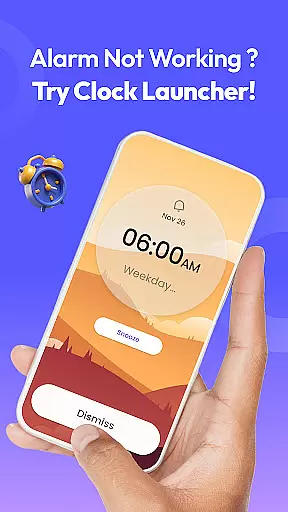
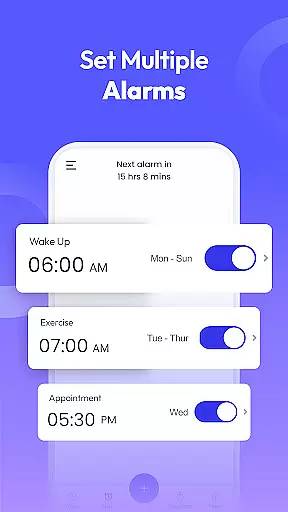
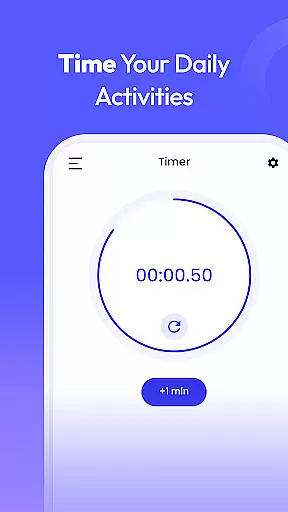
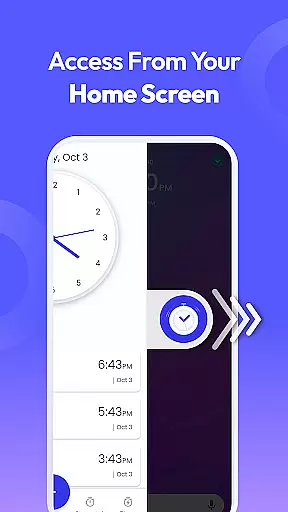
Clock Launcher is a productivity-focused app designed to streamline time management through its intuitive interface and comprehensive features. The app serves as both an alarm clock and a launcher, providing users with instant access to essential tools such as alarms, timers, reminders, and world clocks directly from their home screen. With the added convenience of one-swipe access, users can effortlessly manage their schedules and stay organized throughout the day.
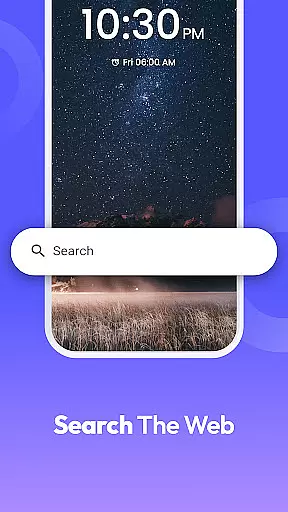
One of the standout features of Clock Launcher is its ability to display time, weather, and other important information via customizable home screen widgets. Users can personalize their experience further by selecting from a variety of clock-themed wallpapers. Additionally, the app offers multi-touchpoint search functionality, allowing users to quickly find installed apps or perform web searches powered by Yahoo. Whether you need to wake up on time, track international time zones, or set reminders for important tasks, Clock Launcher provides all the necessary tools in one easy-to-use package.
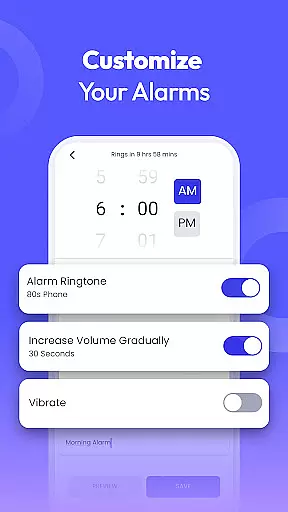
Clock Launcher stands out with its diverse range of features tailored to enhance productivity and simplify daily routines. At its core, the app functions as a highly customizable alarm clock, enabling users to set daily or weekly alarms with unique tones and snooze durations. This versatility makes it suitable for various lifestyles, whether you're a heavy sleeper needing a loud wake-up call or someone who requires gentle reminders throughout the day.
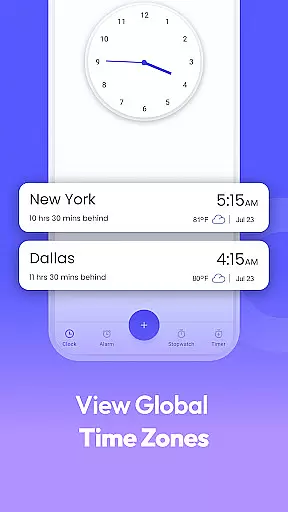
In addition to its alarm capabilities, Clock Launcher includes a world clock feature that allows frequent travelers and professionals with international commitments to monitor time zones across different cities. The app also excels in task management, offering robust reminder and timer functionalities. Users can set reminders for appointments, flights, and events while utilizing timers for cooking, workouts, or timed activities. Furthermore, the built-in stopwatch helps track progress during fitness sessions or any time-sensitive tasks. These features collectively ensure that users remain punctual, organized, and efficient in managing their personal and professional lives.
At the heart of Clock Launcher lies its robust core task management system, designed to streamline your daily routine. This feature allows users to effortlessly set alarms, reminders, and timers with a simple swipe from the home screen. The intuitive interface ensures that managing your schedule is not only efficient but also accessible to users of all tech-savviness levels.
The app's alarm clock functionality stands out by offering customization options that cater to individual lifestyles. Users can set daily or weekly alarms, choose from a variety of tones, and select snooze durations that best suit their waking preferences. For those who struggle to get out of bed, the option to select louder alarm tones ensures you start your day on time, every time.
Beyond just waking up, Clock Launcher's task management extends to setting reminders for important tasks throughout the day. Whether it's taking breaks, attending meetings, or completing chores, this app has got you covered. With the added ability to repeat alarms on specific days, maintaining a consistent routine has never been easier.
Clock Launcher excels in providing reliable cross-device synchronization, ensuring that your alarms, timers, and reminders are always up-to-date across all your devices. This seamless integration means that whether you're at home, in the office, or on the go, your schedule remains consistent and reliable, without any extra effort on your part.
One of the standout features of this productivity app is its world clock functionality, which is particularly beneficial for frequent travelers and professionals with international commitments. By checking the time in any city and tracking time differences, users can stay punctual and prepared, no matter where their duties take them. Saving favorite cities for quick reference further enhances this convenience.
In addition to time management, the app offers practical tools like a stopwatch and timer, perfect for various activities such as cooking, workouts, or timing important calls. These features ensure that users can efficiently manage not only their schedules but also their daily tasks with precision and ease.
User-friendly interface
Comprehensive time management
Customizable home screen
Multi-functional productivity tools
Free to download and use
Home screen layout changes
Limited widget customization
No advanced analytics
Basic visual design
Dependent on Yahoo for search
A customizable calendar for your Wear OS watch
 4.20
4.20
When you Focus, so will your Bean in this cozy focus timer
4.30
Experience real multitasking on your Android!
4.00
All in one sketching tool. Technical and General drawing. Online Maps support.
3.70
Easily read and manage all your PDF files
4.10
Find and delete junk files & block unwanted notifications & manage files
3.70
A beautiful digital clock with autostart and many other functions
4.70
To do list widget with a notebook organizer, checklist, simple shopping list
4.60
Note taking, handwriting, record audio, PDF annotation, planner & journal
4.20
Scientific calculator for Android - looks and operates like the real thing!
4.90
Seamlessly integrate data and reports to build your presentation to impress
4.80
Mind Map and brainstorm, note taking and idea collection
4.80
aCalendar+ makes your day, week and month
4.70
Quickly and easily keep track of your work shifts
4.70
Stay on top of your to-dos with Google Tasks, part of Google Workspace.
4.60
CalenGoo is a very flexible and feature-rich calendar app
4.40
Take control of your clipboard with Clipper!
3.90
A Revolutionary All-in-One Artificial Intelligence Tools
3.80
Smart PDF reader & editor to view, organize and manage PDF documents easily.
3.70


User Reviews