
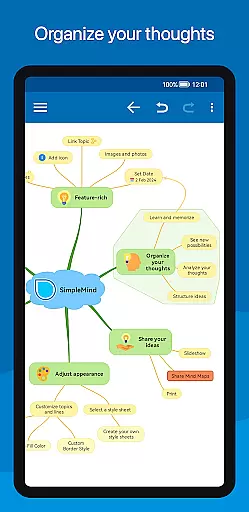
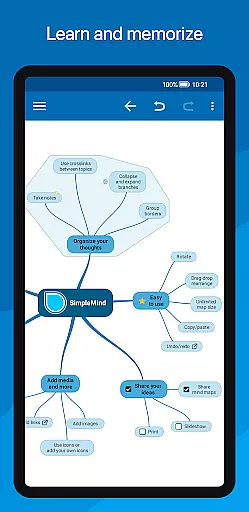
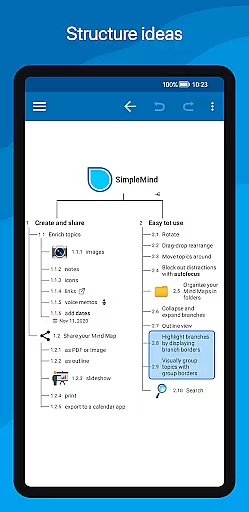
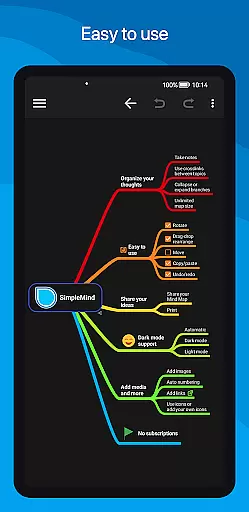
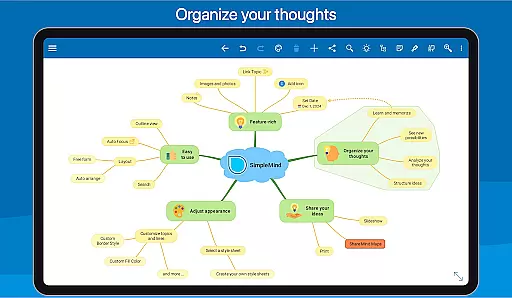
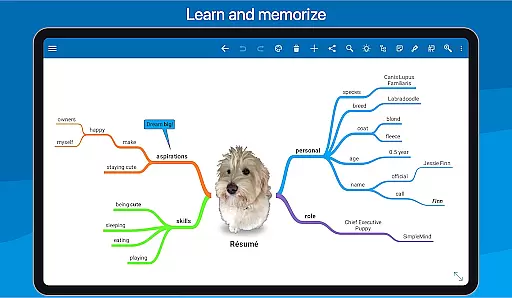
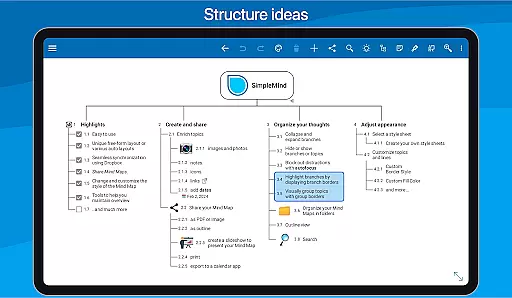
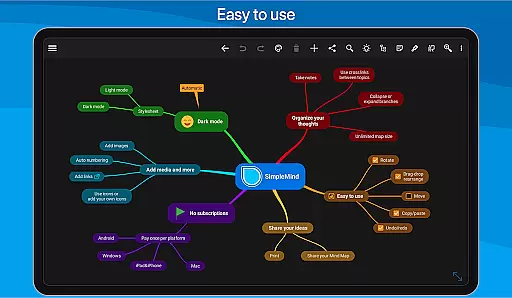
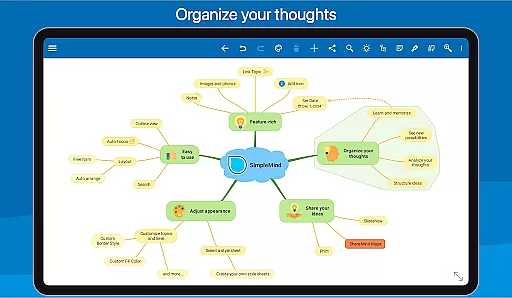
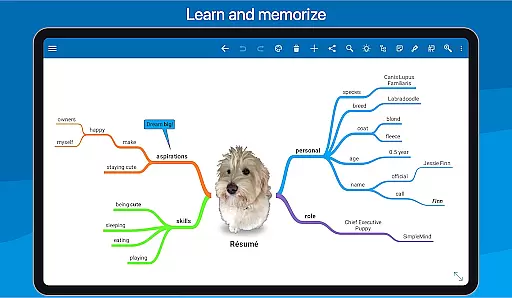
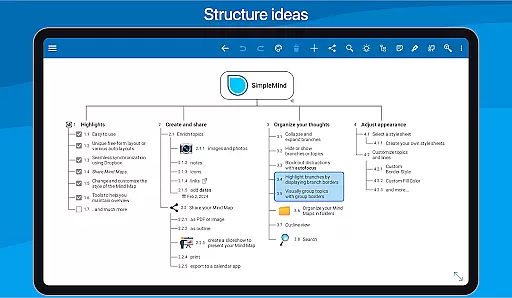
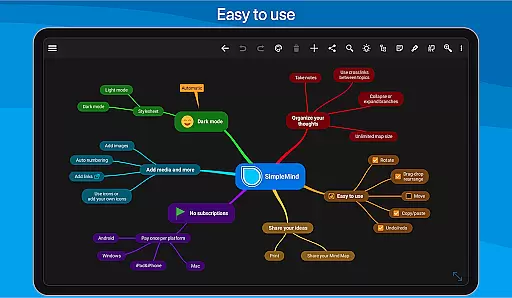
SimpleMind Pro is a premier mind mapping application designed to help users organize thoughts, retain information, and generate innovative ideas. The app offers an intuitive interface that allows for effortless mind mapping across various environments and times.
With cross-platform synchronization capabilities, SimpleMind Pro ensures your mind maps are accessible whether you're on a mobile device or desktop. Its versatility extends into multiple fields such as business, education, and healthcare, making it an indispensable tool for professionals and students alike.
The app's unique free-form layout and auto-layout options cater to different thinking styles, while its seamless cloud integration keeps all your data up-to-date. With features like media embedding and style customization, SimpleMind Pro enhances creativity and productivity, providing real value to its users.
SimpleMind Pro stands out with its refined features developed over a decade of updates. The app provides both free-form and auto-layout options, enabling flexible brainstorming sessions and organized thought processes.
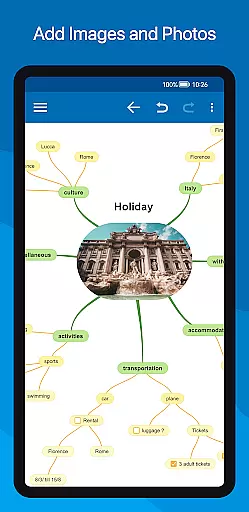
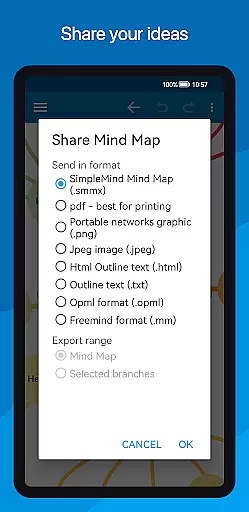
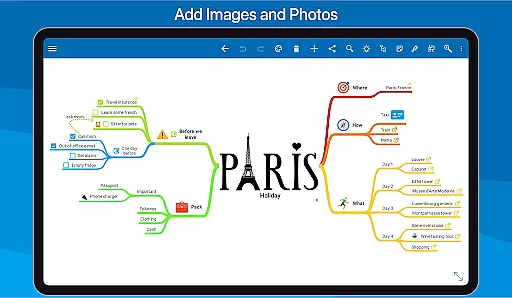
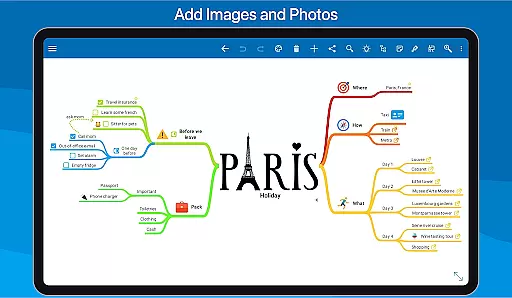
Users can enrich their mind maps with multimedia elements including images, notes, icons, and even voice memos. Sharing capabilities allow exporting mind maps as PDFs or images, facilitating collaboration and presentation.
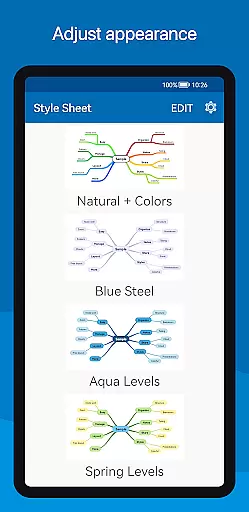
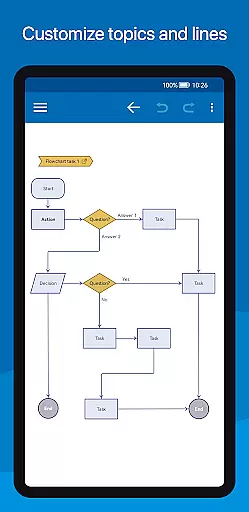
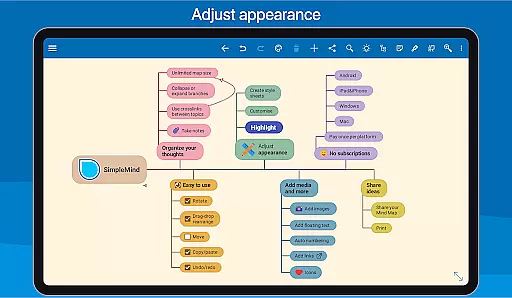
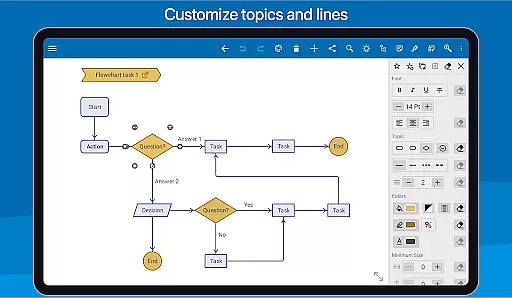
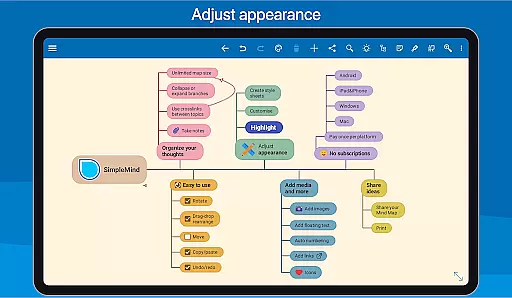
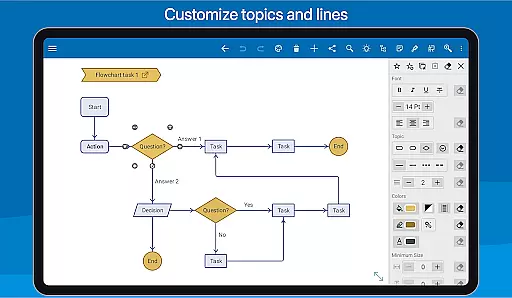
Customization is at the heart of SimpleMind Pro, offering 15+ style sheets and detailed styling options. Tools like branch collapsing, autofocus, and outline views ensure users maintain clarity and focus, enhancing their overall mind mapping experience.
SimpleMind Pro excels in core task management by offering a versatile mind mapping experience that helps users organize their thoughts and generate new ideas effectively. The app provides both free-form and auto layout options, allowing users to place topics anywhere or utilize the brainstorming-friendly auto layout feature.
The ability to reorganize and restructure using drag, rotate, and reconnect functions ensures that users can easily adapt their mind maps as tasks evolve. Additionally, features like checkboxes, progress bars, and auto-numbering provide practical tools for tracking task completion and prioritization.
With virtually unlimited page size and support for multiple mind maps on one page, SimpleMind Pro enables users to manage complex projects without constraints. This flexibility, combined with cross-platform synchronization via Dropbox, ensures that task management is seamless across devices and platforms.
Cross-device synchronization is a cornerstone of SimpleMind Pro's functionality, ensuring reliable access to mind maps wherever users are. By leveraging cloud services like Dropbox, the app allows users to sync their mind maps effortlessly between Android devices and even across platforms such as Windows and Mac.
This synchronization capability extends beyond mere convenience; it supports a cohesive workflow by maintaining consistency and accessibility. Whether you're transitioning from a desktop at work to a tablet at home, your mind maps remain up-to-date and readily available.
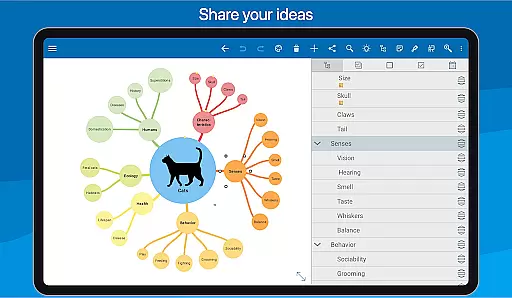
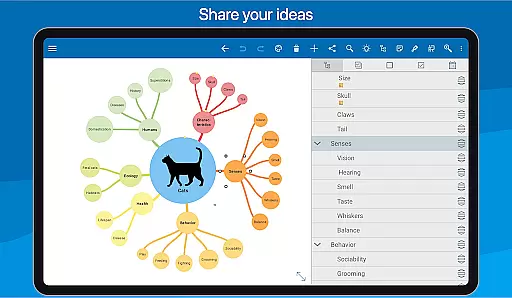
Furthermore, SimpleMind Pro enhances collaboration and sharing through its export options. Users can share their mind maps as PDFs or images, making it easy to communicate ideas with team members or stakeholders regardless of the device they use. This reliability in synchronization empowers users to focus on productivity without worrying about data loss or inconsistencies.
User-friendly interface
Cross-platform sync
Versatile applications
Media integration
Customizable styles
Premium cost
Complexity for beginners
Limited free version
Resource intensive
Occasional bugs

Seamlessly integrate data and reports to build your presentation to impress
 4.80
4.80
Native client for Forgejo and Gitea
5.00
Send files, sync SMS, notifications & clipboard across devices via local network
4.40
Secure, fast, open-source, Remote Desktop Client for Windows and Linux with SSH
4.60
Pwnagotchi companion app
4.20
Font maker keyboard with your own handwriting
4.10
Access, manage and transfer files on Android, PC, Mac, NAS and cloud storages.
4.30
Docker, Kubernetes management over Portainer Mobile
4.40
Access your phone's notifications, calls, apps, photos & texts on your PC
3.90
The long-awaited modern gallery app for your Nextcloud server
4.70
aCalendar+ makes your day, week and month
4.70
Okta MFA
4.70
Tally and goal counter for Wear OS & mobile
4.50
Experience Reading - Night Mode for Documents
4.40
CalenGoo is a very flexible and feature-rich calendar app
4.40
A customizable calendar for your Wear OS watch
4.20
The ultimate file manager for rooted devices. The original and still the best.
4.00
All in one sketching tool. Technical and General drawing. Online Maps support.
3.70
Smart PDF reader & editor to view, organize and manage PDF documents easily.
3.70


User Reviews