
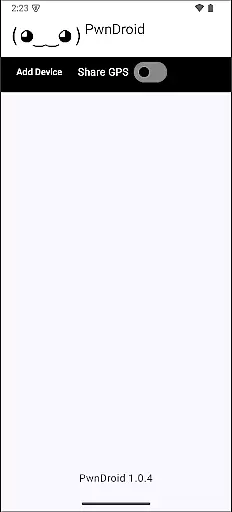
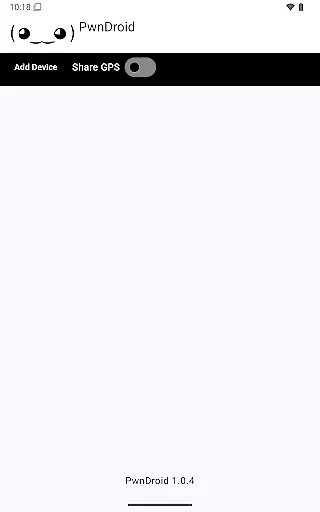
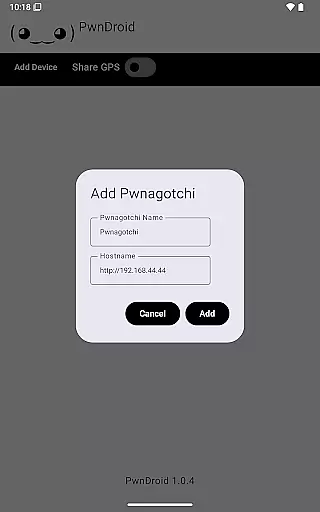
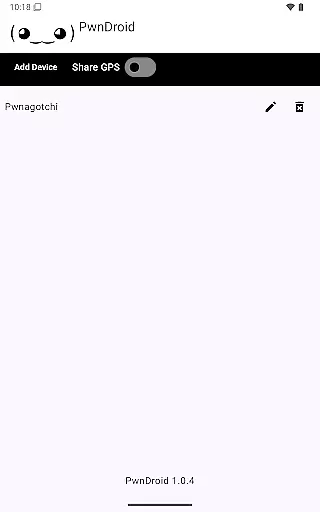
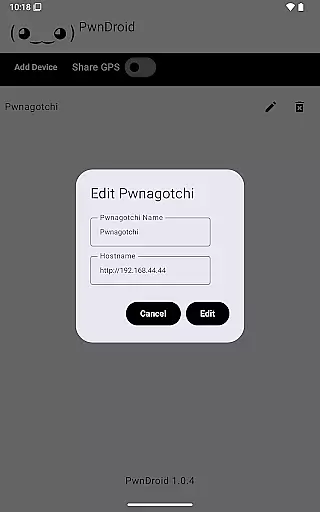
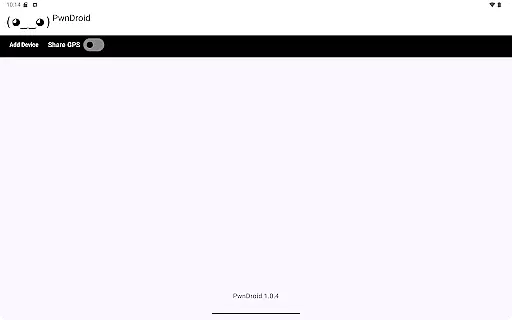
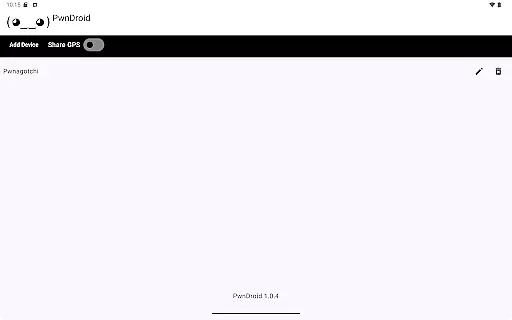
PwnDroid is a productivity-focused application designed specifically for Pwnagotchi enthusiasts. The app allows users to seamlessly add their Pwnagotchi devices and access the web UI through an integrated in-app web browser. This functionality provides a convenient way to monitor and manage your Pwnagotchi setup directly from your mobile device, making it an essential tool for both new and experienced users.
With its user-friendly interface, PwnDroid ensures that you can easily interact with your Pwnagotchi's web interface without needing to switch between multiple apps or use external browsers. Whether you're at home or on the go, this app keeps all your Pwnagotchi management tasks centralized and accessible.
PwnDroid offers several key features that enhance the Pwnagotchi management experience. First and foremost, the app includes an in-app web browser that lets users view their Pwnagotchi's web UI without leaving the app. This feature streamlines the process of checking on your device's status and managing its settings.
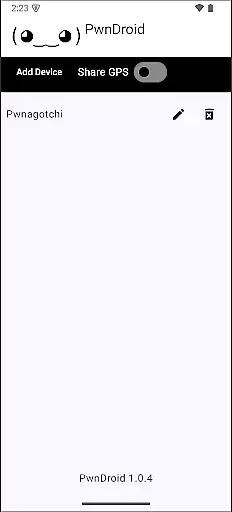
In addition to the web browser, PwnDroid supports multiple Pwnagotchi devices, allowing users to add and manage several units from a single interface. This multi-device support is particularly useful for users who own more than one Pwnagotchi. Furthermore, the app provides real-time updates and notifications, ensuring that you are always informed about your devices' statuses.
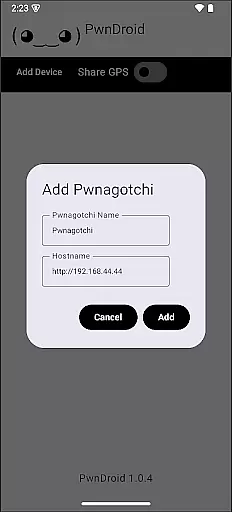
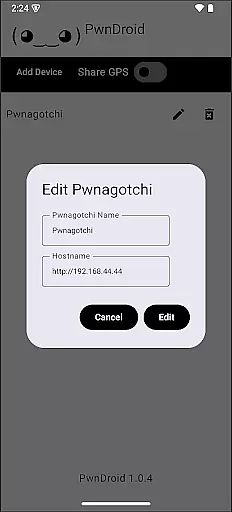
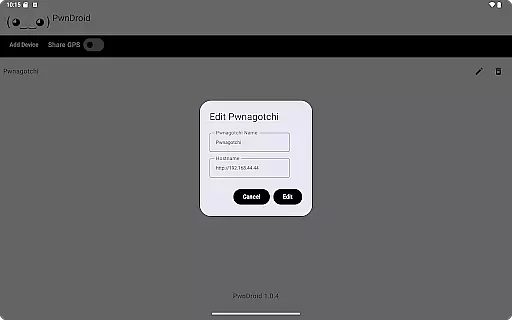
Task management is a critical aspect of productivity applications, and PwnDroid excels in this area by providing users with the ability to add and manage their Pwnagotchi devices effectively. The app allows for seamless integration of device management tasks within its interface.
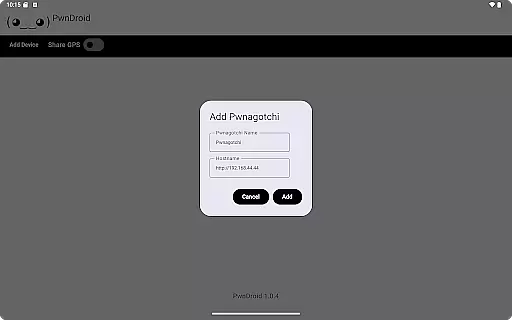
The application's design focuses on streamlining the process of adding Pwnagotchi devices, ensuring that users can quickly and efficiently input necessary information. This feature is particularly beneficial for users who need to manage multiple devices, as it reduces the complexity and time required for setup.
By integrating an in-app web browser, PwnDroid enhances the task management experience further. Users can conveniently access the web UI of their Pwnagotchi devices without leaving the app, which consolidates all essential functions in one place and improves overall workflow efficiency.
Cross-device synchronization is vital for maintaining consistency across different platforms, and PwnDroid ensures reliable data exchange between your mobile device and Pwnagotchi units. This reliability is crucial for users who depend on accurate and up-to-date information at all times.
PwnDroid achieves synchronization reliability through its robust connection protocols, which are designed to handle data transfer securely and efficiently. This means that any changes made to your Pwnagotchi settings via the app will be accurately reflected across all synchronized devices.
In addition to secure data handling, the app also provides real-time updates, ensuring that users have access to the latest information from their devices. This feature not only enhances user convenience but also supports better decision-making based on current data, making PwnDroid a dependable tool for managing Pwnagotchi devices.
User-friendly interface
Integrated web browser
Multi-device support
Real-time updates
Convenient access
Limited to Pwnagotchi
No offline mode
Few customization options
Requires internet
Device-specific

Create study competitions, track your hours, and stay consistent with friends
 4.5
4.5
Automates browsing any website and notifies you of important changes or events
4.30
Secure, fast, open-source, Remote Desktop Client for Windows and Linux with SSH
4.60
Find and delete junk files & block unwanted notifications & manage files
3.70
Cloud storage, automatic phone backup, and more.
4.10
Ultimate Virtual AI Character for immersive Roleplay Chat. Perfect Companion
3.90
Understand anything with a personalized AI research assistant
4.80
Scan paperwork into PDF/JPG, generate your own e-signature and send fax or email
4.70
Set up, print, and get support—in one place
4.20
Best Tool for the professionals Electrician, Electrical contractors, etc.
4.90
Android Wallet Password Manager
4.80
All document reader, all in one file viewer read PDF, DOCX, XLS, PPT, TXT files.
4.60
AI Chatbot and AI writing assistant powered by ChatGPT.
4.60
Planet Free VPN - The best Fast Unlimited and Secure VPN Without Logs
4.50
Secure your apps with lock screens, use custom themes and different features.
4.40
Font maker keyboard with your own handwriting
4.10
Intelligent AI Assistant
4.10
A Revolutionary All-in-One Artificial Intelligence Tools
3.80
ID.me Authenticator is a simple and free Two Factor Authentication solution
3.50


User Reviews