
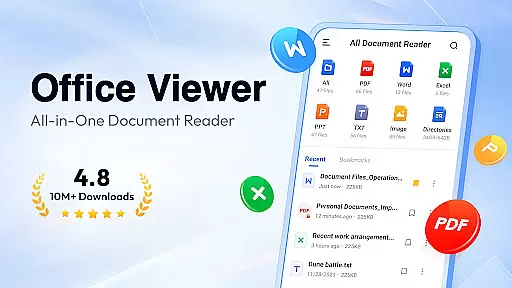
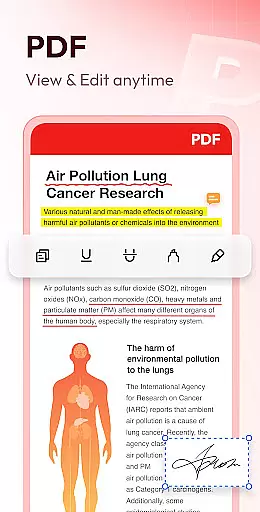
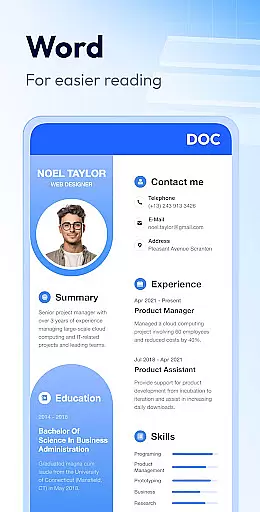
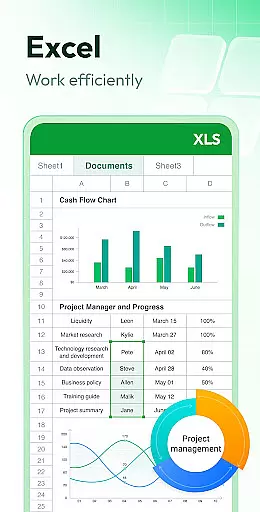
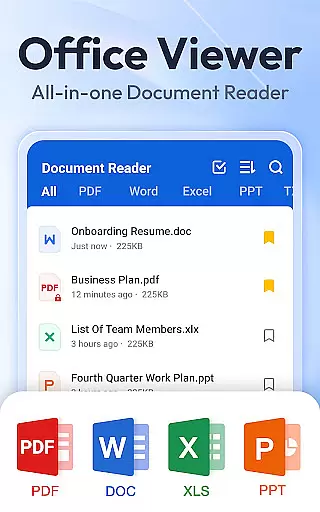
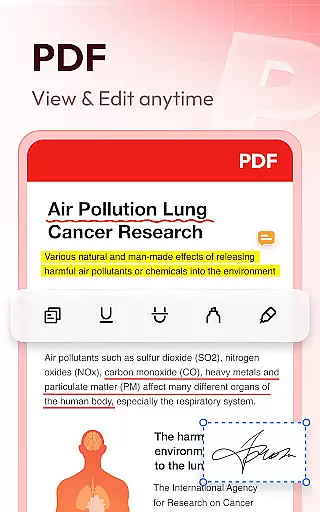
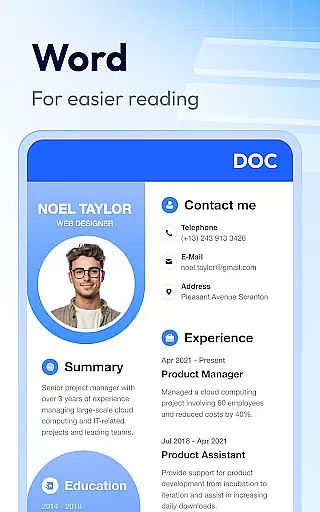
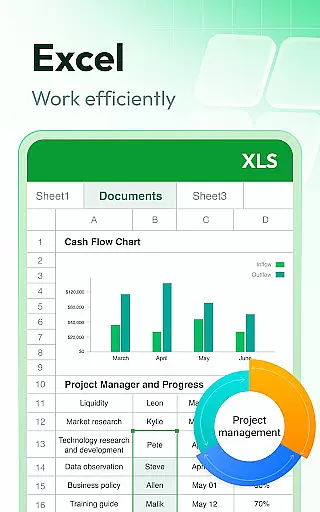
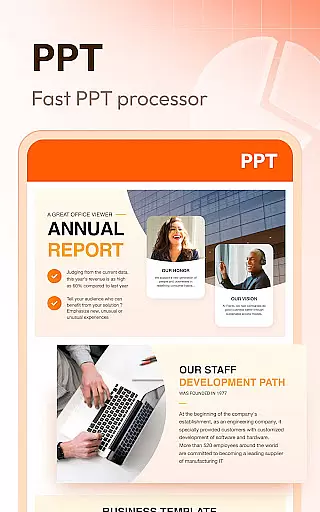

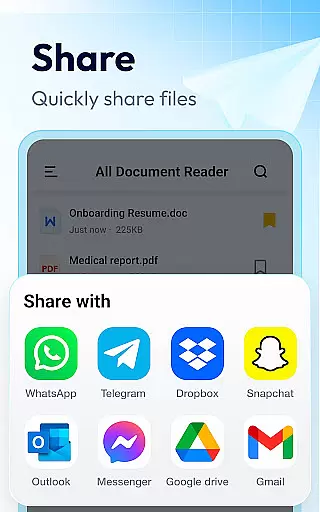
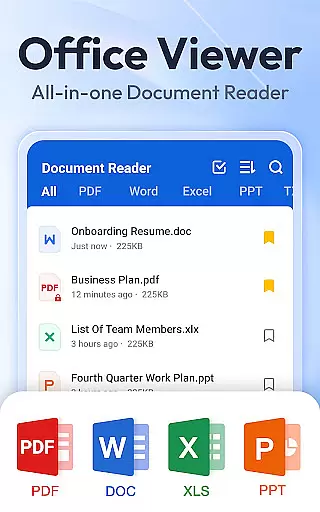
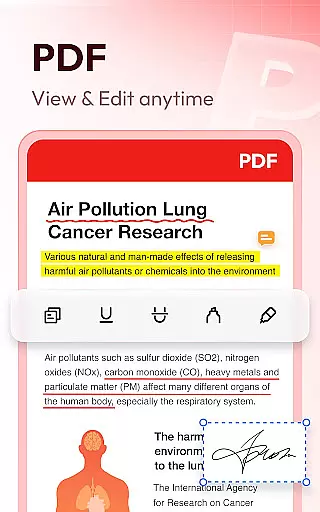
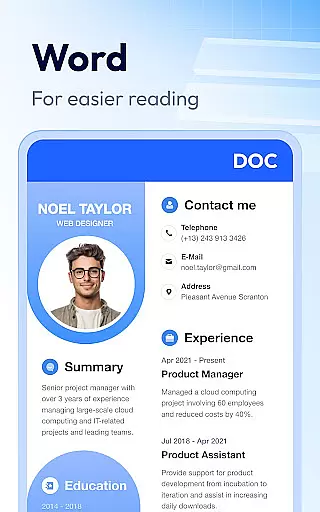
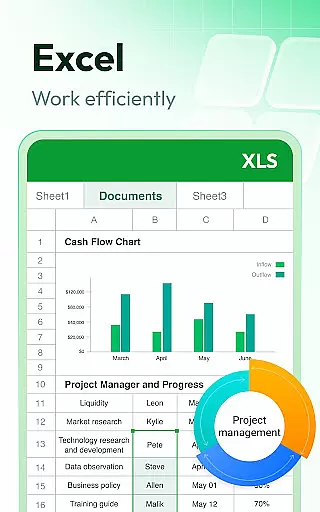
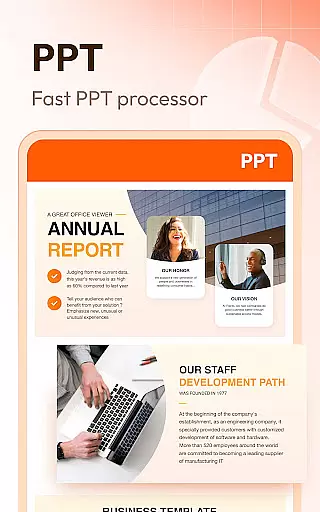

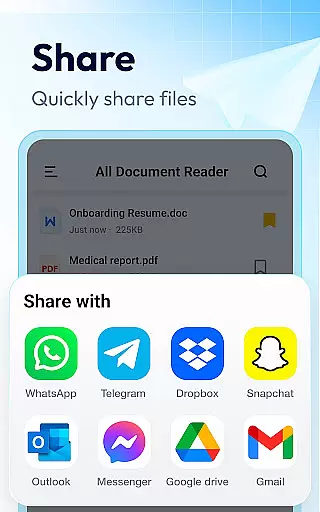
Document Reader & PDF Editor is a versatile productivity tool designed to streamline document management across various formats. This all-in-one solution supports PDF, Word, Excel, PowerPoint, and TXT files, offering users the ability to view, organize, and manage their documents efficiently. The app's compatibility with all office formats makes it an essential utility for professionals and students alike.
The application stands out with its user-friendly interface that presents files in well-organized folders, enabling quick search and easy access. Whether you need to open a Word document, read a PDF, or manage Excel sheets, Document Reader provides a seamless experience without requiring internet connectivity. Its offline functionality and cross-format support make it particularly valuable for users who need reliable document access on the go.
With practical features like bookmarking for quick retrieval and simple file management options, this app ensures that your important files are always at your fingertips. The ability to handle multiple formats within a single platform delivers significant time savings and enhances productivity, making Document Reader an indispensable tool for anyone dealing with diverse document types.
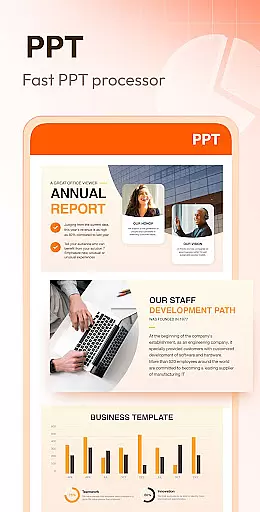
Document Reader & PDF Editor distinguishes itself through a comprehensive set of features tailored for efficient document handling. The app's core functionality includes robust PDF reading capabilities with page navigation tools, zoom controls, and printing options. Users can effortlessly switch between landscape and portrait modes while enjoying stable performance and high-definition quality when viewing presentations.
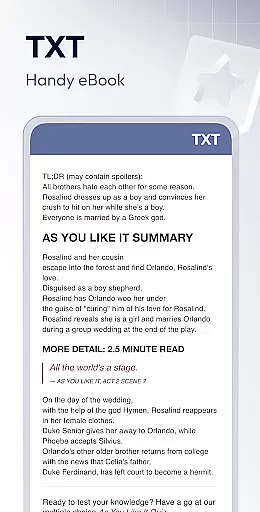
For Word documents, the app offers advanced search features and multiple sorting options, allowing users to locate files by path, size, name, or modification date. Excel and text files benefit from similarly intuitive interfaces, providing clear presentation and easy data retrieval. The inclusion of image to PDF conversion and planned support for additional formats like RAR, ZIP, and MOBI demonstrates the developers' commitment to continuous improvement.
Additional noteworthy features include night mode for comfortable reading in low-light conditions and text search functionality within documents. These capabilities, combined with planned editing features and enhanced format support, position Document Reader as a comprehensive solution for modern document management needs. The app's lightweight design and straightforward operation make it suitable for both casual users and power users seeking efficient file handling.
Task management is a critical aspect of productivity applications, and Document Reader & PDF Editor excels in this area by offering users an all-in-one solution for organizing and managing various document types. The app supports a wide array of formats including PDF, DOC, XLS, PPT, and TXT, ensuring that users can handle any file they encounter.
The application's interface is designed to provide quick access to files through well-organized folders, enabling efficient search and management capabilities. Users can easily sort documents by various criteria such as file path, size, name, or last edit date, streamlining the process of locating specific files among potentially hundreds.
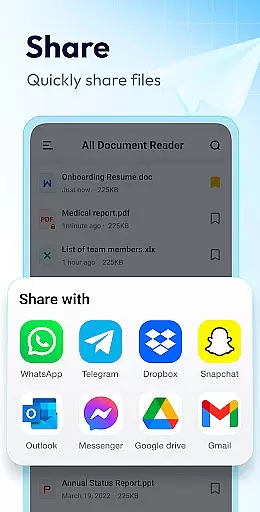
Document Reader goes beyond mere file viewing by incorporating features like bookmarking, which allows users to flag important documents for rapid retrieval later. This functionality enhances productivity by cutting down on time spent searching for frequently accessed files.
By providing these comprehensive task management features, Document Reader & PDF Editor empowers users to maintain control over their digital workspace, thus improving overall efficiency and workflow. Whether it's for professional or personal use, the app ensures that document handling is both straightforward and effective.
Cross-device synchronization is essential for users who operate across multiple platforms, and Document Reader & PDF Editor addresses this need with reliable offline capabilities. The app allows users to read and manage documents without an internet connection, making it ideal for environments where connectivity may be limited or nonexistent.
Despite being an offline reader, the app maintains high standards of performance and stability. It offers consistent experiences whether you're switching between devices or using the same device at different times. This consistency ensures that your workflow remains uninterrupted regardless of your location or network status.
Moreover, Document Reader provides peace of mind with its robust permission system. For Android 11 and higher, the MANAGE_EXTERNAL_STORAGE permission ensures secure access to files while respecting user privacy. This approach not only facilitates seamless synchronization but also reinforces trust in how data is managed.
With these reliable cross-device functionalities, Document Reader & PDF Editor becomes more than just a viewer; it transforms into a dependable tool that adapts to modern work habits, enhancing productivity wherever you go.
User-friendly interface
Multi-format support
Offline functionality
Quick search feature
Bookmarking system
Limited editing tools
No cloud integration
Basic collaboration features
Occasional performance issues
Ads in free version

Wake up & get tasks done! Add alarms & reminders on the Clock Launcher.
 4.00
4.00
We're working to become the best machining app on the market! www.cncdirt.com
4.80
Remotely view listen control and record cameras.
3.70
Pwnagotchi companion app
4.20
Activate Two Factor Authentication (2FA or Multi OTP), Password manager and more
4.10
Create and edit presentations with Google Slides, part of Google Workspace.
4.00
A beautiful digital clock with autostart and many other functions
4.70
This small app MUST BE INSTALLED after purchase, else license won't work
4.40
Use powerful, industry-leading AI tools to generate visual charts from any data
4.80
Native client for Forgejo and Gitea
5.00
Great calculator for Android named one of USA TODAY's "25 Essential Apps".
4.90
Secure, fast, open-source, Remote Desktop Client for Windows and Linux with SSH
4.60
App Lock with fingerprint, password: Lock apps & hide photos with lock screens
4.60
Calendar 2023 widget for Android. Appointment scheduler, planner, and reminder
4.60
To do list widget with a notebook organizer, checklist, simple shopping list
4.60
Translate text/voice/photos in 150+ languages. Offline & fast translator app.
4.50
CalenGoo is a very flexible and feature-rich calendar app
4.40
Smart PDF reader & editor to view, organize and manage PDF documents easily.
3.70
Find and delete junk files & block unwanted notifications & manage files
3.70


User Reviews