
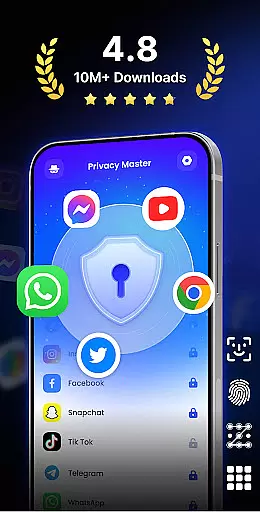
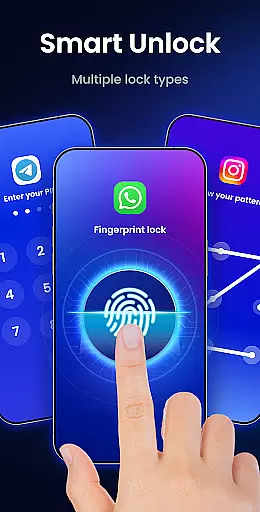
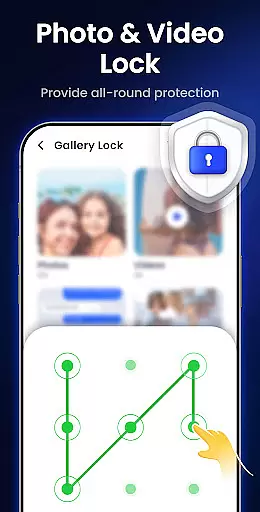
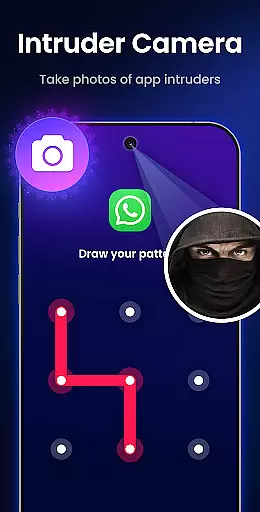
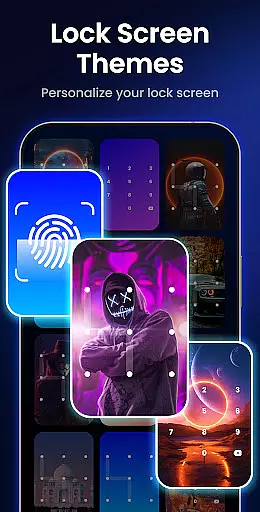
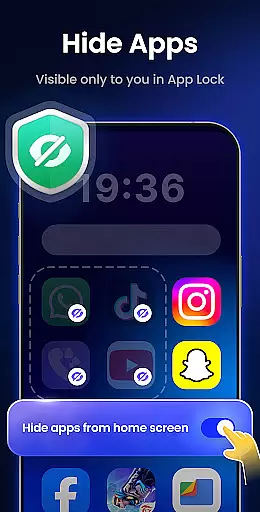
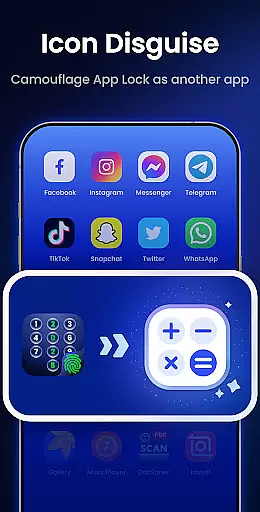
App Lock - Fingerprint Lock is a powerful productivity tool designed to secure your digital world. This app allows users to lock apps, hide photos, videos, and chats using password, pattern, or fingerprint authentication. With over 50 million users trusting it for privacy protection, the app offers smart features like intruder selfies, icon disguise, and custom lock themes.
The application is suitable for individuals who prioritize data security and personal privacy on their mobile devices. Whether you want to protect sensitive conversations in messaging apps or secure financial information in payment platforms, App Lock provides comprehensive protection. Its intuitive design ensures ease of use while delivering robust security features that enhance user confidence.
App Lock - Fingerprint Lock stands out with its diverse feature set tailored for privacy-conscious users. The app enables locking all essential applications such as WhatsApp, Messenger, Facebook, Google Play, PayPal, and Settings, ensuring complete privacy protection. One innovative feature is the intruder camera, which captures photos of anyone attempting unauthorized access and sends instant alerts.
Additional functionalities include hiding notifications to prevent sensitive information from appearing on the lock screen, removing junk files to optimize device performance, and hiding private files within a secure gallery. Users can also benefit from auto re-lock timers, multiple lock types (PIN, pattern, fingerprint), icon disguise options, and customizable themes. These features collectively create a versatile and reliable security solution for safeguarding personal data.
App Lock - Fingerprint Lock offers robust core task management features that ensure users can efficiently secure their digital world. The app allows you to lock all your essential applications such as WhatsApp, Messenger, and Facebook with a password, pattern, or fingerprint. This functionality provides peace of mind by keeping private chats and sensitive data safe from unauthorized access.
The application goes beyond basic locking features by offering smart options like intruder selfies, which capture photos of anyone attempting unauthorized access. Additionally, it supports auto re-lock timers, allowing users to set custom intervals for automatic locking, thus streamlining the process of maintaining security without constant manual intervention.
Moreover, App Lock includes an icon disguise feature, enabling users to mask the app's presence on their device behind innocuous icons like a calculator or weather app. This adds an extra layer of privacy, ensuring that even if someone borrows your phone, they won't easily discover the security measures in place.
While App Lock - Fingerprint Lock primarily focuses on securing individual devices, its reliability extends to features that support cross-device synchronization indirectly. For instance, the app offers cloud backup capabilities, which are crucial for maintaining data integrity across multiple devices. Users can back up their settings and preferences, ensuring a seamless experience when switching between devices.
In addition to cloud backups, App Lock provides uninstall protection and random keyboard features, which enhance the overall reliability of the app. These features prevent unauthorized removal of the app and mitigate the risk of pattern detection, thereby safeguarding user data consistently across different usage scenarios.
Furthermore, the app ensures that sensitive notifications from locked apps do not appear on the lock screen, preserving privacy even when the device is connected to external displays or accessed remotely. By consolidating these comprehensive security measures, App Lock delivers reliable cross-device synchronization that prioritizes user data protection and privacy.
Comprehensive privacy protection
User-friendly interface
Innovative intruder detection
Versatile locking options
Customizable security themes
Requires multiple permissions
May impact device performance
Limited cloud backup availability
Premium features need subscription
Occasional false intrusion alerts

Seamlessly integrate data and reports to build your presentation to impress
 4.80
4.80
Native client for Forgejo and Gitea
5.00
Smart PDF reader & editor to view, organize and manage PDF documents easily.
3.70
Device's storage information in a simple and clear graphical form (infographics)
4.10
⏰ Finally a timer app which can run multiple timers simultaneously on your watch
3.90
Stay on top of your to-dos with Google Tasks, part of Google Workspace.
4.60
Activate Two Factor Authentication (2FA or Multi OTP), Password manager and more
4.10
Create and edit presentations with Google Slides, part of Google Workspace.
4.00
Set up, print, and get support—in one place
4.20
Great calculator for Android named one of USA TODAY's "25 Essential Apps".
4.90
Secure, fast, open-source, Remote Desktop Client for Windows and Linux with SSH
4.60
Send files, sync SMS, notifications & clipboard across devices via local network
4.40
CalenGoo is a very flexible and feature-rich calendar app
4.40
A Pixel Art watchface inspired by other iconic 90s designs for Wear OS devices!
4.40
When you Focus, so will your Bean in this cozy focus timer
4.30
Todo reminder
4.10
Cloud storage, automatic phone backup, and more.
4.10
Experience and share your SolidWorks designs on your Android® phone and tablet.
2.50
IP Camera Viewer - Android TV : RTSP Surveillance camera viewer for Android TV
4.4


User Reviews