
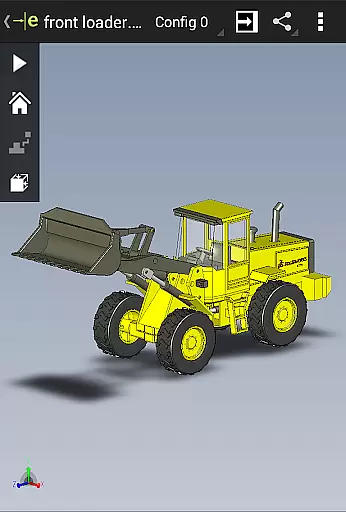
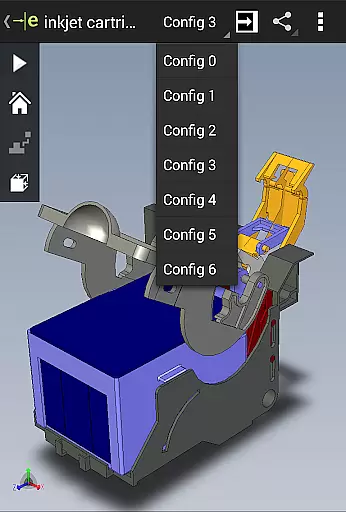
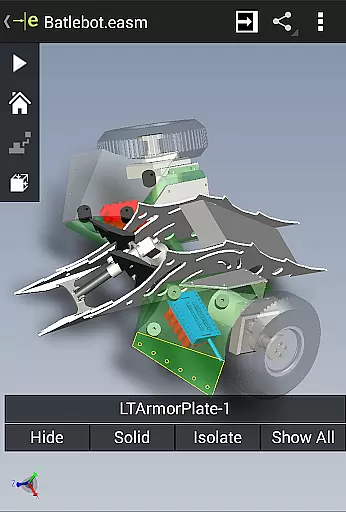
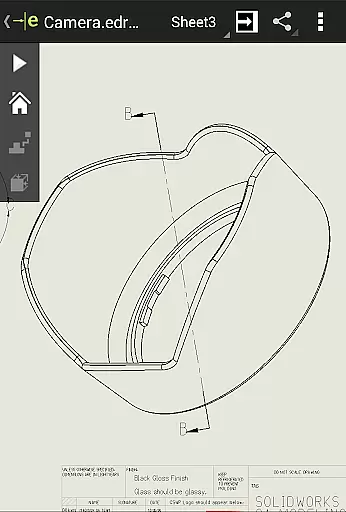
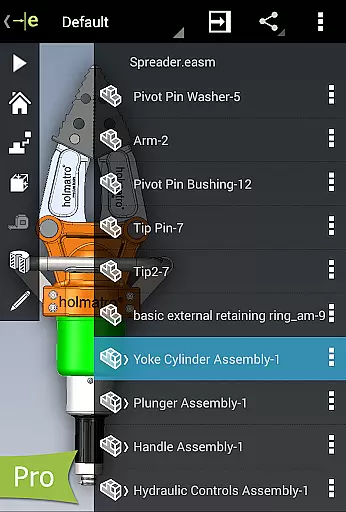
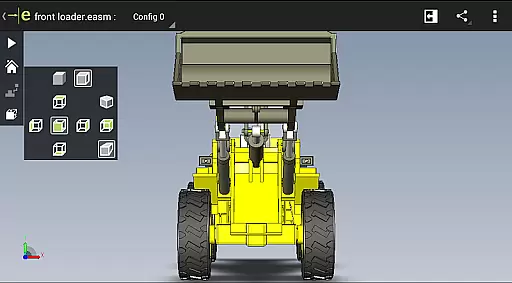
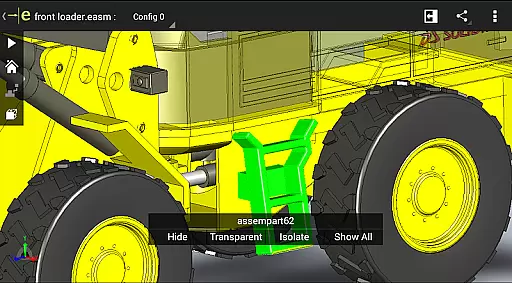
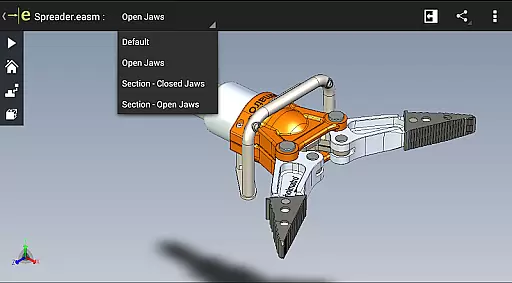
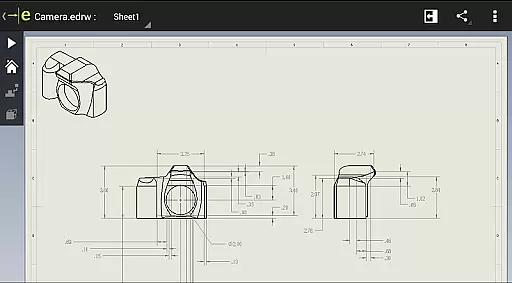
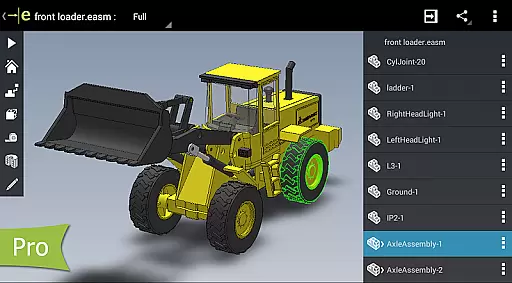
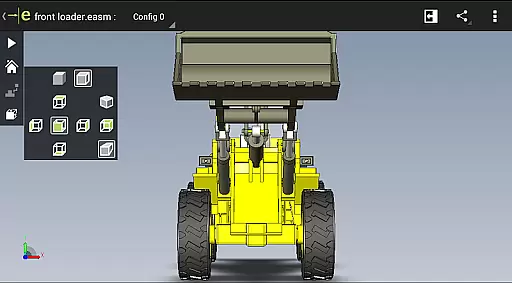
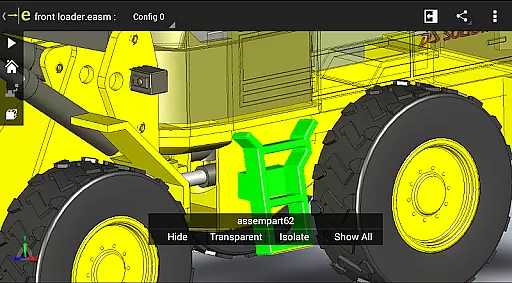
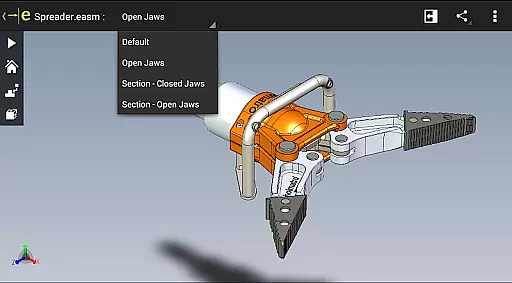
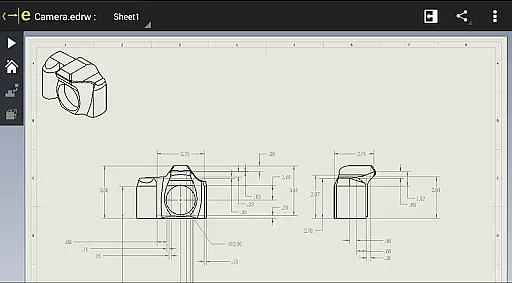
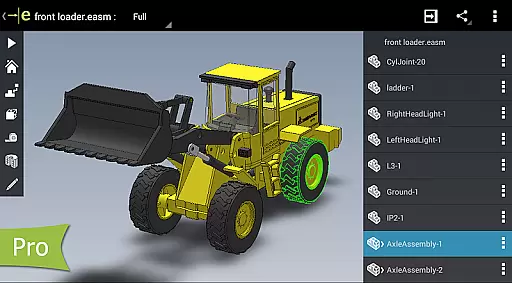
eDrawings is a powerful CAD viewer designed for Android devices, enabling users to view native eDrawings files as well as SolidWorks parts, assemblies, and drawings. This app revolutionizes the way product design information is shared by allowing users to easily load and send files via email, facilitating collaboration among all stakeholders in product development.
With multi-touch gestures, users can effortlessly pan, zoom, and rotate models. The app supports drawing sheets and exploded views for files published from SolidWorks, making it an essential tool for anyone involved in CAD design. Its intuitive interface and broad file compatibility make it suitable for both professional designers and casual users who need to interpret and understand 2D and 3D designs.
eDrawings offers a comprehensive set of features that cater to various CAD viewing needs. It supports a wide range of 3D and 2D file formats including EASM, EPRT, SLDASM, SLDPRT, IGES, IGS, JT, STEP, STP, IFC, EDRW, SLDDRW, DWG, and DXF. Users can open files from multiple sources such as email attachments, cloud storage services like Dropbox, SkyDrive, Google Drive, Hightail, web and FTP sites, and network folders.
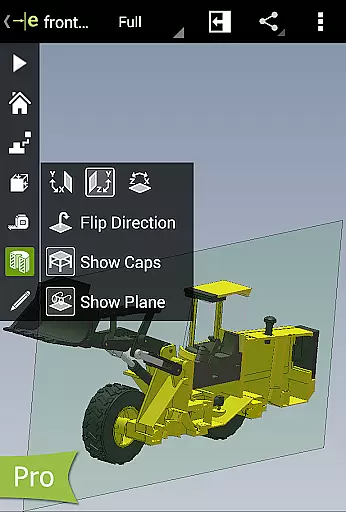
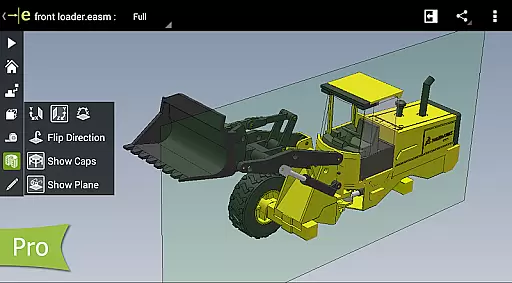
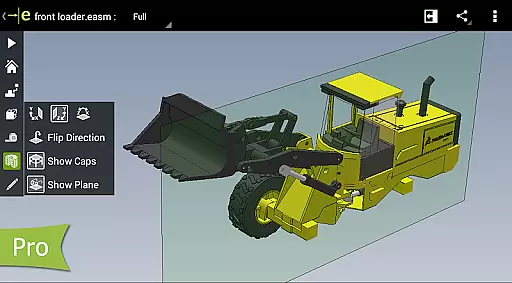
The app provides advanced functionalities such as animating 3D standard views, browsing 2D drawing sheets, and viewing designs in full screen. Upgrading to eDrawings Pro through an in-app purchase unlocks additional capabilities like measuring designs, dynamically viewing cross sections, creating markups, and sharing marked-up files with others for review.
These features ensure that users can effectively collaborate and communicate design ideas, making eDrawings a versatile tool for enhancing productivity in any design workflow.
Task management is a critical aspect of productivity applications, ensuring users can efficiently organize and prioritize their work. eDrawings excels in this area by providing intuitive tools for handling complex CAD files.
The application allows users to open and manage both 2D and 3D CAD data from various sources, including email attachments and cloud storage services. This flexibility ensures that all project stakeholders can access necessary files without compatibility issues.
With multi-touch gestures, users can easily manipulate their designs, zooming, panning, and rotating models as needed. This enhances the ability to review intricate details and make informed decisions quickly.
Additionally, the upgrade to eDrawings Pro via in-app purchase unlocks advanced features like measurement tools and dynamic cross-section views, further empowering users to manage tasks with precision and efficiency.
Cross-device synchronization is vital for maintaining workflow continuity across different platforms. eDrawings ensures reliable synchronization, allowing users to seamlessly transition between devices without losing data integrity.
By supporting a wide array of file formats such as EASM, EPRT, IGES, STEP, DWG, and DXF, eDrawings guarantees that users can synchronize their work regardless of the original file source. This comprehensive format support facilitates collaboration among diverse teams.
The app's integration with cloud storage services like Dropboxu2122, Google Drive, and others ensures that files are always up-to-date and accessible from any device. Users can load and send files via email directly within the app, streamlining communication and collaboration.
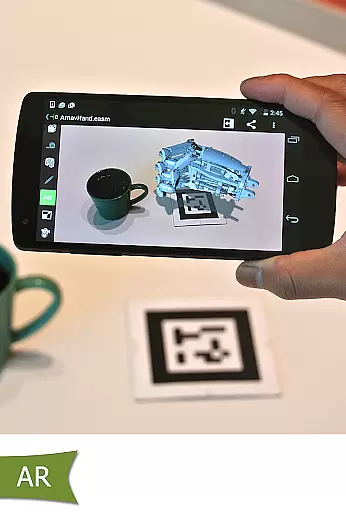
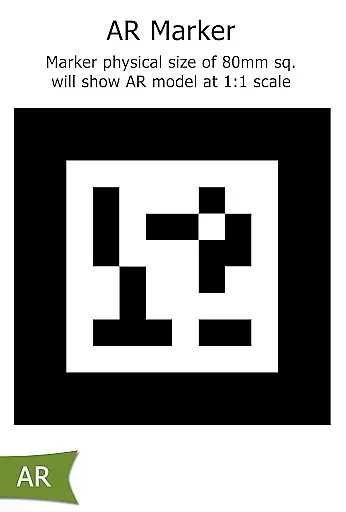
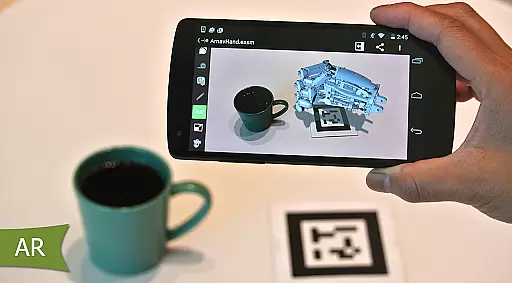
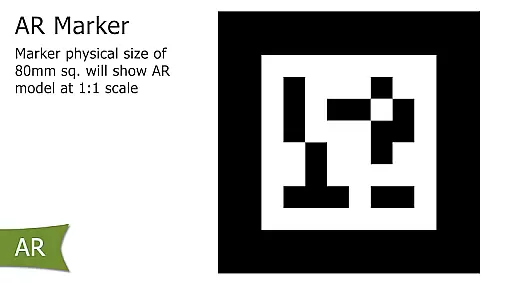
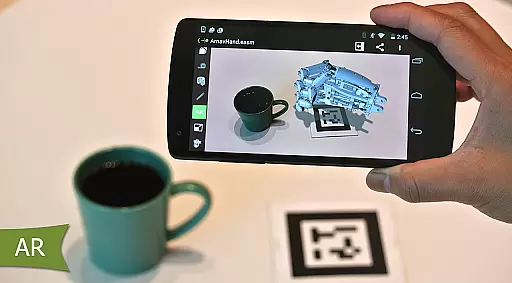
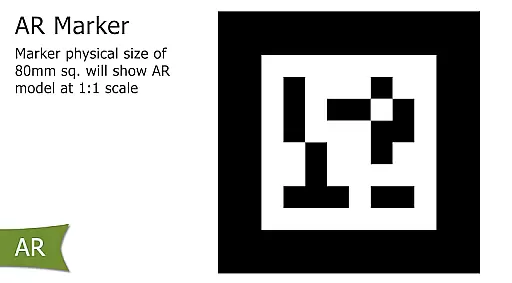
Furthermore, eDrawingsu2019 augmented reality features and accessibility adjustments, such as the settings button for AR mode, demonstrate the appu2019s commitment to providing a robust and reliable cross-device experience.
User-friendly interface
Wide file format support
Effective collaboration tools
Advanced measurement options
Augmented reality integration
Limited free version
In-app purchases required
Occasional UI issues
High system requirements
Steep learning curve

Planet Free VPN - The best Fast Unlimited and Secure VPN Without Logs
 4.50
4.50
Customizable calendar widget for seamless event sync, planning & scheduling.
4.00
App lock - lock apps with fingerprint, password, pin or pattern, protect privacy
4.70
Stay on top of your to-dos with Google Tasks, part of Google Workspace.
4.60
Docker, Kubernetes management over Portainer Mobile
4.40
* block pre-roll ads, pop-up and forced redirect ads * Samsung certification app
4.00
Quickly and easily keep track of your work shifts
4.70
Secure your apps with lock screens, use custom themes and different features.
4.40
Use powerful, industry-leading AI tools to generate visual charts from any data
4.80
We're working to become the best machining app on the market! www.cncdirt.com
4.80
Protect and view your important info on your phone and tablet with eWallet®
4.80
Simple notepad & memo. Take notes, to-do list, shopping list with reminders.
4.80
Experience real multitasking on your Android!
4.00
Wake up & get tasks done! Add alarms & reminders on the Clock Launcher.
4.00
A Revolutionary All-in-One Artificial Intelligence Tools
3.80
All in one sketching tool. Technical and General drawing. Online Maps support.
3.70
Make your handwriting beautiful, even more than pen on paper.
3.60
Auto-shutoff Alarm with Sunrise, Sunset & Fixed Options.
3.50
Code on-the-go with VScode for Android. Edit,debug and collaborate from mobile!!
3.10


User Reviews