
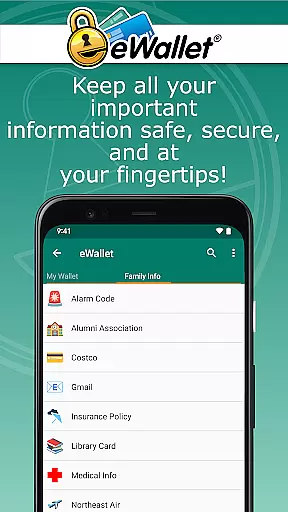
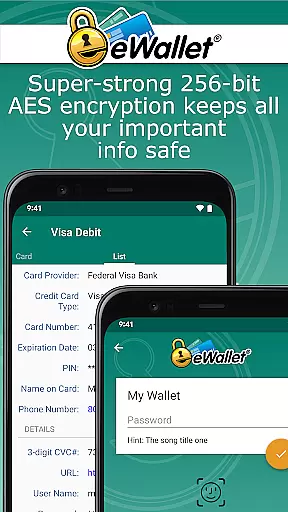
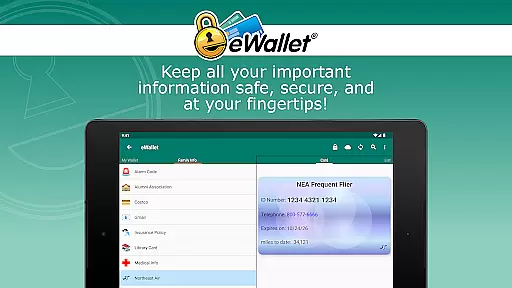
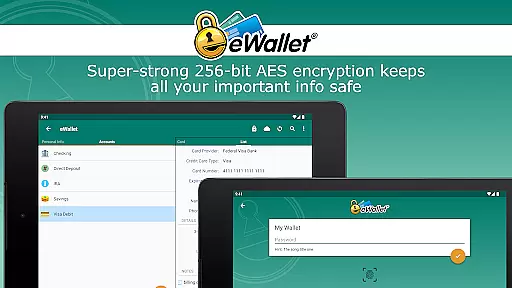
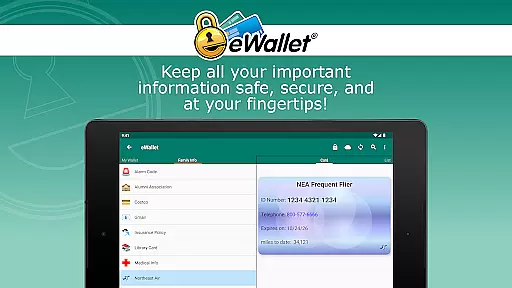
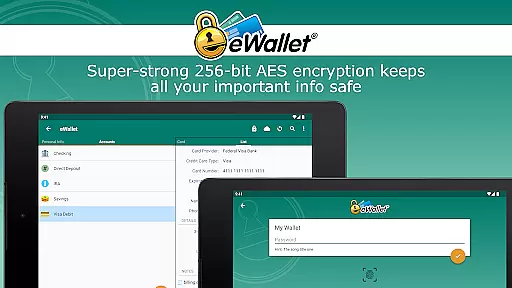
eWallet is a sophisticated password manager app designed to keep your sensitive information secure while providing easy access on Android devices. This productivity tool uses military-grade 256-bit AES encryption to protect your passwords, credit cards, and bank account details.
The application incorporates updated biometric features including fingerprint scanning, facial recognition, and iris scanning for device-compatible access. Its comprehensive security measures make it an essential tool for anyone seeking to maintain a safe digital life while staying organized.
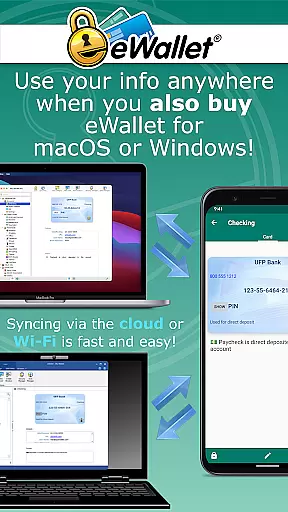
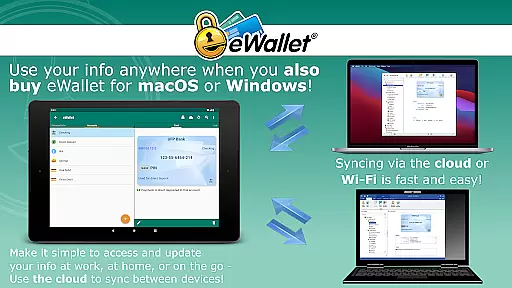
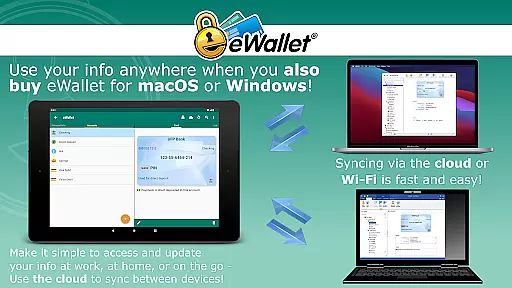
With seamless synchronization across devices through cloud services or Wi-Fi, eWallet ensures your data is always up-to-date and accessible wherever you are, making it perfect for both personal and professional use.
eWallet stands out with its robust feature set tailored for secure and convenient access to personal information. The app supports biometric authentication methods like fingerprint and facial recognition, ensuring quick yet secure access on compatible devices.
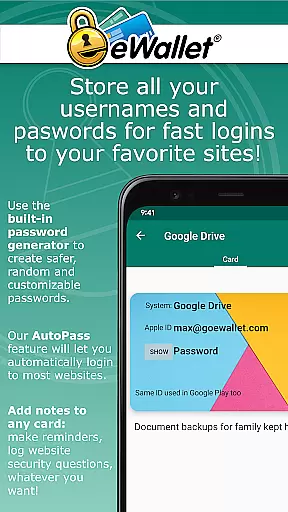
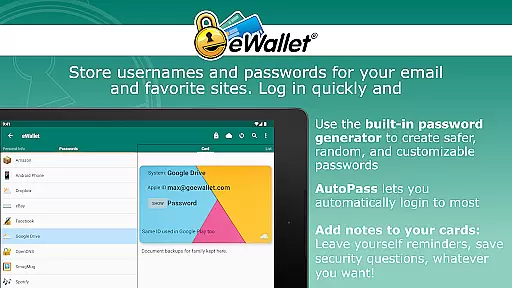
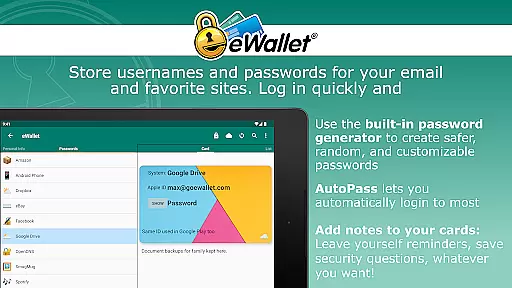
One of its key capabilities is the ability to sync data seamlessly over popular cloud services such as Dropbox, Google Drive, and Microsoft OneDrive. Additionally, users can generate random passwords and utilize the auto-locking feature for enhanced security.
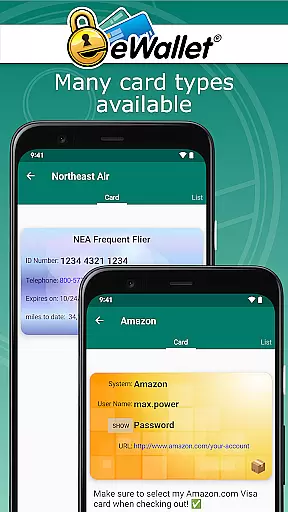
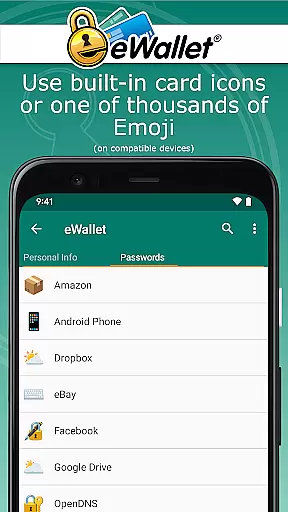
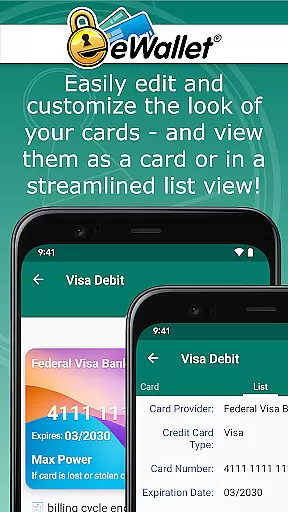
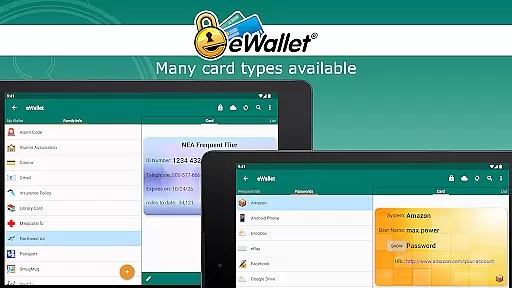
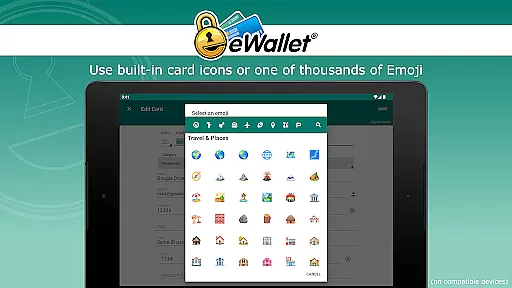
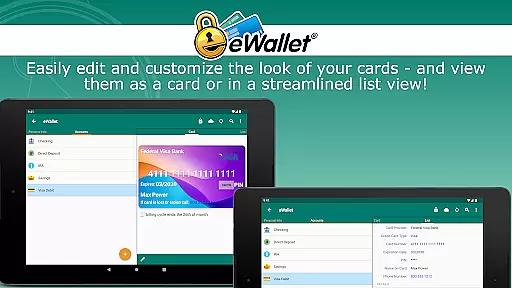
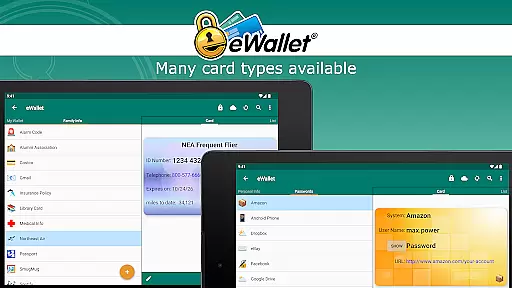
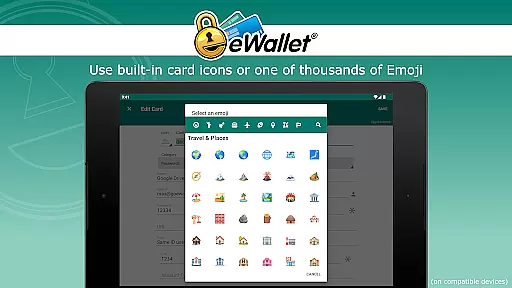
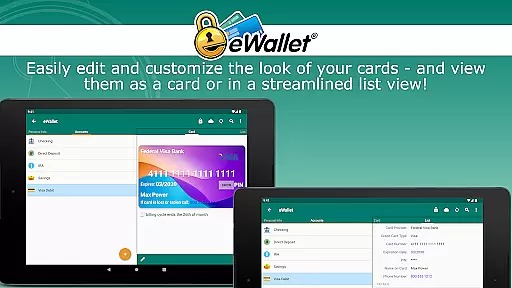
Customization options abound with various card designs, backgrounds, and categories. Users can also take advantage of AutoPass for automatic password entry through the built-in browser control, streamlining their digital activities while maintaining top-notch security standards.
In the realm of productivity applications, core task management is fundamental to organizing and executing tasks efficiently. eWallet excels in this area by providing users with a comprehensive system for managing sensitive information such as passwords, credit card details, and personal data.
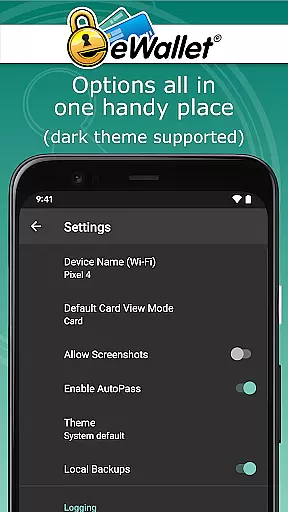
The app employs military-grade 256-bit AES encryption to ensure that your digital life remains secure. With features like auto-locking and random password generation, eWallet equips you with tools that not only protect your data but also streamline your daily digital interactions.
Users benefit from seamless synchronization options, allowing them to sync their 'wallets' across multiple devices via cloud services or Wi-Fi. This ensures that whether you're at home or on the move, your important information is accessible yet safeguarded against unauthorized access.
Cross-device synchronization is crucial for maintaining continuity and reliability in a world where users frequently switch between devices. eWallet addresses this need by offering robust synchronization capabilities that keep your data consistent and up-to-date across all your Android devices and desktop computers.
With support for popular cloud services like Dropbox, Google Drive, and Microsoft OneDrive, along with local Wi-Fi sync options, eWallet ensures that your wallets are backed up and synchronized without compromising security. This dual approach provides flexibility and peace of mind, knowing your data is both current and protected.
By integrating biometric authentication methods such as fingerprint scanning, facial recognition, and iris scans, eWallet enhances accessibility while maintaining top-tier security standards. These features make it convenient for users to access their synchronized data quickly and safely, regardless of the device they are using.
Strong encryption
Biometric support
Cloud sync
Random password generator
User-friendly interface
No iOS version
Separate desktop purchase
Limited free features
Subscription model
Complex setup

Experience Reading - Night Mode for Documents
 4.40
4.40
Unlock AutoNotification
4.00
Todo reminder
4.10
PDF scanner & converter for files, photos, lottery, QR codes. One swipe away!
4.50
Enjoy classic gameplay with customizable features and retro-style graphics.
4.30
Best Tool for the professionals Electrician, Electrical contractors, etc.
4.90
Access your phone's notifications, calls, apps, photos & texts on your PC
3.90
Use powerful, industry-leading AI tools to generate visual charts from any data
4.80
Seamlessly read, manage, and organize all your PDF files solution in one place
4.40
We're working to become the best machining app on the market! www.cncdirt.com
4.80
QuickBooks Workforce lets teams view pay info and track time in one place.
4.70
Okta MFA
4.70
A simple Whisper AI keyboard for reliable speech transcription and rewording
4.60
Send files, sync SMS, notifications & clipboard across devices via local network
4.40
Secure your apps with lock screens, use custom themes and different features.
4.40
Pwnagotchi companion app
4.20
Create study competitions, track your hours, and stay consistent with friends
4.3
The upgraded version of Name Wheel with AI and the power to add your own wheels.
4.3
IP Camera Viewer - Android TV : RTSP Surveillance camera viewer for Android TV
4.0


User Reviews