
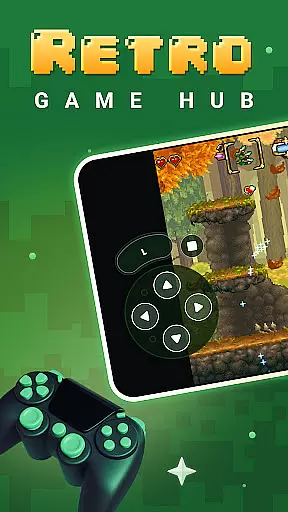
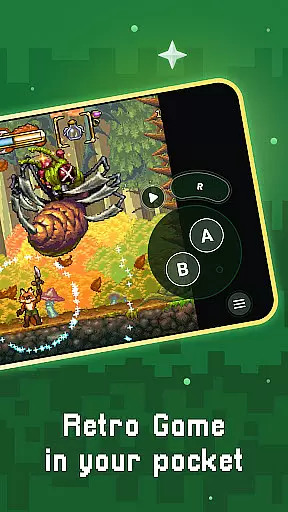
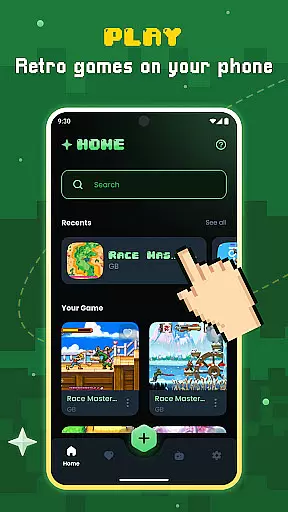
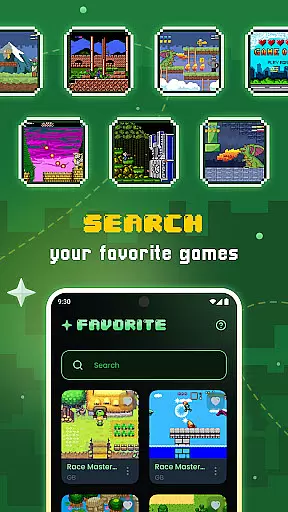
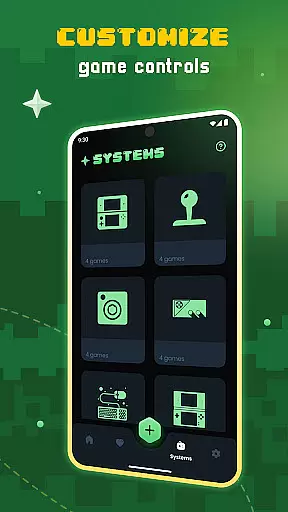
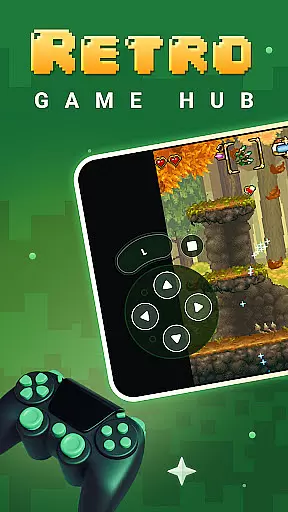
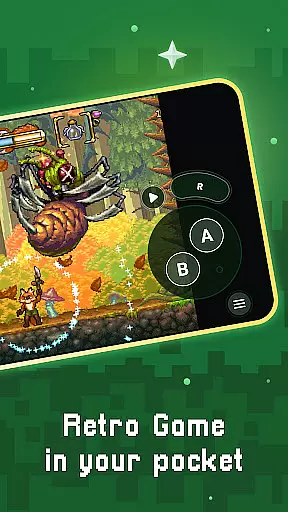
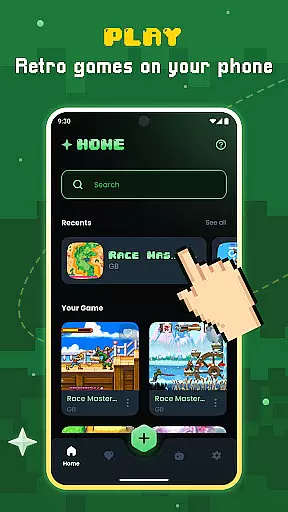
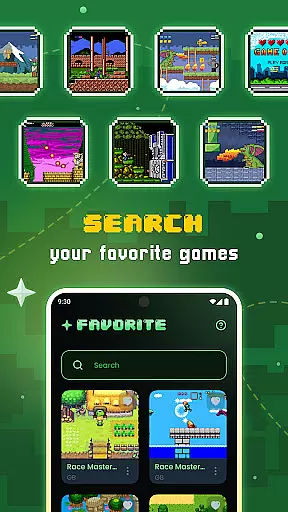
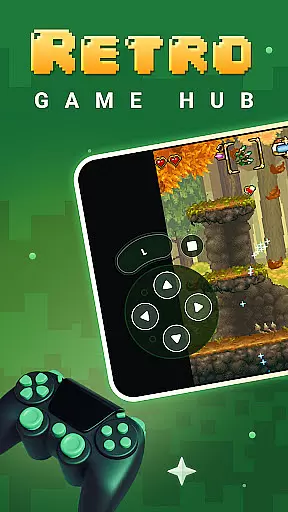
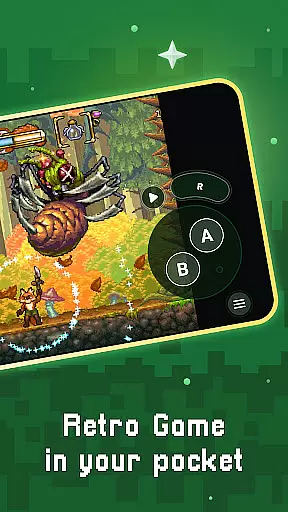
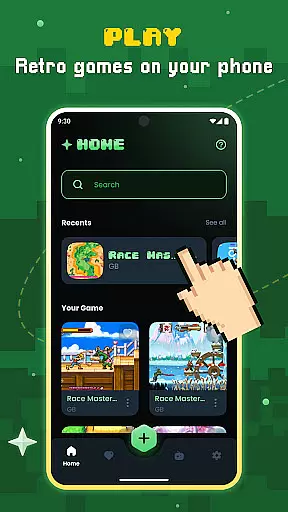
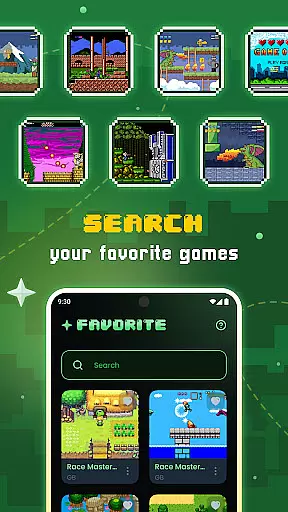
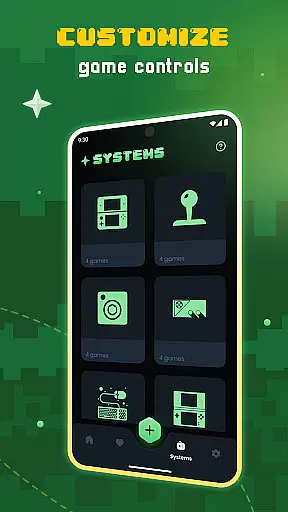
Gamu is a versatile retro gaming platform that allows users to relive classic video game experiences on modern devices. It supports a wide range of retro game formats and works across multiple operating systems, including PC, Mac, Linux, Android, and iOS. The app's compatibility with external controllers and its built-in library organization system makes managing and playing games seamless.
One standout feature is Gamu's use of the Libretro framework, which ensures smooth performance and advanced multimedia capabilities like OpenGL rendering and camera integration. With regular updates, an ad-free experience, and cloud sync functionality, Gamu offers a comprehensive solution for retro gaming enthusiasts who want to enjoy their favorite games without hassle.
Gamu stands out with its extensive feature set tailored for retro gaming enthusiasts. The platform supports auto-save functionality, allowing users to pause and resume gameplay effortlessly. Its game file scanning and cataloging tools make organizing large libraries intuitive, while optimized virtual controls ensure smooth navigation even on mobile devices.
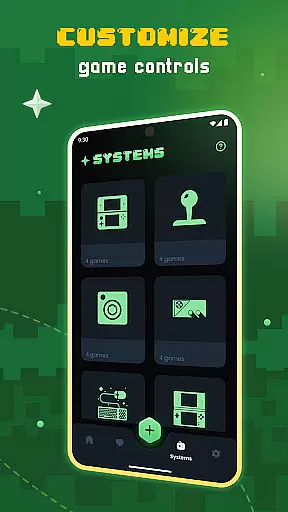
Advanced features include visual filters that simulate LCD or CRT displays for an authentic retro feel, fast-forward modes for quicker gameplay, and customizable on-screen buttons. Gamu also supports local multiplayer with multiple controllers and motion controls like tilt-to-stick, enhancing interactivity. These features collectively create a polished and immersive retro gaming experience.
Task management is a critical aspect of productivity applications, and Gamu excels in this area by offering features that streamline the gaming experience while maintaining organization. The app provides auto-save functionality, quick save/load slots, and cloud sync for game saves, ensuring users can efficiently manage their gaming sessions.
Gamu's task management extends to its ability to scan and catalog game files, making it easy for users to organize their game library. This feature not only simplifies file management but also enhances accessibility, allowing users to quickly locate and launch their desired games without hassle.
The inclusion of optimized virtual controls and customizable on-screen buttons adds another layer of task efficiency. These tools enable users to tailor the interface to their preferences, improving overall usability and ensuring a seamless transition between different gaming systems supported by the app.
Cross-device synchronization is essential for users who engage with their gaming library across multiple platforms. Gamu ensures reliable synchronization through its cloud save feature, which allows users to access their game progress on any supported device without losing data or experiencing delays.
The app's compatibility with various operating systems, including PC, Mac, Linux, Android, and iOS, further enhances its synchronization capabilities. Whether at home or on the go, users can enjoy a consistent experience, picking up right where they left off, regardless of the device they are using.
Moreover, Gamu supports external game controllers and local multiplayer options, ensuring that the cross-device experience remains robust and versatile. By prioritizing synchronization reliability, Gamu delivers a unified and efficient way to manage retro gaming across different environments.
User-friendly interface
Wide system compatibility
Regular feature updates
Cloud save functionality
Customizable controls
No pre-installed games
Hardware-dependent performance
Limited to legal game files
Requires manual setup
Occasional bugs in updates

A Revolutionary All-in-One Artificial Intelligence Tools
 3.80
3.80
When you Focus, so will your Bean in this cozy focus timer
4.30
Mega cloud explorer plugin for Solid Explorer
3.80
The AI assistant that thinks with you - write, code, and solve complex tasks
4.60
Subscribe to Webcal & .ics calendars and keep them up-to-date!
4.50
Great calculator for Android named one of USA TODAY's "25 Essential Apps".
4.90
A simple Whisper AI keyboard for reliable speech transcription and rewording
4.60
A Pixel Art watchface inspired by other iconic 90s designs for Wear OS devices!
4.40
Okta MFA
4.70
Mind Map and brainstorm, note taking and idea collection
4.80
Secure, fast, open-source, VNC and SSH Remote Desktop for Windows, Linux and Mac
4.70
aCalendar+ makes your day, week and month
4.70
Client for Nextcloud Deck
4.60
Absolutely the best CNC machinist speed and feed calculator around. fswizard.com
4.60
Tally and goal counter for Wear OS & mobile
4.50
CalenGoo is a very flexible and feature-rich calendar app
4.40
Share files & memories safely. Keep your photos and videos secure.
4.40
Total remote control for your Android device, PC and cloud services (IFTTT)!
4.20
The ultimate file manager for rooted devices. The original and still the best.
4.00


User Reviews