
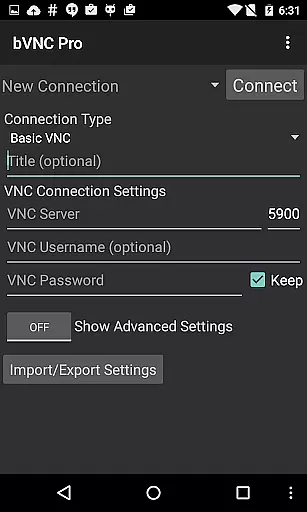
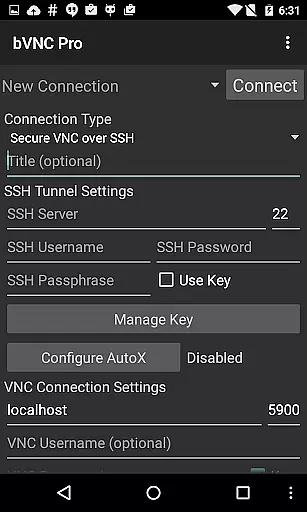
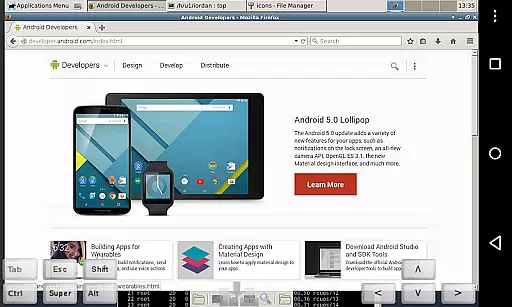
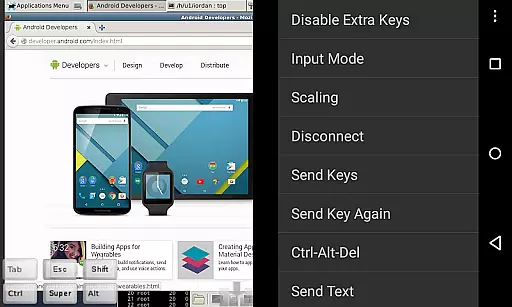
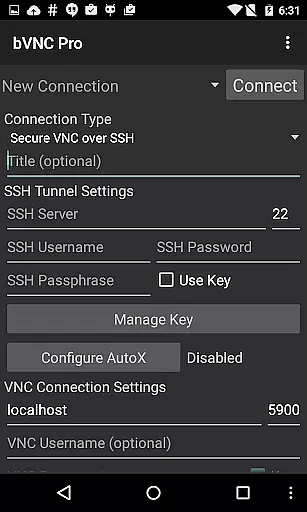
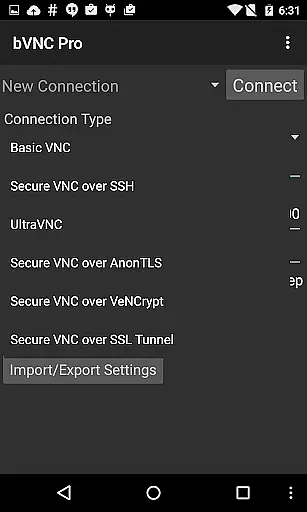
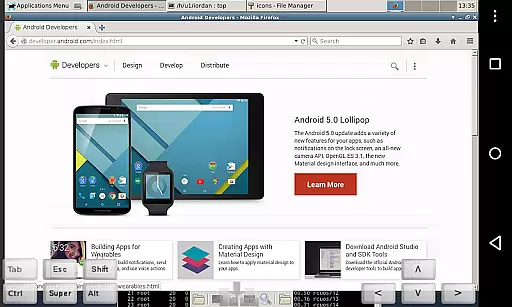
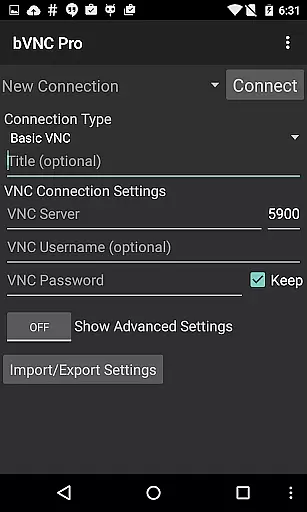
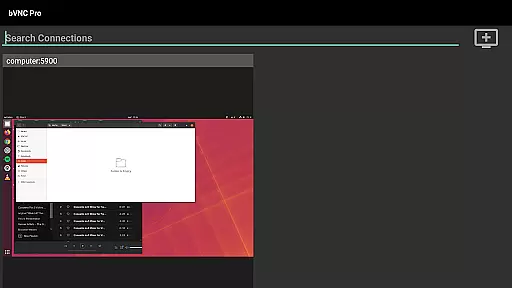
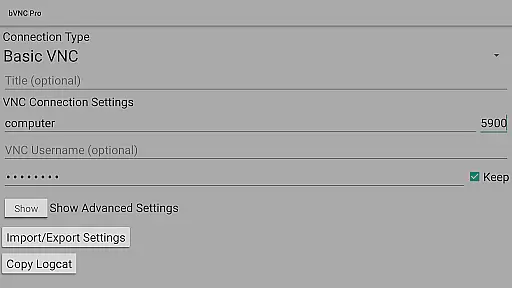
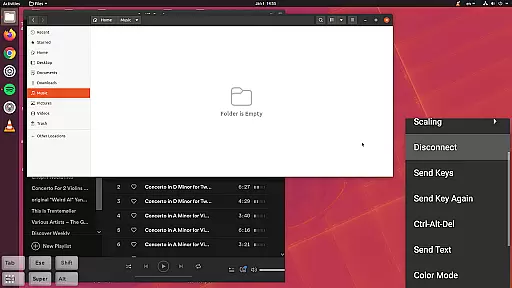
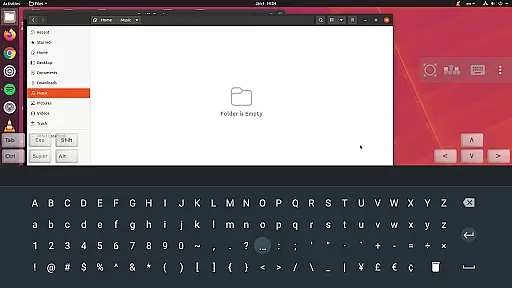
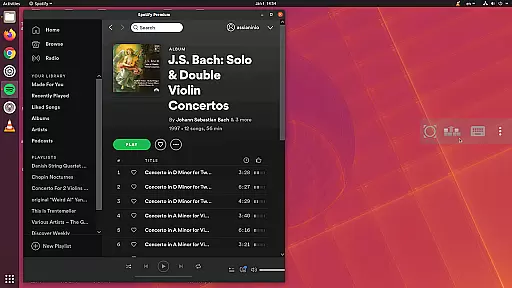
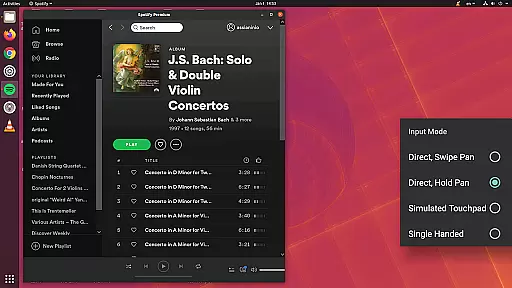
bVNC Pro is a secure, open-source VNC client designed for productivity-focused users who need reliable remote desktop access. The app supports connections to Windows, Mac, Linux, and other operating systems with VNC servers installed, making it versatile for various professional environments.
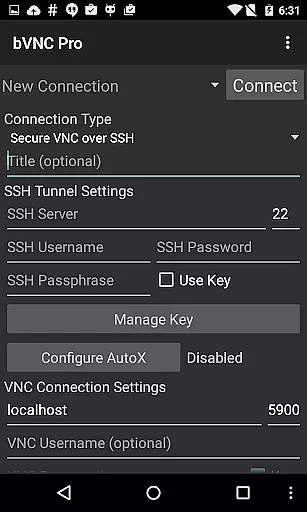
Key features include multi-touch control for remote mouse operations, SSH tunneling for secure connections, and dynamic resolution changes that allow users to reconfigure their desktops while connected. With support for high-grade encryption using SSH and VeNCrypt, bVNC Pro ensures secure remote sessions, protecting against man-in-the-middle attacks.
Ideal for IT professionals and system administrators, bVNC Pro enables control over virtual machines from BIOS to OS level. Its compatibility with PiKVM and support for multiple input modes, including touchpad and single-handed modes, enhance its usability across different devices and scenarios.
bVNC Pro stands out with its comprehensive feature set tailored for secure and efficient remote desktop management. One of its notable capabilities is the multi-factor SSH authentication, which adds an extra layer of security for sensitive operations. Additionally, the master password support simplifies credential management for frequent users.
The app offers advanced input controls such as multi-touch gestures, pinch-zoom, and scroll functionality, providing an intuitive user experience. Users can also take advantage of features like auto-rotation, keeping the screen awake, and immersive mode, which contribute to a seamless workflow. Furthermore, bVNC Pro supports importing encrypted RSA keys in PEM format, catering to users with specific security requirements.
For performance optimization, bVNC Pro includes options to reduce color depth over slow links and provides tight and CopyRect encodings for quick screen updates. These features ensure smooth operation even under constrained network conditions, making it a reliable tool for remote desktop access.
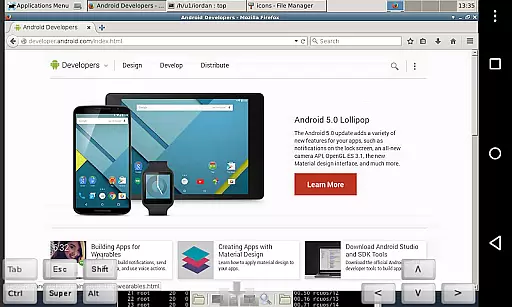
bVNC Pro is a productivity powerhouse, designed to streamline remote desktop access and task execution. At its core, the app enables users to manage tasks across multiple operating systems, including Windows, Mac, Linux, and BSD, through secure VNC connections. This cross-platform compatibility ensures that no matter where you are, your work environment is just a tap away.
The app's multi-touch controls allow for seamless interaction with the remote desktop. With intuitive gestures such as one-finger tap for left-click, two-finger tap for right-click, and three-finger tap for middle-click, users can navigate their remote systems effortlessly. Additionally, features like pinch-zoom and scrolling with a two-finger drag enhance the user experience by providing precise control over the interface.
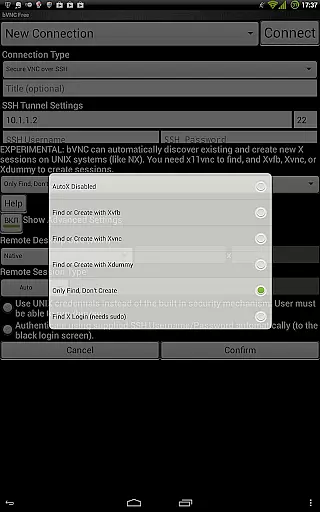
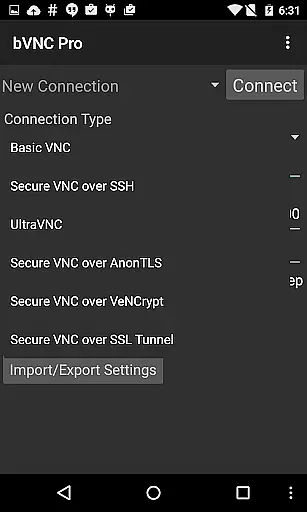
For those who require advanced security, bVNC Pro offers SSH tunneling and VeNCrypt encryption, ensuring that all data transmitted between the local device and the remote server remains confidential. The app also supports high-grade encryption superior to RDP, using SSH and x509 certificates to prevent man-in-the-middle attacks. This robust security framework allows professionals to focus on their tasks without worrying about data breaches.
One of the standout features of bVNC Pro is its ability to maintain reliable cross-device synchronization. Whether you're switching from an Android device to an iOS or Mac OS X system, the app ensures that your sessions remain consistent and up-to-date. This reliability is crucial for users who need to access their work environments from multiple devices throughout the day.
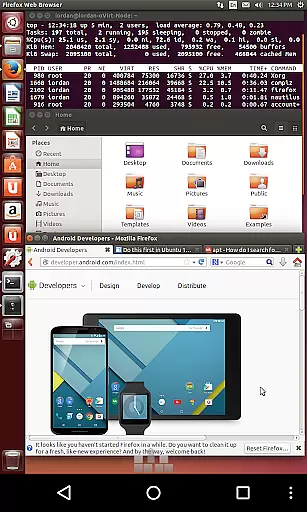
The app supports dynamic resolution changes, allowing users to reconfigure their desktops while connected. This means that whether you're working on a large monitor or a small smartphone screen, bVNC Pro adjusts the display to fit your current device, ensuring optimal visibility and usability. Furthermore, the app's support for Samsung DEX and other multi-language options enhances its flexibility, making it suitable for international teams and diverse work environments.
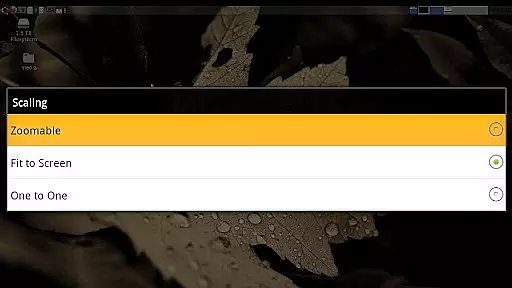
bVNC Pro also includes several modes to optimize the user experience across different devices. For instance, the Fit to Screen and One to One scaling modes ensure that the remote desktop is displayed correctly, regardless of the device's screen size. Additionally, input modes such as Direct, Simulated Touchpad, and Single-handed provide users with various ways to interact with their remote systems, catering to individual preferences and needs.
Secure remote access
Multi-touch controls
Dynamic resolution
SSH tunneling
High-grade encryption
No RealVNC encryption
Complex setup
Paid Pro version
Limited iOS support
Advanced features

⏰ Finally a timer app which can run multiple timers simultaneously on your watch
 3.90
3.90
Pwnagotchi companion app
4.20
Todo reminder
4.10
Functional QR scanner and barcode reader that requires little storage space.
4.60
Translate text/voice/photos in 150+ languages. Offline & fast translator app.
4.50
Create and edit presentations with Google Slides, part of Google Workspace.
4.00
Tally and goal counter for Wear OS & mobile
4.50
Best Tool for the professionals Electrician, Electrical contractors, etc.
4.90
Scan paperwork into PDF/JPG, generate your own e-signature and send fax or email
4.70
Seamlessly integrate data and reports to build your presentation to impress
4.80
Simple notepad & memo. Take notes, to-do list, shopping list with reminders.
4.80
Direct Chat without saving contacts & Dual WA Account on Single Device
4.70
CalenGoo is a very flexible and feature-rich calendar app
4.40
A customizable calendar for your Wear OS watch
4.20
Experience real multitasking on your Android!
4.00
Wake up & get tasks done! Add alarms & reminders on the Clock Launcher.
4.00
Simple and reliable communication between inmates, friends and family
3.20
Experience and share your SolidWorks designs on your Android® phone and tablet.
2.50
A comprehensive suite of tools designed specifically for Lactation Consultants
4.0


User Reviews