
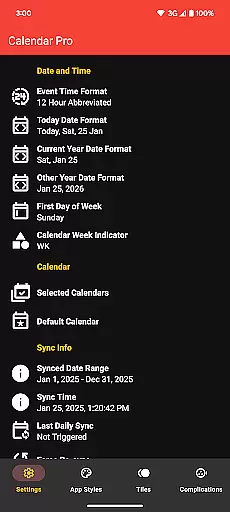
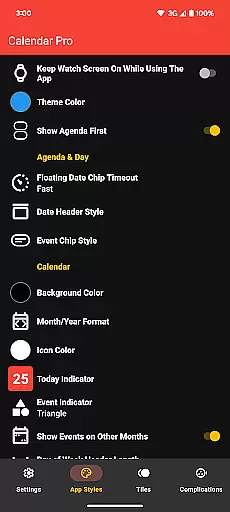
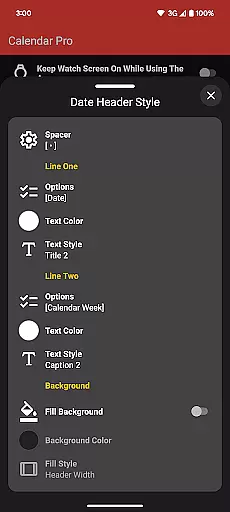
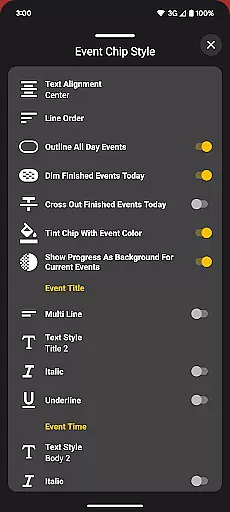
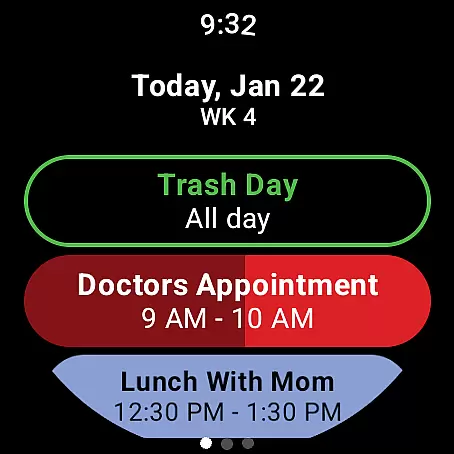
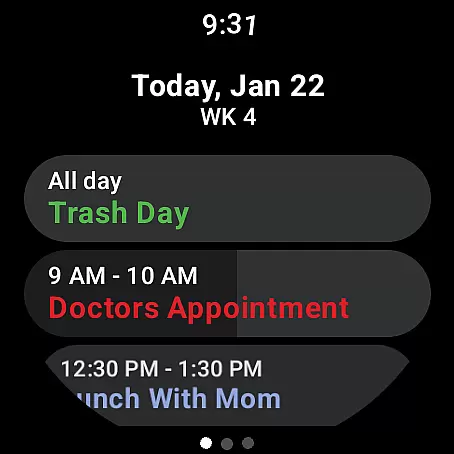
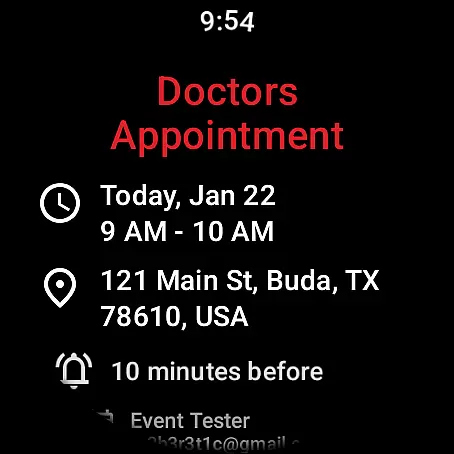
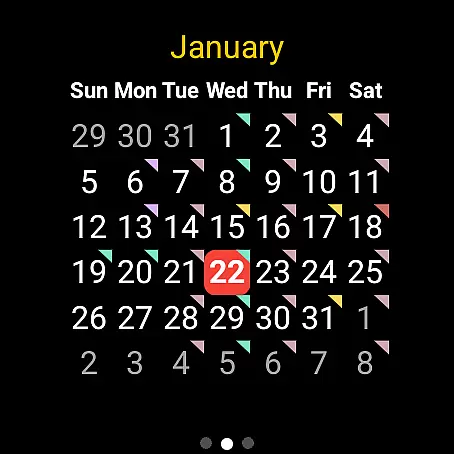
Calendar Pro for Wear OS is a comprehensive productivity tool designed to streamline your scheduling directly from your wrist. This app syncs all your phone calendars to your Wear OS smartwatch, offering seamless access to your events and appointments.
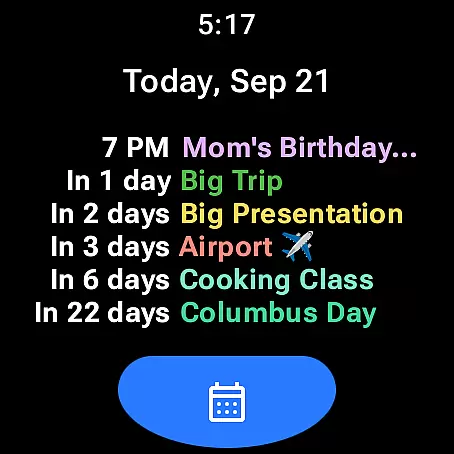
The app allows users to add, edit, and delete events directly from their watch, providing unparalleled convenience. With customizable calendar views including month, agenda, week, and next event options, Calendar Pro ensures you never miss an important date. Its support for multiple calendar services like Google, Outlook, and Samsung makes it a versatile choice for busy professionals.
Whether you're managing work deadlines or personal commitments, Calendar Pro's intuitive interface and robust feature set help you stay organized and efficient. The ability to customize themes and calendar displays adds a personal touch, while the lack of subscription fees provides excellent value.
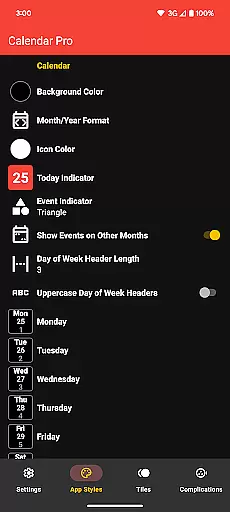
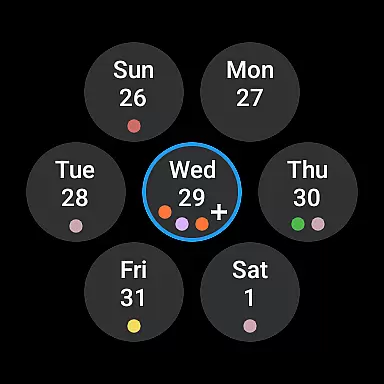
Calendar Pro stands out with its extensive customization options and robust feature set. Users can personalize nearly every aspect of the calendar experience, from background colors to event indicator shapes, ensuring the app fits their unique preferences.
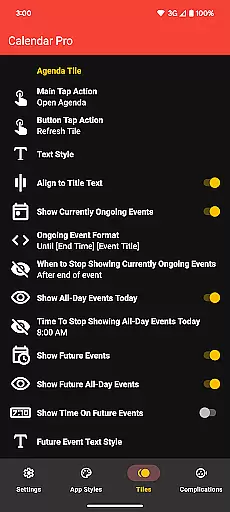
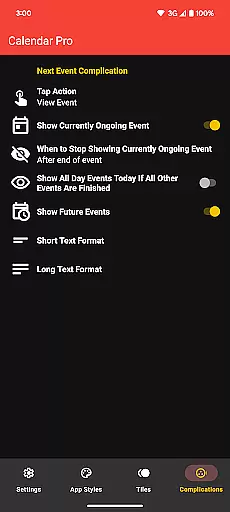
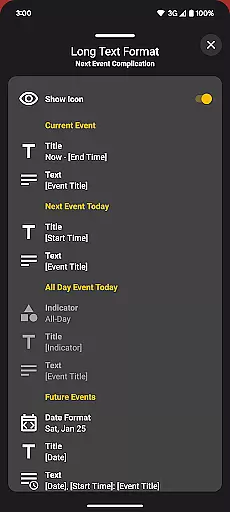
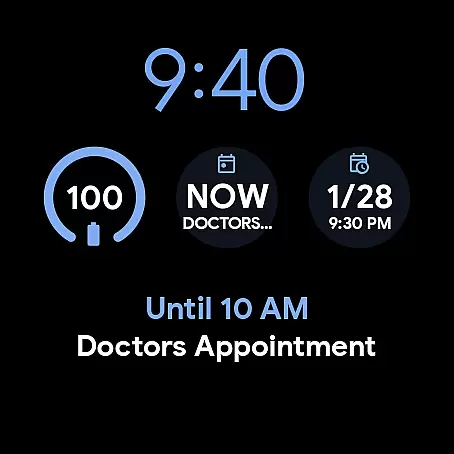
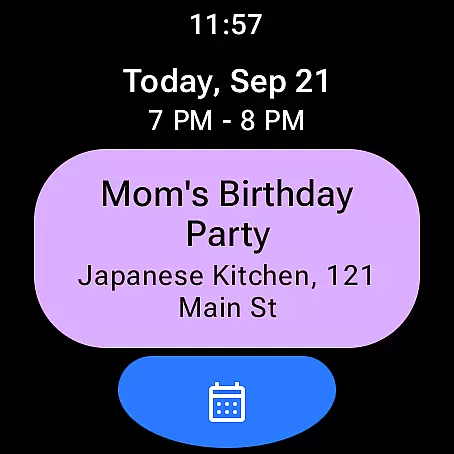
The app offers multiple tile options including Month Calendar, Agenda, Week, and Next Event tiles, each with detailed customization settings. These include theme color selections, text styles, and display options that cater to various user needs. Additionally, the Next Event complication provides quick access to upcoming events right from the watch face.
Advanced functionality extends to calendar management, supporting popular services like Google Calendar, Outlook, and Samsung Calendar. The app's ability to handle multiple calendar sources simultaneously makes it an indispensable tool for power users who need to juggle different schedules and commitments efficiently.
Calendar Pro for Wear OS excels in core task management by offering users the ability to add, edit, and delete events directly from their Wear OS watch. This seamless interaction ensures that users can manage their schedules without needing to reach for their phones.
The app syncs the next 12 months of events to the watch, providing a comprehensive overview of upcoming commitments. With customizable month calendars and agenda views, users can tailor the interface to suit their preferences, ensuring they never miss an important date or meeting.
Event indicators and multiple theme colors enhance the user experience by making navigation intuitive and visually appealing. These features collectively contribute to efficient time management and organization, empowering users to take control of their schedules with ease.
Cross-device synchronization is a cornerstone of Calendar Pro's functionality, ensuring that all calendars from the user's phone are reliably synced to the Wear OS watch. This includes popular calendar services such as Google Calendar, Outlook Calendar, and Samsung Calendar, among others.
The synchronization process is robust, supporting not only event details but also customizations like theme colors and calendar views. This means users will have a consistent experience across devices, with real-time updates reflecting changes made on either the phone or the watch.
By eliminating the need for subscriptions and offering one-time purchase unlocks, Calendar Pro provides dependable and uninterrupted access to essential scheduling tools. This reliability fosters trust and confidence in managing personal and professional commitments effectively.
User-friendly interface
Extensive customization
Multiple calendar support
No subscription required
Offline functionality
Requires phone app
Limited free features
Complex setup process
Battery consumption
Premium price tag

Client for Nextcloud Deck
 4.60
4.60
Take control of your clipboard with Clipper!
3.90
Native client for Forgejo and Gitea
5.00
Professional calendar app for Google Calendar, MS Outlook & Exchange
4.20
Best Tool for the professionals Electrician, Electrical contractors, etc.
4.90
Access your phone's notifications, calls, apps, photos & texts on your PC
3.90
Scan paperwork into PDF/JPG, generate your own e-signature and send fax or email
4.70
Okta MFA
4.70
Set up, print, and get support—in one place
4.20
Great calculator for Android named one of USA TODAY's "25 Essential Apps".
4.90
Secure, fast, open-source, VNC and SSH Remote Desktop for Windows, Linux and Mac
4.70
Tally and goal counter for Wear OS & mobile
4.50
A lightweight JSON & XML files creator, editor and viewer (Premium Version)
4.40
Share files & memories safely. Keep your photos and videos secure.
4.40
Total remote control for your Android device, PC and cloud services (IFTTT)!
4.20
Create and edit presentations with Google Slides, part of Google Workspace.
4.00
Ultimate Virtual AI Character for immersive Roleplay Chat. Perfect Companion
3.90
Mega cloud explorer plugin for Solid Explorer
3.80
Create study competitions, track your hours, and stay consistent with friends
4.4


User Reviews