
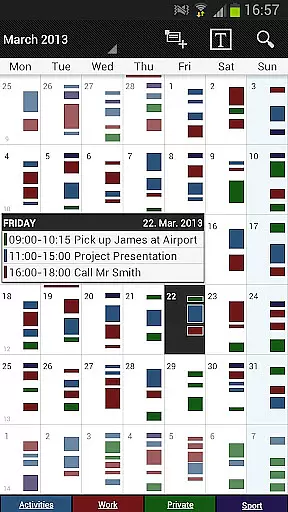
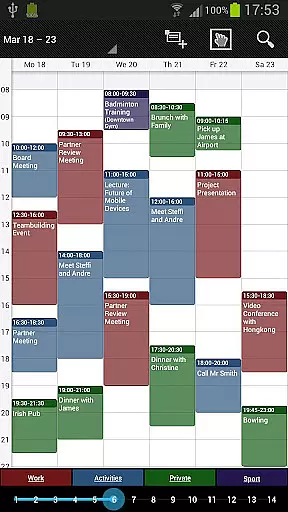
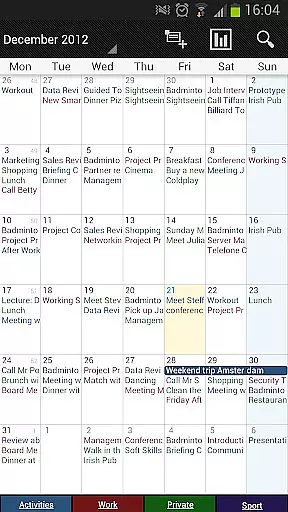
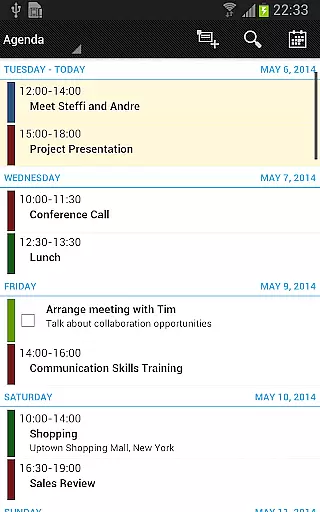
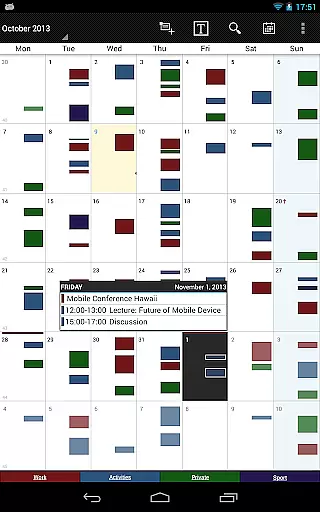
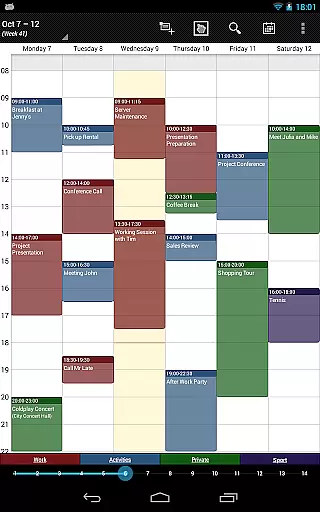
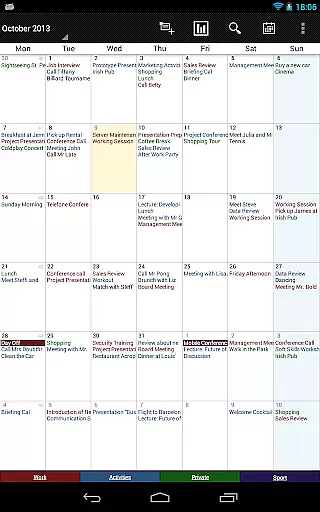
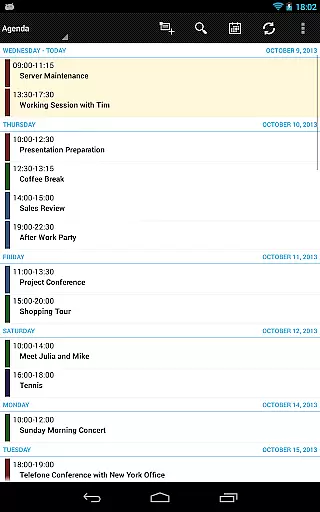
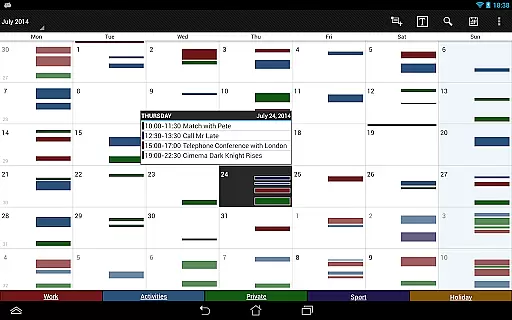
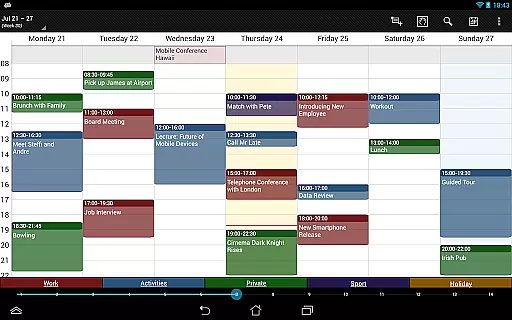
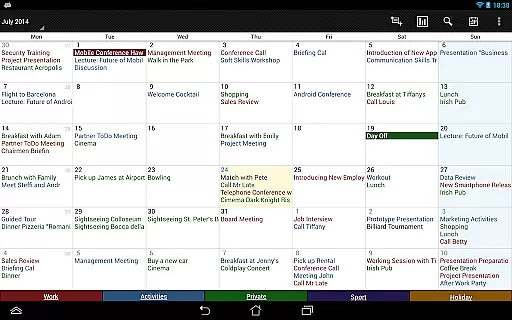

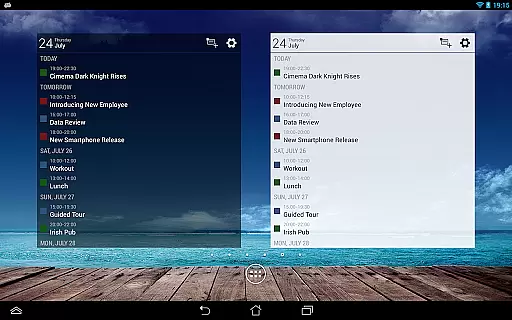
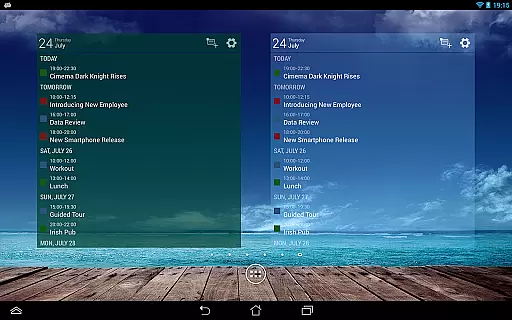
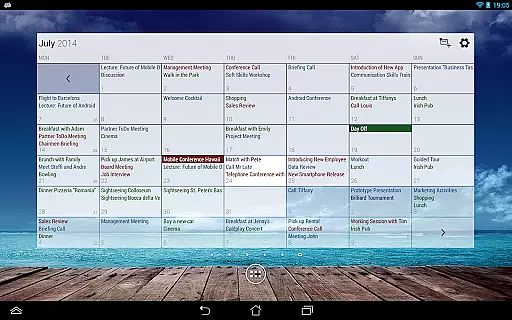
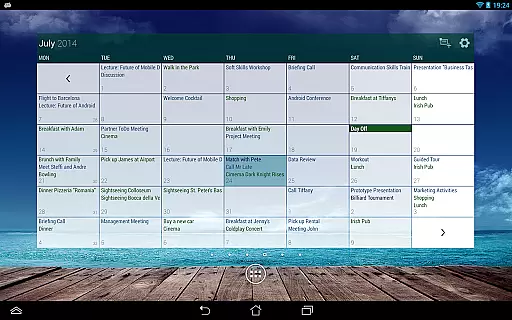
Business Calendar Pro is a comprehensive productivity tool designed for professionals who need an efficient way to manage their schedules. The app offers an intuitive interface with quick day views, smooth scrolling, and zoomable multi-day views, making it easy to navigate through appointments and events.
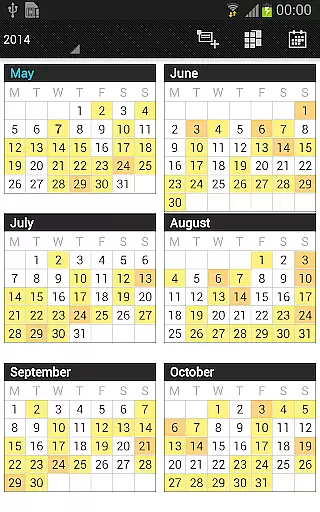
One of the standout features is its customization options. Users can adapt all views and widgets to their preferences, set individual reminders with specific sounds and repetitions, and adjust font sizes. With professional widgets, color-coded year views, and advanced synchronization capabilities with Google Calendar, Outlook, and Exchange, this app ensures users stay organized and up-to-date.
Ideal for business environments, Business Calendar Pro allows seamless integration into existing workflows. Its ability to handle complex recurrence patterns and link contacts to events makes it an indispensable tool for managing professional and personal commitments effectively.
Business Calendar Pro boasts a rich feature set that caters to various scheduling needs. It includes quick day views, a favorite bar for direct calendar access, and smooth scroll and zoom functionalities. These features provide users with fast and intuitive interaction, enhancing their overall experience.
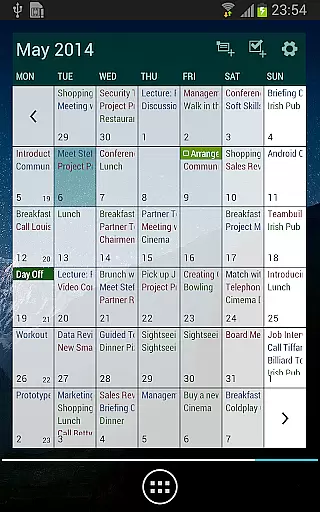
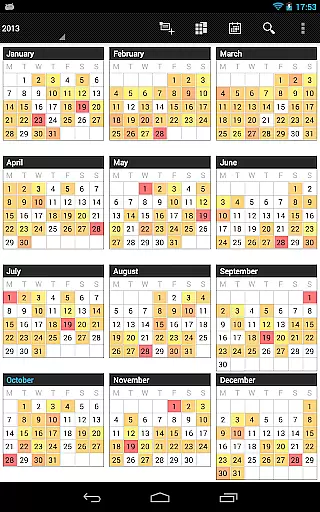
The app excels in customization. Users can tailor all views and widgets, set detailed reminders with unique sounds and intervals, and adjust font sizes. Additionally, it supports multiple views such as month, week, day, agenda, and event views, along with a color-coded year view and scrollable multi-day views.
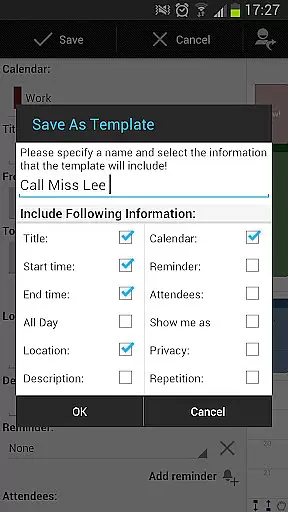
Advanced functionalities in the pro version include contact management, customizable event templates, multi-selection for bulk operations, drag-and-drop capabilities, task management integration, comprehensive notifications, app theming, advanced widget settings, and .ics format import/export options. These tools empower users to optimize their workflow and maintain precise control over their schedules.
Task management is a cornerstone of productivity applications, and Business Calendar Pro excels in this area. The app offers an intuitive interface for creating, editing, and organizing events and tasks. With features like drag & drop functionality in the multi-day view, users can effortlessly move or copy events across different time slots.
The application supports complex recurrence patterns, allowing users to set up events that repeat on specific days of the week or month. This flexibility ensures that even the most intricate scheduling needs are met with precision. Additionally, the ability to manage contacts by linking them to events enhances the overall task management experience.
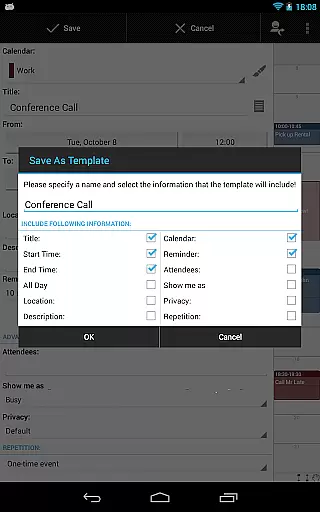
Business Calendar Pro also includes customizable event templates, enabling users to save time when scheduling routine appointments. Users can create templates for frequently occurring events, complete with predefined settings for reminders, locations, and participants. This feature streamlines the process of managing regular meetings or personal commitments.
Furthermore, the app provides comprehensive reminder functionalities through notifications. These reminders can be tailored with various options such as vibration patterns, sounds, repetitions, and intervals. Such detailed customization ensures that users never miss an important deadline or appointment, thereby improving their overall productivity.
Cross-device synchronization is crucial for maintaining consistency across multiple platforms, and Business Calendar Pro delivers reliable performance in this aspect. By leveraging Android's built-in calendar synchronization capabilities, the app ensures that all your events and tasks are seamlessly synced with external services like Google Calendar, Microsoft Outlook, and Exchange.
This synchronization process is not only efficient but also highly customizable. Users can choose which calendars to sync and how often updates should occur, providing granular control over data flow between devices. This level of customization helps prevent information overload while ensuring critical data remains accessible wherever needed.
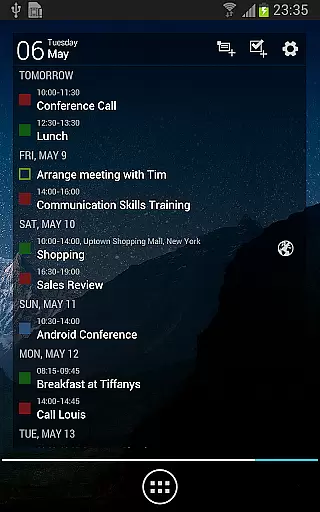
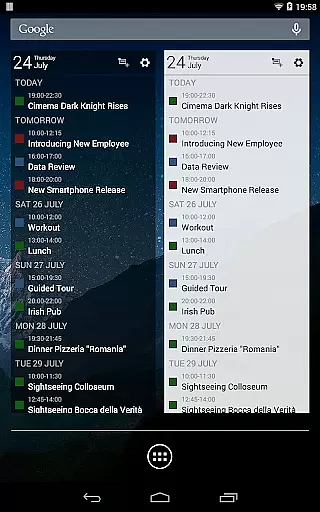
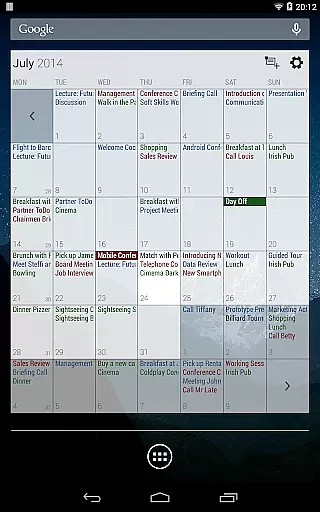
In addition to standard calendar syncing, Business Calendar Pro offers advanced widget settings. Widgets can display specific calendars, use unique color schemes, and adjust font sizes independently from the main app interface. This allows users to tailor their home screen widgets according to their preferences without affecting the core application experience.
For those who rely heavily on task management tools, the app integrates with popular services like Google Tasks and Toodledo. This integration enables seamless import and export of tasks in .ics format, facilitating smooth transitions between different productivity ecosystems. Overall, these robust synchronization features make Business Calendar Pro an indispensable tool for professionals seeking reliable cross-device support.
User-friendly interface
Highly customizable
Comprehensive feature set
Advanced synchronization
Professional widgets
Paid application
Complex for beginners
Occasional sync issues
Resource-intensive
Limited free version

Automates browsing any website and notifies you of important changes or events
 4.30
4.30
Smart PDF reader & editor to view, organize and manage PDF documents easily.
3.70
Mind Map and brainstorm, note taking and idea collection
4.80
Absolutely the best CNC machinist speed and feed calculator around. fswizard.com
4.60
aCalendar+ makes your day, week and month
4.70
A comprehensive suite of tools designed specifically for Lactation Consultants
4.2
Access your phone's notifications, calls, apps, photos & texts on your PC
3.90
Browse and view your photos and videos from the phone with photo & video hide.
4.10
QuickEdit is a fast, stable and full featured text and code editor.
4.20
8 custom complications. Custom Time Fonts. Beautiful color schemes. A++ Design.
5.00
Best Tool for the professionals Electrician, Electrical contractors, etc.
4.90
A customizable calendar for your Wear OS watch
4.20
Total remote control for your Android device, PC and cloud services (IFTTT)!
4.20
Easily read and manage all your PDF files
4.10
Activate Two Factor Authentication (2FA or Multi OTP), Password manager and more
4.10
Intelligent AI Assistant
4.10
⏰ Finally a timer app which can run multiple timers simultaneously on your watch
3.90
Ultimate Virtual AI Character for immersive Roleplay Chat. Perfect Companion
3.90
Remotely view listen control and record cameras.
3.70


User Reviews