
Web Alert (Pro) is a powerful productivity tool designed for professionals in web development and automation. This one-time lifetime purchase enhances the free Web Alert app by adding advanced monitoring features. The application excels at tracking changes on web pages, notifying users of updates based on highly customizable parameters.
Key capabilities include parallel checking, text filtering between specific words, number monitoring, and percentage-based change alerts. Users can define precise notification rules using regular expressions, CSS selectors, and jQuery selectors. The app also offers professional-grade features like Tasker integration, HTML source code monitoring, and website status checks.
This makes Web Alert (Pro) particularly valuable for developers, SEO specialists, and business analysts who need to track price changes, monitor competitors, or maintain website integrity. Its ability to export website versions and manage alerts through import/export functionality adds to its professional utility.
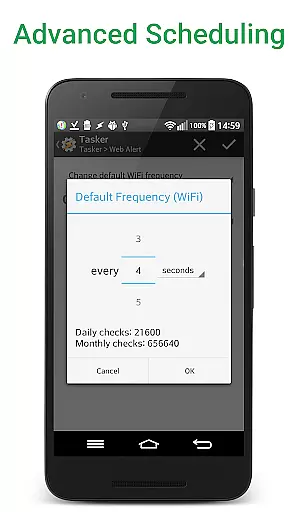
The application stands out with its comprehensive feature set tailored for power users. It allows setting custom check frequencies as low as every 5 seconds and supports parallel checks for multiple alerts simultaneously. Advanced filtering options enable monitoring specific page sections or numerical values.
Professional users benefit from sophisticated tools including regular expression filtering, CSS/jQuery selectors, and HTML source code monitoring. The Tasker plugin provides extensive automation capabilities without requiring programming knowledge. Additional features include SSL certificate problem handling, minimum change percentage thresholds, and alert duplication.
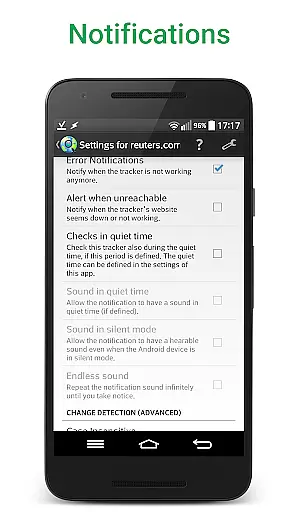
Practical functionality extends to website downtime notifications, zip archive exports of website versions, and maintaining contextual links within detected changes. The app's ability to display only modified content while hiding unchanged elements streamlines change review processes significantly.
Web Alert (Pro) excels in core task management by offering a comprehensive suite of features tailored for monitoring web pages with precision and flexibility. This app allows users to set custom frequencies for checks, ensuring that critical updates are not missed, whether they occur every few seconds or at longer intervals.
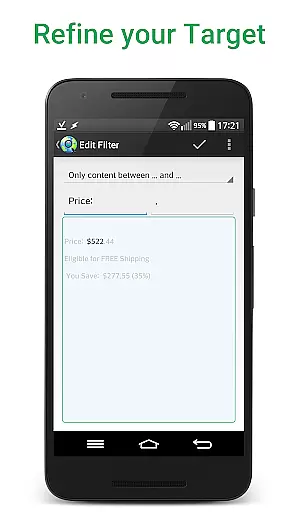
The ability to perform parallel checks enhances efficiency, allowing multiple alerts to be monitored simultaneously without delay. Users can also filter text, focusing only on specific segments of a webpage, such as changes between certain keywords, which is particularly useful for tracking price changes or updates within a specific section of a page.
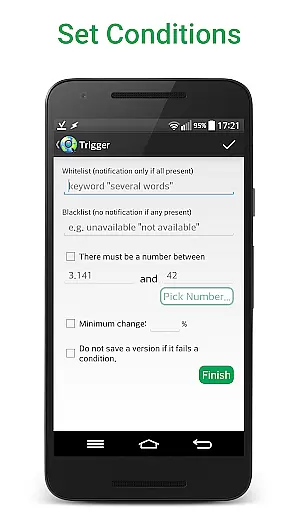
Additionally, Web Alert (Pro) provides advanced options like defining time ranges without checks or notifications, setting conditions for change notifications based on the presence or absence of certain keywords, and limiting alerts to significant changes above a specified percentage. These features ensure that users receive relevant and actionable alerts, streamlining their workflow and enhancing productivity.
Cross-device synchronization is a crucial feature for users who operate across multiple devices, and Web Alert (Pro) ensures reliable and seamless synchronization of alerts and settings. By exporting and importing alerts, users can easily transfer their configurations from one device to another, maintaining consistency and continuity in their monitoring tasks.
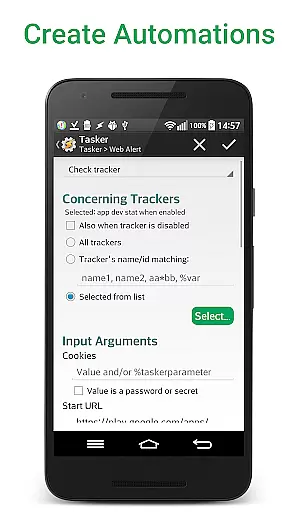
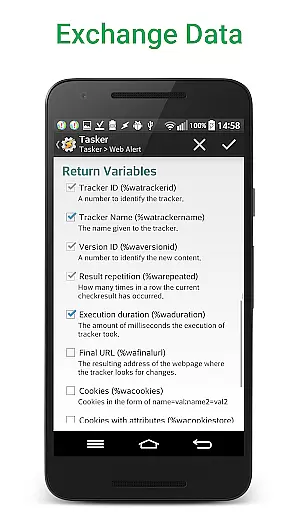
This app supports extensive integration capabilities, including a Tasker plugin that makes many parts of the app programmable without requiring programming knowledge. Such integrations enhance cross-device functionality, enabling users to automate workflows and synchronize tasks effortlessly across different platforms.
Moreover, Web Alert (Pro) offers features like restoring accidentally deleted alerts and modifying alert URLs, which contribute to a robust synchronization experience. These functionalities ensure that users can recover lost data and adapt their monitoring setups as needed, providing peace of mind and uninterrupted service across all their devices.
Highly customizable
Advanced monitoring
Tasker integration
Professional features
One-time purchase
Requires free app
Complex for beginners
No iOS version
Premium cost
Technical knowledge needed

AI Video AI Image Private LLM AI Browser Llama Gemma Ollama Connect LLM Studio
 4.5
4.5
The long-awaited modern gallery app for your Nextcloud server
4.70
Native client for Forgejo and Gitea
5.00
Unlock AutoNotification
4.00
Planet Free VPN - The best Fast Unlimited and Secure VPN Without Logs
4.50
PDF scanner & converter for files, photos, lottery, QR codes. One swipe away!
4.50
Docker, Kubernetes management over Portainer Mobile
4.40
Use powerful, industry-leading AI tools to generate visual charts from any data
4.80
AT&T Internet customers can use this app to personalize their Wi-Fi network.
4.40
Scientific calculator for Android - looks and operates like the real thing!
4.90
Mind Map and brainstorm, note taking and idea collection
4.80
Understand anything with a personalized AI research assistant
4.80
QuickBooks Workforce lets teams view pay info and track time in one place.
4.70
A beautiful digital clock with autostart and many other functions
4.70
Scan paperwork into PDF/JPG, generate your own e-signature and send fax or email
4.70
Make apps & sites with natural language prompts
4.10
Experience real multitasking on your Android!
4.00
Access your phone's notifications, calls, apps, photos & texts on your PC
3.90
Remotely view listen control and record cameras.
3.70


User Reviews