
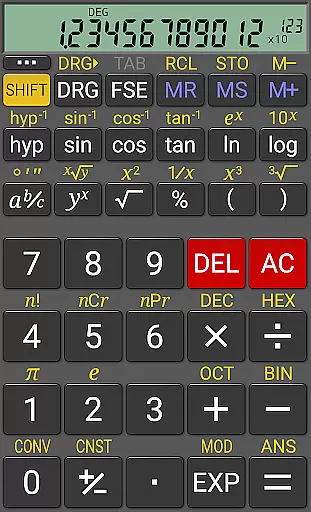
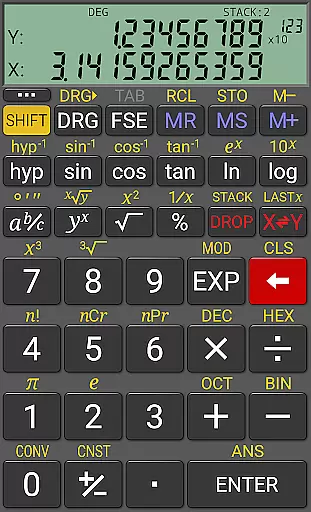
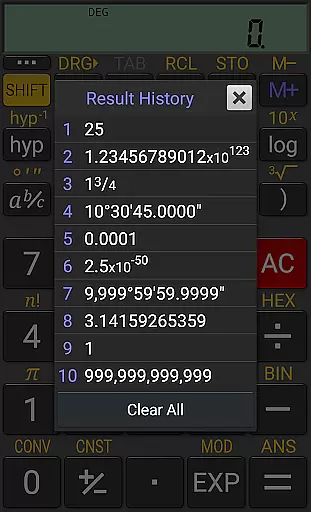
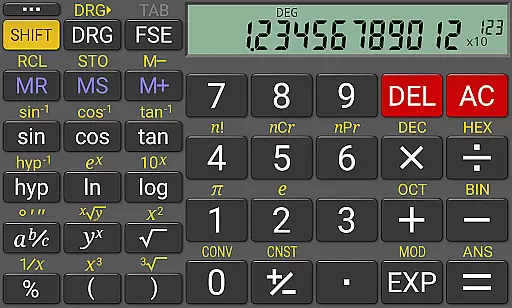
RealCalc Plus is the advanced version of RealCalc, a leading scientific calculator on Android. It mirrors the functionality of a real hand-held calculator and includes all standard scientific functions. The app stands out with its support for fractions, degrees/minutes/seconds calculations, history tracking, multiple memories, customizable unit conversions, and constants. Users can select from various display styles and formats, making it adaptable to personal preferences.
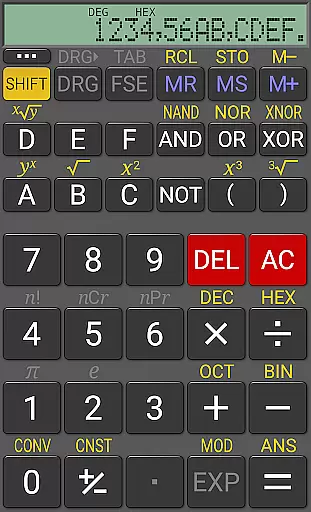
In addition to basic scientific operations, RealCalc Plus supports binary, octal, and hexadecimal calculations, along with an optional RPN mode. Its 12-digit display and extended internal precision (32-digit) ensure accuracy in complex computations. Designed for productivity, this app is ideal for students, engineers, and professionals who require precise calculations in their daily tasks.
RealCalc Plus offers a comprehensive set of features that cater to both basic and advanced computational needs. The calculator supports traditional algebraic or RPN operation, providing flexibility in how calculations are performed. Fraction calculations and conversion to/from decimal, as well as degrees/minutes/seconds calculations, enhance its utility for specialized applications.
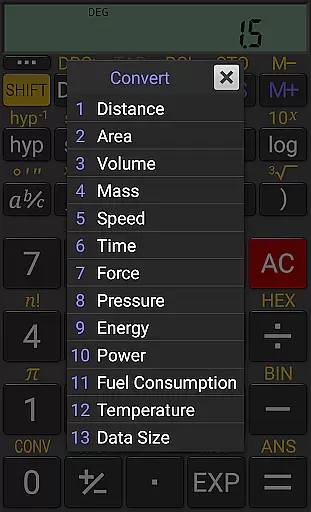
The app's customization options include user-customizable unit conversions, constants, and configurable digit grouping and decimal points. With 10 memories and result history, users can easily manage and retrieve past calculations. Additional features like binary, octal, and hexadecimal support, three RPN styles, multi-window support with drag & drop, and external keyboard support make RealCalc Plus a versatile tool for various computing environments.
RealCalc Plus excels in core task management by offering a comprehensive suite of scientific calculation tools. The app includes traditional algebraic or RPN operation modes, catering to both standard and advanced users.
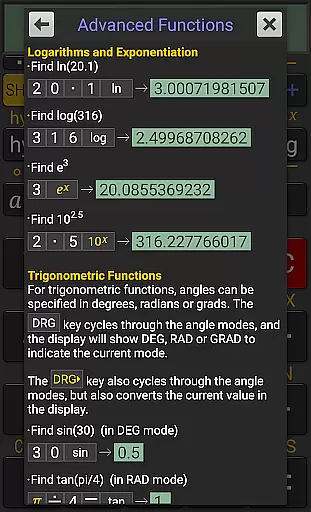
With features like fraction calculations, degrees/minutes/seconds conversions, and trigonometric functions in degrees, radians, or grads, it ensures precision and versatility in handling various mathematical tasks. Its 12-digit display and extended internal precision of up to 32 digits further enhance accuracy for complex computations.
Users benefit from customizable unit conversions and constants, allowing personalized and efficient workflows. This makes RealCalc Plus not just a calculator but a powerful productivity tool for engineers, students, and professionals who require reliable and precise calculations on the go.
Cross-device synchronization is crucial for productivity apps, and RealCalc Plus addresses this with its multi-window support and external keyboard compatibility. These features ensure that users can seamlessly transition between devices without losing their workflow.
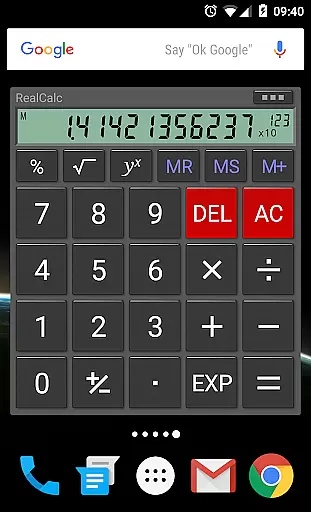
The app supports drag & drop functionality, making it easy to move data between different windows or applications. Additionally, the inclusion of a homescreen widget with RPN support allows quick access to calculations without needing to open the full application.
RealCalc Plus also offers configurable digit grouping and decimal points, ensuring consistency across devices. With full built-in help included, users can easily understand all functionalities, making cross-device usage intuitive and reliable. This synchronization capability enhances user experience by providing flexibility and continuity in their daily tasks.
User-friendly interface
Highly customizable
Extended precision
Versatile calculation modes
Comprehensive help included
Paid version only
No graphing capabilities
Limited design options
Advanced features may overwhelm beginners
Occasional compatibility issues

Experience Reading - Night Mode for Documents
 4.40
4.40
Auto-shutoff Alarm with Sunrise, Sunset & Fixed Options.
3.50
Mega cloud explorer plugin for Solid Explorer
3.80
8 custom complications. Custom Time Fonts. Beautiful color schemes. A++ Design.
5.00
Protect and view your important info on your phone and tablet with eWallet®
4.80
Easiest event planning, volunteer signups & parent teacher conference scheduling
2.20
A Pixel Art watchface inspired by other iconic 90s designs for Wear OS devices!
4.40
Access your phone's notifications, calls, apps, photos & texts on your PC
3.90
2026 USPS Alpha/Color coded calendar Sunday/Rotating day off schedules
4.4
Stay on top of your to-dos with Google Tasks, part of Google Workspace.
4.60
All document reader, all in one file viewer read PDF, DOCX, XLS, PPT, TXT files.
4.60
To do list widget with a notebook organizer, checklist, simple shopping list
4.60
Access, manage and transfer files on Android, PC, Mac, NAS and cloud storages.
4.30
Pwnagotchi companion app
4.20
All in One PDF Reader: Manage, Read and Edit your Documents
4.20
Unlock AutoNotification
4.00
* block pre-roll ads, pop-up and forced redirect ads * Samsung certification app
4.00
Take control of your clipboard with Clipper!
3.90
Ultimate Virtual AI Character for immersive Roleplay Chat. Perfect Companion
3.90


User Reviews