
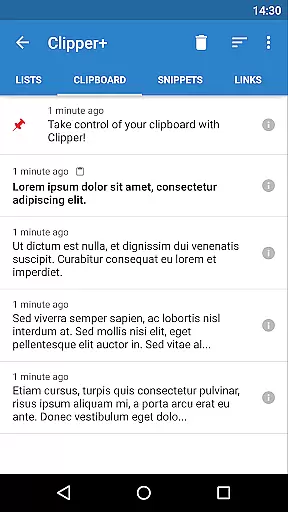
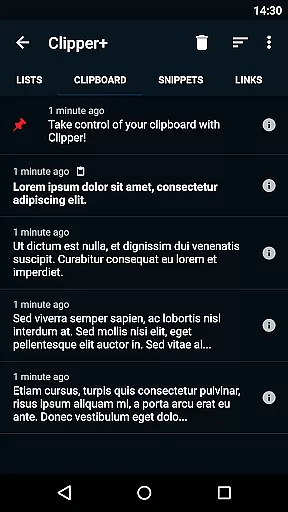
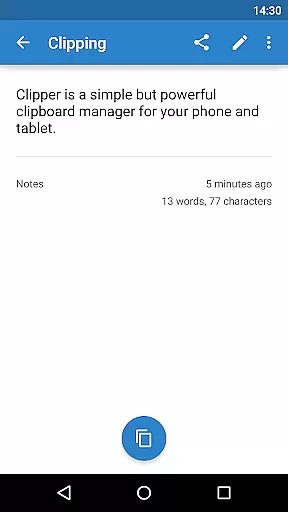
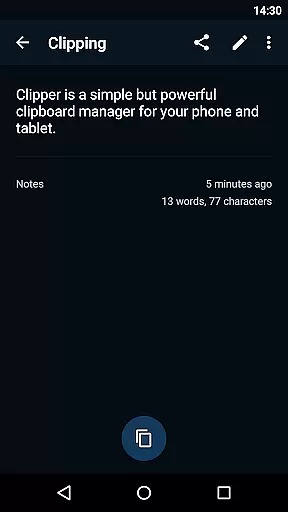
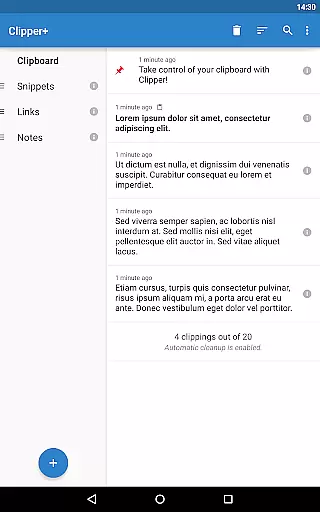
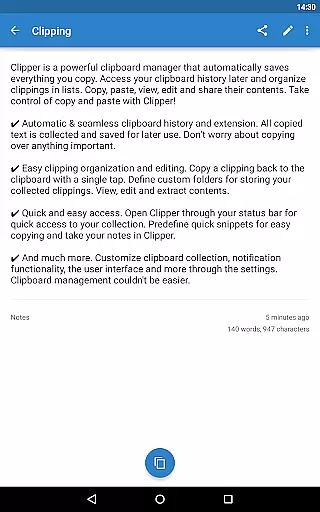
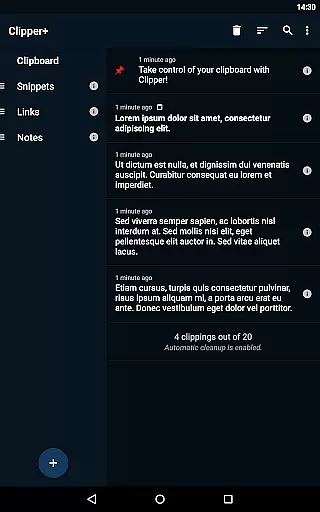
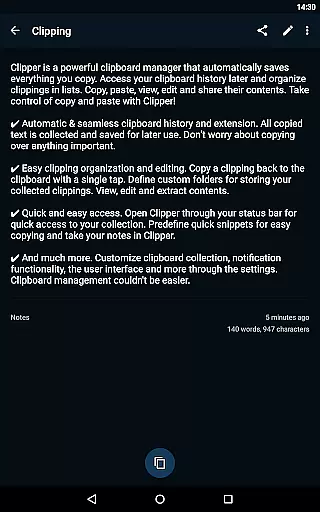
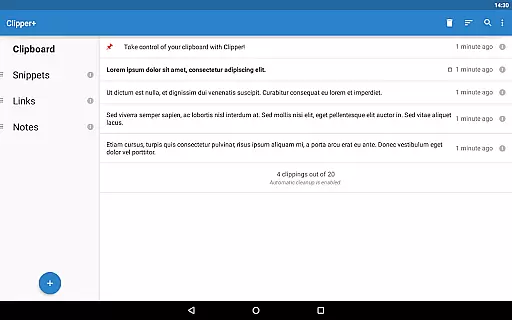
Clipper+: Clipboard Manager is a robust productivity tool designed to enhance your clipboard experience. This application automatically saves everything you copy, allowing you to access, organize, and manage your clippings with ease. With features like unlimited clipping storage, dynamic values for custom snippets, and powerful search capabilities, Clipper+ ensures that you never lose important copied content again.
The app provides seamless integration with your device's clipboard, enabling automatic history collection and easy organization through custom folders. Whether you need quick access via the status bar or want to store repetitive text pieces for frequent use, Clipper+ offers an intuitive interface that supports all your clipboard management needs. Its ad-free environment and customizable options make it an essential tool for anyone looking to streamline their digital workflow.
Clipper+ stands out with its comprehensive feature set tailored for efficient clipboard management. One of its key features is the ability to store unlimited clippings, surpassing the standard limit of 20 items. This ensures that users can maintain an extensive history of copied content without worrying about loss due to automatic cleanup.
Dynamic values allow users to insert current dates and times into custom snippets, adding flexibility for various use cases. The app also includes advanced search functionality, enabling users to quickly locate specific clippings within their collection. Additionally, Clipper+ offers new settings and options such as manual collection mode, giving users greater control over how their clipboard data is managed.
With all the base features from Clipper Free, including automatic clipboard history extension, easy organization tools, and quick access through the status bar, Clipper+ delivers a complete package for enhancing productivity. These features collectively ensure that users can efficiently manage their clipboard content while enjoying an uninterrupted, ad-free experience.
Clipper+: Clipboard Manager excels in core task management by offering users an efficient way to handle their clipboard history. This app automatically saves everything you copy, allowing for seamless access and organization of collected clippings.
With features like unlimited collected clippings and dynamic values, users can maintain an extensive library of copied content. The ability to store repetitive pieces of text and retrieve them at any time enhances productivity and streamlines workflows.
The app's powerful search functionality ensures that finding specific clippings is effortless. Users can easily locate the information they need, when they need it, without sifting through unrelated content. This targeted approach to task management saves time and reduces frustration.
Overall, Clipper+ transforms the traditional copy-and-paste process into a sophisticated system for managing information. Its comprehensive feature set supports various organizational strategies, making it an indispensable tool for anyone looking to optimize their daily operations.
Cross-device synchronization is a critical component of Clipper+: Clipboard Manager, ensuring that users can rely on consistent access to their clipboard data across multiple devices. This reliability is vital for maintaining workflow continuity in diverse environments.
While Clipper+ does not explicitly advertise cross-device syncing, its robust organizational capabilities lay a solid foundation for such functionality. Features like easy clipping organization and editing allow users to structure their data effectively, which could translate well into synchronized settings.
The app's support for predefined quick snippets and custom folders demonstrates its commitment to providing flexible data management solutions. These tools help create a structured environment where synchronization would enhance rather than complicate user experiences.
Although primarily focused on single-device efficiency, Clipper+'s architecture suggests potential for reliable cross-device operations. As digital ecosystems evolve, this capability will become increasingly important for maintaining productivity across different platforms and devices.
User-friendly interface
Unlimited clipping storage
Dynamic snippet customization
Powerful search function
Ad-free environment
Paid upgrade required
Separate installation needed
Limited design customization
No cloud sync option
Advanced features may overwhelm beginners

Secure, fast, open-source, VNC and SSH Remote Desktop for Windows, Linux and Mac
 4.70
4.70
The long-awaited modern gallery app for your Nextcloud server
4.70
Total remote control for your Android device, PC and cloud services (IFTTT)!
4.20
Wake up & get tasks done! Add alarms & reminders on the Clock Launcher.
4.00
Multilingual translator for text, voice, and image translation!
4.90
Functional QR scanner and barcode reader that requires little storage space.
4.60
Enjoy classic gameplay with customizable features and retro-style graphics.
4.30
A Pixel Art watchface inspired by other iconic 90s designs for Wear OS devices!
4.40
Intelligent AI Assistant
4.10
Simple notepad & memo. Take notes, to-do list, shopping list with reminders.
4.80
QuickBooks Workforce lets teams view pay info and track time in one place.
4.70
A beautiful digital clock with autostart and many other functions
4.70
Quickly and easily keep track of your work shifts
4.70
All document reader, all in one file viewer read PDF, DOCX, XLS, PPT, TXT files.
4.60
AI Chatbot and AI writing assistant powered by ChatGPT.
4.60
Ultimate Virtual AI Character for immersive Roleplay Chat. Perfect Companion
3.90
Find and delete junk files & block unwanted notifications & manage files
3.70
Code on-the-go with VScode for Android. Edit,debug and collaborate from mobile!!
3.10
The upgraded version of Name Wheel with AI and the power to add your own wheels.
4.2


User Reviews