
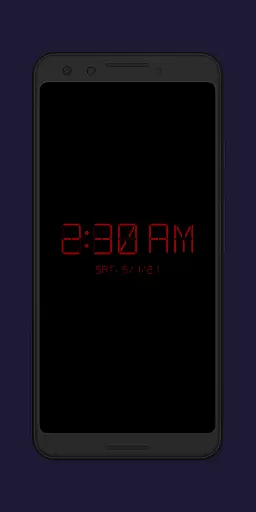
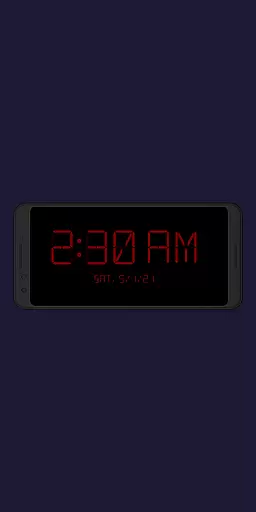
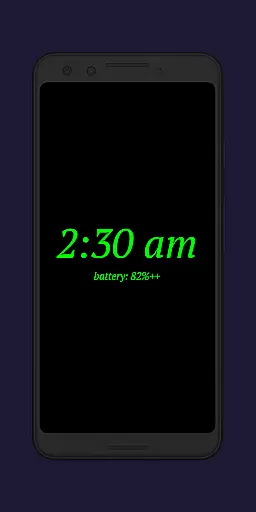
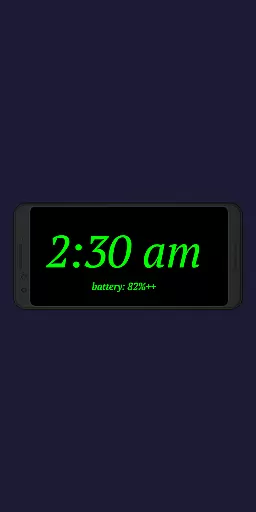
Night Clock + is a versatile digital clock app designed to serve as both a bedside night clock and a daylight mode display. This supporter version offers all features without limitations, making it ideal for users who want a reliable and customizable timepiece on their devices.
The app includes practical functionalities such as a built-in flashlight for nighttime convenience and an automatic start feature when a power cord is connected. Its adjustable settings allow users to personalize the clock's appearance and behavior, ensuring optimal visibility and usability in any lighting condition.
Whether you need a nightstand clock or a permanent digital display for your home or office, Night Clock + provides a comprehensive solution that enhances productivity by keeping you accurately informed of the time.
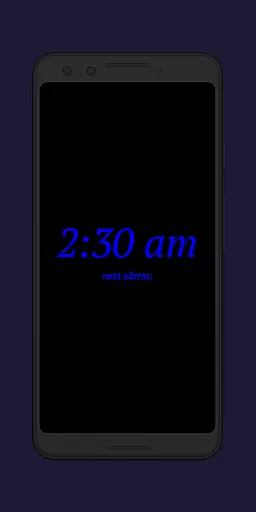
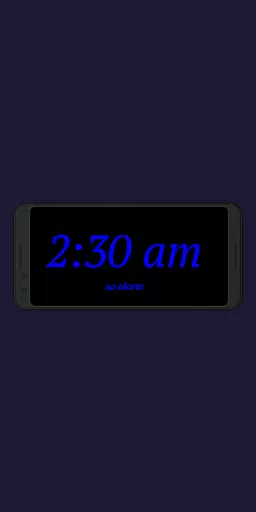
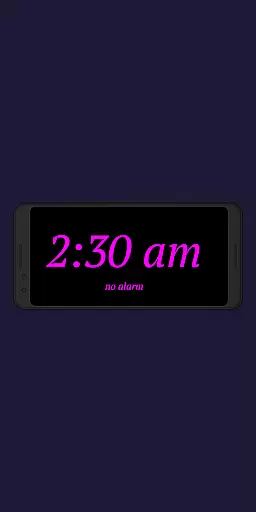
Night Clock + boasts an impressive array of features that cater to diverse user needs. The app offers four different font types and fully adjustable font colors, allowing for personalized customization of the clock display. Users can freely adjust the brightness level and display size of clock elements for optimal visibility.
One standout feature is the automatic night clock activation, which can be triggered by connecting a power cord or set to start at a specific time. The integrated screensaver functionality enables the clock to move slowly across the screen, preventing burn-in on OLED displays.
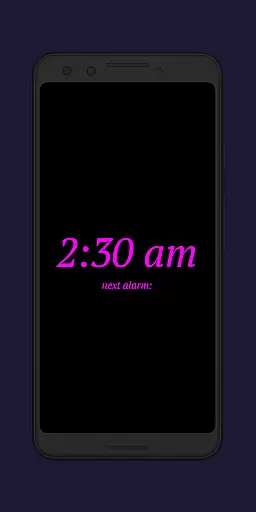
Additional practical features include displaying the next system alarm time, a built-in flashlight accessible directly from the clock screen, and a daylight mode with automatic brightness adjustment. These comprehensive capabilities make Night Clock + a valuable productivity tool for both personal and professional use.
In the realm of productivity applications, core task management is pivotal for organizing daily activities efficiently. Night Clock + integrates essential task management features that cater to users seeking a streamlined digital experience.
This app provides an automatic start function for the night clock, which can be triggered by connecting a power cord or setting a specific time. Such capabilities ensure that users can rely on their device as a consistent bedside companion without manual intervention.
Additionally, the app displays the next alarm time set in the Android system directly on the night clock screen. This feature allows users to maintain awareness of their schedule even during rest periods, enhancing overall time management.
The inclusion of these functionalities within Night Clock + underscores its commitment to delivering a seamless blend of utility and convenience, making it more than just a timekeeping tool but also a supportive element in users' daily routines.
Cross-device synchronization is crucial for users who operate multiple devices and require reliable data consistency across platforms. While Night Clock + primarily functions as a dedicated bedside clock, it incorporates features that support synchronization-like reliability through device-specific settings.
By offering an automatic brightness adjustment feature for daylight mode, the app ensures that the display remains visible under varying lighting conditions throughout the day. This adaptive capability mimics the synchronization of environmental changes with device settings, providing a cohesive user experience.
Moreover, the app's integrated screensaver functionality moves the clock slowly across the screen, creating a dynamic yet unobtrusive visual element. Although not traditional synchronization, this feature demonstrates attention to detail in maintaining continuous engagement with the user interface.
While Night Clock + may not offer conventional cross-device syncing, its design emphasizes creating a dependable and engaging single-device experience that aligns with users' needs for both functionality and aesthetics.
User-friendly interface
Highly customizable
Automatic night mode
Built-in flashlight
No ads or limitations
Paid version only
Requires permissions
Complex settings
Battery consumption
Limited design options

Native client for Forgejo and Gitea
 5.00
5.00
All in one sketching tool. Technical and General drawing. Online Maps support.
3.70
Planet Free VPN - The best Fast Unlimited and Secure VPN Without Logs
4.50
We're working to become the best machining app on the market! www.cncdirt.com
4.80
Make your handwriting beautiful, even more than pen on paper.
3.60
ID.me Authenticator is a simple and free Two Factor Authentication solution
3.50
* block pre-roll ads, pop-up and forced redirect ads * Samsung certification app
4.00
Best Tool for the professionals Electrician, Electrical contractors, etc.
4.90
QuickEdit is a fast, stable and full featured text and code editor.
4.20
8 custom complications. Custom Time Fonts. Beautiful color schemes. A++ Design.
5.00
Secure, fast, open-source, VNC and SSH Remote Desktop for Windows, Linux and Mac
4.70
QuickBooks Workforce lets teams view pay info and track time in one place.
4.70
Secure, fast, open-source, Remote Desktop Client for Windows and Linux with SSH
4.60
Share files & memories safely. Keep your photos and videos secure.
4.40
Font maker keyboard with your own handwriting
4.10
Intelligent AI Assistant
4.10
A Revolutionary All-in-One Artificial Intelligence Tools
3.80
Auto-shutoff Alarm with Sunrise, Sunset & Fixed Options.
3.50
A comprehensive suite of tools designed specifically for Lactation Consultants
4.5


User Reviews