
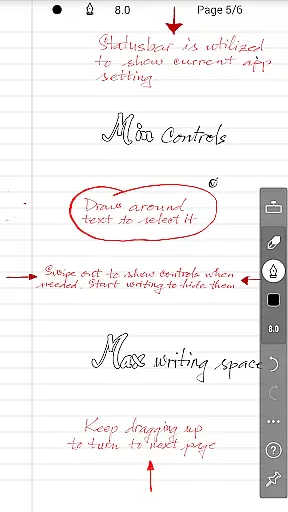
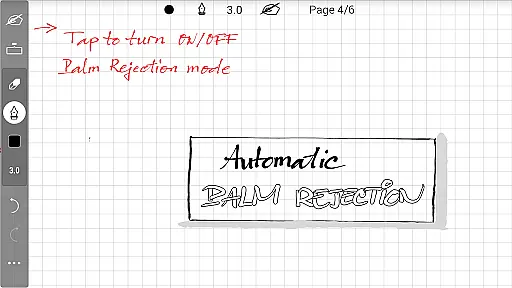
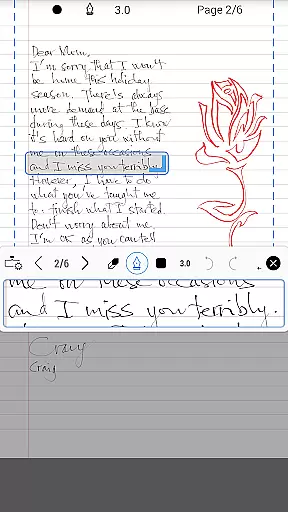
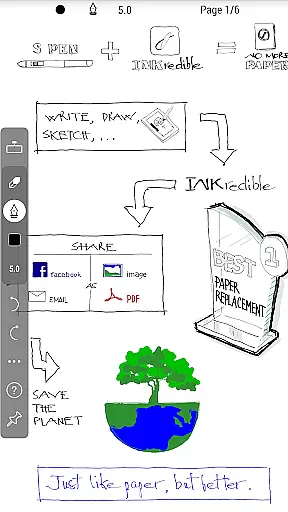
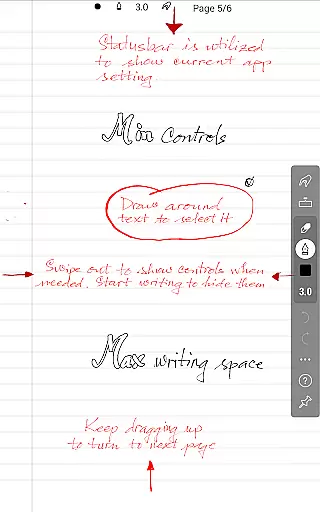
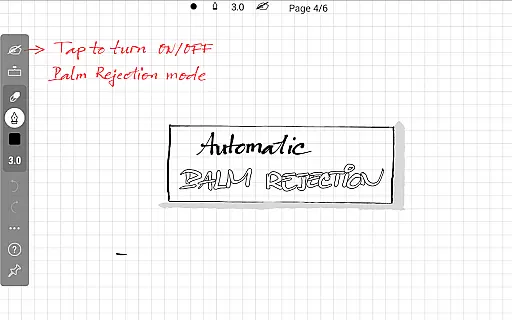
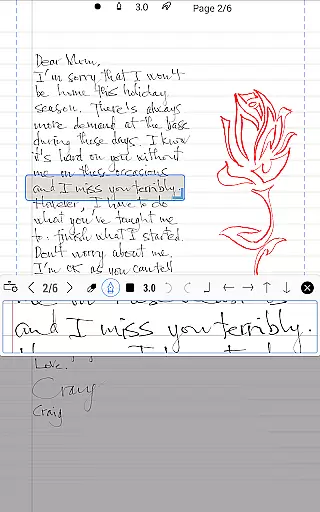
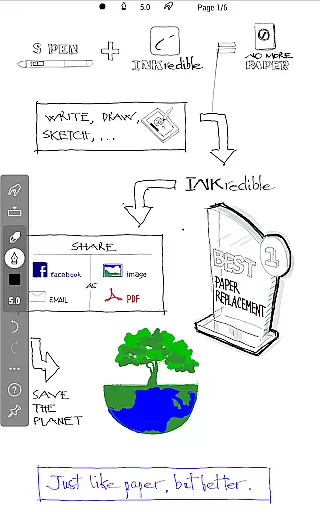
INKredible PRO is a premium handwriting app designed to deliver an exceptional writing experience on tablets. By incorporating advanced inking technology from the popular Notes Plus app, it offers automatic palm and wrist rejection, making digital writing feel as natural as using pen and paper. The app focuses on simplicity, providing a clean interface free of distractions, allowing users to concentrate fully on their writing.
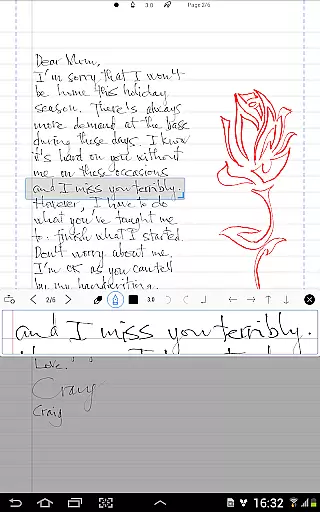
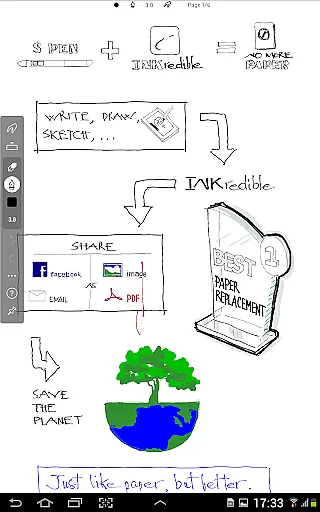
One of the standout features of INKredible PRO is its ability to make handwriting look more beautiful than on traditional paper. With over three years of R&D in vector-graphics inking technology, the app uses Bezier curves to ensure that notes look crisp and clear at any resolution, whether for printing or displaying. This makes it an ideal tool for students, professionals, and anyone who values high-quality digital handwriting.
The app is perfect for those seeking a seamless blend of functionality and aesthetics in their digital writing. Its distraction-free environment, combined with powerful technology, ensures that users can write naturally while enjoying beautifully rendered results. Whether you're taking notes, sketching ideas, or drafting documents, INKredible PRO provides a near-perfect writing experience on your tablet.
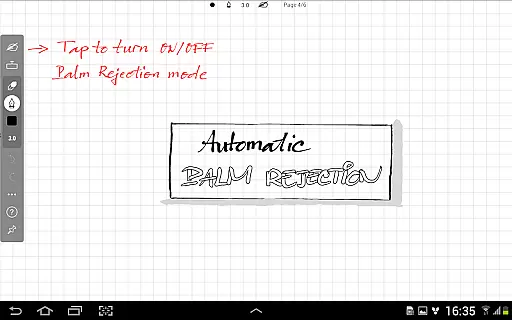
INKredible PRO boasts several key features that set it apart from other handwriting apps. First and foremost, its advanced inking technology ensures that every stroke looks smooth and natural. The app's automatic palm and wrist rejection allows users to rest their hand on the screen without interference, mimicking the experience of writing on actual paper. This feature is particularly beneficial for extended writing sessions, offering comfort and precision.
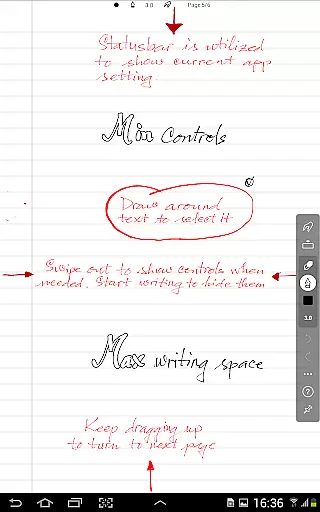
Another notable aspect of INKredible PRO is its focus on simplicity and beauty. The user interface is intentionally minimalistic, removing unnecessary buttons and controls to provide a distraction-free writing environment. Despite this simplicity, the app delivers stunning results, thanks to its sophisticated manipulation of Bezier curves. Handwriting appears more refined and elegant than on paper, and it maintains its quality at any zoom level, making it suitable for both digital viewing and printing.
Additionally, INKredible PRO includes all in-app purchase features of the standard INKredible app, offering users a comprehensive suite of tools worth $9 for free. These features, combined with the promise of free future updates, make INKredible PRO a cost-effective solution for anyone looking to enhance their digital writing experience. Whether you need to take quick notes or create detailed sketches, INKredible PRO has the tools to meet your needs.
In the realm of productivity applications, core task management is pivotal for organizing and prioritizing tasks efficiently. INKredible PRO, with its streamlined interface, offers an uncluttered workspace that lets users focus on their writing tasks without distraction.
The app's dedication to a singular missionu2014providing an outstanding writing experienceu2014translates into a task management feature that intuitively supports the user's workflow. With no intrusive UI elements, the application ensures that your virtual paper is free from digital noise, allowing you to concentrate solely on the task at hand.
Users benefit from this approach as it fosters a seamless transition from traditional pen-and-paper methods to a digital format, enhancing productivity by minimizing the learning curve associated with more complex applications.
This simplicity in task management not only declutters the digital workspace but also enhances mental clarity, enabling users to accomplish their writing objectives with greater efficiency and less cognitive load.
Cross-device synchronization is essential for users who operate across multiple devices, ensuring that their work is accessible and up-to-date wherever they are. INKredible PRO addresses this need by providing reliable synchronization features that keep your documents consistent and current.
While the app description does not explicitly detail its synchronization capabilities, we can infer that as a productivity tool, it would support cloud-based services or other means to maintain document integrity across devices. This reliability is crucial for users who depend on accessing their latest work without discrepancies.
The advantage of such a feature is clear: whether switching from a tablet to a smartphone or another device, users enjoy uninterrupted access to their documents, which is especially beneficial for those with dynamic workflows or who travel frequently.
By offering dependable cross-device synchronization, INKredible PRO not only secures your data against loss but also provides peace of mind, knowing that your latest edits are always synchronized and available, thus supporting a truly flexible and modern working style.
Advanced inking tech
Automatic palm rejection
Beautiful handwriting
Distraction-free UI
Free future updates
Higher price point
Limited additional features
No collaboration tools
Tablet only
Learning curve

AI Video AI Image Private LLM AI Browser Llama Gemma Ollama Connect LLM Studio
 4.3
4.3
Direct Chat without saving contacts & Dual WA Account on Single Device
4.70
Mind Map and brainstorm, note taking and idea collection
4.80
Secure, open-source, SPICE and SSH Remote Desktop for QEMU KVM virtual machines
4.00
Access, manage and transfer files on Android, PC, Mac, NAS and cloud storages.
4.30
Great calculator for Android named one of USA TODAY's "25 Essential Apps".
4.90
Secure your apps with lock screens, use custom themes and different features.
4.40
AI Chatbot and AI writing assistant powered by ChatGPT.
4.60
Note taking, handwriting, record audio, PDF annotation, planner & journal
4.20
App lock - lock apps with fingerprint, password, pin or pattern, protect privacy
4.70
Quickly and easily keep track of your work shifts
4.70
Stay on top of your to-dos with Google Tasks, part of Google Workspace.
4.60
Planet Free VPN - The best Fast Unlimited and Secure VPN Without Logs
4.50
Enjoy classic gameplay with customizable features and retro-style graphics.
4.30
Unlock AutoNotification
4.00
A Revolutionary All-in-One Artificial Intelligence Tools
3.80
Auto-shutoff Alarm with Sunrise, Sunset & Fixed Options.
3.50
Simple and reliable communication between inmates, friends and family
3.20
IP Camera Viewer - Android TV : RTSP Surveillance camera viewer for Android TV
4.5


User Reviews