
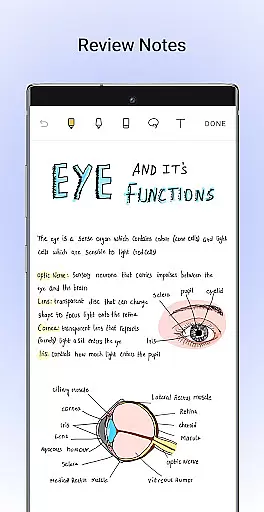
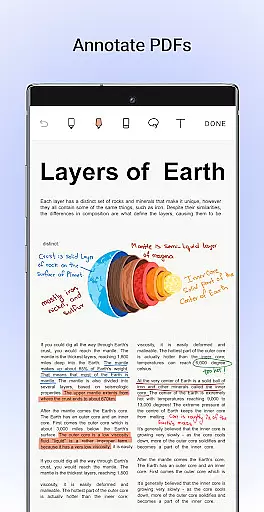
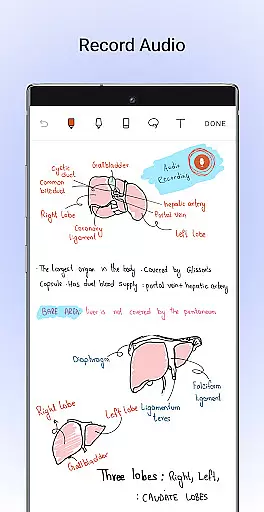
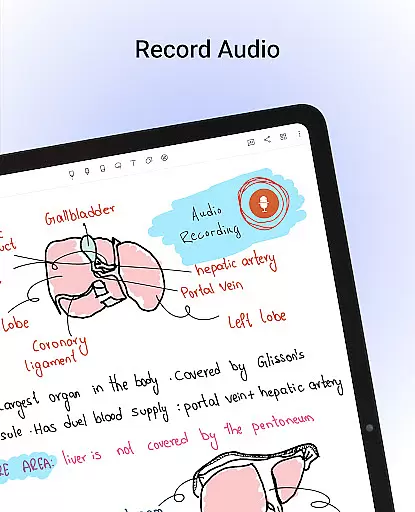
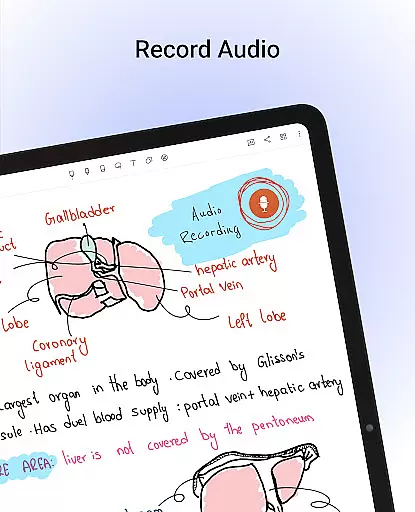
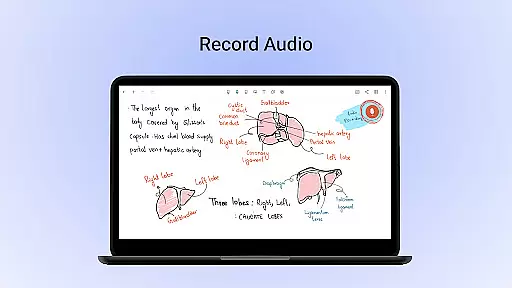
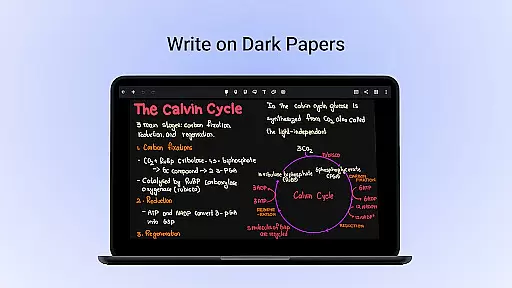
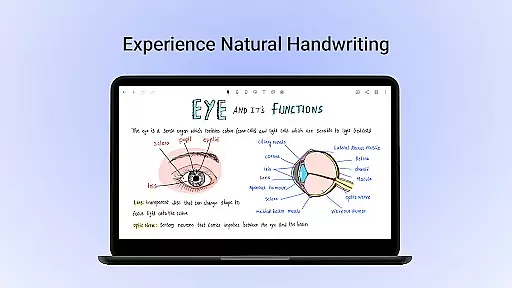
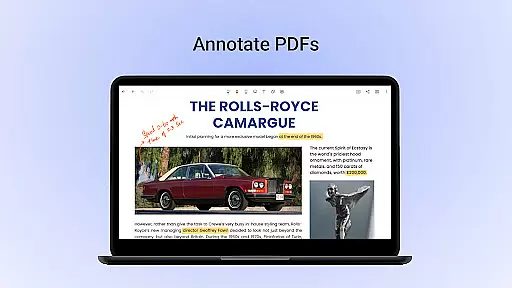
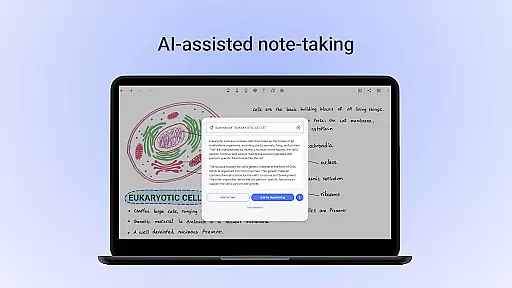
Noteshelf is a powerful note-taking app designed for students, teachers, and professionals. It allows users to take handwritten notes, annotate PDFs, record audio, and organize digital notes with ease. The app offers realistic pens and highlighters, supports multiple styluses, and provides features like OCR handwriting recognition in 65 languages.
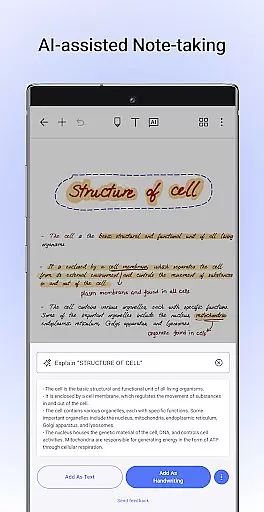
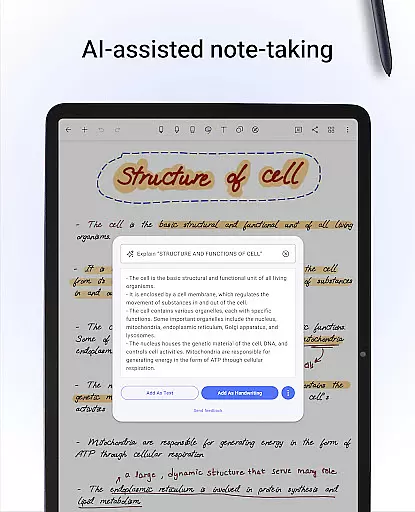
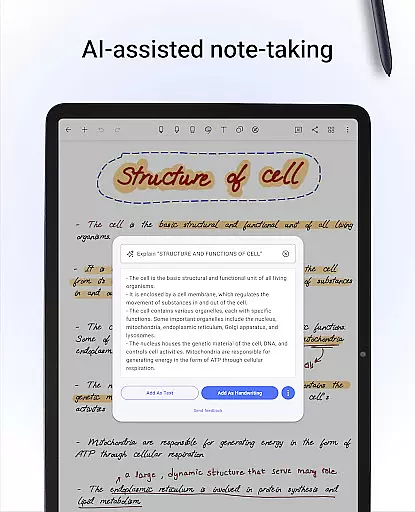
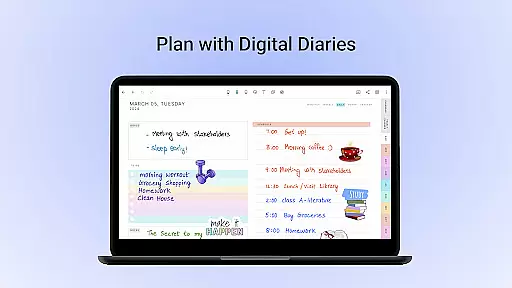
With its vast library of 200+ templates, Noteshelf caters to various needs such as lesson planning, bullet journaling, and more. Users can personalize their notebooks with different paper styles, covers, and formatting options. The app also includes Noteshelf AI, an intelligent assistant that helps generate notes, summarize content, and translate text.
This productivity tool ensures notes are safe through cloud syncing and auto-backup options. Whether you're in a classroom or a boardroom, Noteshelf enhances your note-taking experience while keeping everything organized and accessible across devices.
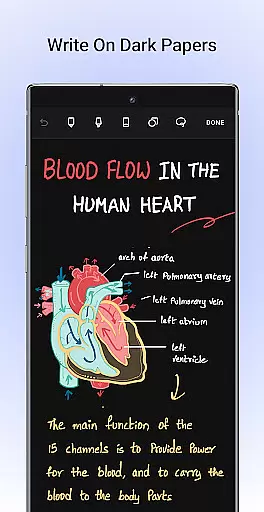
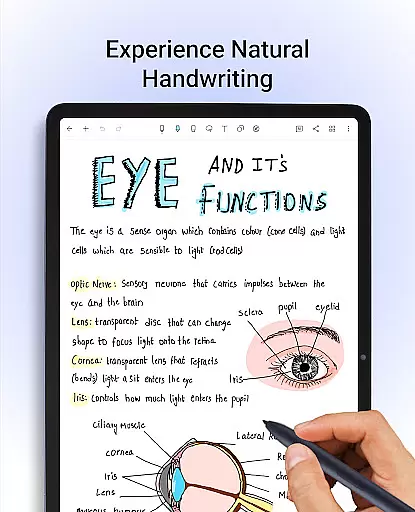
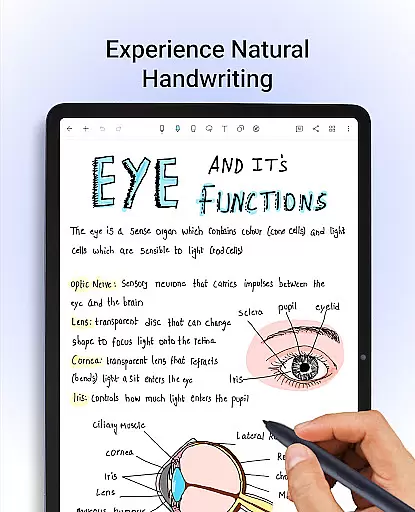
Noteshelf stands out with its comprehensive feature set tailored for productivity enthusiasts. The app's natural handwriting experience is supported by a range of pens, highlighters, and stylus compatibility, including special support for Samsung Galaxy Note devices. This makes digital note-taking feel almost like writing on paper.
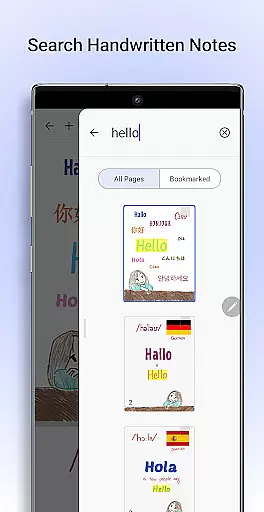
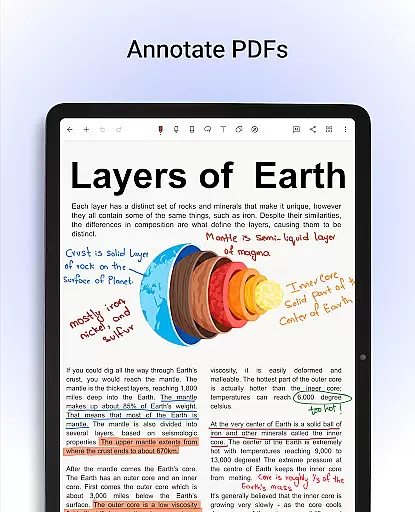
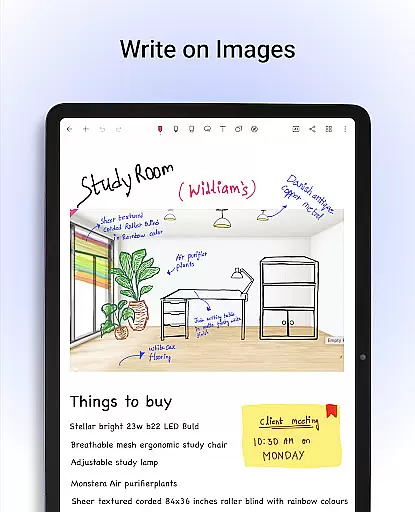
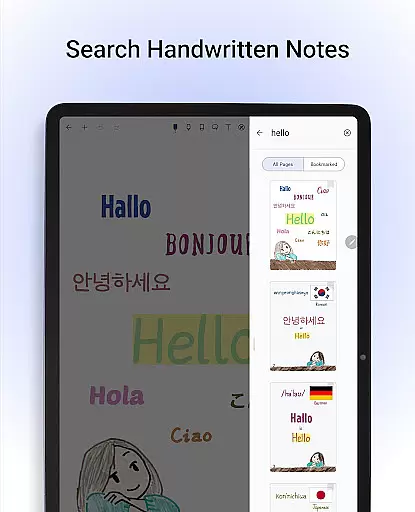
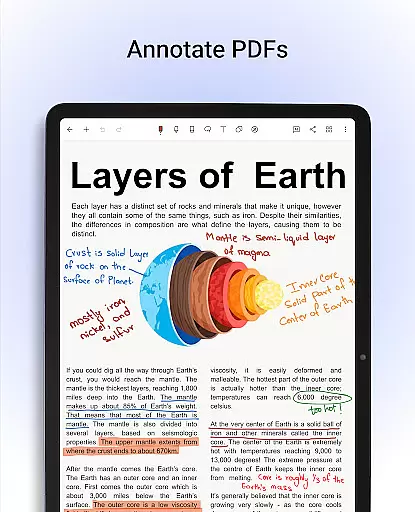
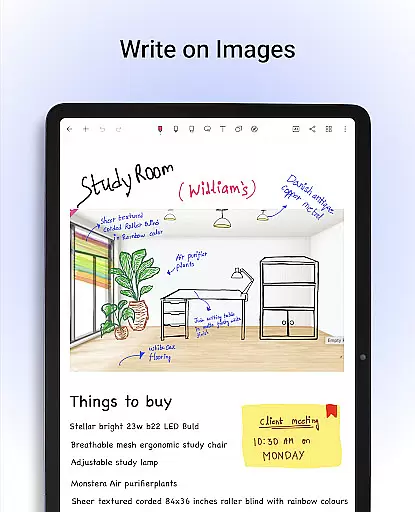
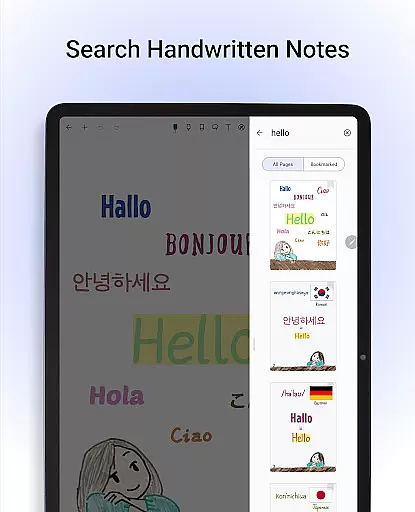
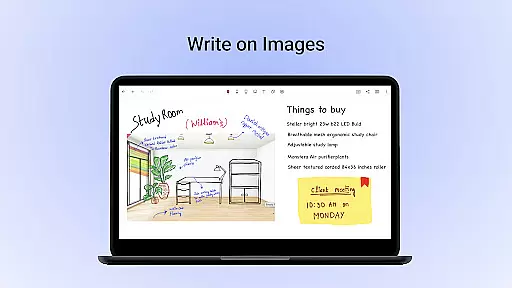
One of the key highlights is the ability to annotate PDFs and write on images, enabling users to edit documents, grade papers, and sign forms directly within the app. The OCR functionality allows for searching and converting handwritten notes into typed text across 65 languages, making information retrieval effortless.
Additional features include customizable notebook templates, stroke-to-shape conversion, audio recording during lectures, and seamless integration with cloud services like Google Drive and Evernote. With Noteshelf AI, users can automate tasks, create study notes, and even translate complex terms, enhancing both creativity and efficiency.
Noteshelf excels in core task management by offering a comprehensive suite of tools designed to enhance productivity. The app allows users to take beautiful handwritten notes with realistic pens and highlighters, making note-taking both efficient and enjoyable.
One of the standout features is its support for various styluses, ensuring that users can replicate the natural feel of writing on paper. This capability is crucial for students, teachers, and professionals who need to capture ideas quickly and accurately.
In addition to handwriting, Noteshelf provides options for annotating PDFs and images, enabling users to edit school notes, grade papers, and fill out forms digitally. This versatility ensures that all types of tasks can be managed within a single platform.
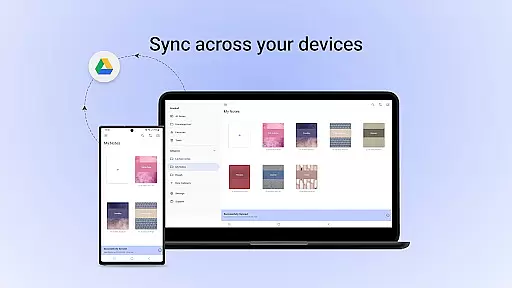
Furthermore, the app's ability to search and convert handwritten notes into typed text across 65 languages adds an extra layer of convenience. Users can easily organize their notes using templates, stay on top of tasks with bookmarks, and sync everything via Google Drive for seamless access across devices.
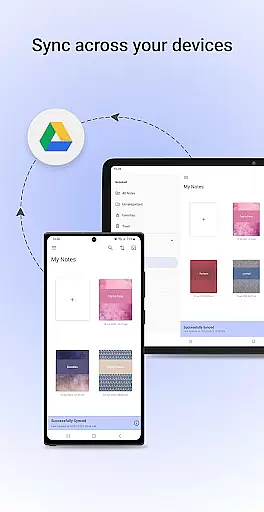
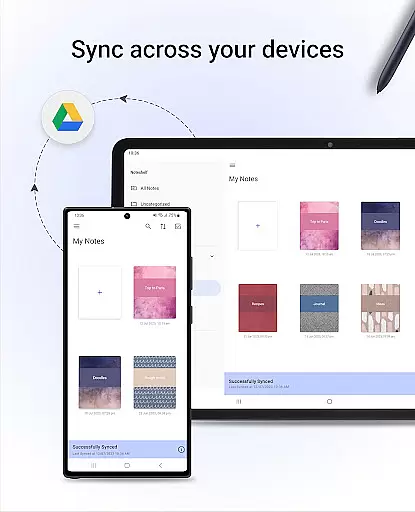
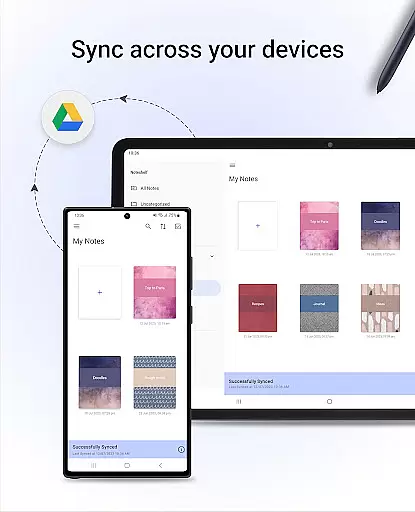
Cross-device synchronization is a vital feature of Noteshelf, ensuring that users can access their notes from any Android device without hassle. By leveraging Google Drive, the app offers reliable syncing capabilities that keep all your notes up-to-date and accessible wherever you are.
Noteshelf goes beyond basic syncing by providing auto-backup options to multiple cloud services such as OneDrive, Dropbox, and WebDAV. This multi-cloud support guarantees that your data remains safe and retrievable even if one service faces downtime.
The app also supports automatic publishing to Evernote, allowing users to maintain a consistent workflow across different platforms. Whether you're at home, in the office, or on the go, your notes will always be synchronized and available for review or editing.
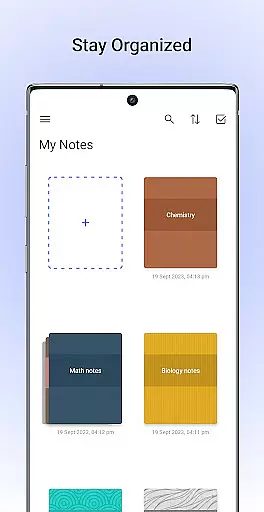
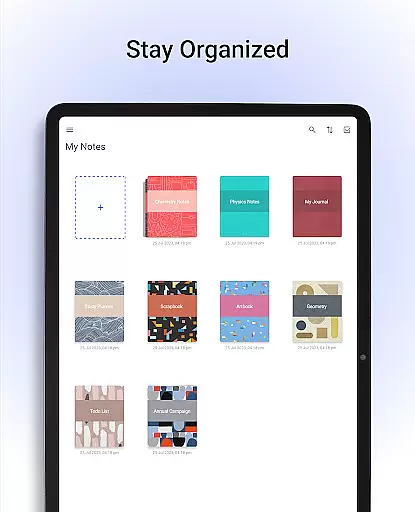
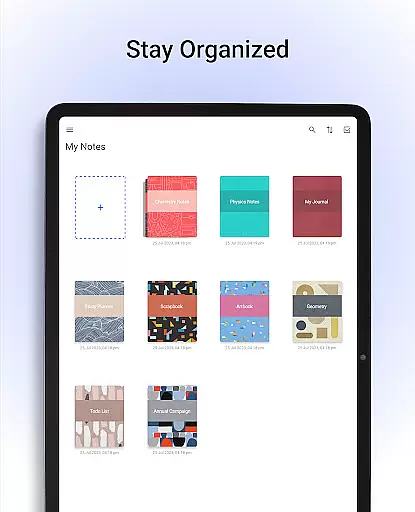
Moreover, Noteshelfu2019s robust organizational tools, including drag-and-drop functionality for notebooks and customizable bookmarks, ensure that your notes remain well-structured and easy to navigate. With these features, staying organized and productive has never been easier, regardless of the device you use.
User-friendly interface
Extensive customization options
Powerful OCR capabilities
Versatile annotation tools
Reliable cloud sync
Limited free features
Occasional bugs reported
Requires learning curve
Premium subscription needed
Heavy storage usage

QuickBooks Workforce lets teams view pay info and track time in one place.
 4.70
4.70
The upgraded version of Name Wheel with AI and the power to add your own wheels.
4.1
Multilingual translator for text, voice, and image translation!
4.90
ID.me Authenticator is a simple and free Two Factor Authentication solution
3.50
Subscribe to Webcal & .ics calendars and keep them up-to-date!
4.50
Intelligent AI Assistant
4.10
Use powerful, industry-leading AI tools to generate visual charts from any data
4.80
AI Chatbot and AI writing assistant powered by ChatGPT.
4.60
Browse and view your photos and videos from the phone with photo & video hide.
4.10
Mind Map and brainstorm, note taking and idea collection
4.80
The long-awaited modern gallery app for your Nextcloud server
4.70
App lock - lock apps with fingerprint, password, pin or pattern, protect privacy
4.70
Quickly and easily keep track of your work shifts
4.70
The Pro Version of Android's tiniest Notepad app. Just 0.3MB but feature-packed!
4.60
Lightweight PDF, Word, Excel reader.
4.60
Tally and goal counter for Wear OS & mobile
4.50
Simple and reliable communication between inmates, friends and family
3.20
AI Video AI Image Private LLM AI Browser Llama Gemma Ollama Connect LLM Studio
4.0
Create study competitions, track your hours, and stay consistent with friends
4.3


User Reviews