
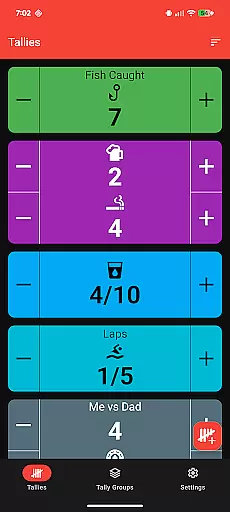
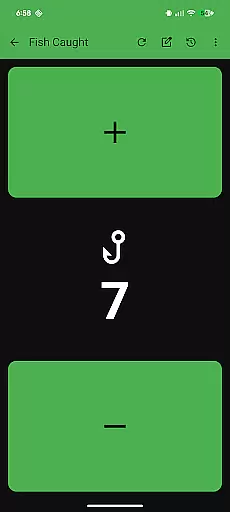
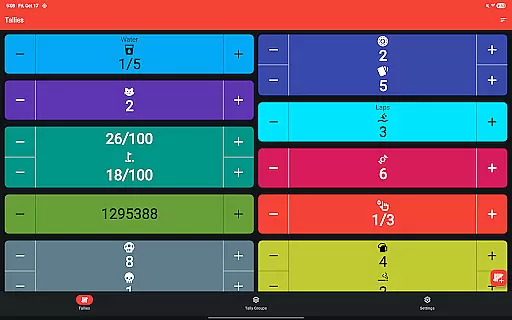
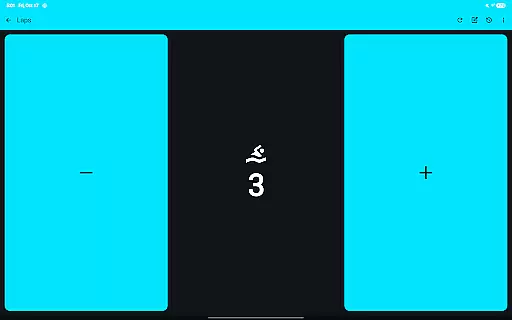
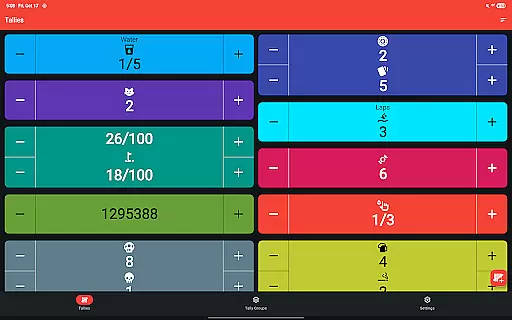
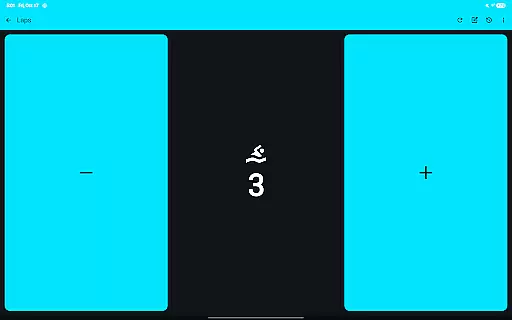
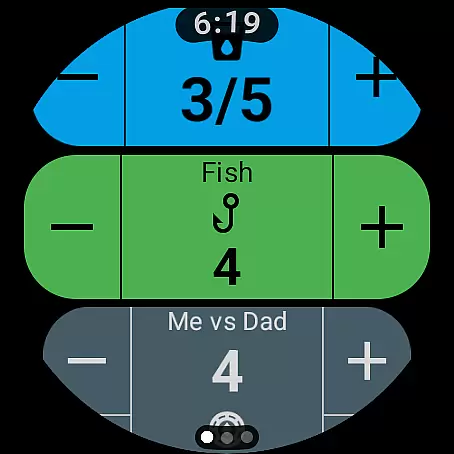
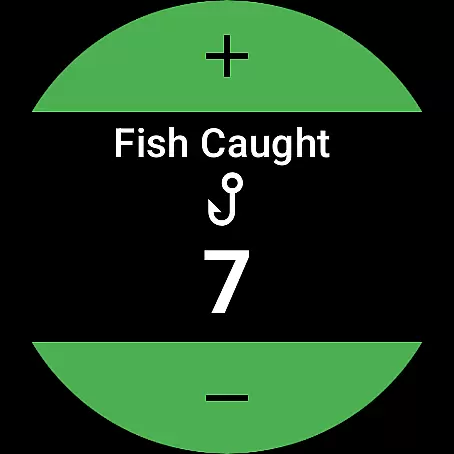
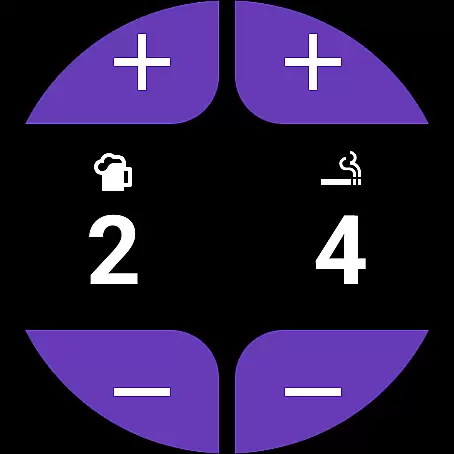
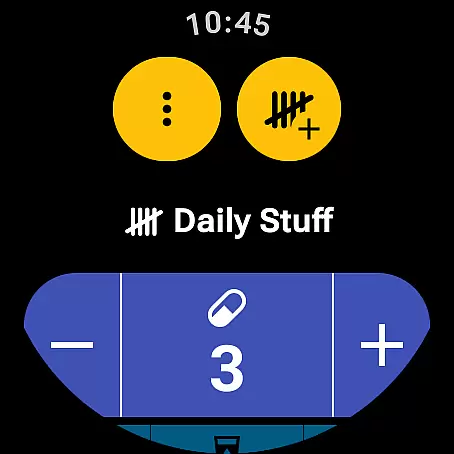
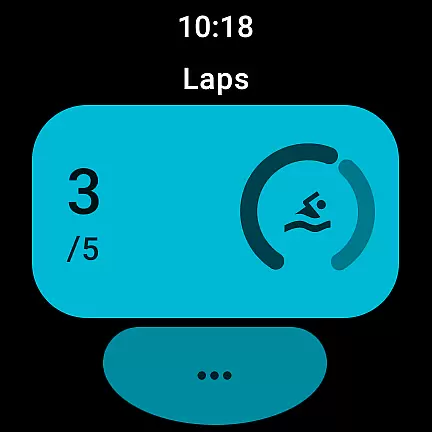
Tallies is a versatile productivity tool designed for both Wear OS and mobile platforms, offering users an efficient way to track counts and achieve goals. The app provides double and single tally counters with ongoing counts, goal tallies that can lock or reset upon completion, and automatic reset options on daily, weekly, monthly, or yearly intervals.
One of the standout features is its ability to sync data between your phone and Wear OS watches, ensuring seamless updates across devices. Users can view detailed tally histories through multiple graphs and stats on their phones, export this data as CSV files, and customize their counters with over 200 icons and various theme colors. With full-screen mode, vibration feedback, sound alerts, and auto-save functionality, Tallies ensures a smooth user experience.
This application is particularly useful for individuals who need to maintain counts in real-time, whether for personal projects, work tasks, or fitness goals. Its comprehensive feature set makes it an invaluable tool for enhancing productivity and organization.
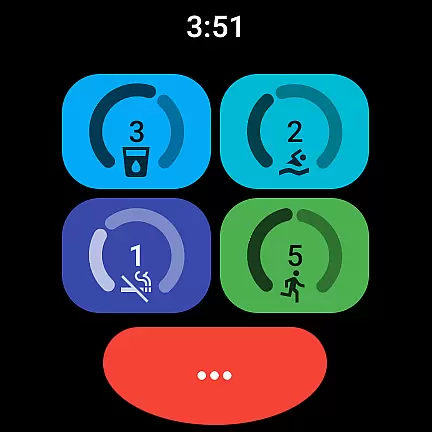
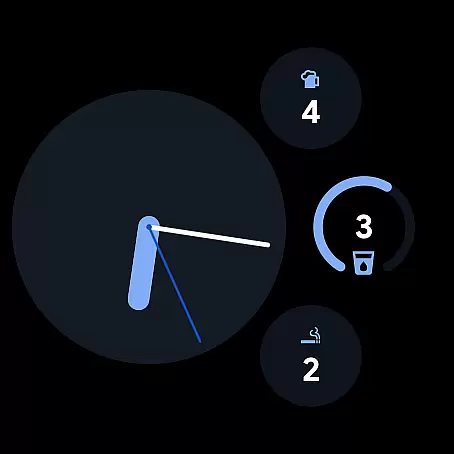
Tallies boasts an extensive array of features tailored to enhance user productivity. For Wear OS, it offers ongoing tally and goal tally watch complications, quick tally tiles, and multiple shortcut options. These include three ongoing tally tiles, three goal tally tiles, a multi-goal tally tile, and customizable shortcut tiles for up to six different tallies or groups.
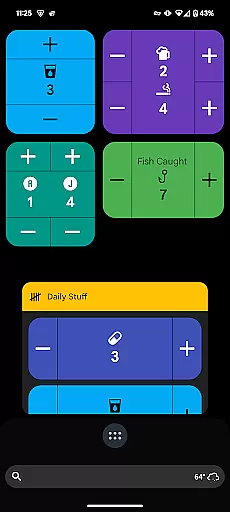
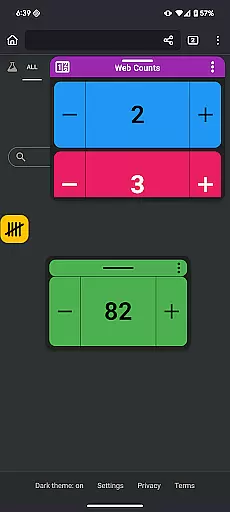
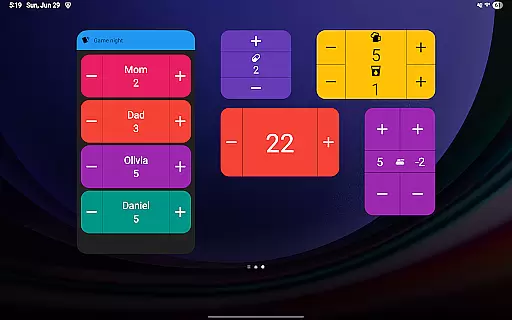
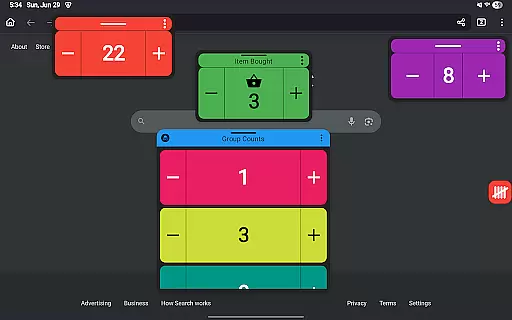
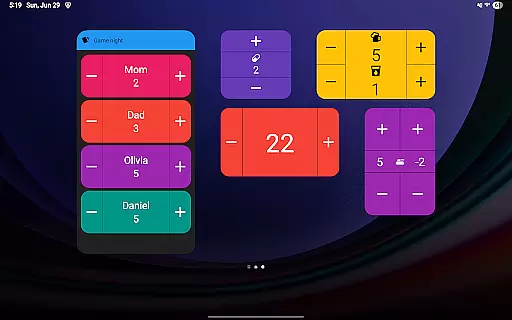
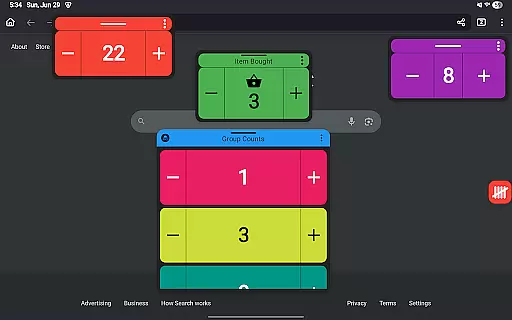
On mobile devices, Tallies provides vertical and horizontal tally home screen widgets, tally list widgets, and tally group widgets. Advanced functionalities such as floating tally windows and floating tally group windows allow users to display tallies over other apps, provided they are using Android 14 or higher. Additionally, users can utilize volume buttons to adjust counts in full-screen mode and access launcher shortcuts for quick navigation.
The synchronization feature ensures that any changes made on the watch are automatically updated on the paired phone, allowing users to manage their tallies effortlessly across devices. With no subscription required, users gain access to all these features at a one-time purchase price, making Tallies a cost-effective solution for managing counts and goals efficiently.
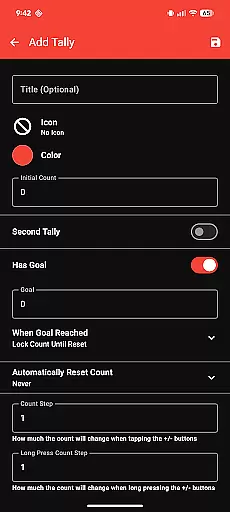
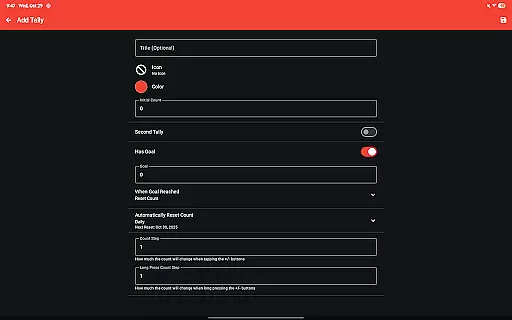
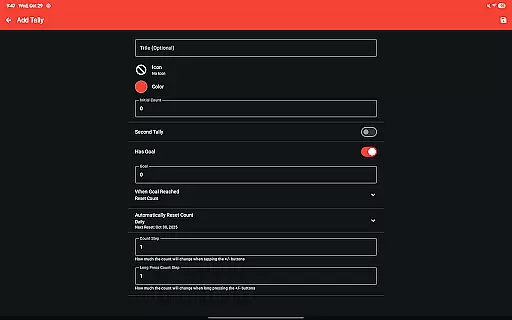
Tallies offers a robust set of features for managing tasks and counts efficiently. The app provides double and single tally counters, ongoing counts, and goal tallies with options to lock or reset the count when the goal is reached.
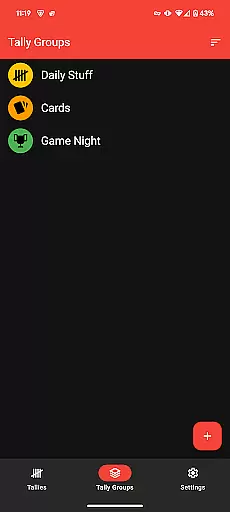
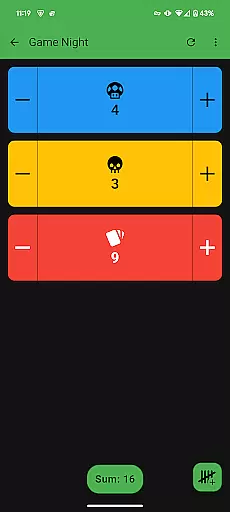
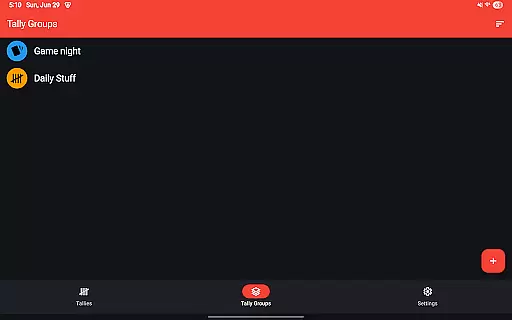
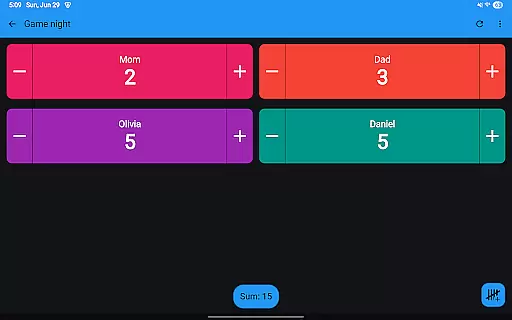
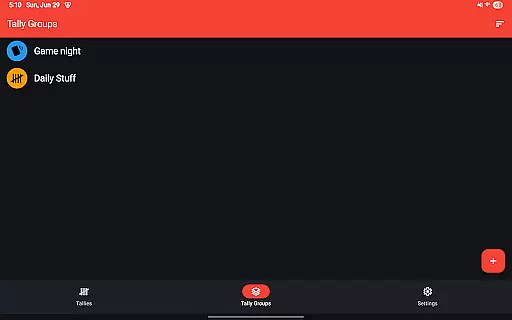
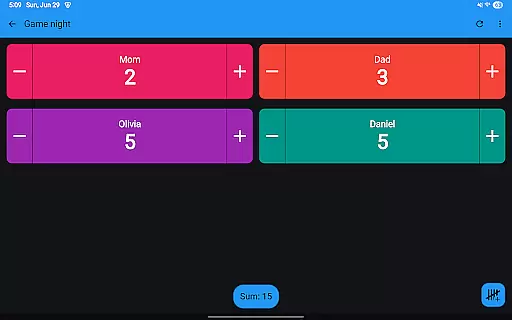
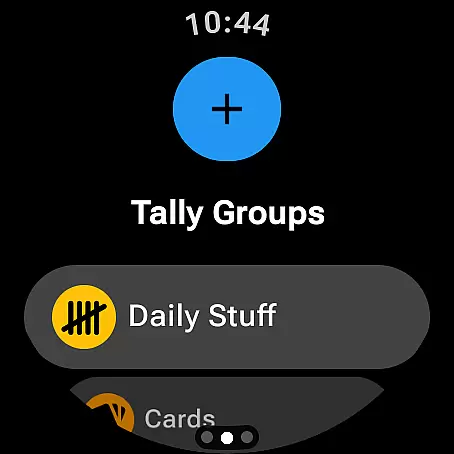
Users can take advantage of automatic resets available daily, weekly, monthly, and yearly, ensuring that their tallies remain relevant and up-to-date without manual intervention. Additionally, the ability to create Tally Groups allows users to organize related tallies and view their combined sum easily.
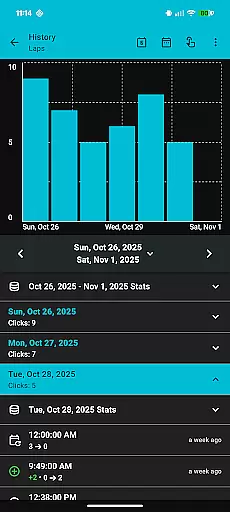
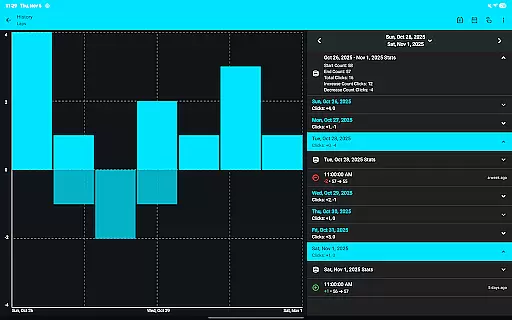
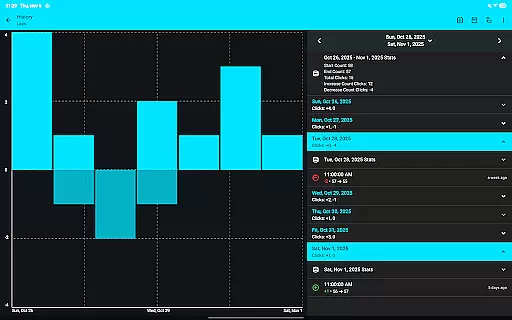
The app's comprehensive tracking system lets users view tally history on their phone with multiple graphs, selectable intervals, and stats. This feature not only helps in monitoring progress but also aids in making informed decisions based on historical data.
Cross-device synchronization is a standout feature of Tallies, ensuring that all your data remains consistent across different devices. By installing the app on both your phone and Wear OS watches, you can enjoy seamless sync capabilities.
The synchronization extends to various functionalities such as Ongoing Tally watch complications, Goal tally watch complications, and Quick Tally Tiles. These features ensure that whether you're checking your wearable or your mobile device, your tallies are always up-to-date.
Furthermore, Tallies supports exporting tally history as CSV files, providing an additional layer of reliability for data backup and analysis. With full support for Android 14+ including floating tally windows over other apps, this app ensures maximum accessibility and convenience.
User-friendly interface
Extensive customization options
Seamless cross-device sync
Comprehensive analytics tools
No recurring fees
Limited to Android ecosystem
Requires manual setup for sync
Premium features locked behind paywall
Occasional syncing delays
Complexity may overwhelm new users

A Revolutionary All-in-One Artificial Intelligence Tools
 3.80
3.80
Automates browsing any website and notifies you of important changes or events
4.30
Make apps & sites with natural language prompts
4.10
Font maker keyboard with your own handwriting
4.10
Functional QR scanner and barcode reader that requires little storage space.
4.60
* block pre-roll ads, pop-up and forced redirect ads * Samsung certification app
4.00
A beautiful digital clock with autostart and many other functions
4.70
AI Chatbot and AI writing assistant powered by ChatGPT.
4.60
Browse and view your photos and videos from the phone with photo & video hide.
4.10
Multilingual translator for text, voice, and image translation!
4.90
Android Wallet Password Manager
4.80
QuickBooks Workforce lets teams view pay info and track time in one place.
4.70
Secure, fast, open-source, Remote Desktop Client for Windows and Linux with SSH
4.60
A Pixel Art watchface inspired by other iconic 90s designs for Wear OS devices!
4.40
Enjoy classic gameplay with customizable features and retro-style graphics.
4.30
Cloud storage, automatic phone backup, and more.
4.10
Activate Two Factor Authentication (2FA or Multi OTP), Password manager and more
4.10
Experience real multitasking on your Android!
4.00
Create and edit presentations with Google Slides, part of Google Workspace.
4.00


User Reviews