
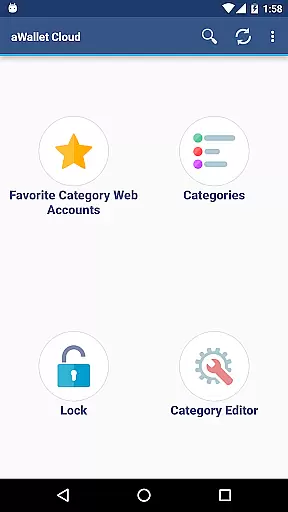
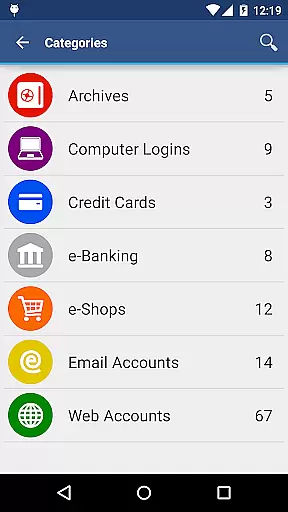
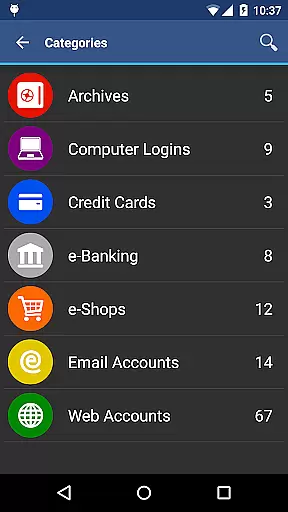
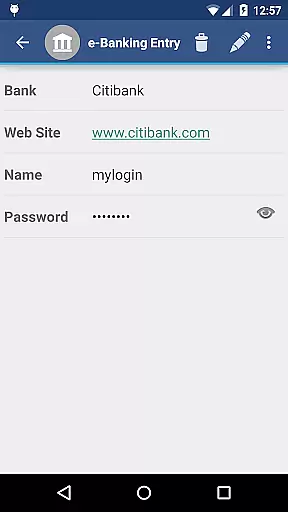
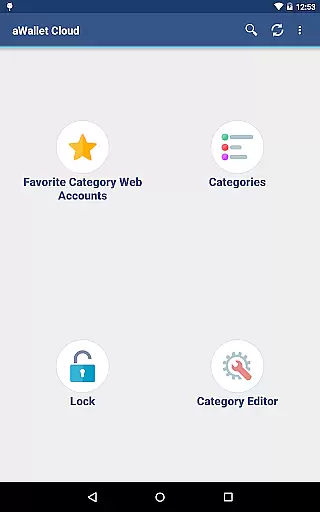
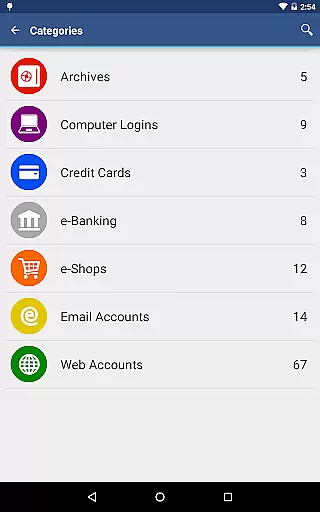
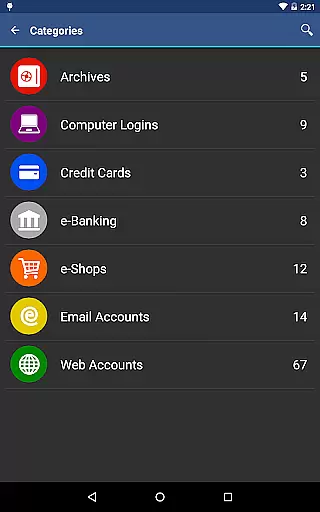
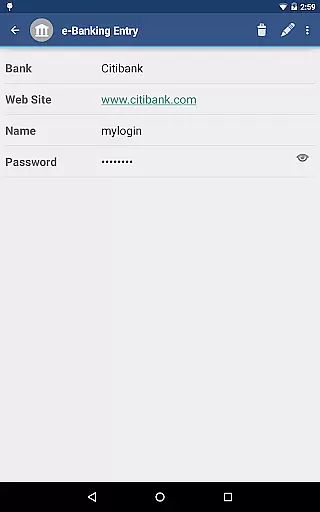
aWallet Cloud Password Manager is a robust productivity app designed to securely store sensitive information such as passwords, credit card details, and e-banking credentials. The app ensures top-level security by encrypting all stored data using advanced algorithms like AES or Blowfish with key sizes up to 256 bits.
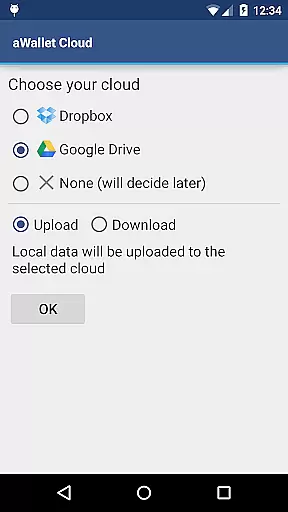
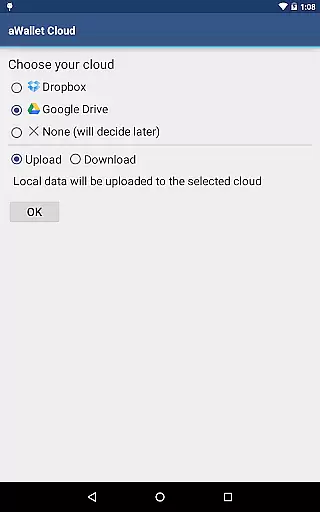
One of the standout features is its ability to synchronize encrypted data with your personal cloud accounts on Dropbox or Google Drive, ensuring seamless access across devices. Additionally, users can take advantage of modern authentication methods including fingerprint and facial recognition on compatible devices, making it both secure and convenient.
Ideal for individuals who prioritize digital security without compromising on accessibility, aWallet provides peace of mind through features like auto-lock and data self-destruction after multiple failed unlock attempts.
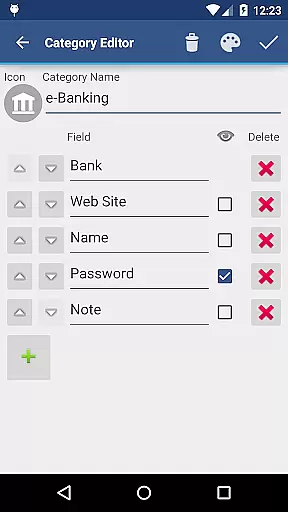
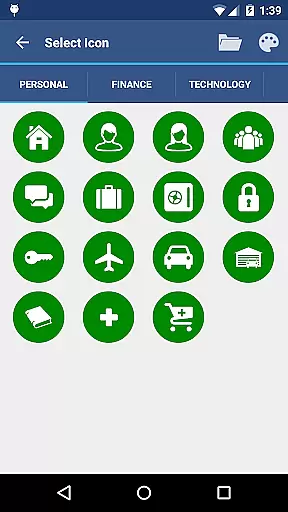
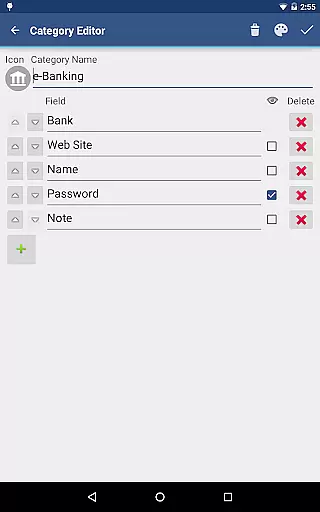
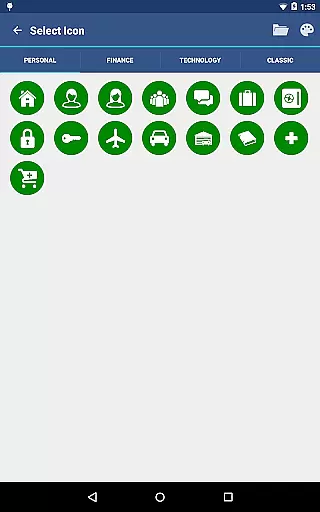
The app offers an extensive range of features tailored to enhance user experience while maintaining stringent security protocols. Notably, it includes a built-in editor that allows customization of data categories with unique icons, providing a personalized touch to data management.
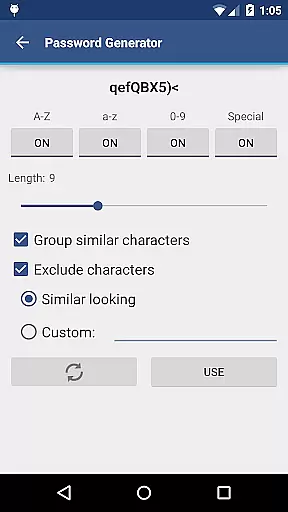
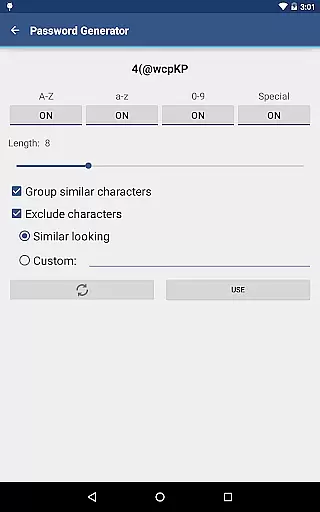
Advanced functionalities such as password generation, CSV import/export options, and field-specific search capabilities make data handling efficient and straightforward. Furthermore, the app supports backup and restore operations to Android USB devices, safeguarding against data loss.
Security remains at the forefront with measures like repetitive SHA-256 hashing combined with a randomly generated 'salt' to thwart brute force attacks. These comprehensive security strategies ensure that your confidential information stays protected at all times.
aWallet Cloud Password Manager excels in core task management by offering a comprehensive suite of features designed to securely handle sensitive information. The app allows users to store various types of data, including passwords, credit card details, and e-banking credentials, all within a secure environment.
One of the standout features is its synchronization capability with cloud services like Dropbox or Google Drive, ensuring that your encrypted data is always up-to-date across devices. This seamless integration enhances productivity by allowing instant access to critical information whenever needed.
In addition to storing data, the app provides tools for managing it effectively. Users can search within fields, edit categories with custom icons, and even set an auto-lock feature for enhanced security. These functionalities streamline the management process, making it easier for users to organize and retrieve their information efficiently.
The true value lies in the peace of mind that comes with knowing your data is protected. With no advertisements and support for backup and restore options to Android USB devices, aWallet ensures a focused and uninterrupted task management experience.
Cross-device synchronization is a pivotal feature of aWallet Cloud Password Manager, providing reliable and secure access to your data from multiple devices. By leveraging popular cloud services such as Dropbox and Google Drive, the app ensures that your encrypted information is consistently updated and accessible wherever you are.
This synchronization process is not only about convenience but also about maintaining top-notch security standards. All data is encrypted using robust algorithms like AES or Blowfish with key sizes up to 256 bits, ensuring that your information remains confidential during transfer between devices.
Moreover, the app's ability to try all combinations of algorithm and key size with the master password when decrypting the data file adds an extra layer of protection against brute force attacks. This meticulous approach guarantees that your data stays safe while being synchronized across different platforms.
With these advanced synchronization capabilities, aWallet delivers a dependable solution for users who require constant access to their sensitive information without compromising on security or reliability.
Highly secure encryption
Cloud synchronization
Customizable categories
Modern authentication
Auto-lock feature
No iOS version available
Complex setup process
Limited free features
Occasional sync issues
Requires cloud account

Mega cloud explorer plugin for Solid Explorer
 3.80
3.80
Absolutely the best CNC machinist speed and feed calculator around. fswizard.com
4.60
⏰ Finally a timer app which can run multiple timers simultaneously on your watch
3.90
aCalendar+ makes your day, week and month
4.70
The AI assistant that thinks with you - write, code, and solve complex tasks
4.60
Calendar 2023 widget for Android. Appointment scheduler, planner, and reminder
4.60
Code on-the-go with VScode for Android. Edit,debug and collaborate from mobile!!
3.10
Secure your apps with lock screens, use custom themes and different features.
4.40
Put a lock on your cloud: Take the security of your data into your own hands
3.70
Native client for Forgejo and Gitea
5.00
Secure, fast, open-source, VNC and SSH Remote Desktop for Windows, Linux and Mac
4.70
The long-awaited modern gallery app for your Nextcloud server
4.70
Direct Chat without saving contacts & Dual WA Account on Single Device
4.70
Translate text/voice/photos in 150+ languages. Offline & fast translator app.
4.50
Automates browsing any website and notifies you of important changes or events
4.30
A customizable calendar for your Wear OS watch
4.20
Activate Two Factor Authentication (2FA or Multi OTP), Password manager and more
4.10
All in one sketching tool. Technical and General drawing. Online Maps support.
3.70
Remotely view listen control and record cameras.
3.70


User Reviews