
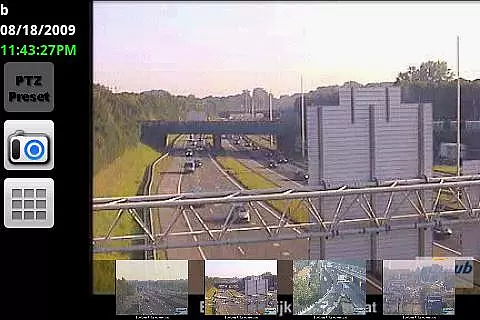
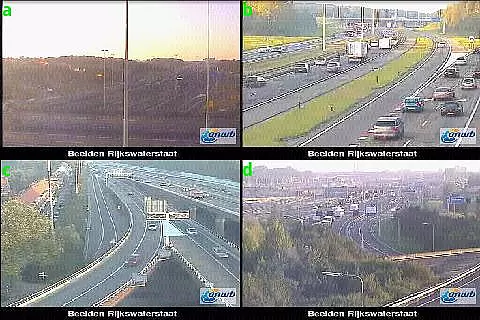
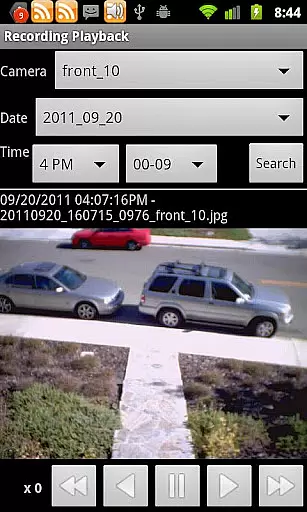
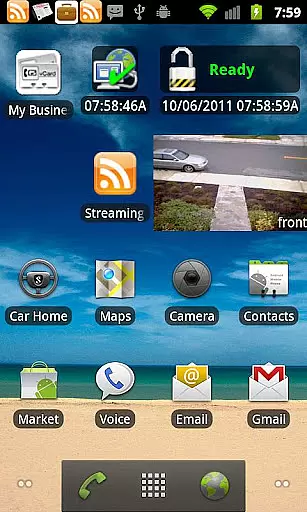
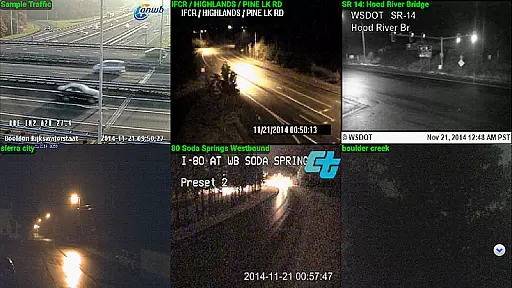
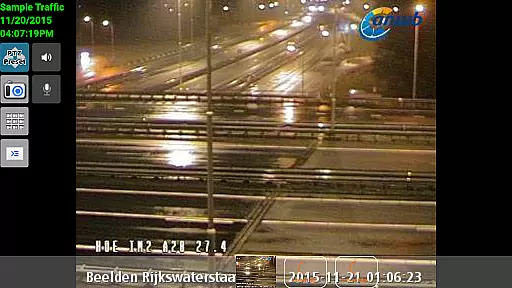
IP Cam Viewer Pro is a leading productivity tool designed for remote video monitoring. This award-winning app, recognized as the Best Software in Utilities for 2011, allows users to access their video cameras, DVRs, network recorders, and webcams from anywhere. Supporting over 1600 devices with automatic driver detection through its Scan Camera feature, it ensures broad compatibility.
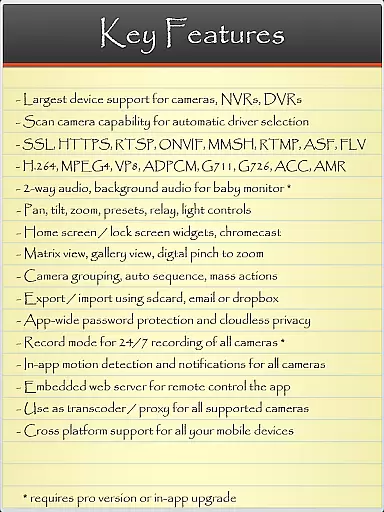
The app's core strength lies in its extensive protocol support including HTTPS, RTSP, and ONVIF, along with advanced features like matrix view, pan-tilt-zoom control, and home screen widgets. These capabilities make it an essential tool for both personal security and professional surveillance needs, providing users with peace of mind and operational efficiency.
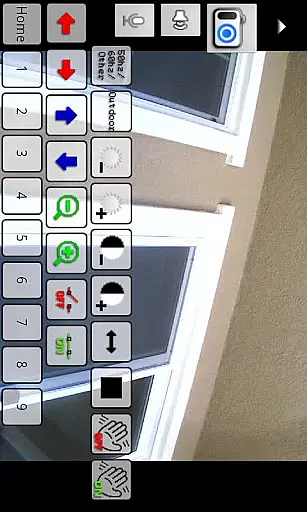
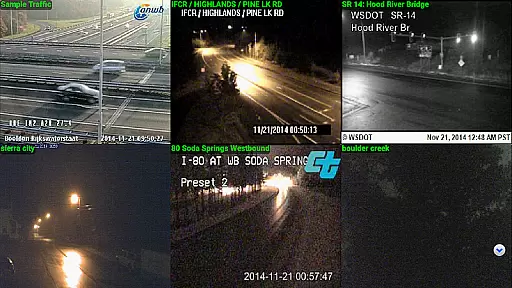
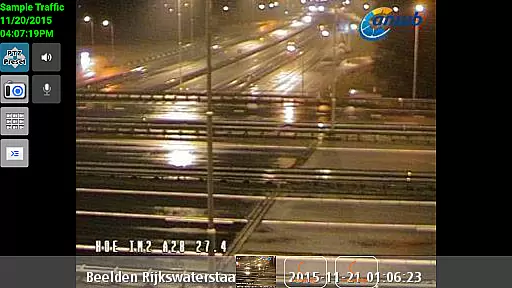
IP Cam Viewer Pro stands out with its comprehensive feature set developed over five years. The app supports various protocols such as HTTPS, RTSP, and ONVIF, ensuring seamless connectivity with a wide range of devices. Its innovative features include matrix view for multiple camera monitoring, pan-tilt-zoom controls for precise viewing angles, and customizable home/lock screen widgets for quick access.
Additional functionalities enhance user experience further. Grouping options allow organized device management while encryption ensures secure data transmission. The app also offers in-app motion detection, two-way audio communication, background audio support, and recording modes with remote control. These robust features collectively provide users with a powerful toolset for effective remote surveillance.
IP Cam Viewer Pro excels in core task management by offering a comprehensive suite of tools designed to streamline remote camera access and control.
The app supports over 1600 devices, ensuring wide compatibility and seamless integration with various camera systems including digital video recorders and webcams. Its advanced protocol support includes HTTPS, RTSP, and ONVIF, providing users with secure and reliable connections.
Key features such as matrix view, pan-tilt-zoom functionality, and home or lock screen widgets enhance user experience by allowing efficient monitoring and quick access to frequently used functions. These capabilities ensure that users can manage their surveillance tasks effectively without compromising on quality or performance.
Cross-device synchronization is a standout feature of IP Cam Viewer Pro, enabling users to maintain consistent access to their camera systems across multiple devices.
With support for two-way audio, background audio, and remote-controlled recording modes, the app ensures that all interactions are synchronized in real-time. This means you can start monitoring on one device and seamlessly continue on another without missing any critical moments.
Additionally, the app offers grouping options, encryption, and in-app motion detection, which collectively enhance data security and reliability. These features guarantee that your surveillance setup remains robust and dependable, regardless of the number of devices in use.
User-friendly interface
Extensive device support
Advanced security features
Wide protocol compatibility
Innovative functionality
Premium pricing model
Complex setup process
Occasional connection issues
Limited free version
High system requirements

AI Video AI Image Private LLM AI Browser Llama Gemma Ollama Connect LLM Studio
 4.5
4.5
Automates browsing any website and notifies you of important changes or events
4.30
Device's storage information in a simple and clear graphical form (infographics)
4.10
Make your handwriting beautiful, even more than pen on paper.
3.60
Easiest event planning, volunteer signups & parent teacher conference scheduling
2.20
App lock - lock apps with fingerprint, password, pin or pattern, protect privacy
4.70
Cloud storage, automatic phone backup, and more.
4.10
Functional QR scanner and barcode reader that requires little storage space.
4.60
Create and edit presentations with Google Slides, part of Google Workspace.
4.00
Seamlessly integrate data and reports to build your presentation to impress
4.80
Android Wallet Password Manager
4.80
Protect and view your important info on your phone and tablet with eWallet®
4.80
Direct Chat without saving contacts & Dual WA Account on Single Device
4.70
aCalendar+ makes your day, week and month
4.70
All document reader, all in one file viewer read PDF, DOCX, XLS, PPT, TXT files.
4.60
Send files, sync SMS, notifications & clipboard across devices via local network
4.40
Pwnagotchi companion app
4.20
Todo reminder
4.10
Activate Two Factor Authentication (2FA or Multi OTP), Password manager and more
4.10


User Reviews