
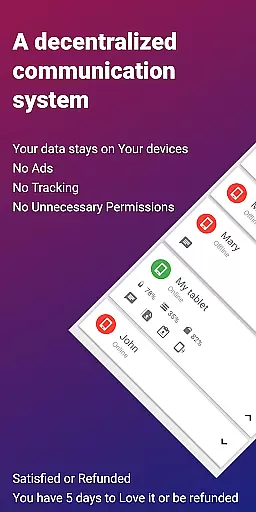
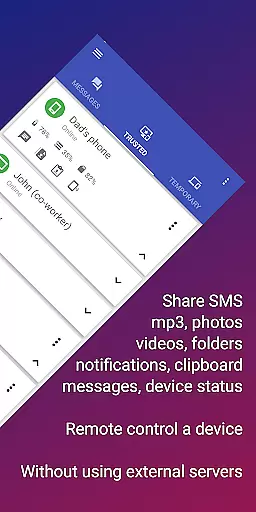
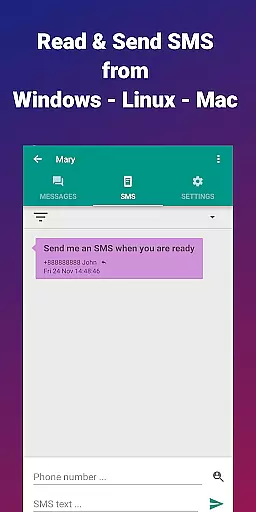
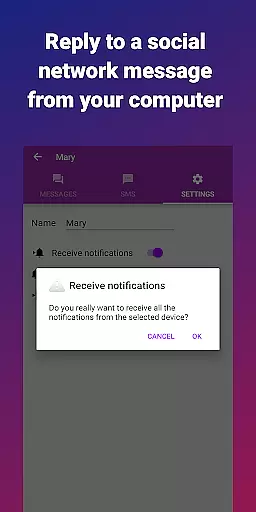
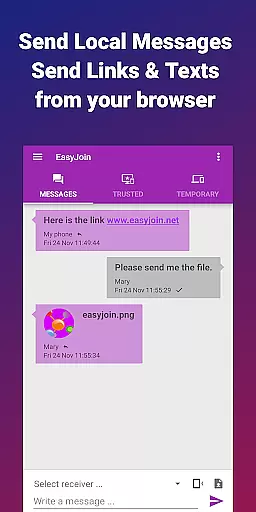
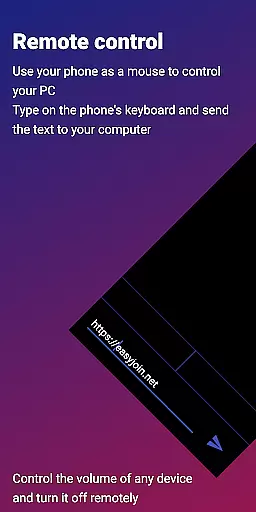

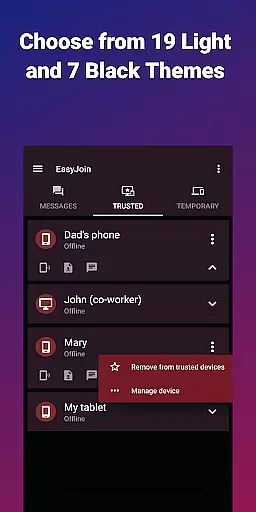
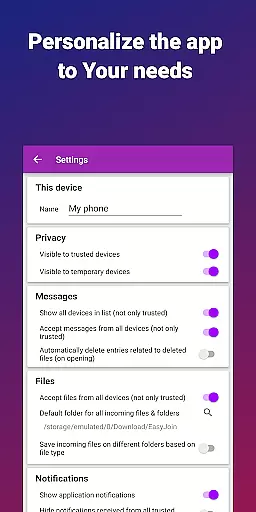
EasyJoin is a productivity-focused application designed to seamlessly connect your devices and transfer files instantly without relying on cloud services, advertisements, or tracking mechanisms. The app operates exclusively within your local network, ensuring complete privacy and end-to-end encryption for all data transfers.
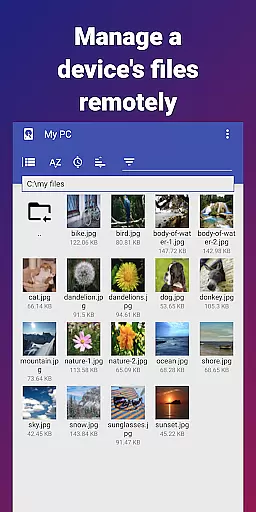
Key features include fast file transfer between devices such as phones, PCs, and tablets, clipboard synchronization across multiple platforms, remote notifications and SMS management, and the ability to use your phone as a remote control for your computer. EasyJoin supports cross-platform functionality with desktop apps available for Windows, macOS, and Linux, along with browser extensions.
Perfect for users seeking secure, private communication and file sharing, EasyJoin offers a one-time payment model with no subscriptions, ads, or recurring fees, making it an ideal solution for individuals and teams looking for a reliable, secure alternative to cloud-based services.
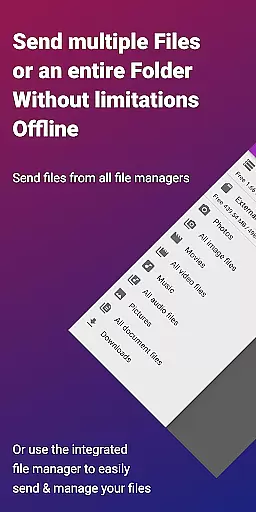
EasyJoin stands out with its comprehensive feature set tailored to enhance productivity while maintaining user privacy. One of its core functionalities is the fast file transfer capability, allowing users to send photos, videos, documents, and folders between devices instantly without the need for internet connectivity or external servers.
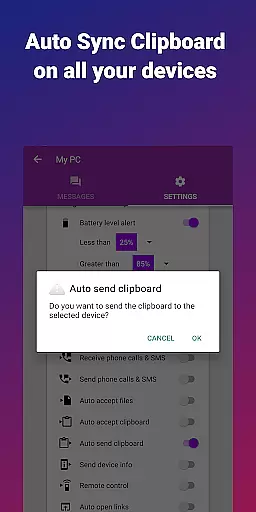
The app also provides clipboard sync, enabling users to copy content on one device and paste it on another, regardless of platform—be it Android, Windows, macOS, iPhone, iPad, or Linux. Another notable feature is peer-to-peer encrypted sharing, which ensures that all data shared stays within the user's local network, protected by end-to-end encryption.
Additionally, EasyJoin allows users to read and respond to SMS messages and notifications directly from their computers, enhancing convenience and workflow efficiency. With support for local network messaging and cross-platform compatibility, EasyJoin delivers a versatile, secure, and efficient toolset for both personal and professional use.
Task management is a critical aspect of productivity applications, and EasyJoin excels in this area by offering a suite of features that streamline the way you handle your digital tasks. The app allows for seamless file transfers, clipboard syncing, and even SMS management across multiple devices, all without the need for cloud services or external servers.
EasyJoin's implementation of task management revolves around its ability to connect various devices within the same local network. This means you can easily send files, sync your clipboard, and manage SMS messages from your computer, making multitasking across devices a breeze. The application ensures that everything stays private and encrypted on your devices, providing peace of mind when managing sensitive information.
The user benefits of EasyJoin's task management capabilities are numerous. Not only does it save time by allowing instant actions like copying on one device and pasting on another, but it also enhances productivity by enabling users to read and respond to phone notifications directly from their computers. This interconnected ecosystem creates a cohesive workflow that adapts to the needs of both personal and professional environments.
Ultimately, EasyJoin's approach to task management reflects its commitment to privacy and efficiency. By keeping data transfers local and encrypted, it provides a secure alternative to cloud-based solutions, ensuring that your data never leaves your devices. This makes it an ideal choice for individuals and teams looking for a reliable, private, and efficient way to manage their digital tasks.
Cross-device synchronization is a cornerstone of modern productivity tools, and EasyJoin delivers a robust solution that ensures your data is consistently available across all your devices. Whether you're working on a phone, tablet, or computer, EasyJoin keeps your files, clipboard content, and notifications in sync, creating a unified experience that adapts to your workflow.
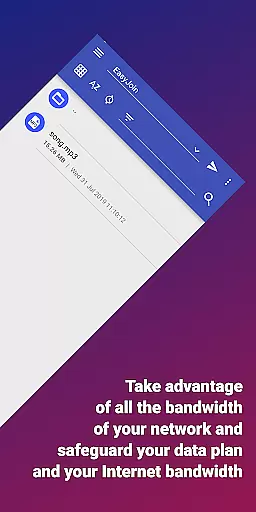
The app achieves reliable cross-device synchronization through its innovative use of local network connections. By leveraging your existing Wi-Fi network, EasyJoin facilitates fast and secure data exchanges between devices. This method not only eliminates the need for internet connectivity but also ensures that all data remains private and encrypted, staying solely within your local environment.
Users of EasyJoin will appreciate the tangible benefits of this synchronization approach. For instance, the ability to copy text on one device and paste it on another streamlines workflows and reduces the friction often associated with transferring information between platforms. Additionally, the app's support for remote notifications and SMS management means you'll never miss an important message, regardless of which device you're using.
EasyJoin's dedication to reliable synchronization sets it apart from other productivity apps. With end-to-end encryption and a focus on local network communication, it offers a level of security and performance that cloud-based solutions struggle to match. This makes EasyJoin particularly appealing to privacy-conscious users who demand both functionality and peace of mind in their digital tools.
Fast file transfer
Clipboard sync
P2P encryption
Cross-platform
No subscriptions
Limited to LAN
One-time cost
No cloud backup
Setup required
Advanced features

Seamlessly integrate data and reports to build your presentation to impress
 4.80
4.80
Ads Free App! Editor, Hide File, Copy, Move, Delete and Rename.. all facility av
1.70
Pwnagotchi companion app
4.20
Make apps & sites with natural language prompts
4.10
PDF scanner & converter for files, photos, lottery, QR codes. One swipe away!
4.50
The AI assistant that thinks with you - write, code, and solve complex tasks
4.60
Calendar 2023 widget for Android. Appointment scheduler, planner, and reminder
4.60
Access your phone's notifications, calls, apps, photos & texts on your PC
3.90
Scan paperwork into PDF/JPG, generate your own e-signature and send fax or email
4.70
Android Wallet Password Manager
4.80
Secure, fast, open-source, VNC and SSH Remote Desktop for Windows, Linux and Mac
4.70
When you Focus, so will your Bean in this cozy focus timer
4.30
Total remote control for your Android device, PC and cloud services (IFTTT)!
4.20
Professional calendar app for Google Calendar, MS Outlook & Exchange
4.20
Smart PDF reader & editor to view, organize and manage PDF documents easily.
3.70
Auto-shutoff Alarm with Sunrise, Sunset & Fixed Options.
3.50
Simple and reliable communication between inmates, friends and family
3.20
Create study competitions, track your hours, and stay consistent with friends
4.1
The upgraded version of Name Wheel with AI and the power to add your own wheels.
4.3


User Reviews