
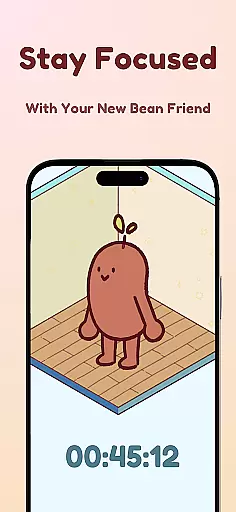
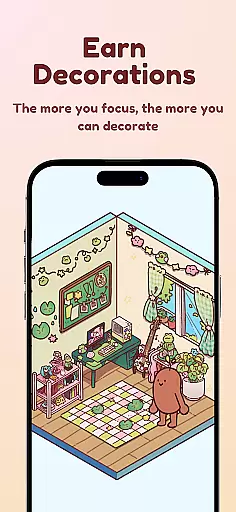
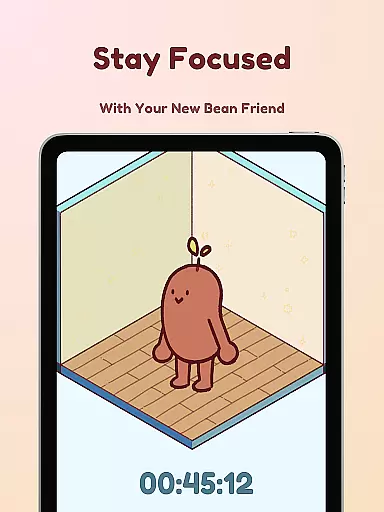
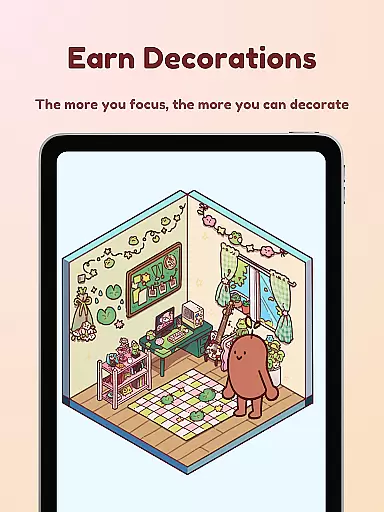
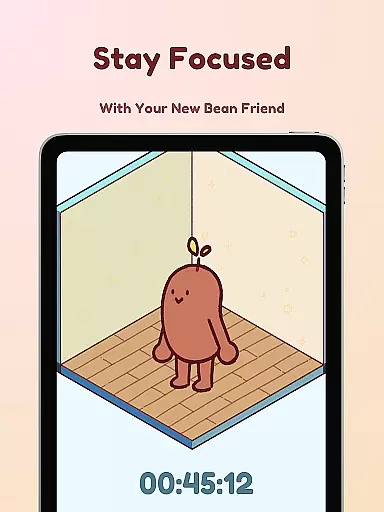
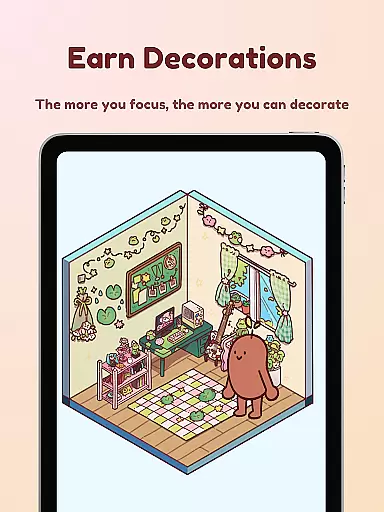
Focus Friend is a productivity app designed to help users maintain focus during work or study sessions through gamification. Developed by online educator Hank Green, this app features a unique 'Bean Friend' character that reacts based on your focus habits. When you complete focus sessions, your Bean Friend rewards you with prizes to decorate its virtual room. The app is particularly beneficial for students and individuals who struggle with maintaining concentration over long periods.
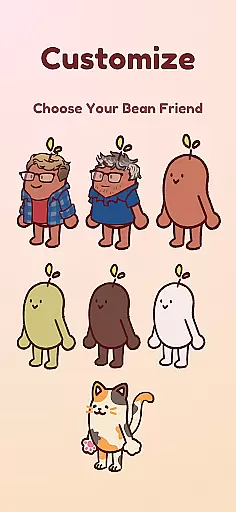
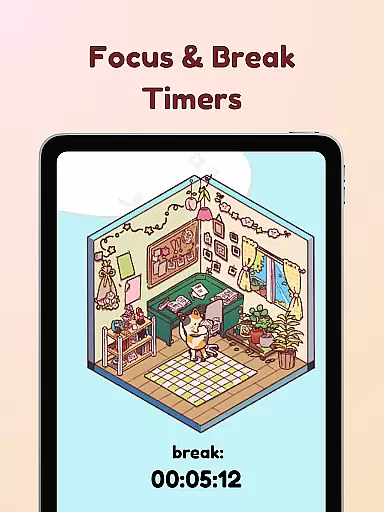
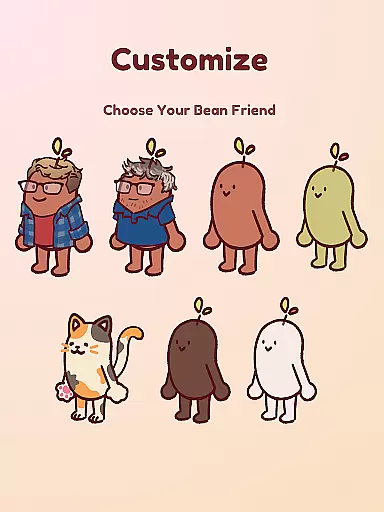
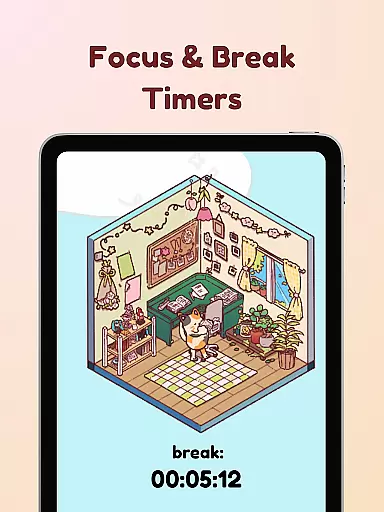
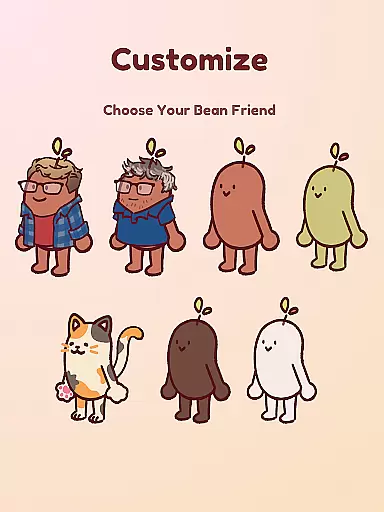
The app includes several productivity-enhancing features such as Live Activity timers visible even when the phone is locked, Deep Focus Mode to lock distracting apps, and Break Timers aligned with the Pomodoro technique. With hundreds of decoration options and various Bean Skins, users can customize their experience while staying productive. This combination of functionality and fun makes Focus Friend an ideal tool for anyone looking to improve their focus in an engaging way.
Focus Friend offers a variety of features that set it apart from other productivity apps. One standout feature is the Live Activity timer, which allows users to track their focus sessions even when their phone screen is off. This ensures uninterrupted productivity without needing to unlock the device constantly. Additionally, the Deep Focus Mode helps eliminate distractions by locking access to apps that may hinder concentration during work sessions.
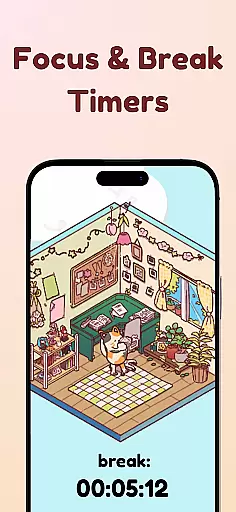
Another notable feature is the integration of the Pomodoro method through Break Timers. Users can take scheduled breaks to decorate their Bean Friend's room, providing both relaxation and motivation to continue focusing. With hundreds of decoration items and multiple Bean Skins available—including playful options like Coffee Bean or even characters like Hank and John Green—users have ample opportunity to personalize their experience. These engaging elements not only enhance user interaction but also promote sustained usage over time.
At the heart of Focus Friend lies its robust core task management system, designed to help users maintain focus and productivity. This feature allows users to set specific time intervals for focused work sessions, ensuring that tasks are approached in a structured manner.
The app employs a gamified timer where your virtual Bean Friend also focuses alongside you. If you prematurely end a session, your Bean shows visible disappointment, creating an emotional incentive to stay on track. Completing sessions rewards users with in-app prizes, enhancing motivation.
Additionally, Focus Friend supports the Pomodoro technique, alternating between work and break periods. During breaks, users can decorate their Bean's room, making downtime both fun and productive. This balance ensures sustained concentration over longer periods.
Focus Friend offers reliable cross-device synchronization, allowing users to seamlessly transition between devices without losing progress. Whether you're switching from your phone to a tablet or another mobile device, your focus sessions and earned rewards remain consistent.
This synchronization is powered by secure cloud technology, ensuring that all user data, including completed focus sessions, collected decorations, and customized Bean skins, are updated in real-time across all linked devices. Users can start a session on one device and continue on another without any disruptions.
Moreover, the appu2019s Live Activity feature lets users view their timer progress even when their phone is locked. This functionality, combined with deep focus mode that locks distracting apps, ensures uninterrupted productivity regardless of the device in use.
User-friendly interface
Engaging gamification elements
Effective focus tracking
Variety of customization options
Supports Pomodoro technique
Limited free content
Premium features require subscription
Some users may find it childish
Occasional app crashes reported
Notifications can be intrusive

Native client for Forgejo and Gitea
 5.00
5.00
Direct Chat without saving contacts & Dual WA Account on Single Device
4.70
The Pro Version of Android's tiniest Notepad app. Just 0.3MB but feature-packed!
4.60
Mind Map and brainstorm, note taking and idea collection
4.80
IP Camera Viewer - Android TV : RTSP Surveillance camera viewer for Android TV
4.3
Font maker keyboard with your own handwriting
4.10
PDF scanner & converter for files, photos, lottery, QR codes. One swipe away!
4.50
Create and edit presentations with Google Slides, part of Google Workspace.
4.00
Experience and share your SolidWorks designs on your Android® phone and tablet.
2.50
Android Wallet Password Manager
4.80
Use powerful, industry-leading AI tools to generate visual charts from any data
4.80
QuickBooks Workforce lets teams view pay info and track time in one place.
4.70
Experience Reading - Night Mode for Documents
4.40
Access, manage and transfer files on Android, PC, Mac, NAS and cloud storages.
4.30
Pwnagotchi companion app
4.20
All in One PDF Reader: Manage, Read and Edit your Documents
4.20
Wake up & get tasks done! Add alarms & reminders on the Clock Launcher.
4.00
The ultimate file manager for rooted devices. The original and still the best.
4.00
Smart PDF reader & editor to view, organize and manage PDF documents easily.
3.70


User Reviews