
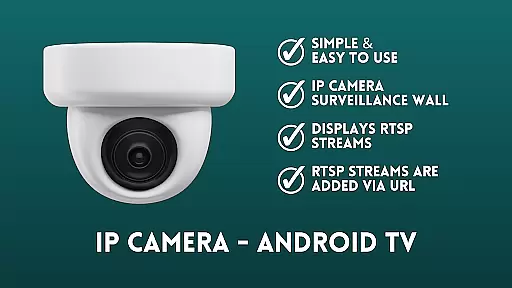
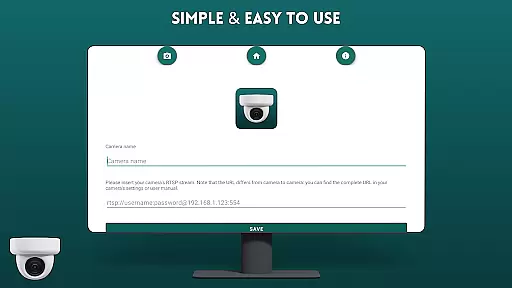
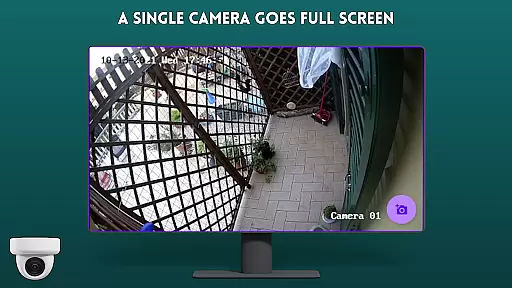
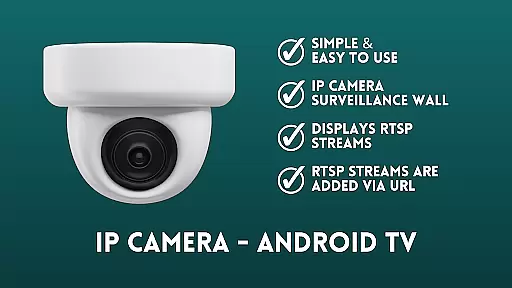
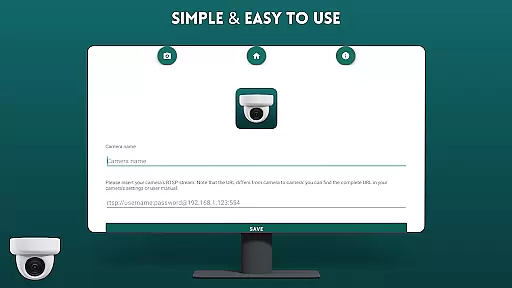
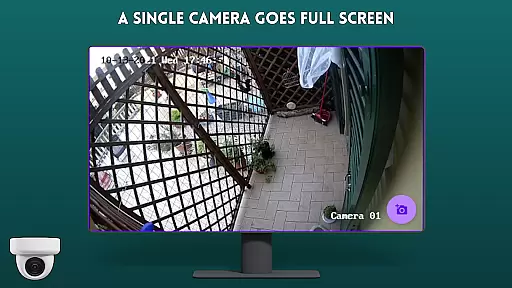
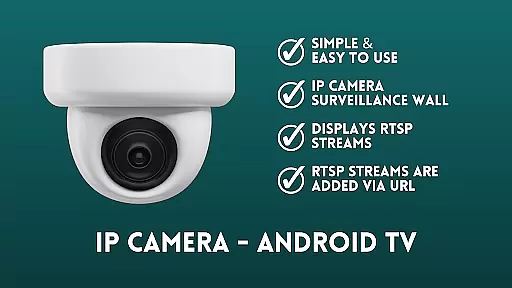
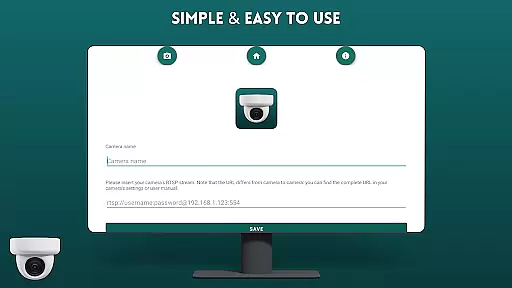
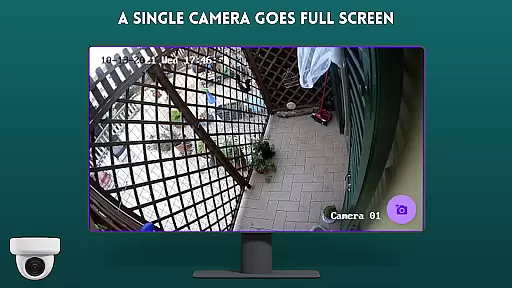
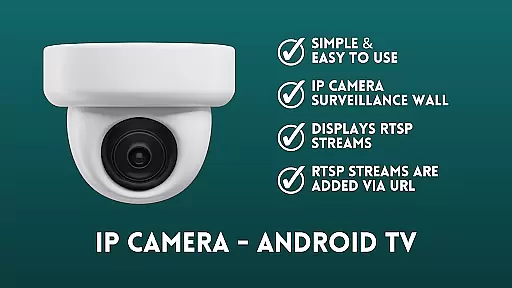
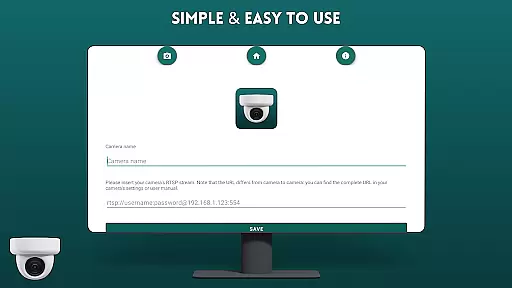
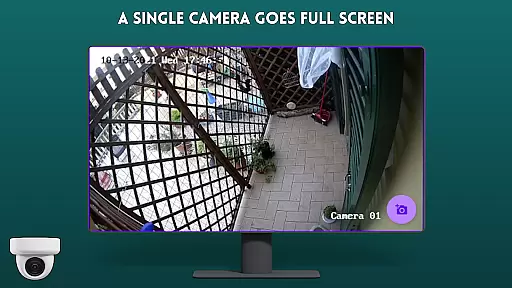
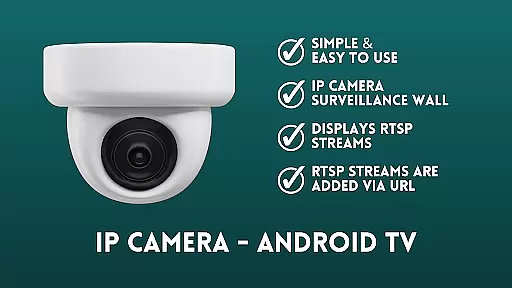
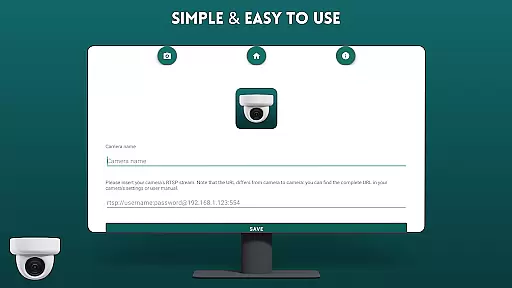
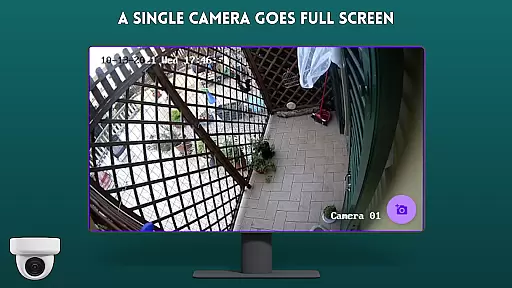
IP Camera Viewer - Android TV is a productivity-focused application designed specifically for viewing IP cameras on Android TV and Google TV platforms. The app utilizes RTSP protocol to deliver fast and reliable camera streams, making it an essential tool for home or business surveillance.
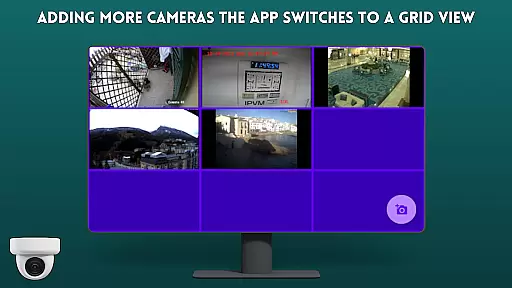
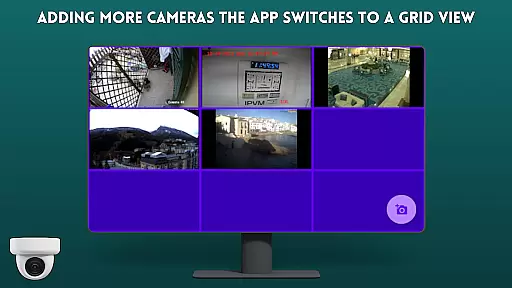
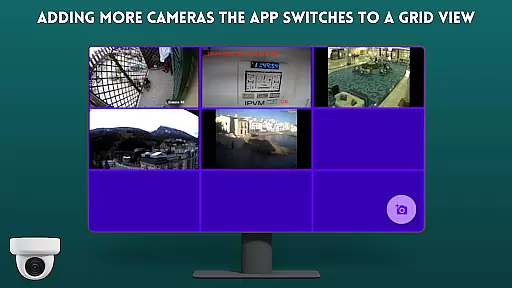
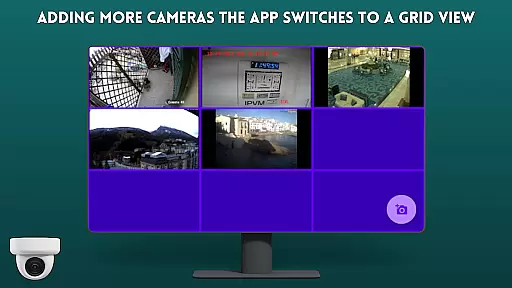
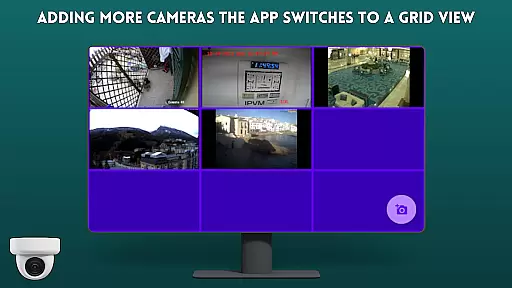
The viewer's user-friendly interface allows users to easily add IP camera streams via URL in a classic tile configuration. This creates a virtual surveillance wall that provides real-time monitoring of multiple camera feeds simultaneously. Its optimized performance ensures smooth navigation and quick access to camera views on large-screen devices.
This application is particularly valuable for users who need to maintain security systems and want the convenience of monitoring their IP cameras directly from their television screens. The combination of easy navigation features and robust RTSP support makes it an excellent choice for both personal and professional surveillance needs.
IP Camera Viewer - Android TV stands out with its specialized feature set tailored for efficient camera monitoring. The application's core functionality revolves around its ability to display RTSP streams through simple URL input, creating a seamless surveillance experience.
One of the key features is its intuitive surveillance wall system, where users can organize multiple camera feeds in a classic tile configuration. This allows for simultaneous monitoring of various locations from a single screen. The app maintains simplicity while providing essential tools for effective surveillance management.
Additional notable features include its optimized performance for large-screen displays, ensuring clear and responsive video playback. The application's straightforward interface eliminates unnecessary complexity, making it accessible even for non-technical users while maintaining all necessary functionality for comprehensive security monitoring.
IP Camera Viewer - Android TV excels in core task management by providing a streamlined interface for monitoring multiple IP cameras simultaneously. This functionality is crucial for users who need to keep an eye on various locations from their Android TV or Google TV.
The app supports RTSP streams, allowing users to add camera feeds via URL. This feature ensures that users can easily integrate their existing IP camera systems without the need for additional hardware or complex configurations.
With its classic tile configuration, the app displays multiple camera feeds in an organized manner. This layout not only enhances the viewing experience but also enables users to quickly identify and focus on specific camera feeds when needed.
By offering a user-friendly surveillance wall, IP Camera Viewer - Android TV simplifies the task of managing and monitoring IP cameras, making it an essential tool for both home security and small business surveillance needs.
Cross-device synchronization is a vital feature for users who require consistent access to their IP camera feeds across different devices. IP Camera Viewer - Android TV ensures reliable synchronization, allowing users to seamlessly switch between their Android TV, Google TV, and other supported devices.
The app's support for RTSP streams via URL guarantees that camera feeds are consistently updated and accurately reflected across all devices. This reliability is essential for maintaining up-to-date surveillance and ensuring that users never miss important events.
Moreover, the app's easy navigation and fast performance contribute to a smooth cross-device experience. Users can effortlessly access their camera feeds, regardless of the device they are using, thanks to the app's optimized design for both Android TV and Google TV.
By prioritizing synchronization reliability, IP Camera Viewer - Android TV provides peace of mind to users who depend on continuous and accurate access to their surveillance systems, enhancing both security and convenience.
User-friendly interface
Fast RTSP streaming
Multiple camera support
Easy setup process
Optimized for large screens
Limited advanced features
No cloud storage option
Basic UI design
Requires manual setup
Single platform focus

Android Wallet Password Manager
 4.80
4.80
Multilingual translator for text, voice, and image translation!
4.90
Docker, Kubernetes management over Portainer Mobile
4.40
To do list widget with a notebook organizer, checklist, simple shopping list
4.60
Experience and share your SolidWorks designs on your Android® phone and tablet.
2.50
Lightweight PDF, Word, Excel reader.
4.60
AI Chatbot and AI writing assistant powered by ChatGPT.
4.60
Set up, print, and get support—in one place
4.20
QuickEdit is a fast, stable and full featured text and code editor.
4.20
Scientific calculator for Android - looks and operates like the real thing!
4.90
Direct Chat without saving contacts & Dual WA Account on Single Device
4.70
This small app MUST BE INSTALLED after purchase, else license won't work
4.40
Access, manage and transfer files on Android, PC, Mac, NAS and cloud storages.
4.30
Experience real multitasking on your Android!
4.00
⏰ Finally a timer app which can run multiple timers simultaneously on your watch
3.90
Smart PDF reader & editor to view, organize and manage PDF documents easily.
3.70
Simple and reliable communication between inmates, friends and family
3.20
AI Video AI Image Private LLM AI Browser Llama Gemma Ollama Connect LLM Studio
4.1
A comprehensive suite of tools designed specifically for Lactation Consultants
4.2


User Reviews