
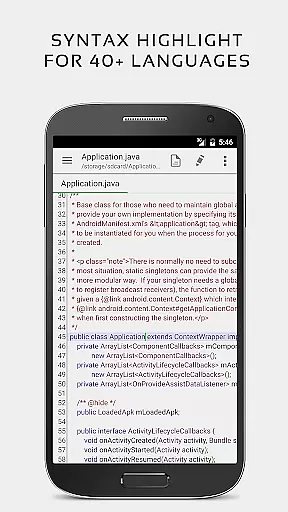
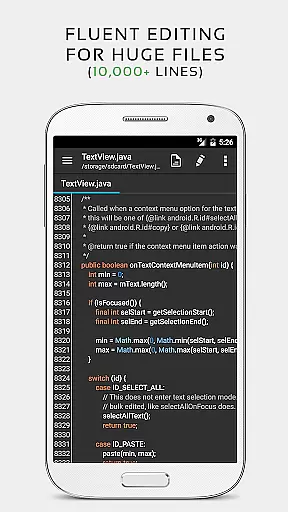


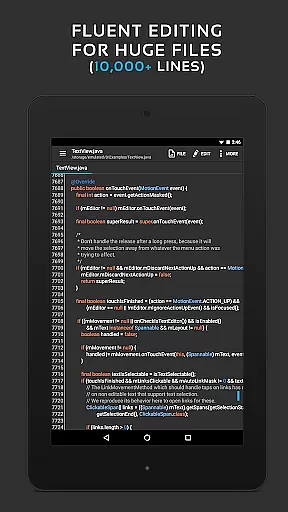
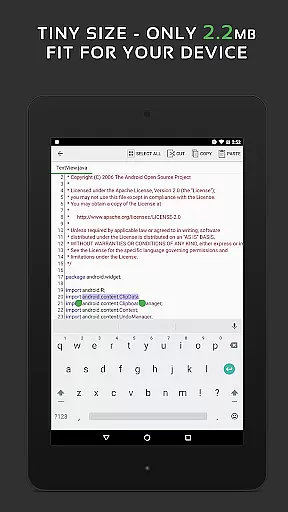
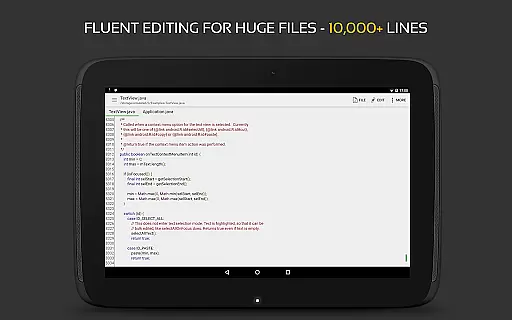
QuickEdit Text Editor Pro is a premium text editing solution designed for both casual users and programming professionals. This productivity app offers an enhanced notepad experience with advanced features tailored for code editing, making it suitable for over 170 programming languages. Its high-performance design ensures smooth operation even with large files, supporting documents with more than 10,000 lines without lag.
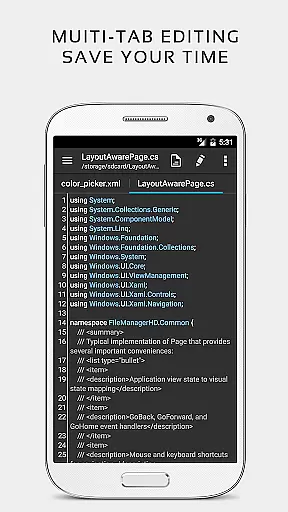
The app provides seamless navigation through multiple open tabs, syntax highlighting, and an online compiler that supports over 30 programming languages. QuickEdit stands out with its intuitive interface optimized for both phones and tablets, offering versatile functionalities such as line numbering, unlimited undo/redo, and smooth scrolling in all directions. Whether you're editing plain text or coding complex applications, QuickEdit delivers professional-grade tools in a user-friendly package.
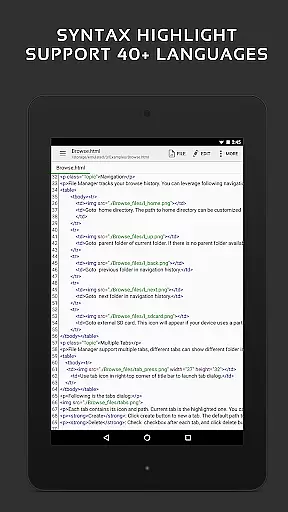
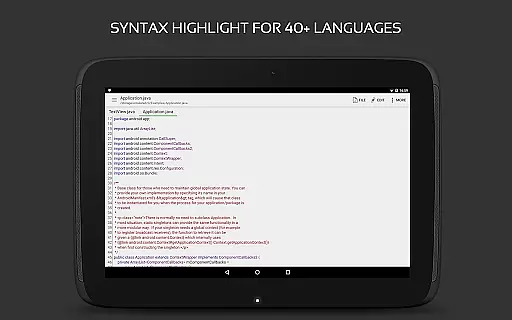
QuickEdit Text Editor Pro boasts an impressive array of features that cater to diverse editing needs. The app's syntax highlighting supports more than 170 languages, including popular ones like C++, Java, Python, and Ruby. Its integrated online compiler allows users to compile and run code in over 30 languages directly within the app, streamlining the development process.
Performance optimization is at the core of QuickEdit's design. The app handles large files effortlessly, maintaining responsiveness regardless of document size. Users can benefit from advanced editing capabilities such as quick search and replace, automatic indentation, and precise cursor control. The editor also supports physical keyboards with key combinations, making it ideal for power users who require efficient text manipulation tools.
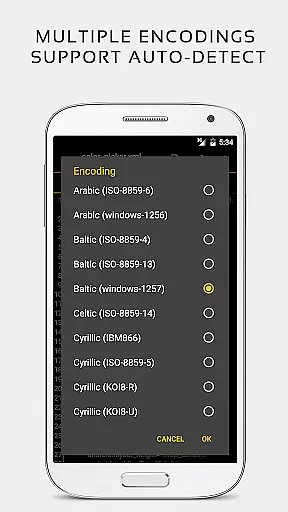
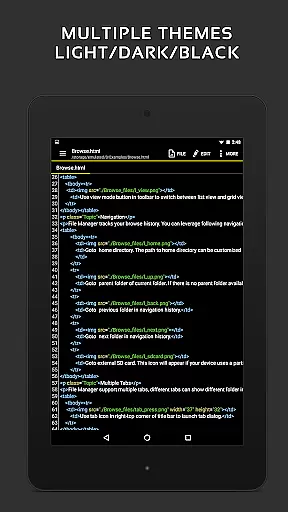
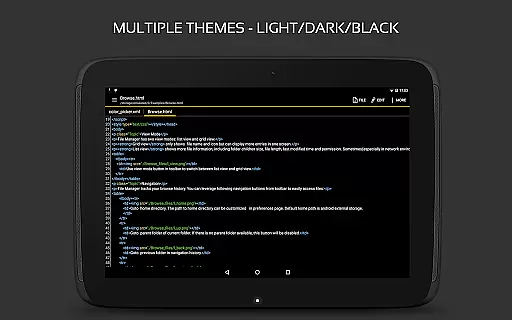
Additional features include cloud integration with Google Drive, Dropbox, and OneDrive, support for various encodings, and preview functionality for HTML, CSS, Markdown, and AsciiDoc files. With both light and dark themes available, QuickEdit ensures comfortable editing in any environment while maintaining its ad-free interface for uninterrupted productivity.
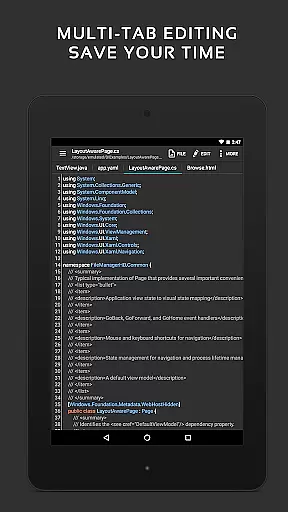
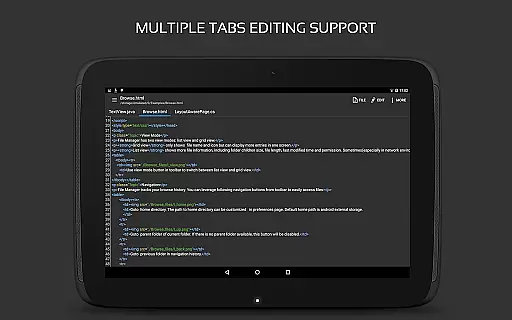
Task management is a critical aspect of productivity applications, and QuickEdit Text Editor Pro excels in this area. The app provides users with the ability to easily navigate between multiple open tabs, making it simple to manage various tasks simultaneously.
QuickEdit enhances task handling by offering features such as undo and redo changes without limit, which allows users to experiment with their work confidently. Additionally, the editor supports direct targeting of any specified line number, enabling swift access to different parts of a document or code file.
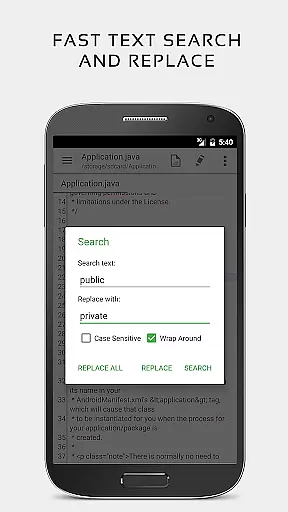
The application also includes quick search and replace functionality, which streamlines the process of modifying content across large text filesu2014supporting documents with more than 10,000 lines. This feature ensures that users can efficiently make widespread changes without manually scanning through their work.
With its high performance and responsiveness, even on large text files, QuickEdit Text Editor Pro ensures that managing complex tasks is smooth and lag-free. These capabilities contribute to an effective task management experience for both general use and professional coding environments.
Cross-device synchronization is essential for users who work across multiple devices, ensuring that their data remains consistent and up-to-date wherever they are. QuickEdit Text Editor Pro addresses this need by providing reliable access to files from various cloud services including Google Drive, Dropbox, and OneDrive.
This text editor goes beyond basic file opening capabilities; it allows users to edit system files on rooted devices and access files from FTP servers. Such versatility guarantees that no matter where the user's files are stored, QuickEdit can retrieve and update them accurately.
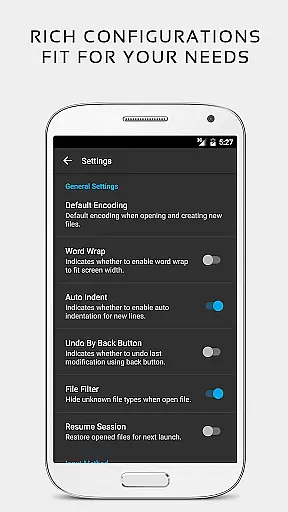
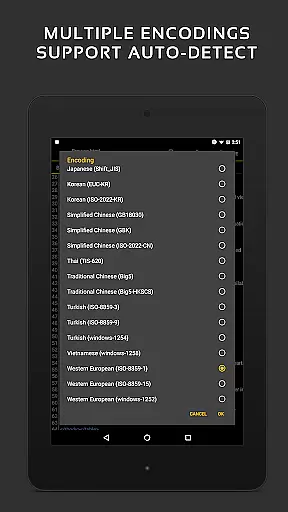
Moreover, QuickEdit supports automatic detection of charset and encoding, which maintains the integrity of the text when moving between different systems or platforms. By automatically indenting new lines, the editor preserves formatting, thus enhancing synchronization reliability.
With these robust cross-device synchronization features, QuickEdit Text Editor Pro ensures that whether you're working on a phone, tablet, or desktop, your workflow remains uninterrupted and your edits are reliably synced across all your devices.
Fast performance
Wide language support
Code compilation
Smooth UI
Cloud integration
Paid version only
No beginner tutorials
Complex for novices
Limited free support
Root required for system files

A customizable calendar for your Wear OS watch
 4.20
4.20
Create study competitions, track your hours, and stay consistent with friends
4.2
Smart PDF reader & editor to view, organize and manage PDF documents easily.
3.70
A simple, portable logger for POTA, SOTA, Field Day, and more
4.4
Absolutely the best CNC machinist speed and feed calculator around. fswizard.com
4.60
Remotely view listen control and record cameras.
3.70
All in One PDF Reader: Manage, Read and Edit your Documents
4.20
A comprehensive suite of tools designed specifically for Lactation Consultants
4.4
Put a lock on your cloud: Take the security of your data into your own hands
3.70
App Lock with fingerprint, password: Lock apps & hide photos with lock screens
4.60
The Pro Version of Android's tiniest Notepad app. Just 0.3MB but feature-packed!
4.60
A simple Whisper AI keyboard for reliable speech transcription and rewording
4.60
A Pixel Art watchface inspired by other iconic 90s designs for Wear OS devices!
4.40
Automates browsing any website and notifies you of important changes or events
4.30
Professional calendar app for Google Calendar, MS Outlook & Exchange
4.20
Device's storage information in a simple and clear graphical form (infographics)
4.10
Wake up & get tasks done! Add alarms & reminders on the Clock Launcher.
4.00
Experience and share your SolidWorks designs on your Android® phone and tablet.
2.50
AI Video AI Image Private LLM AI Browser Llama Gemma Ollama Connect LLM Studio
4.2


User Reviews