
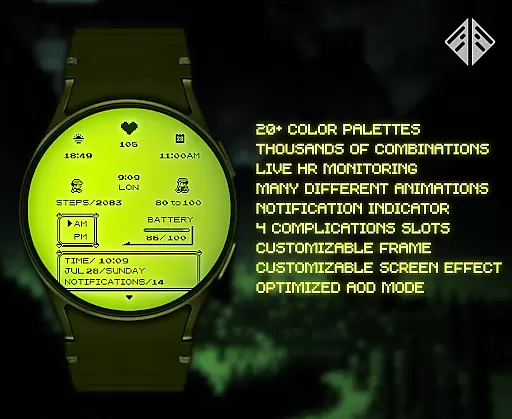
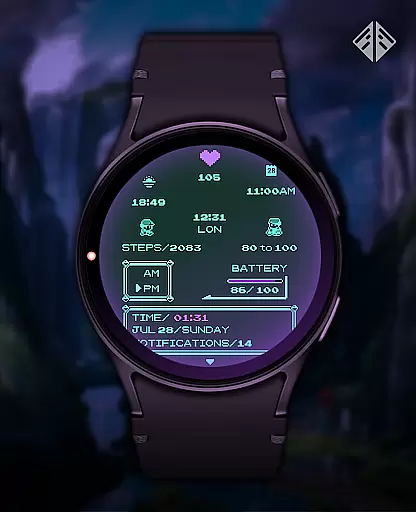
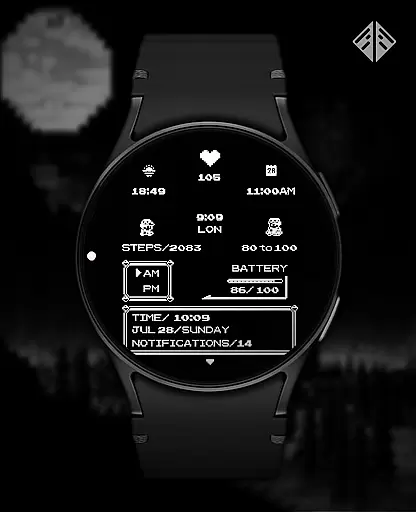
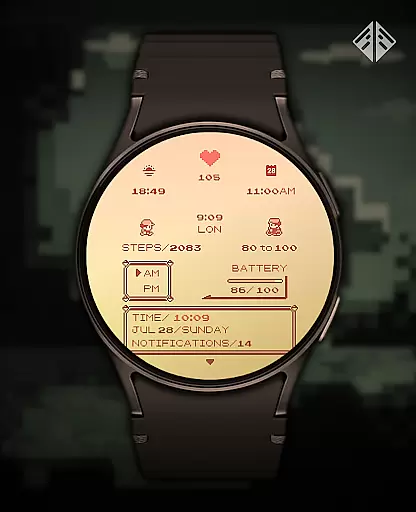
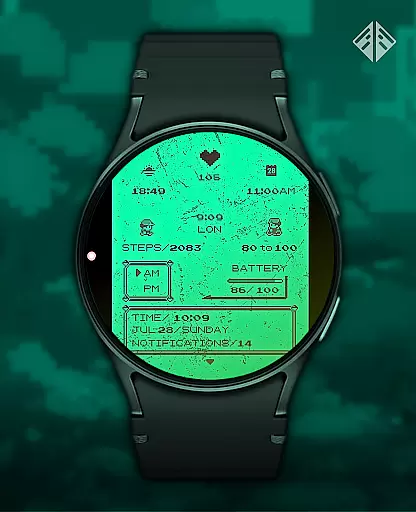
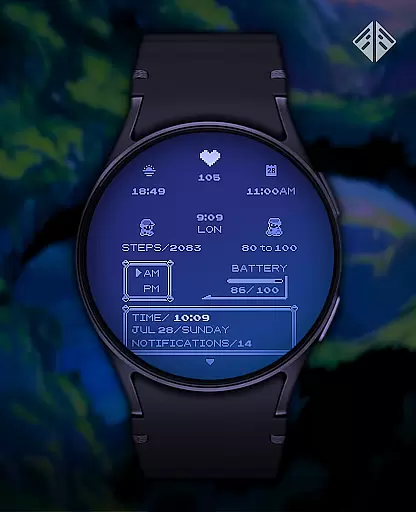
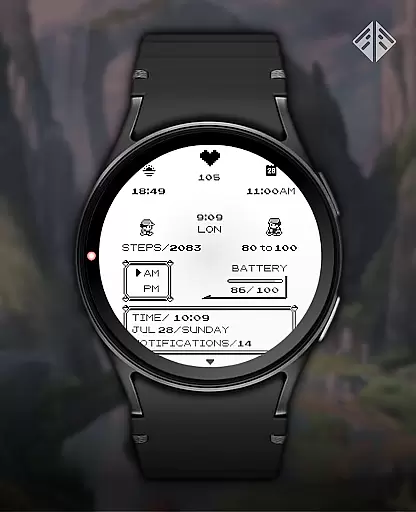
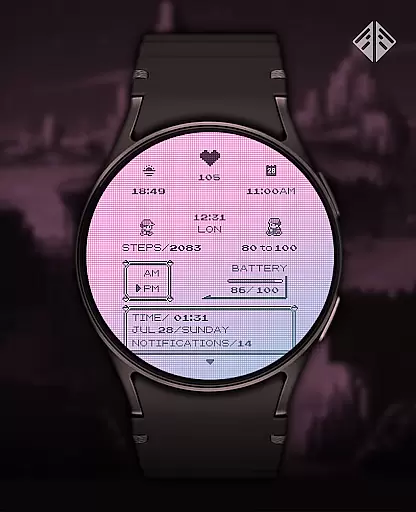
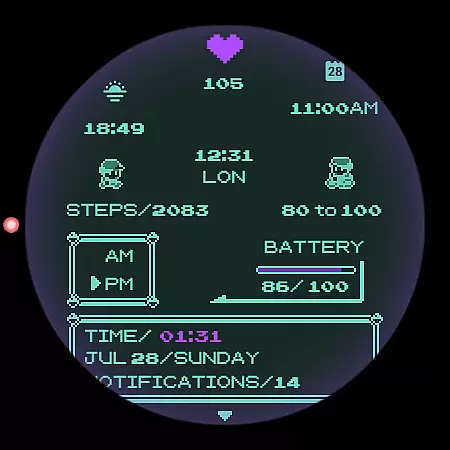
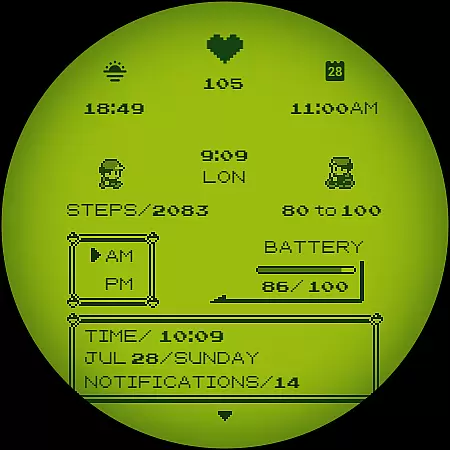
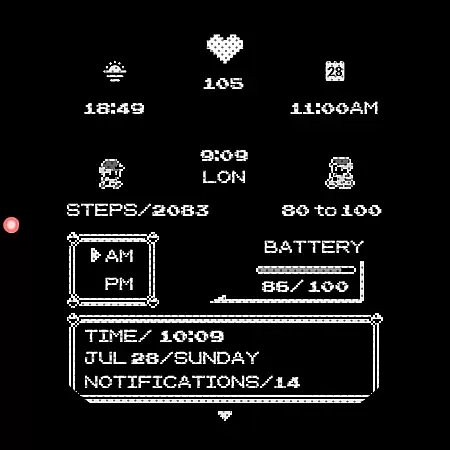
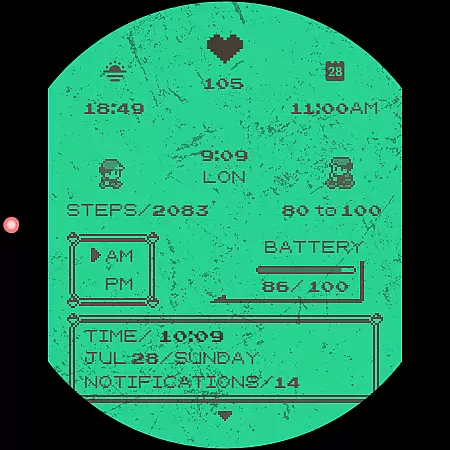
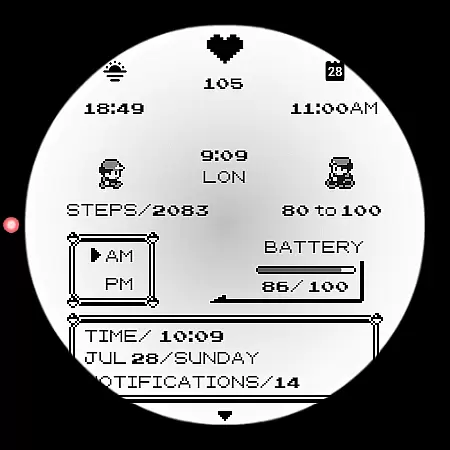
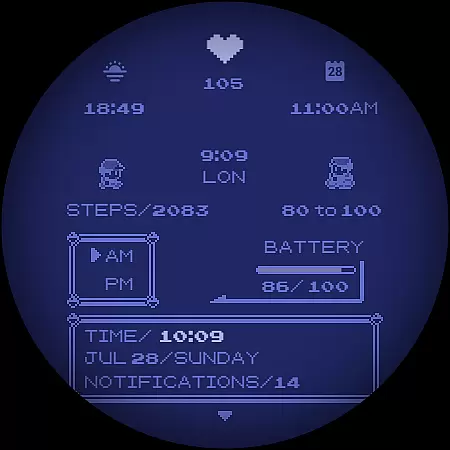
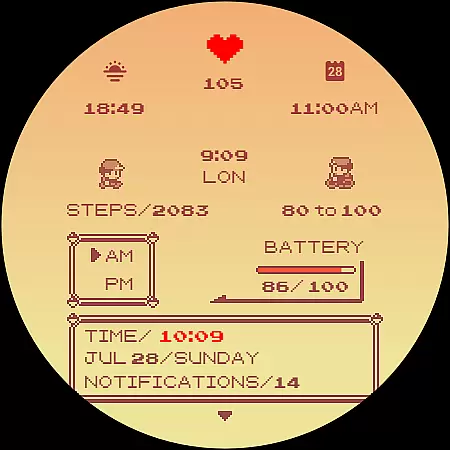
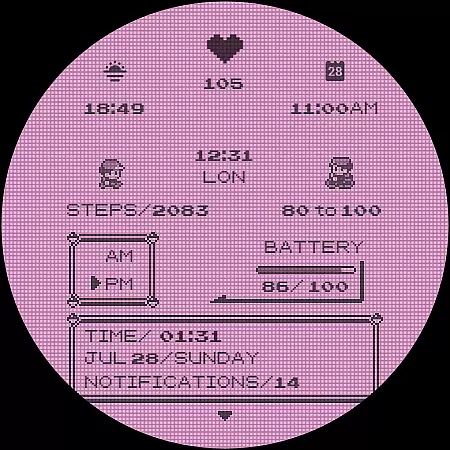
Poke Pixel Retro Watch Face is a pixel art themed watch face designed for Wear OS smartwatches. This highly customizable watch face offers users the ability to personalize their smartwatch display with unique color schemes and retro-inspired designs.
With over 1000 possible customization combinations, it supports both 12/24 hour formats and provides essential information at a glance. The design is clean and pixel-perfect, making it ideal for those who appreciate a retro gaming aesthetic on their wearable device.
This standalone app works across multiple brands including Samsung, Mobvoi Ticwatch, Fossil, and Oppo, providing users with a consistent experience regardless of their chosen Wear OS device.
The Poke Pixel Retro Watch Face stands out with its extensive feature set tailored for customization enthusiasts. Users can choose from 30 distinct color schemes, creating a personalized look that suits their style.
Advanced features include an animated working battery light, customizable frames, and support for various display preferences like date formats. The watch face maintains a perfect balance between functionality and aesthetics.
What makes this watch face particularly special is its companion app that simplifies installation and management. While offering numerous customization options, it maintains a user-friendly interface that's easy to navigate and modify according to individual preferences.
In the realm of productivity applications, core task management is fundamental for organizing and prioritizing daily activities. Poke Pixel Retro Watch Face excels in this area by offering users a highly customizable interface that can display essential information at a glance. This pixel art-themed watch face supports both 12/24 hours format and auto date format, ensuring that time management is both flexible and intuitive.
With over 30 color schemes and numerous customization options, users can tailor their smartwatch to fit personal preferences while maintaining clarity and focus on important tasks. The animated features and working battery light indicators further enhance the user experience by providing real-time updates without overwhelming the senses.
The ability to customize more than a thousand possible combinations allows individuals to create a unique setup that aligns with their workflow and aesthetic tastes. By integrating seamlessly with Wear OS devices from various manufacturers such as Samsung, Mobvoi Ticwatch, Fossil, and others, this watch face ensures broad compatibility and ease of use across different platforms.
Cross-device synchronization reliability is crucial for maintaining consistency and accessibility of data across multiple devices. The Poke Pixel Retro Watch Face addresses this need through its companion app which facilitates smooth installation and management processes between smartphones and smartwatches running Wear OS.
By following straightforward stepsu2014installing the app on your smartphone, connecting it to your smartwatch, and using the 'view and install on smartwatch' buttonu2014users can effortlessly synchronize their customized settings. If issues arise due to account mismatches or device incompatibilities, clear guidance within the Q&A section helps resolve these challenges efficiently.
Moreover, once installed, users have the freedom to remove the companion app from their phone without affecting the watch face functionality. This demonstrates confidence in standalone performance while still providing support channels via email for troubleshooting any potential problems related to feature operations or permissions management.
Highly customizable
Vibrant pixel art
Wide device compatibility
Regular updates
Responsive developer support
Paid application
Requires Wear OS
Initial setup complexity
Limited modern features
No iOS companion app

Protect and view your important info on your phone and tablet with eWallet®
 4.80
4.80
Remotely view listen control and record cameras.
3.70
Secure, fast, open-source, Remote Desktop Client for Windows and Linux with SSH
4.60
All in One PDF Reader: Manage, Read and Edit your Documents
4.20
The AI assistant that thinks with you - write, code, and solve complex tasks
4.60
Code on-the-go with VScode for Android. Edit,debug and collaborate from mobile!!
3.10
Best Tool for the professionals Electrician, Electrical contractors, etc.
4.90
Access your phone's notifications, calls, apps, photos & texts on your PC
3.90
AT&T Internet customers can use this app to personalize their Wi-Fi network.
4.40
Multilingual translator for text, voice, and image translation!
4.90
Understand anything with a personalized AI research assistant
4.80
Scan paperwork into PDF/JPG, generate your own e-signature and send fax or email
4.70
Client for Nextcloud Deck
4.60
Planet Free VPN - The best Fast Unlimited and Secure VPN Without Logs
4.50
Share files & memories safely. Keep your photos and videos secure.
4.40
Cloud storage, automatic phone backup, and more.
4.10
Activate Two Factor Authentication (2FA or Multi OTP), Password manager and more
4.10
Wake up & get tasks done! Add alarms & reminders on the Clock Launcher.
4.00
The upgraded version of Name Wheel with AI and the power to add your own wheels.
4.2


User Reviews