
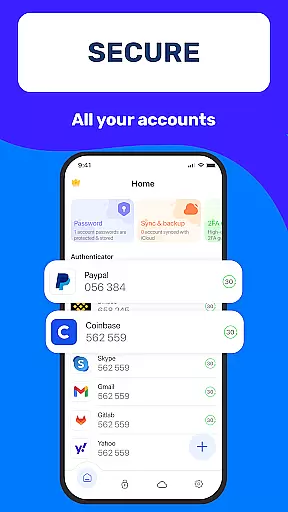
Authenticator App 2FA - Password Manager is a comprehensive productivity tool designed to enhance both security and convenience in managing digital accounts. The app combines two-factor authentication (2FA) with advanced password management features, ensuring users can protect their sensitive information while streamlining login processes.
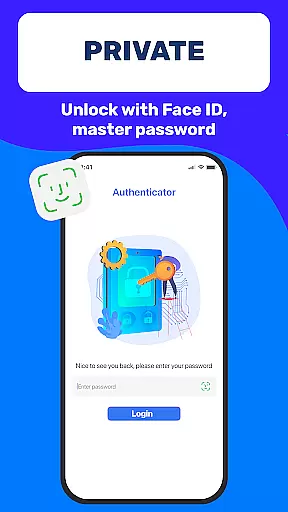
Key functionalities include QR code scanning for 2FA, secure password storage with autofill capabilities, and biometric authentication through Master Password and Touch ID. Additionally, the app supports cross-device data synchronization via Backup & Sync and Cloud Storage, making it an ideal solution for individuals who use multiple devices or frequently upgrade their hardware.
This app is particularly beneficial for professionals and everyday users seeking to safeguard their online presence without compromising on usability. By integrating essential security tools into one intuitive interface, Authenticator App 2FA - Password Manager delivers a seamless experience that prioritizes both protection and efficiency.
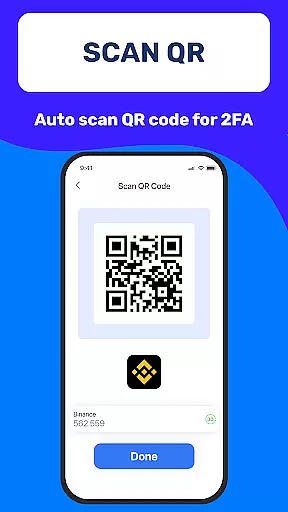
Authenticator App 2FA - Password Manager stands out due to its diverse range of innovative features tailored to boost productivity and security. One of its core strengths lies in the Scan QR 2FA functionality, which simplifies account logins while adding an extra layer of protection against unauthorized access.
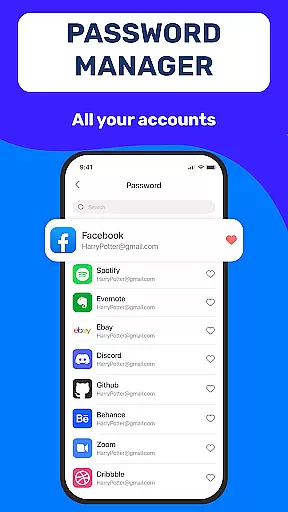
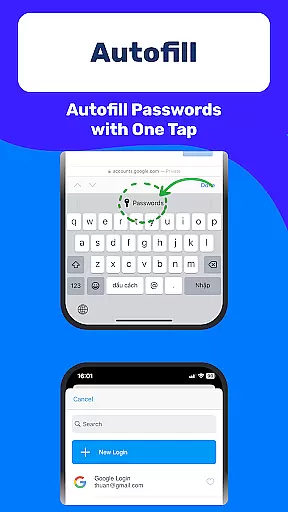
The app also excels in data management with its Backup & Sync feature, enabling users to effortlessly transfer their credentials across devices. For added convenience, the Password Manager and Autofill system automatically populate login fields on websites, significantly reducing manual input errors and saving valuable time during daily workflows.
Additional highlights include Dark Mode for comfortable usage in low-light environments, Credit Card Note storage for organizing financial details securely, and Import/Export Data options for flexible device transitions. These robust capabilities collectively empower users to maintain control over their digital identities with minimal effort.
Task management is a critical aspect of productivity applications, and Authenticator App 2FA - Password Manager excels in this area. The app offers a comprehensive suite of features designed to streamline the way users handle their account security and personal information.
The core functionality revolves around managing two-factor authentication (2FA) tokens, which are essential for enhancing account security. With the Scan QR 2FA feature, users can effortlessly add new accounts, making the login process not only faster but also more secure. This ensures that every time users log into their accounts, they do so with an additional layer of protection.
Beyond 2FA management, the application provides tools like Backup & Sync and Import from various Authenticator apps. These features allow users to maintain continuity across devices and easily transition from other authenticator solutions, ensuring that task management within the app is seamless and efficient.
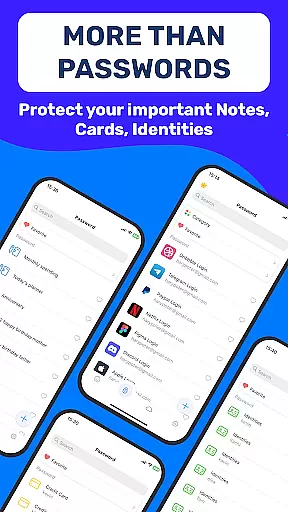
Furthermore, the app's ability to store sensitive information such as Credit Card Notes and Vital Identification details adds another dimension to its task management capabilities. Users can trust that their data is organized and accessible when needed, contributing to a productive and worry-free digital life.
Cross-device synchronization is a vital feature for any modern productivity tool, and Authenticator App 2FA - Password Manager delivers reliable performance in this domain. Ensuring that user data remains consistent and up-to-date across all devices is crucial for maintaining productivity and security.
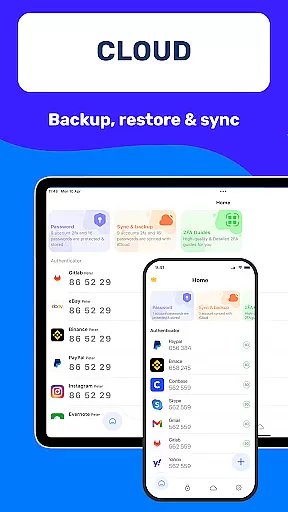
The Backup & Sync feature plays a central role in this process. It guarantees that no matter what happensu2014whether switching devices or reinstalling the appu2014users will not lose their valuable data. This creates a seamless experience where users can pick up right where they left off, without any interruptions or data loss.
In addition to basic synchronization, the app supports importing data from various Authenticator apps. This flexibility allows users to consolidate their 2FA tokens and other sensitive information into one secure location, further enhancing the reliability of cross-device operations.
Finally, with Data Storage on Cloud, users gain peace of mind knowing that their information is safely stored off-device. This cloud-based approach to synchronization ensures that even if a device is lost or damaged, all critical data remains intact and accessible from any other authorized device.
Enhanced Security
User-Friendly Interface
Cross-Device Sync
Efficient Autofill
Reliable Backup
Premium Features Locked
Occasional Sync Delays
Limited Free Storage
No Offline Mode
Complex Setup

The long-awaited modern gallery app for your Nextcloud server
 4.70
4.70
Create study competitions, track your hours, and stay consistent with friends
4.3
Mega cloud explorer plugin for Solid Explorer
3.80
Wake up & get tasks done! Add alarms & reminders on the Clock Launcher.
4.00
Cloud storage, automatic phone backup, and more.
4.10
Multilingual translator for text, voice, and image translation!
4.90
Great calculator for Android named one of USA TODAY's "25 Essential Apps".
4.90
A Pixel Art watchface inspired by other iconic 90s designs for Wear OS devices!
4.40
Secure your apps with lock screens, use custom themes and different features.
4.40
8 custom complications. Custom Time Fonts. Beautiful color schemes. A++ Design.
5.00
QuickBooks Workforce lets teams view pay info and track time in one place.
4.70
Quickly and easily keep track of your work shifts
4.70
Okta MFA
4.70
Functional QR scanner and barcode reader that requires little storage space.
4.60
Enjoy classic gameplay with customizable features and retro-style graphics.
4.30
Customizable calendar widget for seamless event sync, planning & scheduling.
4.00
Access your phone's notifications, calls, apps, photos & texts on your PC
3.90
Remotely view listen control and record cameras.
3.70
A comprehensive suite of tools designed specifically for Lactation Consultants
4.5


User Reviews