
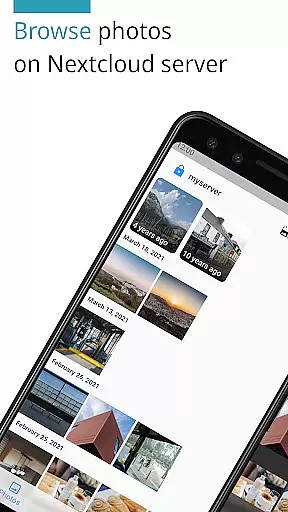
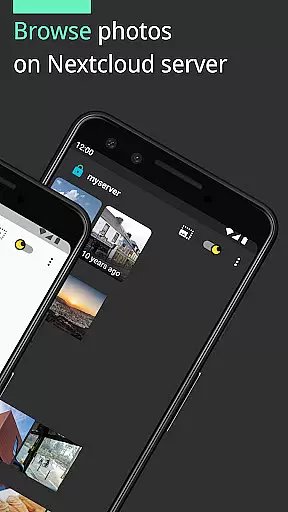
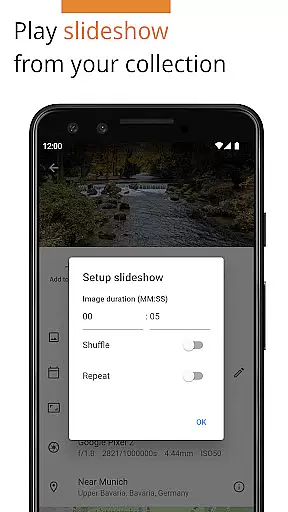

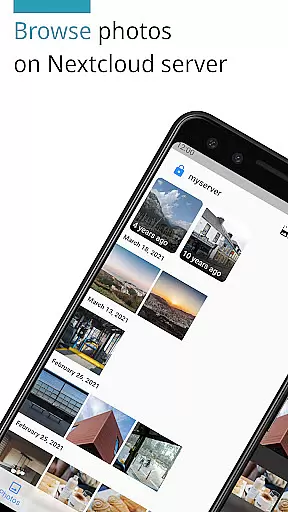
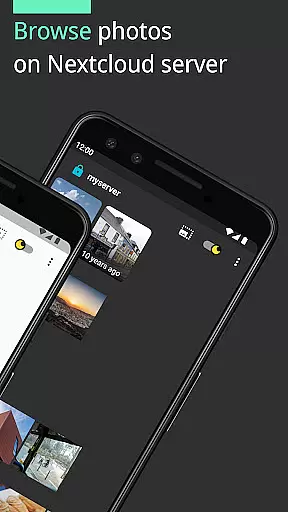
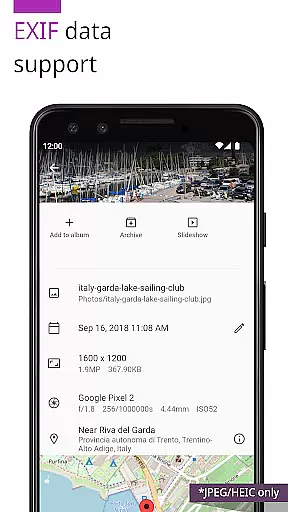
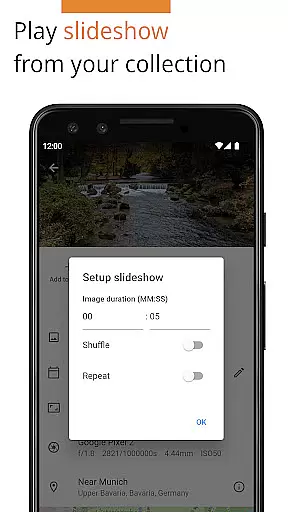
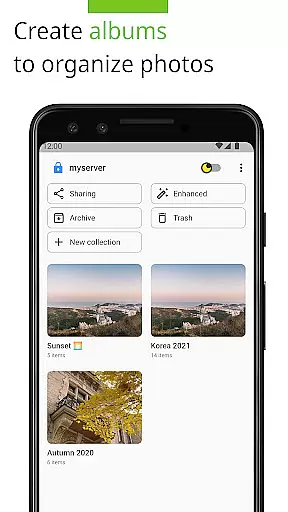
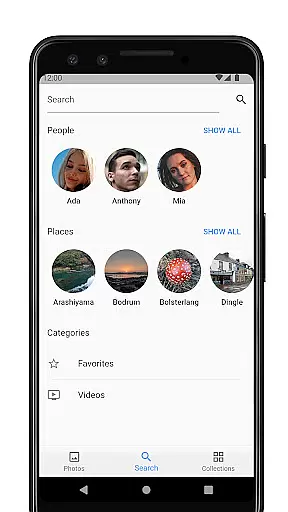
Photos for Nextcloud is a powerful productivity app designed to enhance photo management on the Nextcloud platform. This app offers advanced features such as JPEG XL support, client-side EXIF extraction, and machine learning-based photo enhancement. Users can edit photos with the built-in editor and create flexible albums while enjoying capabilities like reverse geocoding.
The app supports multiple sign-ins across different servers and allows experimental shared albums with users on the same server. Being open-source, it promotes transparency and community contributions. Photos for Nextcloud ensures broad format compatibility including JPEG, PNG, WebP, HEIC, GIF, JPEG XL, MP4, and WebM, making it versatile for various user needs.
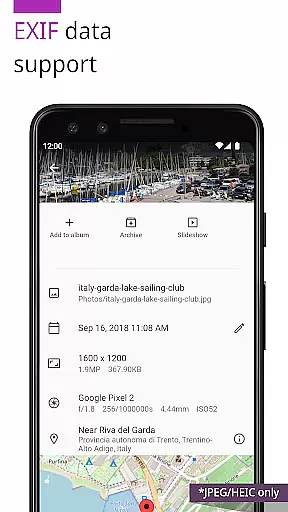
One of the standout features of Photos for Nextcloud is its support for modern image formats like JPEG XL and HEIC, alongside traditional formats such as JPEG, PNG, and GIF. The app also supports video formats like MP4 and WebM, although codec support may vary between devices. Client-side EXIF extraction ensures metadata handling even for formats not supported by the server.
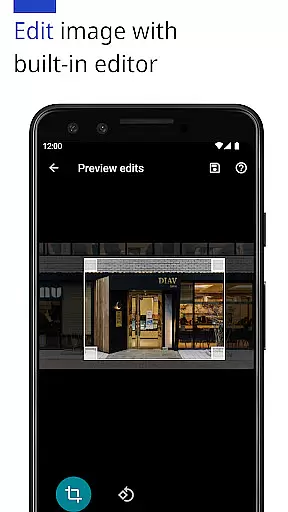
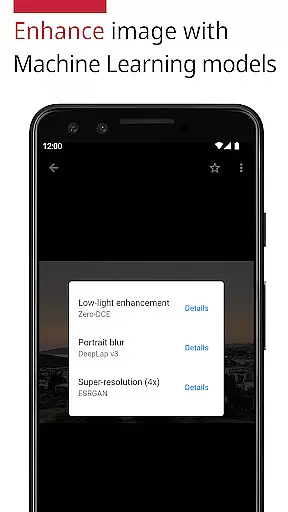
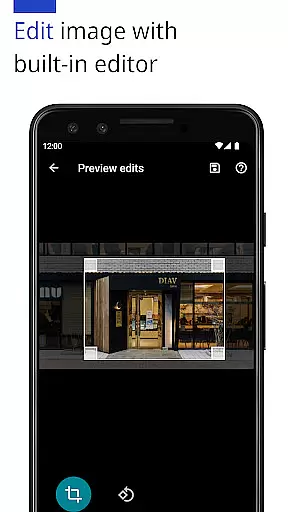
Machine learning models provide photo enhancement capabilities, allowing users to improve their images effortlessly. The built-in photo editor offers essential editing tools, enhancing the overall user experience. Additionally, the app integrates with Nextcloud's Face Recognition app and supports multiple server sign-ins, providing flexibility and convenience for power users.
Task management is a critical aspect of productivity applications, and Photos for Nextcloud excels in this area by offering users the ability to efficiently organize their digital assets. The app supports a variety of formats including JPEG, PNG, WebP, HEIC, GIF, JPEG XL, MP4, and WebM, ensuring that all your photos and videos can be managed within a single platform.
The application provides advanced features such as client-side EXIF extraction, which allows users to maintain metadata even for file types not natively supported by the server. This ensures that important information like geotags and timestamps are preserved, enhancing the overall organization and searchability of media files.
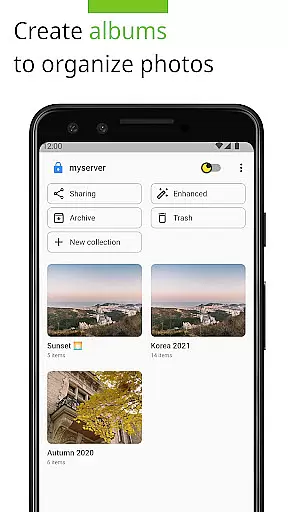
Additionally, Photos for Nextcloud offers flexible album creation and reverse geocoding, empowering users to categorize and locate their images with ease. These capabilities contribute to a streamlined workflow, allowing individuals to focus on their creative processes rather than getting bogged down by cumbersome file management tasks.
By integrating machine learning models to enhance photos and providing a built-in editor for direct modifications, the app further solidifies its position as a robust tool for managing and refining your multimedia library. Users benefit from an intuitive interface that simplifies complex operations, making it accessible even to those who may not be tech-savvy.
Cross-device synchronization is essential for maintaining consistency across multiple platforms, and Photos for Nextcloud delivers reliable performance in this domain. By enabling sign-in to multiple servers, the app ensures that users can access their media libraries from various locations without compromising on speed or data integrity.
The synchronization process is seamless, supporting real-time updates so that any changes made on one device are immediately reflected on others. This feature is particularly beneficial for teams collaborating on projects or individuals who switch between devices frequently, as it eliminates the risk of working with outdated files.
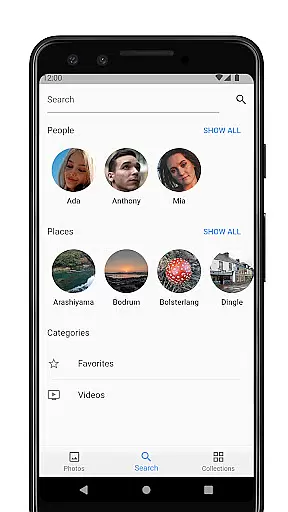
Moreover, Photos for Nextcloud supports integration with the Face Recognition app (v0.8.5+), enhancing the accuracy of photo tagging and sorting. This compatibility extends the functionality of the core application, providing users with a more comprehensive solution for managing their digital content.
With its commitment to open-source development and active community contributions, Photos for Nextcloud continues to evolve, ensuring that users have access to cutting-edge features while maintaining high standards of security and privacy. The reliability of cross-device sync makes it an invaluable tool for anyone looking to streamline their digital asset management process.
Advanced photo editing
Supports latest formats
Open source
Multiple server logins
Flexible album creation
Experimental sharing features
Codec support varies
No offline mode
Requires Nextcloud
Interface not intuitive

AI Video AI Image Private LLM AI Browser Llama Gemma Ollama Connect LLM Studio
 4.3
4.3
Easily read and manage all your PDF files
4.10
Absolutely the best CNC machinist speed and feed calculator around. fswizard.com
4.60
All in One PDF Reader: Manage, Read and Edit your Documents
4.20
The AI assistant that thinks with you - write, code, and solve complex tasks
4.60
Great calculator for Android named one of USA TODAY's "25 Essential Apps".
4.90
A beautiful digital clock with autostart and many other functions
4.70
Ultimate Virtual AI Character for immersive Roleplay Chat. Perfect Companion
3.90
AT&T Internet customers can use this app to personalize their Wi-Fi network.
4.40
Native client for Forgejo and Gitea
5.00
App Lock with fingerprint, password: Lock apps & hide photos with lock screens
4.60
AI Chatbot and AI writing assistant powered by ChatGPT.
4.60
PDF scanner & converter for files, photos, lottery, QR codes. One swipe away!
4.50
Send files, sync SMS, notifications & clipboard across devices via local network
4.40
Secure your apps with lock screens, use custom themes and different features.
4.40
Enjoy classic gameplay with customizable features and retro-style graphics.
4.30
A customizable calendar for your Wear OS watch
4.20
Activate Two Factor Authentication (2FA or Multi OTP), Password manager and more
4.10
Code on-the-go with VScode for Android. Edit,debug and collaborate from mobile!!
3.10


User Reviews