
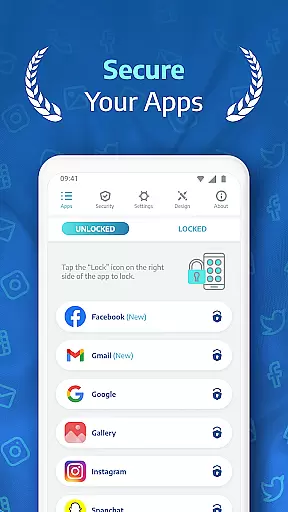
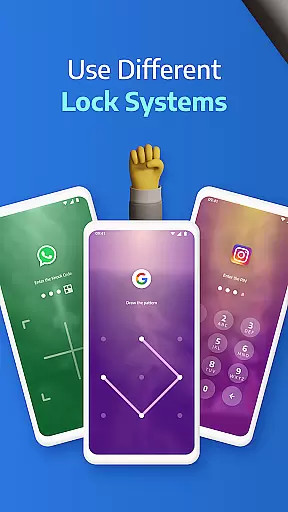
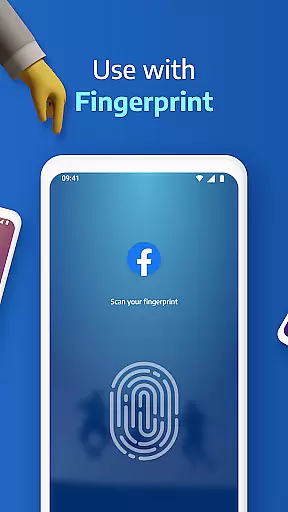
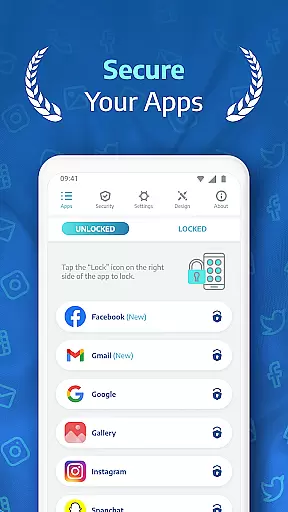
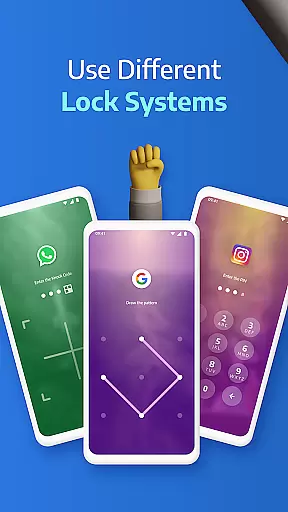
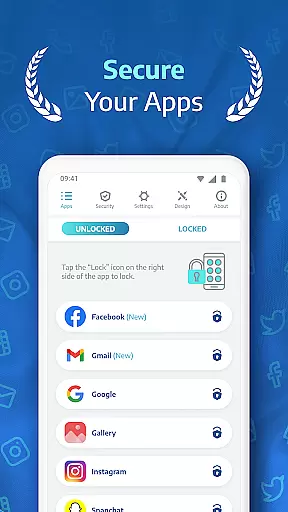
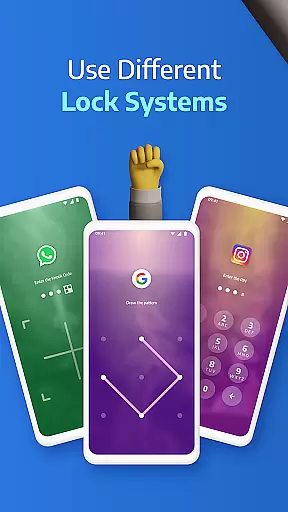
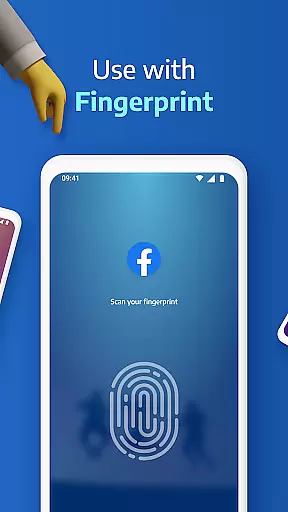
AppLock Pro is a powerful productivity tool designed to safeguard your personal data by locking access to specific apps and photos. Trusted by millions of users, this app provides robust security features while maintaining ease of use. The core functionality revolves around securing sensitive applications such as WhatsApp, Instagram, and Messenger using various lock methods including PIN, pattern, fingerprint recognition, and KnockCode.
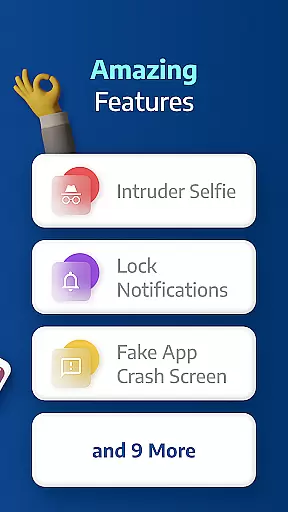
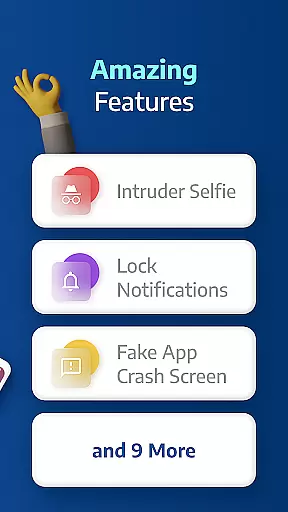
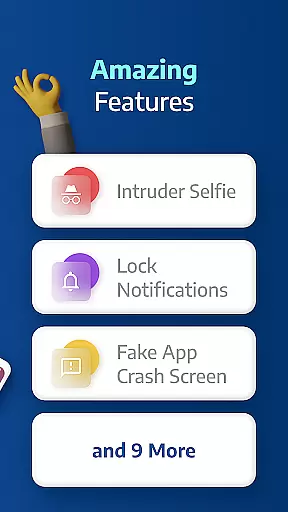
Beyond basic locking, AppLock Pro offers advanced features like spy camera protection, which captures an image of anyone attempting unauthorized access. It also includes customizable lock screens, fake error messages, and notification hiding for enhanced privacy. Whether you're at work or home, the app ensures that your private information remains protected from prying eyes, making it an essential tool for anyone concerned about digital security.
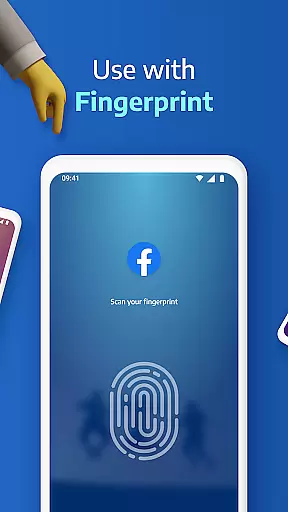
AppLock Pro stands out with its comprehensive suite of security features tailored for privacy-conscious users. One of its key functionalities is the ability to lock any app on your device using multiple methods such as PIN, pattern, fingerprint (if supported), or KnockCode. This versatility ensures that you can choose the most convenient and secure option for protecting your apps.
In addition to locking capabilities, the app includes innovative features like spy camera protection, which discreetly takes a photo of anyone who enters the wrong password. The fake error message feature adds another layer of security by displaying a deceptive screen instead of revealing that the app is locked. Furthermore, AppLock Pro allows you to hide notifications from locked apps, set auto-relock timers, and trigger loud alarms after multiple failed unlock attempts. These features collectively provide a robust defense mechanism against unauthorized access.
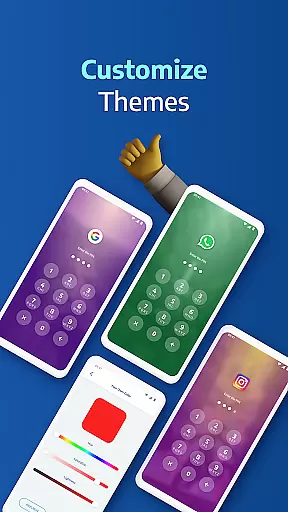
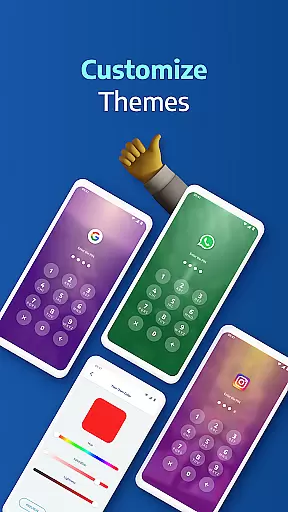
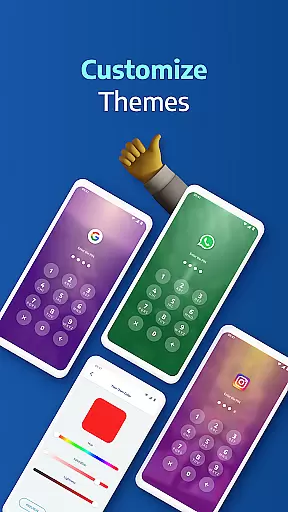
The app also offers customization options such as themes and backgrounds, allowing users to personalize their experience. With smart settings optimized for battery and RAM usage, AppLock Pro ensures minimal impact on device performance while delivering top-notch security features.
AppLock Pro excels in core task management by offering a comprehensive suite of security features designed to protect your private data. The app allows users to lock any application using various methods such as PIN, pattern, fingerprint, or KnockCode.
This ensures that sensitive information within apps like WhatsApp, Instagram, and Messenger remains inaccessible to unauthorized users. Additionally, the app provides smart settings that include vibration feedback, alerts for newly installed apps, and the ability to lock recent apps, enhancing overall device security.
Users benefit from the app's lightweight design, which is optimized for minimal battery and RAM usage, ensuring that device performance is not compromised while maintaining high security standards.
While AppLock Pro focuses primarily on device-specific security, it offers reliable cross-device synchronization through its cloud backup feature. This functionality ensures that users can restore their lock settings and preferences when they switch devices or reinstall the app.
The synchronization process is seamless and secure, preserving user configurations such as custom themes and lock types across different devices. Users can personalize the look and feel of the lock screen by setting custom backgrounds from their gallery photos, which will be available on all synced devices.
This reliability in maintaining consistency across devices enhances user convenience without compromising security, making sure that personalization and protection go hand-in-hand regardless of the device being used.
Highly secure
User-friendly interface
Customizable lock types
Advanced privacy features
Lightweight and efficient
Limited free features
Requires permissions
Premium version costly
Occasional bugs
Fingerprint issues

A Revolutionary All-in-One Artificial Intelligence Tools
 3.80
3.80
Professional calendar app for Google Calendar, MS Outlook & Exchange
4.20
Easily read and manage all your PDF files
4.10
Android Wallet Password Manager
4.80
We're working to become the best machining app on the market! www.cncdirt.com
4.80
aCalendar+ makes your day, week and month
4.70
Simple and reliable communication between inmates, friends and family
3.20
Create and edit presentations with Google Slides, part of Google Workspace.
4.00
Quickly and easily keep track of your work shifts
4.70
Seamlessly integrate data and reports to build your presentation to impress
4.80
Protect and view your important info on your phone and tablet with eWallet®
4.80
App Lock with fingerprint, password: Lock apps & hide photos with lock screens
4.60
Tally and goal counter for Wear OS & mobile
4.50
Experience Reading - Night Mode for Documents
4.40
Font maker keyboard with your own handwriting
4.10
Activate Two Factor Authentication (2FA or Multi OTP), Password manager and more
4.10
* block pre-roll ads, pop-up and forced redirect ads * Samsung certification app
4.00
Access your phone's notifications, calls, apps, photos & texts on your PC
3.90
Create study competitions, track your hours, and stay consistent with friends
4.0


User Reviews