
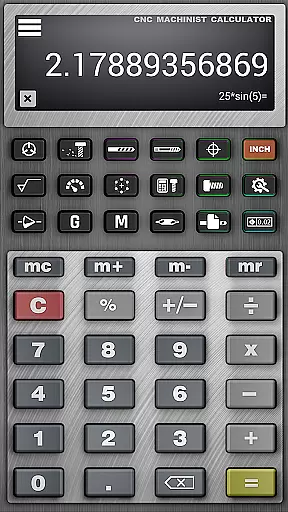
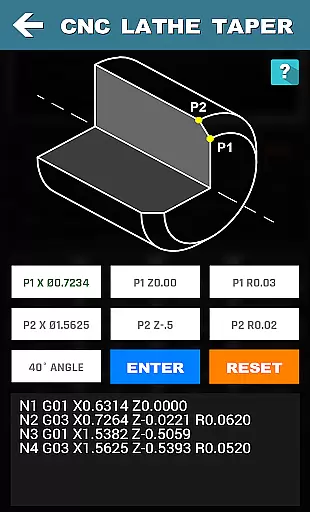
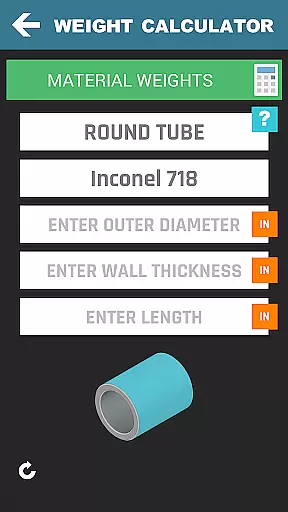

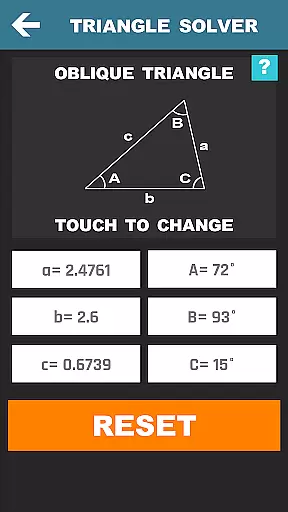
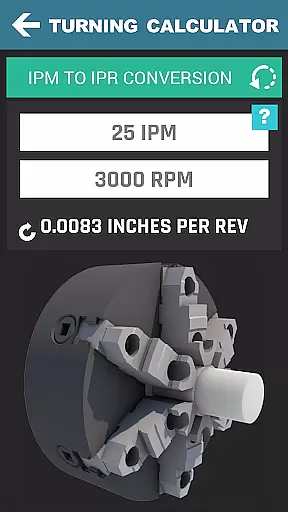
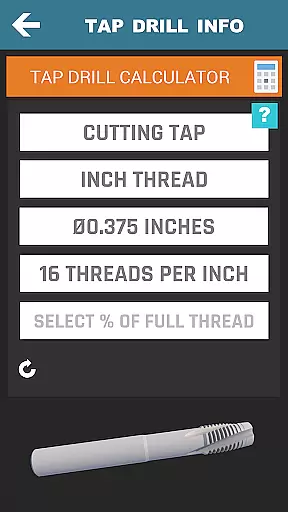

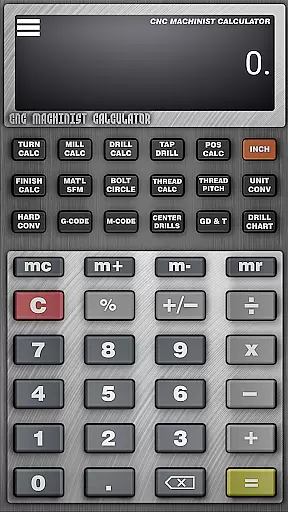
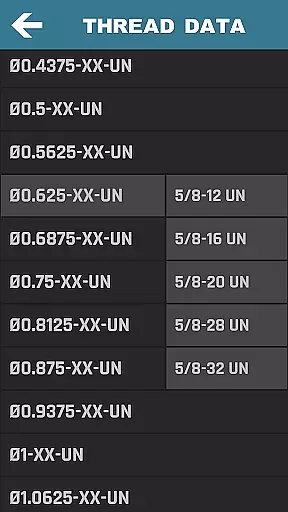

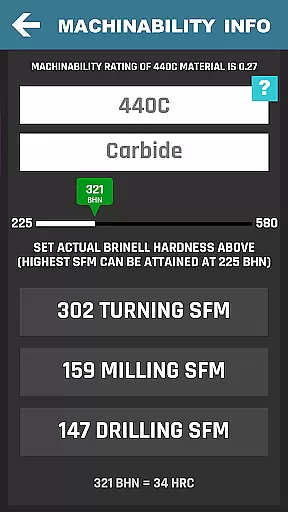
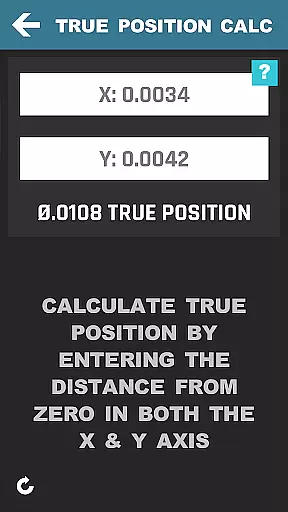
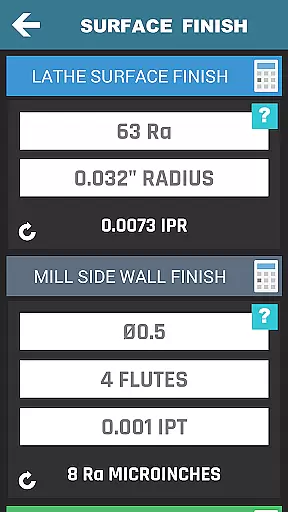
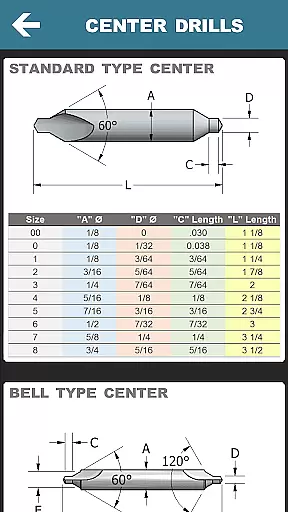
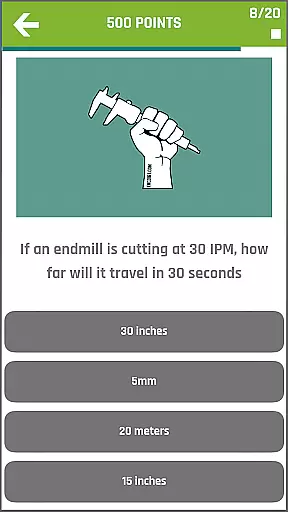
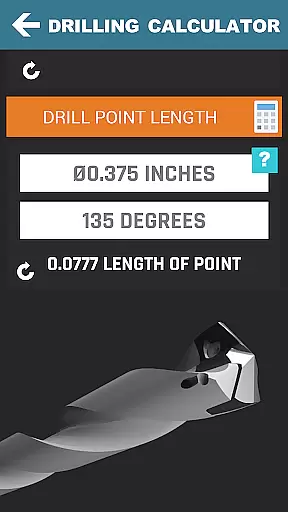
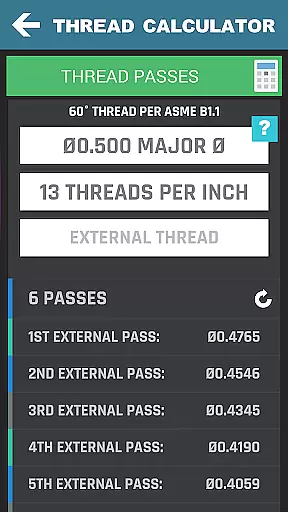
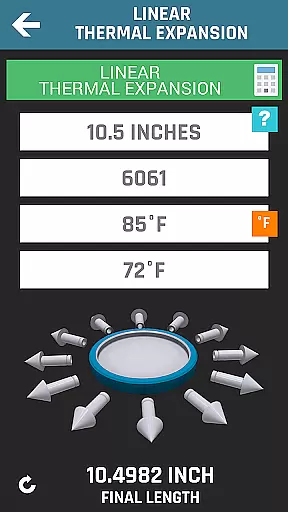
CNC Machinist Calculator Pro is a comprehensive productivity tool designed specifically for professionals in the manufacturing industry. This includes machinists, CNC operators, and toolmakers who require quick and accurate calculations on the job. The app provides over 36 specialized calculators and tools that cover turning, milling, drilling, thread calculations, and more.
One of the standout features is its ability to perform cutting speed calculations by material, cycle time estimations, and feed rate conversions. These functions are essential for efficient machining operations. Additionally, the app offers advanced capabilities such as true position calculators, surface finish analysis, and geometric tolerance descriptors, making it an indispensable tool for precision work.
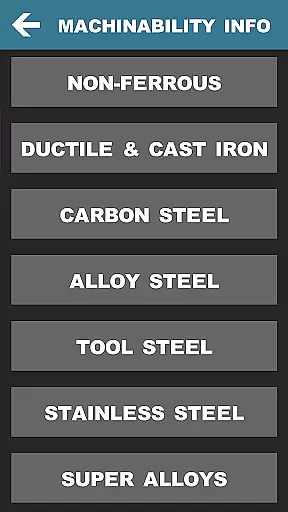
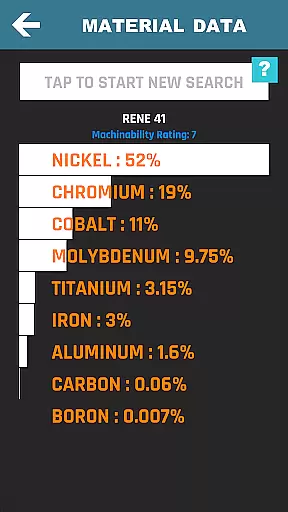
The application's value extends beyond just calculations; it also serves as a knowledge base with features like drill and tap charts, hardness conversions, and material property searches. Whether you're working on-site or planning new projects at home, CNC Machinist Calculator Pro ensures you have all necessary data at your fingertips, improving both efficiency and accuracy in your work.
CNC Machinist Calculator Pro stands out due to its extensive range of features tailored for manufacturing professionals. It includes specialized calculators for lathe and mill operators, such as cutting speed and feed calculations based on materials, radial chip thinning, and metal removal rates. These tools help users optimize their machining processes by providing precise data needed for different operations.
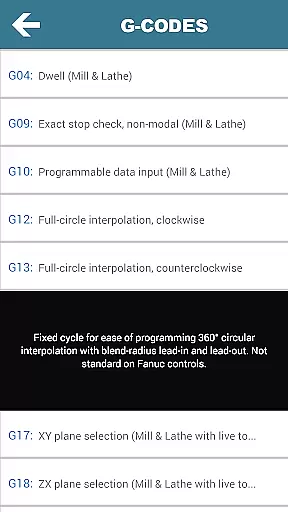
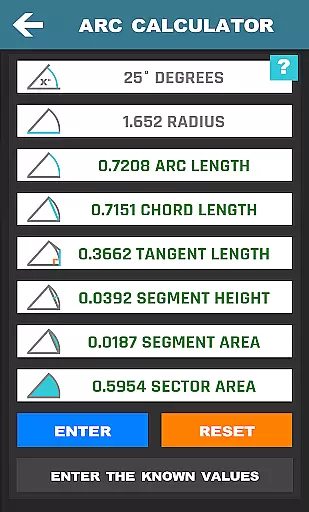
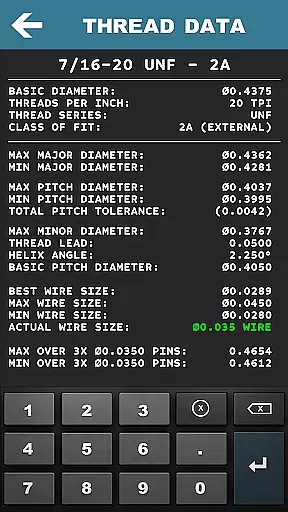
In addition to machining calculators, the app offers unique functionalities like thread over wire info, center drill dimensions, and unit converters. Users can access hardness conversion tables, G-codes, M-codes, and GD&T symbols, which are crucial for interpreting blueprints and ensuring quality control. The inclusion of a scientific calculator and various geometric calculators further enhances its utility in solving complex engineering problems.
Another remarkable aspect is the app's community-oriented features, such as the Machinist Forum and Tool Wear section with images to improve tool life. With regular updates and additional tools planned for future releases, CNC Machinist Calculator Pro continues to evolve into an all-encompassing solution for engineers seeking efficiency and precision in their daily tasks.
In the realm of CNC machining, task management is pivotal for efficiency and precision. CNC Machinist Calculator Pro excels in organizing complex machining tasks into manageable calculations. This app provides machinists with a suite of calculators tailored for various machining operations, ensuring that every task from turning to milling is executed with meticulous planning.
The application's interface is designed to streamline task management by categorizing its extensive features into distinct sections such as Turning Calculators, Milling Calculators, and more. Each section contains specialized tools that address specific machining challenges, allowing users to swiftly navigate to the calculator they need without wasting time on irrelevant functions.
By centralizing all necessary computations within one app, CNC Machinist Calculator Pro empowers users to handle their workload more effectively. Whether it's calculating cutting speeds or determining cycle times, this productivity tool ensures that machinists can focus on the task at hand, improving both speed and accuracy in their work.
Cross-device synchronization is essential for professionals who operate across multiple platforms. While CNC Machinist Calculator Pro does not explicitly advertise synchronization features, its robust design implies reliable performance when accessed on various devices. The consistency of calculations and data across different sessions indicates an underlying stability that supports cross-device usage.
For machinists and engineers who rely on precise calculations, knowing that their data remains consistent whether they're using a smartphone or tablet is crucial. Although the app may not offer cloud-based syncing, its comprehensive offline functionality ensures that once the data is entered, the results are dependable and uniform regardless of the device used.
While we await further updates that might introduce explicit synchronization capabilities, CNC Machinist Calculator Pro already lays a solid foundation for reliable cross-device use. Its dedication to providing accurate and repeatable calculations means that users can trust the app to deliver consistent outcomes, bolstering productivity wherever they choose to work.
Comprehensive toolset
User-friendly interface
Regular updates
Wide user base
Advanced calculations
Premium pricing
Complex UI
Limited tutorials
No offline mode
Heavy on resources

QuickBooks Workforce lets teams view pay info and track time in one place.
 4.70
4.70
Take control of your clipboard with Clipper!
3.90
Total remote control for your Android device, PC and cloud services (IFTTT)!
4.20
Easily read and manage all your PDF files
4.10
Todo reminder
4.10
Calendar 2023 widget for Android. Appointment scheduler, planner, and reminder
4.60
Access, manage and transfer files on Android, PC, Mac, NAS and cloud storages.
4.30
Understand anything with a personalized AI research assistant
4.80
Put a lock on your cloud: Take the security of your data into your own hands
3.70
The Pro Version of Android's tiniest Notepad app. Just 0.3MB but feature-packed!
4.60
Stay on top of your to-dos with Google Tasks, part of Google Workspace.
4.60
All document reader, all in one file viewer read PDF, DOCX, XLS, PPT, TXT files.
4.60
PDF scanner & converter for files, photos, lottery, QR codes. One swipe away!
4.50
Automates browsing any website and notifies you of important changes or events
4.30
Unlock AutoNotification
4.00
Customizable calendar widget for seamless event sync, planning & scheduling.
4.00
Access your phone's notifications, calls, apps, photos & texts on your PC
3.90
Remotely view listen control and record cameras.
3.70
Code on-the-go with VScode for Android. Edit,debug and collaborate from mobile!!
3.10


User Reviews