
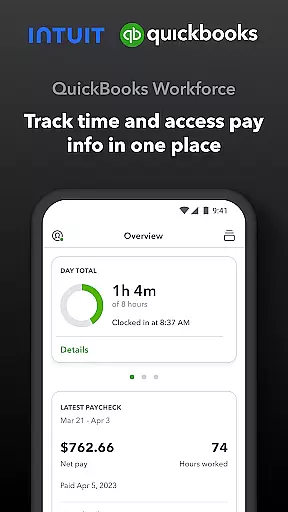
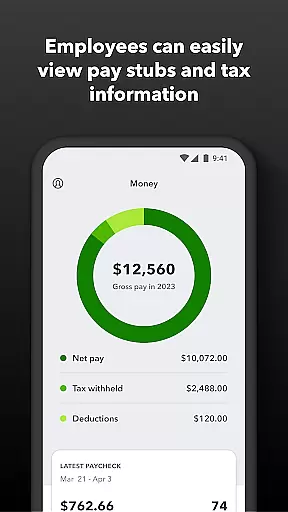
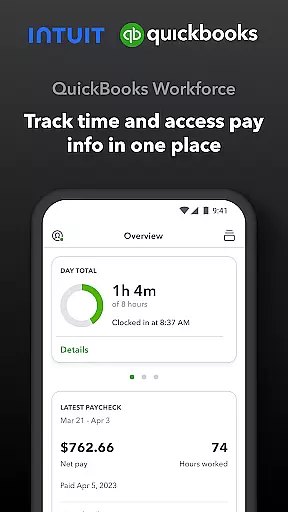
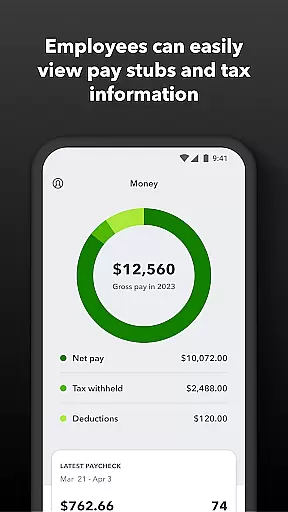
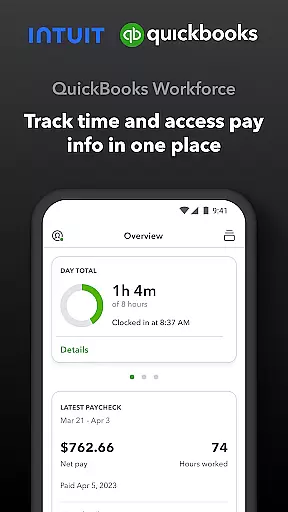
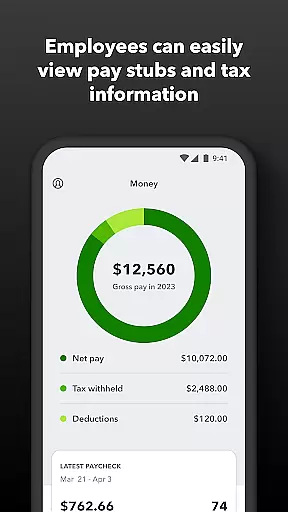
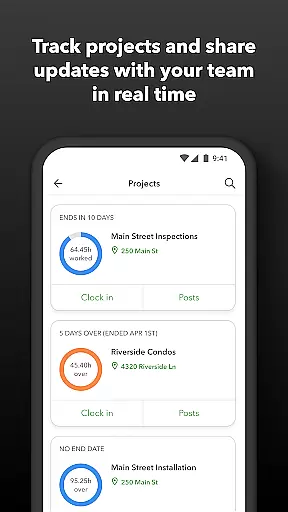
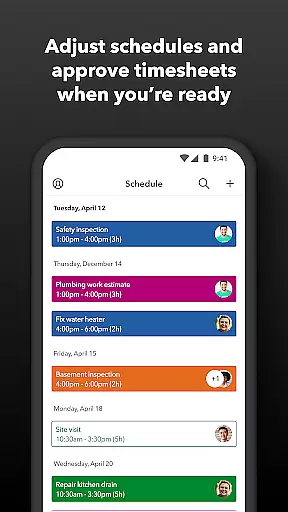
QuickBooks Workforce is a comprehensive productivity app designed to streamline payroll and time tracking for businesses using QuickBooks Payroll and QuickBooks Time. The app allows employees to access their pay information, including pay stubs and W-2s, anytime and anywhere, ensuring transparency and convenience in managing personal financial data.
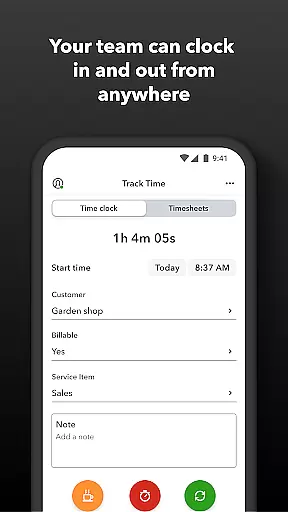
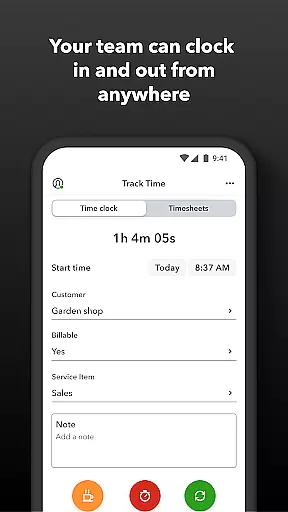
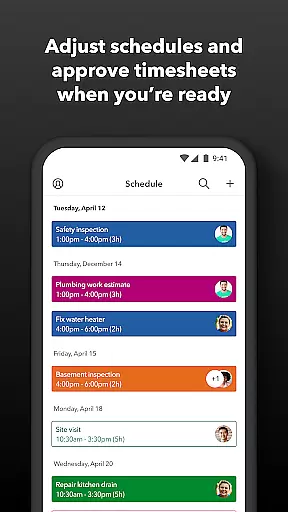
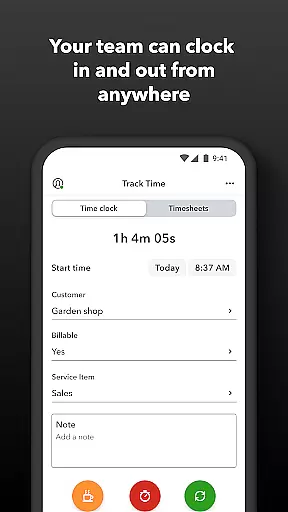
Beyond payroll access, the app offers robust time tracking features. Employees can clock in and out even without Wi-Fi, submit requests for paid time off, and manage their schedules efficiently. Employers benefit from tools that allow them to approve timesheets, schedule shifts, and monitor team productivity in real-time, thus optimizing workforce management.
This app is particularly useful for businesses looking to reduce manual data entry errors and enhance operational efficiency through automated processes. By integrating seamlessly with QuickBooks Online and other accounting software, it provides accurate reporting and data management, making it an essential tool for modern businesses focused on productivity and accuracy.
QuickBooks Workforce stands out with its dual focus on employee self-service and administrative control. For employees, the app provides essential features such as accessing detailed pay information, submitting time-off requests, and managing job schedules. These capabilities ensure that employees have the flexibility and autonomy to manage their work-life balance effectively.
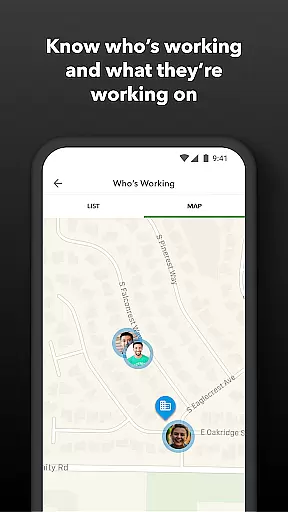
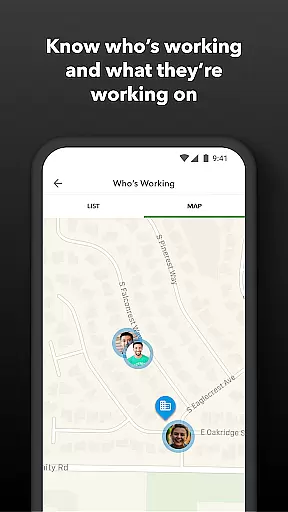
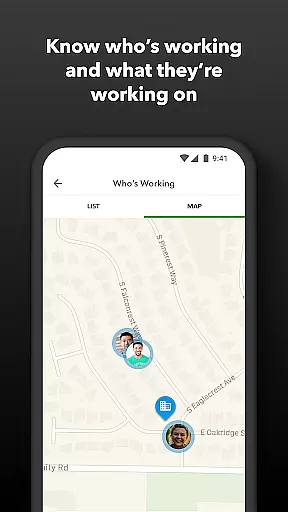
For employers and administrators, the app offers advanced functionalities like GPS-based time tracking, real-time monitoring of who is working and where, and automated alerts for unscheduled clock-ins or potential overtime. These features help maintain accountability and optimize scheduling, which is crucial for maintaining operational efficiency.
Additionally, the app supports integrations with various payroll and accounting systems, enhancing its utility by providing seamless data flow across platforms. This interconnectedness not only saves time but also reduces errors associated with manual entries, thereby supporting compliance and audit readiness. Overall, QuickBooks Workforce is engineered to boost productivity through smart, integrated solutions.
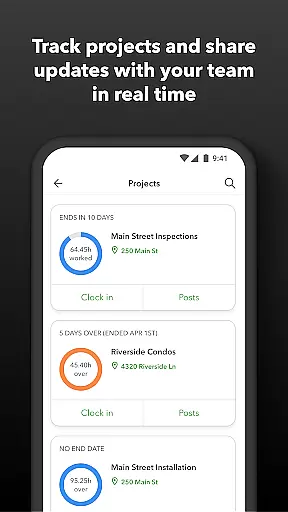
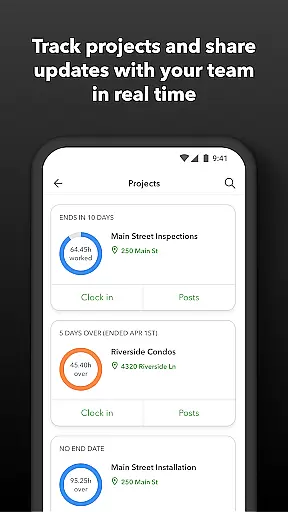
Task management is a critical component of productivity applications like QuickBooks Workforce. This app provides an all-encompassing solution for managing employee timesheets, schedules, and job tracking.
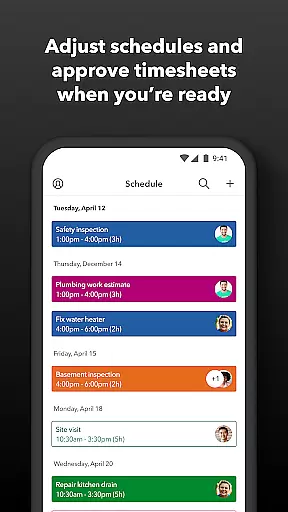
With QuickBooks Workforce, employers and admins can approve, edit, or delete timesheets, ensuring accurate time reporting. The scheduling feature allows for organizing work by job or shift, providing clarity and structure to the workweek.
The app's real-time visibility into who is working and where enhances team coordination and operational oversight. Additionally, features such as geofencing help automate time tracking, reminding employees to clock in or out based on location.
For businesses, these capabilities translate into streamlined operations, reduced administrative overhead, and improved compliance with labor regulations, ultimately leading to cost savings and enhanced productivity.
Cross-device synchronization is vital for ensuring that all team members have access to the most current data regardless of the device they use. QuickBooks Workforce excels in this area by offering reliable synchronization across multiple platforms.
Employees can clock in and out, even without Wi-Fi or service, with the assurance that their data will sync once connectivity is restored. This feature is particularly beneficial for teams that work in areas with limited network access.
Administrators benefit from real-time updates and reports, which are seamlessly integrated with QuickBooks Online and Desktop Payroll systems. This ensures that payroll, time tracking, and job scheduling data are always up-to-date and consistent across devices.
By eliminating manual data entry and reducing the risk of errors, QuickBooks Workforce not only saves time but also enhances data accuracy, supporting better decision-making and resource allocation within businesses.
User-friendly interface
Comprehensive payroll access
Real-time tracking capabilities
Seamless software integration
Automated alert system
Limited free features
Subscription costs may apply
Advanced features require Elite version
Dependent on QuickBooks ecosystem
Occasional sync issues reported

Professional calendar app for Google Calendar, MS Outlook & Exchange
 4.20
4.20
Android Wallet Password Manager
4.80
Easiest event planning, volunteer signups & parent teacher conference scheduling
2.20
App Lock with fingerprint, password: Lock apps & hide photos with lock screens
4.60
Activate Two Factor Authentication (2FA or Multi OTP), Password manager and more
4.10
Multilingual translator for text, voice, and image translation!
4.90
Create and edit presentations with Google Slides, part of Google Workspace.
4.00
Tally and goal counter for Wear OS & mobile
4.50
Set up, print, and get support—in one place
4.20
8 custom complications. Custom Time Fonts. Beautiful color schemes. A++ Design.
5.00
Scientific calculator for Android - looks and operates like the real thing!
4.90
Direct Chat without saving contacts & Dual WA Account on Single Device
4.70
Share files & memories safely. Keep your photos and videos secure.
4.40
Enjoy classic gameplay with customizable features and retro-style graphics.
4.30
Font maker keyboard with your own handwriting
4.10
Experience real multitasking on your Android!
4.00
Customizable calendar widget for seamless event sync, planning & scheduling.
4.00
* block pre-roll ads, pop-up and forced redirect ads * Samsung certification app
4.00
Auto-shutoff Alarm with Sunrise, Sunset & Fixed Options.
3.50


User Reviews