
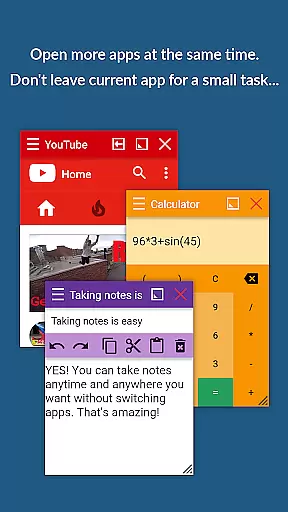
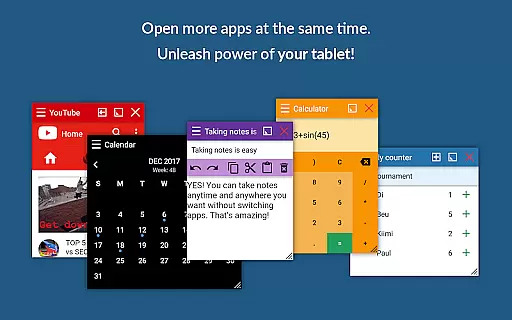
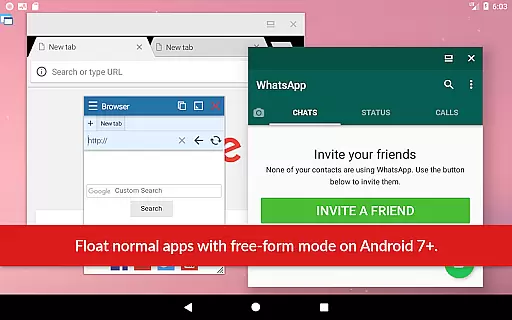
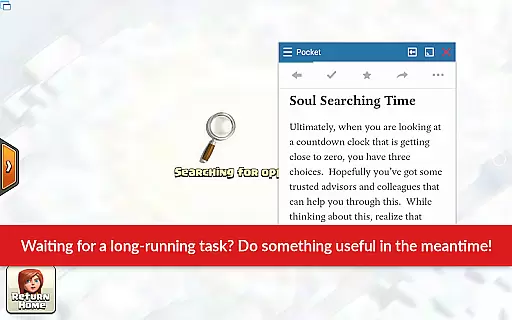
Floating Apps revolutionizes multitasking on Android devices by enabling users to run multiple apps simultaneously in floating windows. This productivity tool allows seamless integration of functions without the need to switch contexts, such as watching videos while working or taking notes during a call.
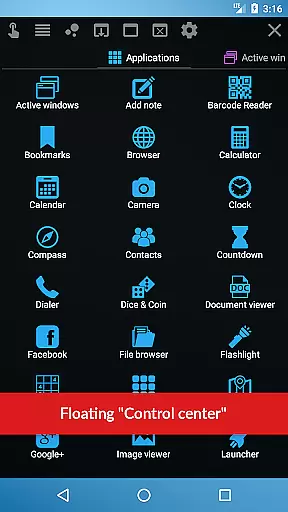
With over 41 built-in floating apps including browser, calculator, and document viewer, it supports diverse tasks across various scenarios. Its customization options and cross-app functionalities make it an essential utility for power users seeking efficiency.
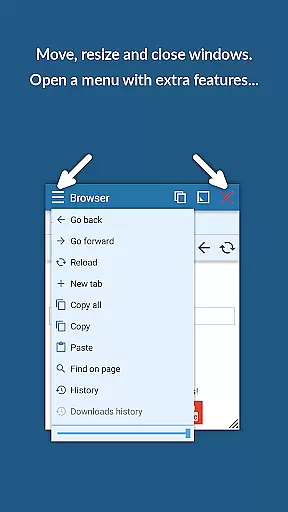
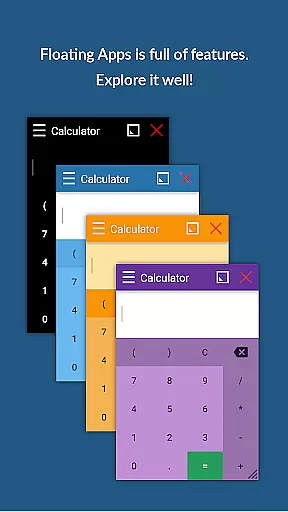
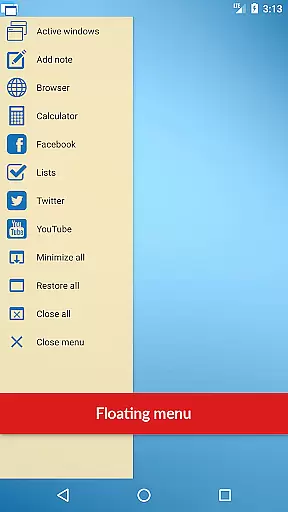
The app boasts an extensive suite of features designed to enhance productivity. Users can create custom floating apps from widgets or URLs, access a powerful floating menu for app management, and control window transparency and size effortlessly.
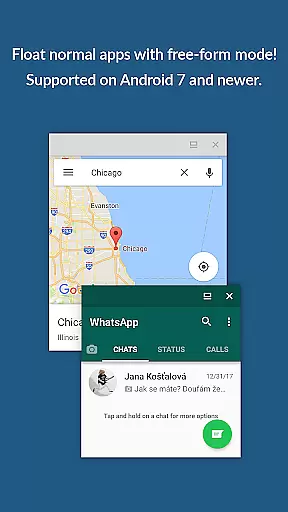
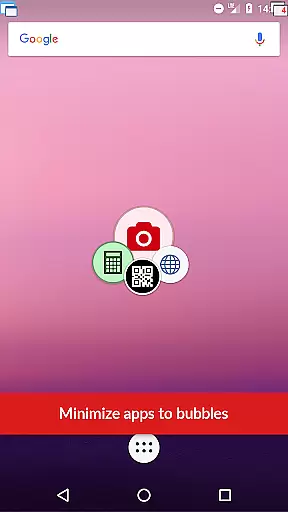
Advanced functionalities include maximizing or minimizing windows, drag-and-drop window management, and accessing apps via shortcuts or notifications. These capabilities deliver a versatile multitasking environment akin to Samsung's multi-window feature but compatible with all Android devices.
In the realm of productivity, core task management is pivotal for organizing and prioritizing tasks efficiently. Floating Apps revolutionizes this concept by allowing users to multitask with ease through its innovative floating window interface.
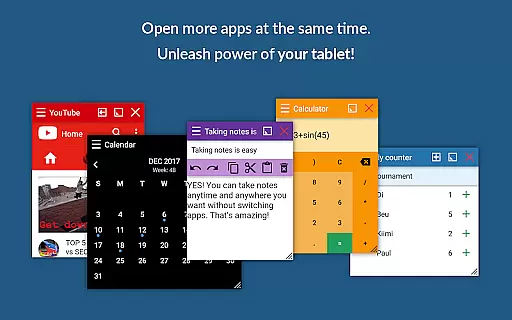
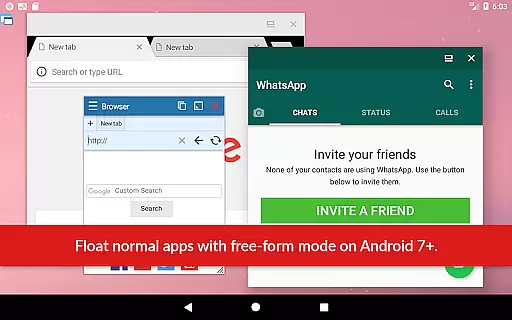
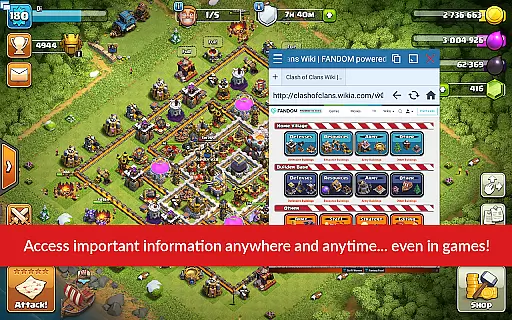
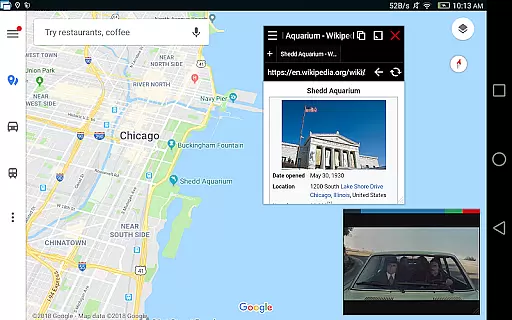
This app enables users to open multiple applications simultaneously in floating windows, which can be moved and resized across the screen. This functionality ensures that users can manage different tasks without needing to switch between full-screen apps, streamlining workflow and enhancing productivity.
For instance, one can watch a YouTube video while writing notes or use a calculator during a meeting without minimizing the ongoing presentation. The ability to view email attachments without leaving the email app exemplifies how Floating Apps facilitates uninterrupted task management.
Ultimately, the true value of Floating Apps lies in its capacity to transform an Android device into a multitasking powerhouse, granting users the freedom to handle various tasks on a single screen, thus saving time and increasing efficiency.
Cross-device synchronization is essential for users who operate across multiple devices and require reliable access to their data and applications. While Floating Apps focuses primarily on enhancing multitasking on a single Android device, it indirectly supports synchronization reliability through cloud-based services and real-time accessibility.
Although Floating Apps itself does not directly provide cross-device sync features, it enhances the user's ability to interact with cloud services more effectively. Users can open links or access documents stored in the cloud via floating browsers or document viewers, ensuring that they have the most updated information at their fingertips.
The app also allows for creating custom floating apps from home screen widgets and URLs, which means users can tailor their multitasking environment to include web-based tools that do offer synchronization. This flexibility ensures that users can maintain a consistent workflow, even if they switch between devices.
By maximizing the potential of cloud services and offering versatile floating windows, Floating Apps empowers users to construct a reliable, albeit indirect, cross-device experience, thereby supporting the modern need for seamless data and application access regardless of the device in use.
User-friendly interface
Extensive app collection
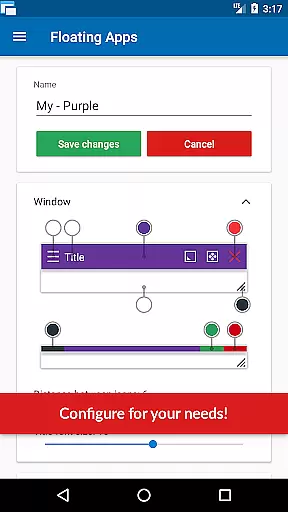
Customizable floating windows
Cross-device compatibility
Continuous updates
May overwhelm new users
Higher system resource use
Premium version cost
Limited iOS availability
Occasional performance lags

Auto-shutoff Alarm with Sunrise, Sunset & Fixed Options.
 3.50
3.50
Professional calendar app for Google Calendar, MS Outlook & Exchange
4.20
Send files, sync SMS, notifications & clipboard across devices via local network
4.40
IP Camera Viewer - Android TV : RTSP Surveillance camera viewer for Android TV
4.4
Easiest event planning, volunteer signups & parent teacher conference scheduling
2.20
All document reader, all in one file viewer read PDF, DOCX, XLS, PPT, TXT files.
4.60
A Pixel Art watchface inspired by other iconic 90s designs for Wear OS devices!
4.40
Intelligent AI Assistant
4.10
Set up, print, and get support—in one place
4.20
Scientific calculator for Android - looks and operates like the real thing!
4.90
Multilingual translator for text, voice, and image translation!
4.90
The long-awaited modern gallery app for your Nextcloud server
4.70
The AI assistant that thinks with you - write, code, and solve complex tasks
4.60
Secure your apps with lock screens, use custom themes and different features.
4.40
Device's storage information in a simple and clear graphical form (infographics)
4.10
Activate Two Factor Authentication (2FA or Multi OTP), Password manager and more
4.10
Unlock AutoNotification
4.00
The ultimate file manager for rooted devices. The original and still the best.
4.00
Mega cloud explorer plugin for Solid Explorer
3.80


User Reviews