![Disk & Storage Analyzer [PRO]](https://cdn.linksharehub.com/ocp/?u=https%3A%2F%2Fl2.fancapitalize.com%2Fimages%2F2025%2F12%2Fe6da4367704733d389803d59b763e052.jpg&t=webp)
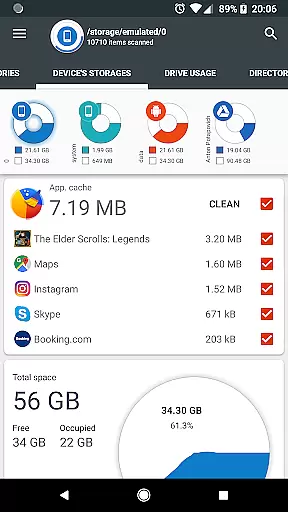
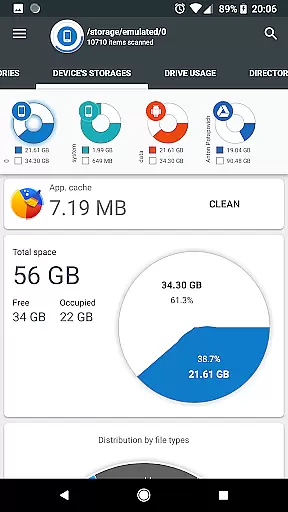
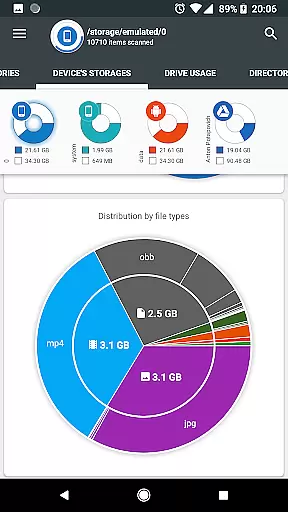
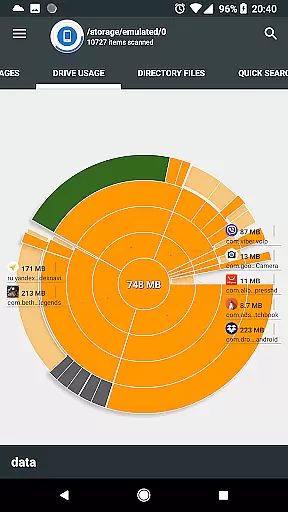
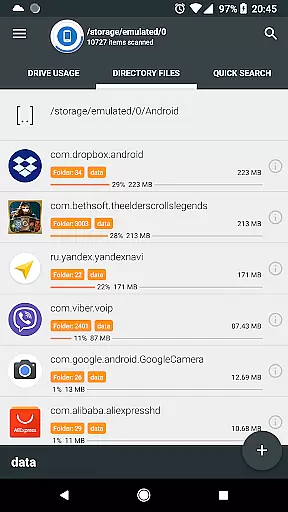
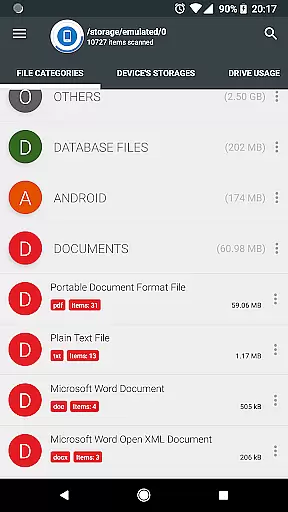
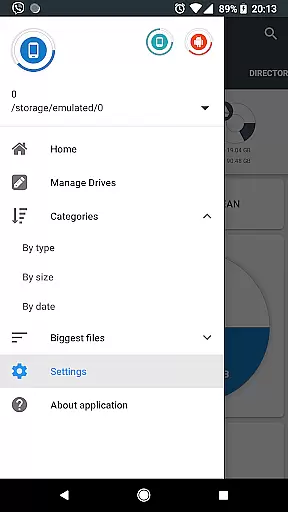
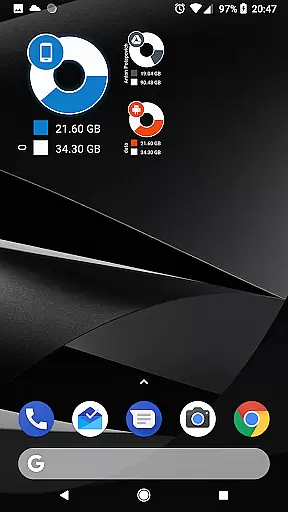
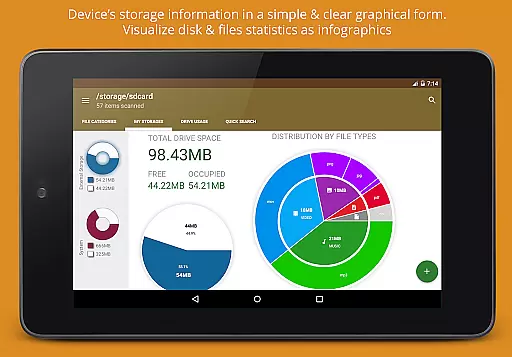
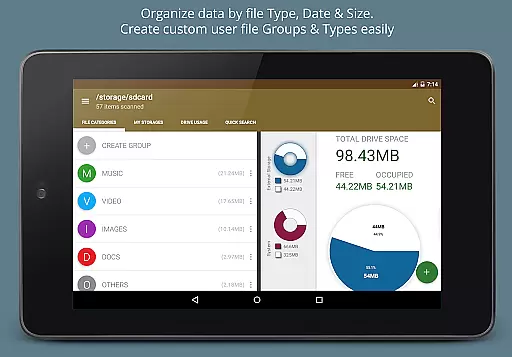
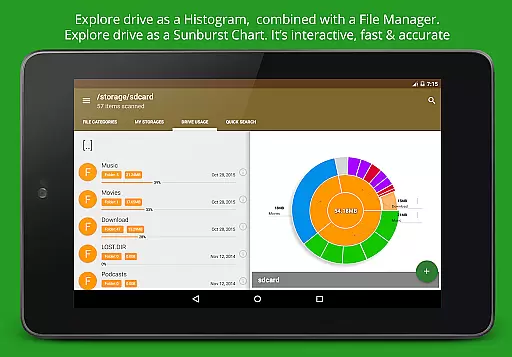
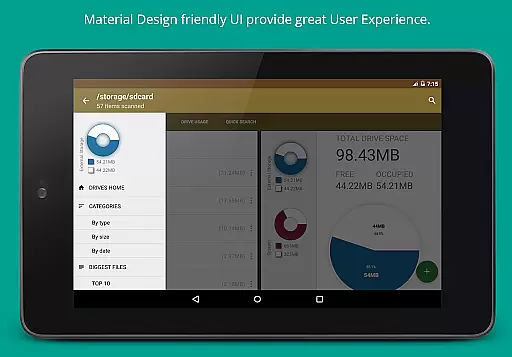
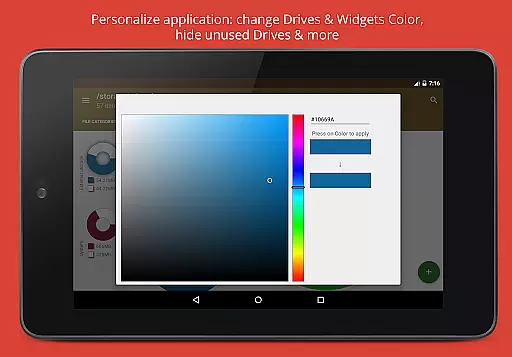
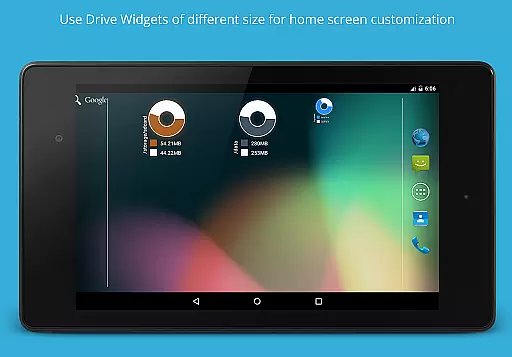
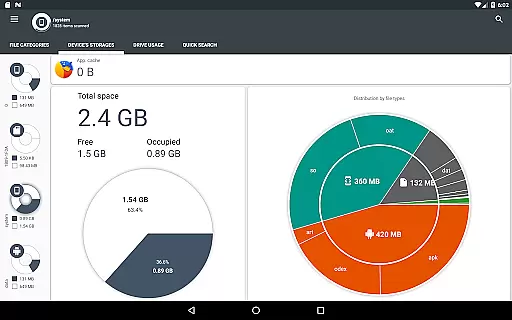
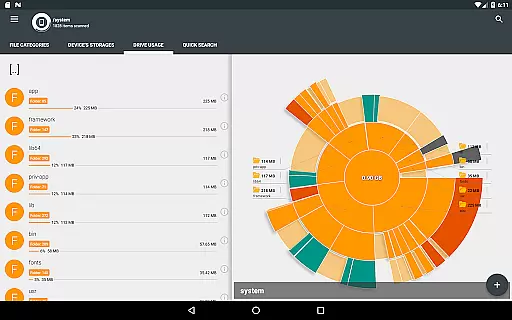
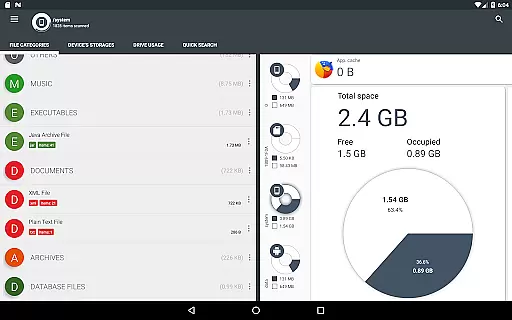
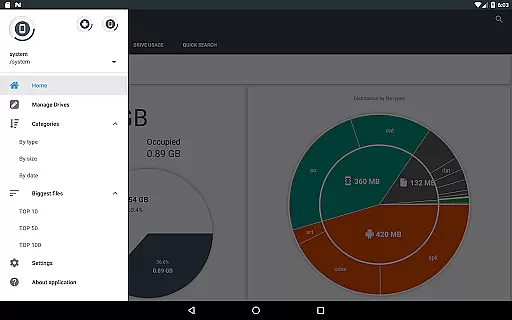
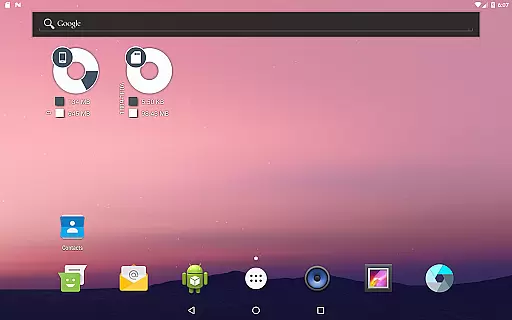
Disk & Storage Analyzer [PRO] is a comprehensive productivity tool designed to help users manage their device's storage efficiently. This app provides detailed insights into the usage of internal storage, SD cards, and USB devices through intuitive infographics such as pie charts and sunburst diagrams.
With its advanced features, users can connect cloud drives like Google Drive and Dropbox to analyze cloud storage similarly. The app also allows users to view installed applications sorted by size and cache, offering options to clean cache and delete apps directly. Its user-friendly interface ensures that even non-technical users can easily interpret data and optimize their storage.
This tool is particularly useful for individuals who frequently run out of storage space on their devices and need a clear overview of where their storage is being utilized. By providing actionable insights, Disk & Storage Analyzer [PRO] helps users free up valuable space and maintain an organized digital environment.
The standout feature of Disk & Storage Analyzer [PRO] is its ability to present complex storage data in a visually appealing and easy-to-understand format. Users can explore detailed reports and interactive charts that break down file usage by categories such as documents, videos, and music.
Another significant capability is the app's support for cloud storage services. By integrating with platforms like Google Drive and Dropbox, it extends its analysis beyond local storage, giving users a holistic view of their digital footprint. Additionally, the app includes a global search function that indexes files at startup, allowing quick access to specific files or categories.
Furthermore, the app offers robust tools for managing installed applications. Users can sort apps by size, view cache sizes, and even clean cache or uninstall apps directly from the interface. These features collectively empower users to take control of their device's storage with minimal effort.
Disk & Storage Analyzer [PRO] excels in core task management by offering users a comprehensive suite of tools to monitor and manage their device storage effectively. The application provides detailed insights into file usage, categorizing data across internal and external storage mediums, including SD cards and USB devices.
Through its intuitive interface, the app displays statistics in easy-to-understand graphical formats such as pie charts and sunburst diagrams. This visualization helps users quickly identify which files or categories are consuming the most space, enabling them to make informed decisions about data management.
Additionally, the app allows for efficient cache cleaning and app deletion, empowering users to free up valuable storage space. These features collectively ensure that users can maintain optimal device performance without unnecessary clutter.
The true value lies in the app's ability to seamlessly integrate these management tasks into a user-friendly experience, making it an indispensable tool for anyone looking to keep their device storage organized and efficient.
While Disk & Storage Analyzer [PRO] focuses primarily on individual device storage, its capability to connect with cloud drives adds a layer of cross-device synchronization reliability. By linking popular cloud services like Google Drive, Dropbox, and Yandex.Disk, the app ensures that users can access their storage analytics from multiple devices.
This synchronization feature is bolstered by the app's ability to read file-specific data from connected cloud drives, presenting it in clear reports and usage diagrams. Users benefit from having a unified view of their storage, regardless of the physical location of their files.
Moreover, the app indexes files at startup, facilitating quick searches and ensuring that the most up-to-date information is available across all linked devices. This indexing enhances the reliability of data presented, providing users with confidence in their storage management decisions.
By combining robust cloud integration with real-time updates, Disk & Storage Analyzer [PRO] offers a reliable solution for users seeking to manage their digital footprint across various platforms efficiently.
User-friendly interface
Comprehensive storage analysis
Cloud drive integration
Cache cleaning functionality
Visually appealing infographics
No real-time updates
Limited customization options
Premium version only
Occasional force closes
Requires multiple permissions

Take control of your clipboard with Clipper!
 3.90
3.90
Direct Chat without saving contacts & Dual WA Account on Single Device
4.70
⏰ Finally a timer app which can run multiple timers simultaneously on your watch
3.90
All in One PDF Reader: Manage, Read and Edit your Documents
4.20
Stay on top of your to-dos with Google Tasks, part of Google Workspace.
4.60
PDF scanner & converter for files, photos, lottery, QR codes. One swipe away!
4.50
Translate text/voice/photos in 150+ languages. Offline & fast translator app.
4.50
Create and edit presentations with Google Slides, part of Google Workspace.
4.00
Calendar 2023 widget for Android. Appointment scheduler, planner, and reminder
4.60
Native client for Forgejo and Gitea
5.00
Best Tool for the professionals Electrician, Electrical contractors, etc.
4.90
Mind Map and brainstorm, note taking and idea collection
4.80
QuickBooks Workforce lets teams view pay info and track time in one place.
4.70
Secure, fast, open-source, Remote Desktop Client for Windows and Linux with SSH
4.60
Unlock AutoNotification
4.00
Find and delete junk files & block unwanted notifications & manage files
3.70
Code on-the-go with VScode for Android. Edit,debug and collaborate from mobile!!
3.10
Create study competitions, track your hours, and stay consistent with friends
4.5
A simple, portable logger for POTA, SOTA, Field Day, and more
4.4


User Reviews